A short video can look wrong even when the idea is right. The prompt often leaves the camera, timing, or sound up to guesswork. Here are five tools to consider, starting with Wan Studio for creators who want to turn a prompt or product photo into a short video with sound.
1. Wan Studio
Wan Studio is a browser-based AI video creation platform for turning text prompts and images into short videos. It’s the strongest fit here when you want a product photo, promo idea, or character scene to become a clip without filming.
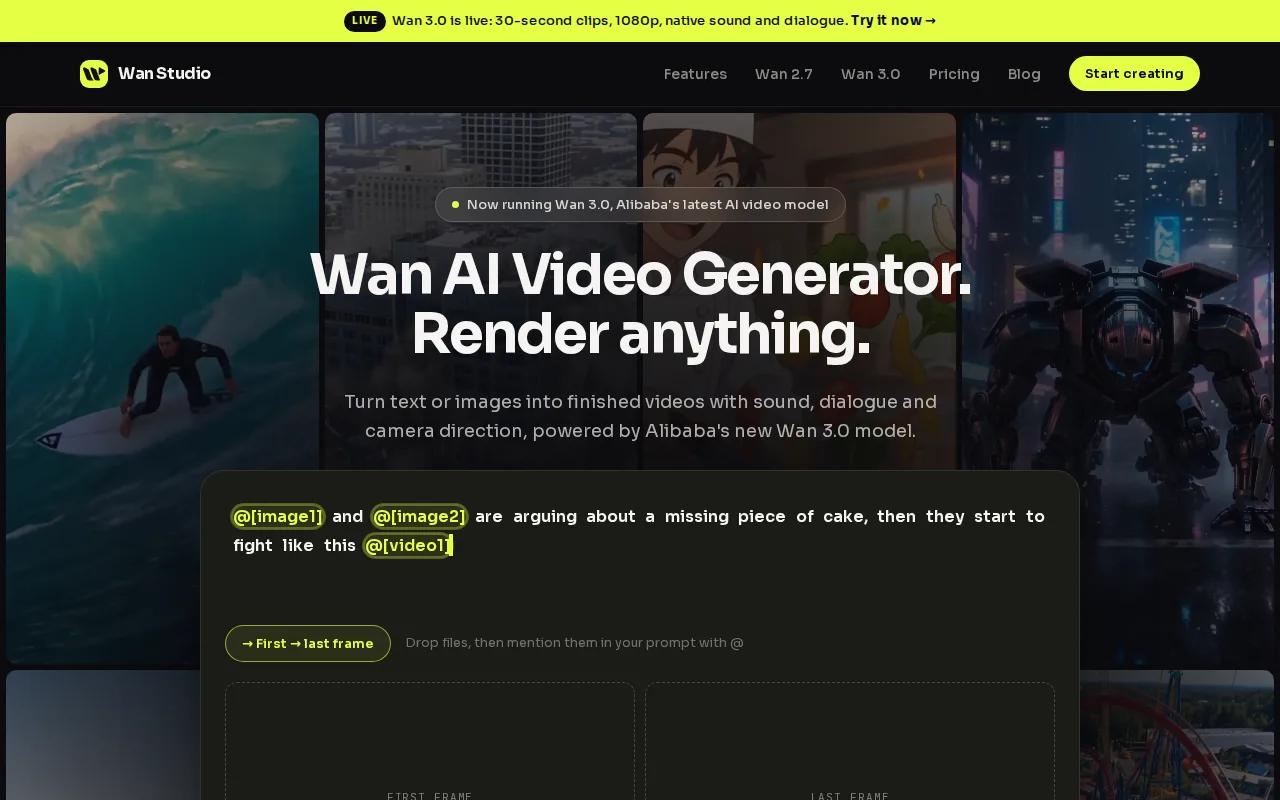
For short-form posts, sound can be as important as the image. Wan Studio’s Wan 2.5 model can generate synchronized sound, music, and lip-synced dialogue with the video. Put a line of dialogue in quotes when you want a character to say it. The speech is generated with the image, rather than added as a separate recording step. Results can still vary, so preview dialogue and mouth movement before you publish.
Wan 2.5 supports text-to-video and image-to-video. If you sell a physical item, start with a clear product photo as the first frame. Then describe what moves, what stays in view, and how the camera should move. For example: “A glass jar of honey on a sunny kitchen counter. Slow push-in. A spoon lifts a small amount of honey. Warm morning light. Soft room tone, no voice.” The prompt gives the model an action and a sound direction, instead of asking it to guess both.
The model can make 5- or 10-second clips at up to 1080p, with several aspect ratios. That can suit a single product moment or a short social cut. It won’t replace a longer edit with many separately planned scenes. If you need a clip that runs longer, plan the story as separate shots and check the current model limits before building your campaign around one generation.
See the Wan 2.5 page for more information. You can also try the free Wan Studio video generator to test a prompt or photo before settling on a workflow. The free plan has limits, so treat it as a way to test the process rather than assume it will cover a full content calendar.
If a person speaks on screen, keep the line short and make the intended speaker clear. If you want music without speech, say so. That small instruction can help avoid a clip whose sound doesn’t match the post.
2. Runway: for hands-on shot control
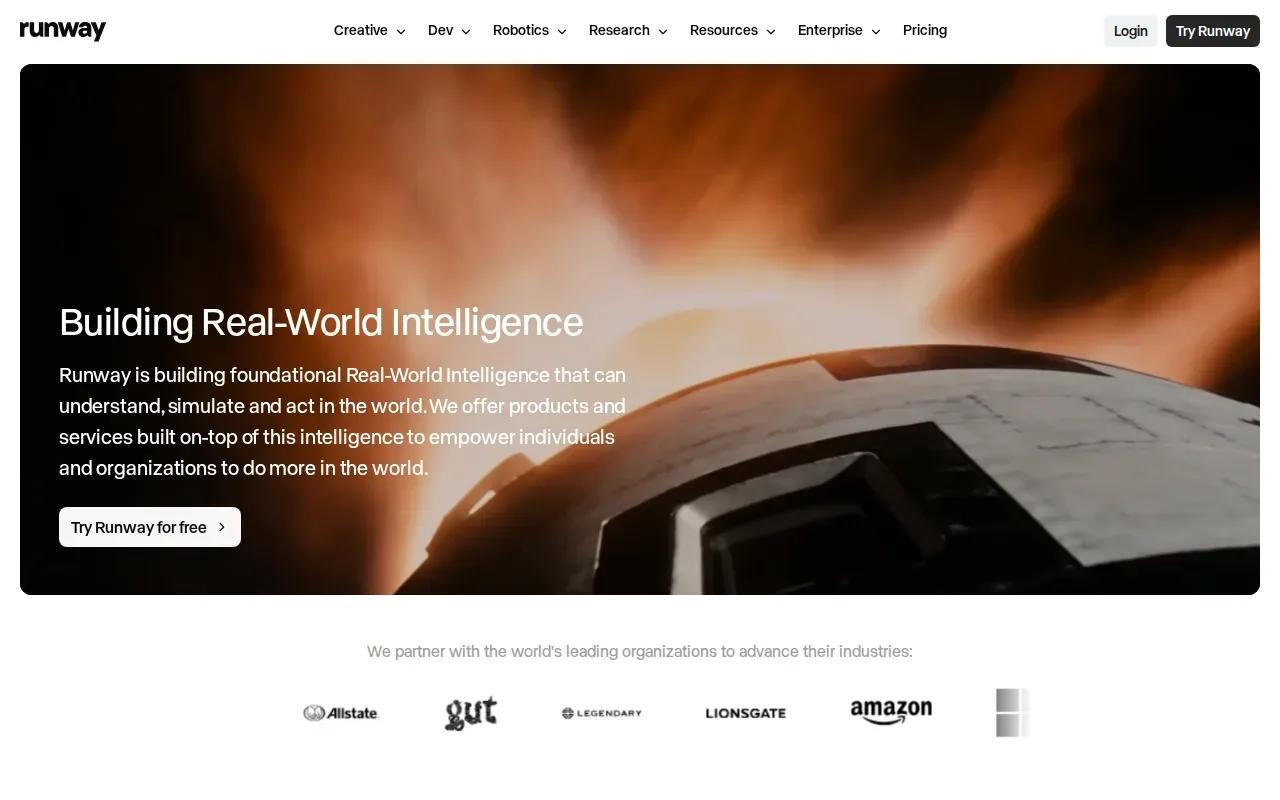
Runway is an all-in-one cloud-based creative platform for generating and editing video, images, and audio in one workspace. It’s a fit for creators who want hands-on control over a shot, especially for ads, cinematic creative, or client deliverables.
When writing prompts for a controlled shot, describe what the viewer sees first. Then set the camera move and the subject’s action. “A ceramic mug on a desk” gives the model a subject. “A slow camera push toward the mug as steam curls upward” gives it a scene to stage. You can add lighting and mood when those choices affect the look, but avoid stacking vague style words such as “beautiful, cinematic, realistic.” A clear instruction is easier to check in the result.
For a client job, think in terms of a usable first frame and a single main action. If the camera should stay still, say so. If it should track a person walking across the frame, describe that move and direction. If the shot needs to feel like an ad, say what the viewer should notice, such as the shape of a product or the texture of its surface. This can make review more focused: did the subject stay visible, and did the camera do what the brief asked?
Runway’s broader creative workspace may suit a team that needs generation and editing in the same place. That matters when a client has a set runtime or expects spoken lines to match a face.
A structured prompt can still help, even when you write it yourself. Try breaking it into plain fields: subject, setting, action, camera, light, style, and sound. For instance, a product spot might use a locked camera, a slow rotation of the object, soft side light, and no dialogue. Keep each field short. If the first render misses, change one field at a time so you can tell which direction helped.
Choose Runway when shot direction and creative control matter more than a pre-set template. For a quick social post, keep the brief focused on one camera move and one clear action.
3. Pika: for punchy short-form social clips
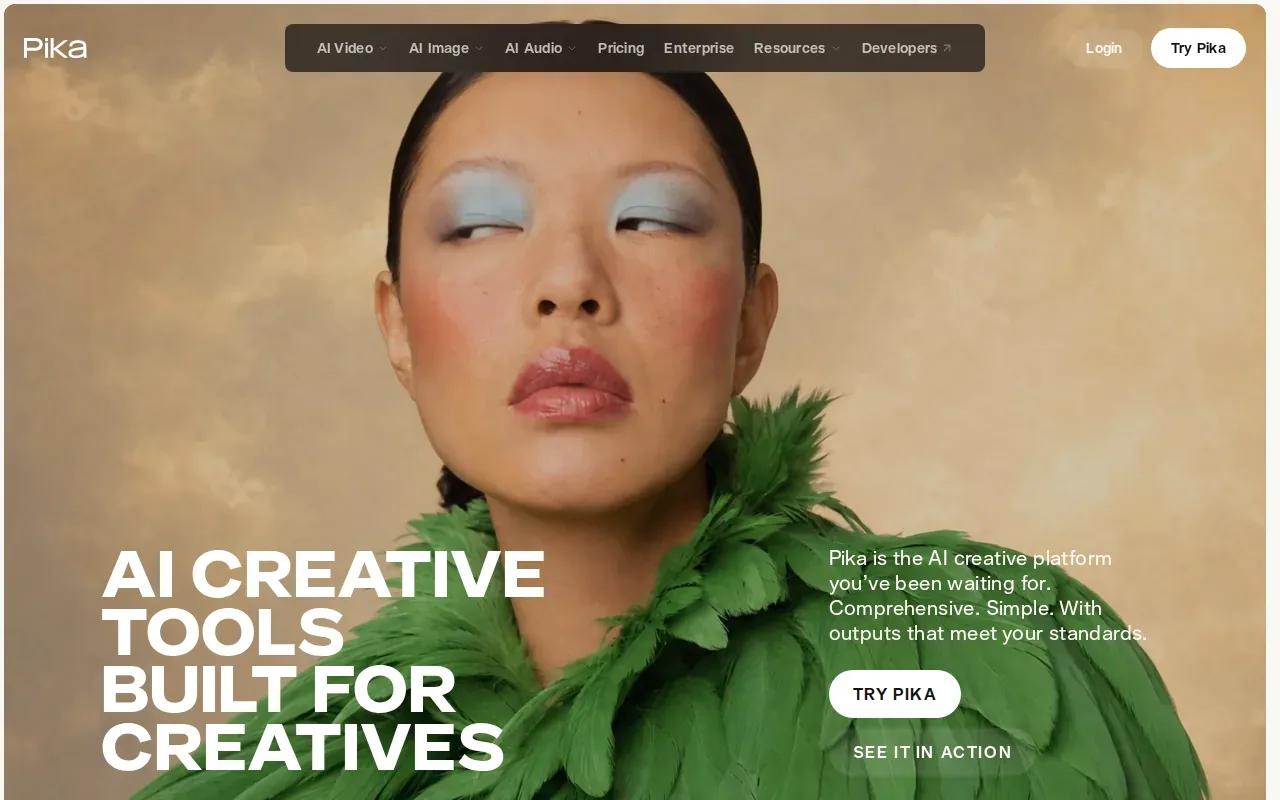
Pika is an AI creative tool built for creators. It’s worth testing when the job is a short, punchy social clip and your prompt can be kept focused on one visual beat.
Short-form video has little room for a slow start. Write the opening image first, then name the action that should catch attention. For a food clip, that could mean a close view of a berry dropping into a glass. For a clothing post, it might be fabric catching a gust as the camera follows the movement. These are prompt ideas, not guaranteed outcomes. Keep the subject large enough to read on a phone screen.
Use an image-to-video prompt when you already have a useful still. Describe what should move in that image, and what should remain in place. That distinction can help reduce unwanted changes to the scene. If you want a stylized result, name the style in everyday terms, such as paper cutout or hand-painted animation. If you want a product to stay recognizable, avoid asking for several major changes at once.
For a repeatable post format, write a small prompt template you can reuse. Keep the product or subject slot open, then preserve the same framing and motion direction. You might use: “Close shot of [subject], [one action], camera [one move], [light and color mood], no extra objects.” A template won’t guarantee identical results, but it makes each attempt easier to compare.
The verified details for Pika establish its use for short social clips, but don’t give a confirmed price, video-length limit, or technical details about sound and lip sync. Check those points in the tool before planning a campaign that depends on a spoken line or a specific runtime. If your clip needs a voice, don’t assume a prompt alone will deliver a clean, timed performance.
Use a negative prompt only when the tool supports one. Keep it specific: “no extra hands,” “no text,” or “no camera shake.” A short list of unwanted elements is easier to act on than a long string of broad exclusions. Then review the result at the size and speed people will see in the social feed.
4. InVideo AI: for AI-assisted multi-scene projects
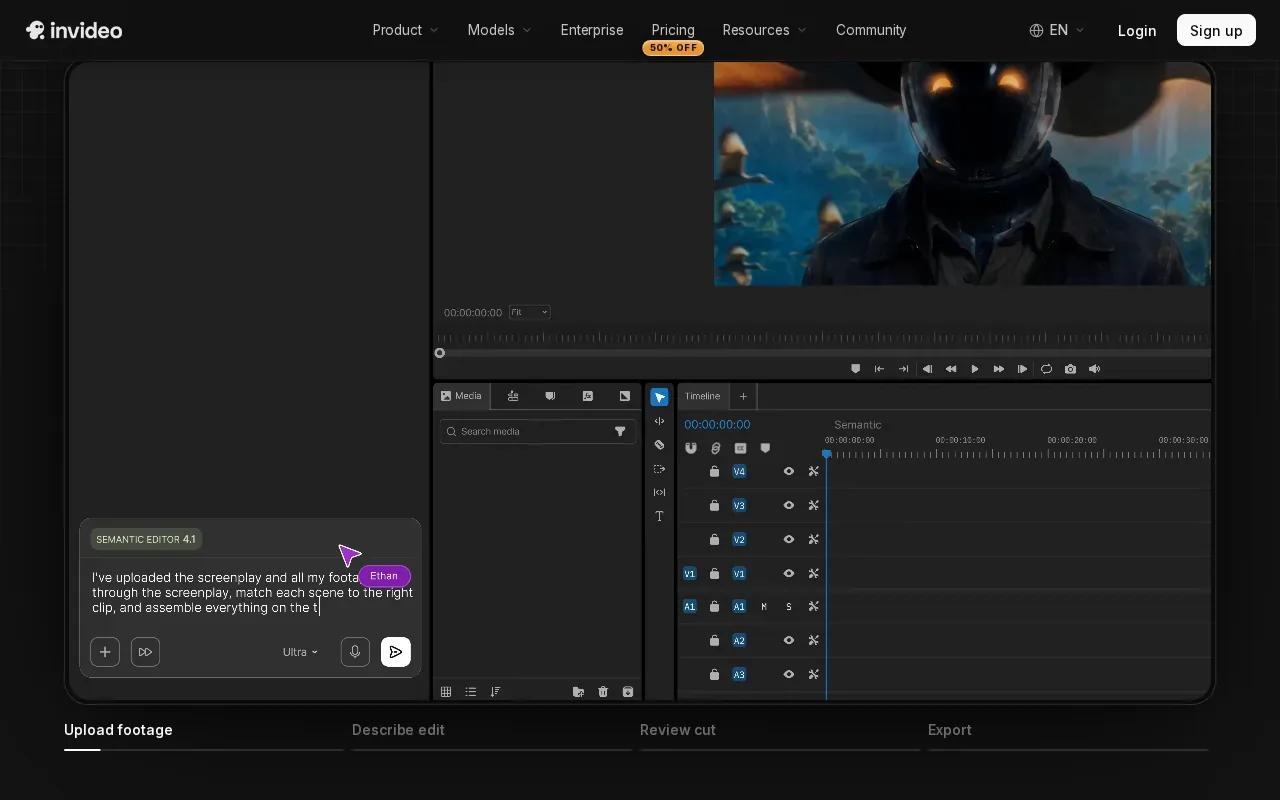
InVideo AI is a fit for multi-scene projects where AI can reduce the work of scripting and editing. Consider it when your video needs a sequence of scenes or narrated marketing assembly, rather than a single generated shot.
Start with the message, not the visual effects. Write one sentence for each scene: what the viewer should learn, what image could support it, and whether narration is needed. A short product explainer might open with the problem, show the product in use, then close on one clear next step. This is a planning outline, not a claim about a particular feature. It gives you a useful way to judge whether the generated draft tells the story in the right order.
A scene-based prompt should state the order of events. If timing matters, use timestamps: “0 to 3 seconds: show the product on a counter. 3 to 6 seconds: close shot as a hand opens it. 6 to 9 seconds: show the finished result.” Don’t assign several actions to the same moment. When a sequence is too busy, the output may miss a step or make the action hard to follow.
For narration, write the words you need the audience to hear. Keep each line short enough to fit its scene. Then review whether the images support the words, rather than merely repeating them. If a scene feels off, revise that scene’s purpose before rewriting the whole prompt. This helps your team focus on the edit that needs work instead of starting from scratch.
If you have a fixed runtime, a client handoff, or a platform format to meet, plan and review the draft around those needs. And if your brief calls for realistic spoken dialogue with visible lip sync, test a short sample first.
InVideo AI makes the most sense when your output needs a sequence and narration is part of the message. For a single product reveal, a multi-scene workflow may add steps you don’t need.
5. Google Veo: for all-around generation quality
Google Veo is positioned here as the all-around quality option for video generation. It may suit a creator who wants a polished visual result and is ready to shape the prompt around a specific shot.
For a cinematic prompt, give the model a subject, setting, action, and camera direction. “A cyclist rides along a wet city street at dawn. The camera tracks from the side. Reflections shimmer on the road. Cool natural light.” That’s more useful than “make it cinematic” on its own. The details tell the model what should be in frame and how the viewer should see it.
Timestamp prompts can help when one clip needs several changes. For example, name an opening wide shot, then a closer view, then the final image. Keep each segment simple. A sharp cut to a very different setting can make visual continuity harder, so use a related angle or nearby action when you want the scene to feel like one piece.
For a product spot, specify which details must remain legible. That might be the product’s color or overall shape, not invented label text. Avoid asking for tiny printed words if the final video depends on them being exact. Add a negative prompt only if the interface accepts one, and use it to name a real risk, such as unwanted text or a sudden style shift.
Veo’s supplied description says it can pair sound with visuals. That can help when a scene needs sound that fits the action, but don’t assume every generated sound will match your edit. Listen to the clip before posting. The available details don’t confirm a particular lip-sync standard, duration, or price, so test those needs in the current version before scheduling work around them.
Pick Google Veo when the visual result is your main concern and you can spend time refining the shot description. If speech sync or a specific clip length is a must, verify the output rather than infer it from a general quality claim.
6. Canva: for template-based team workflows
Canva is a strong fit for template-based work and team collaboration.
That combination can help when a marketer needs a social asset that follows an existing brand layout. Write the video prompt for the moving scene, then review the design around it: does the opening frame make sense, does the text fit, and can the team make edits in the same project? The generated clip is only one part of a post that still needs readable copy and a clear call to action.
Check what your plan includes before setting expectations for a team.
The table below compares these tools by the job they’re best suited to, rather than by unverified prices or model lists.
| Tool | Best fit | Prompt focus | Check before planning |
|---|---|---|---|
| Wan Studio | Short promos and image-to-video clips with generated sound | First frame, action, camera move, and dialogue in quotes | Model-specific length and output settings |
| Runway | Hands-on shot direction for ads or client work | Subject, camera move, lighting, and action | Runtime, output format, and sync needs |
| Pika | Punchy short-form social clips | One clear visual beat and a focused style | Clip limits and audio needs |
| InVideo AI | Multi-scene marketing projects | Scene order, message, and narration | Runtime, editing details, and current pricing |
| Google Veo | All-around visual generation | Camera direction, action, and visual mood | Duration and lip-sync requirements |
| Canva | Template and team workflows | Generated clip plus the full post layout | Plan limits and feature access |
Templates can save time, but they don’t replace a clear brief. If your team uses the same format each week, keep the layout stable and change only the product, scene, and message. That makes approvals simpler because reviewers can focus on what changed.
Frequently asked questions
Do I need coding skills to use an AI video prompt generator?
No, you don’t need coding skills to write a useful video prompt. Describe the subject, action, camera move, and light in plain language. JSON is just a structured way to organize those details, and you can write it by hand or use a prompt helper if the tool supports it. Always check the generated prompt before pasting it into a video model.
Can I turn a product photo into an AI video?
Yes, Wan Studio supports image-to-video with its Wan 2.5 model. Use a clear photo as the starting frame, then describe the motion you want around the product. Keep the product’s shape and color in mind, and review the result for unwanted changes. The exact output can vary, so a photo doesn’t guarantee a perfect match.
How do I write a better AI video prompt?
A stronger prompt names what’s in the frame and what happens next. Add one camera move, a lighting cue, and a timing note if the action has stages. For instance, describe the opening shot before the close-up. Specific instructions give the model less room to guess than broad requests such as “make it realistic.”
How many credits does a 30-second AI video cost?
There isn’t one credit cost that applies across these AI video prompt generator tools. Check the tool’s current pricing and runtime limits before budgeting a campaign.
Can AI-generated video include sound and lip sync?
Some tools describe integrated audio, but their details differ. Wan Studio’s Wan 2.5 model generates sound, music, and lip-synced dialogue with the video. Google Veo is described as pairing sound with visuals. A feature claim doesn’t guarantee a perfect result, so listen closely and check mouth movement before using a clip in an ad.
Can I use AI-generated videos in marketing?
These tools are aimed at creator and marketing use cases, but commercial rights can depend on the tool’s current terms and the media you provide. Check the applicable usage rules before publishing. Use photos, music, and likenesses you have permission to use, and review each clip for content that could mislead viewers or infringe someone’s rights.
Conclusion
For a creator turning prompts or product photos into short clips, start with Wan Studio, especially when generated sound or dialogue matters. Try one product image or simple scene first, review the result, then shape your next prompt around what needs to change. Try Wan Studio and make a test clip before your next post is due.