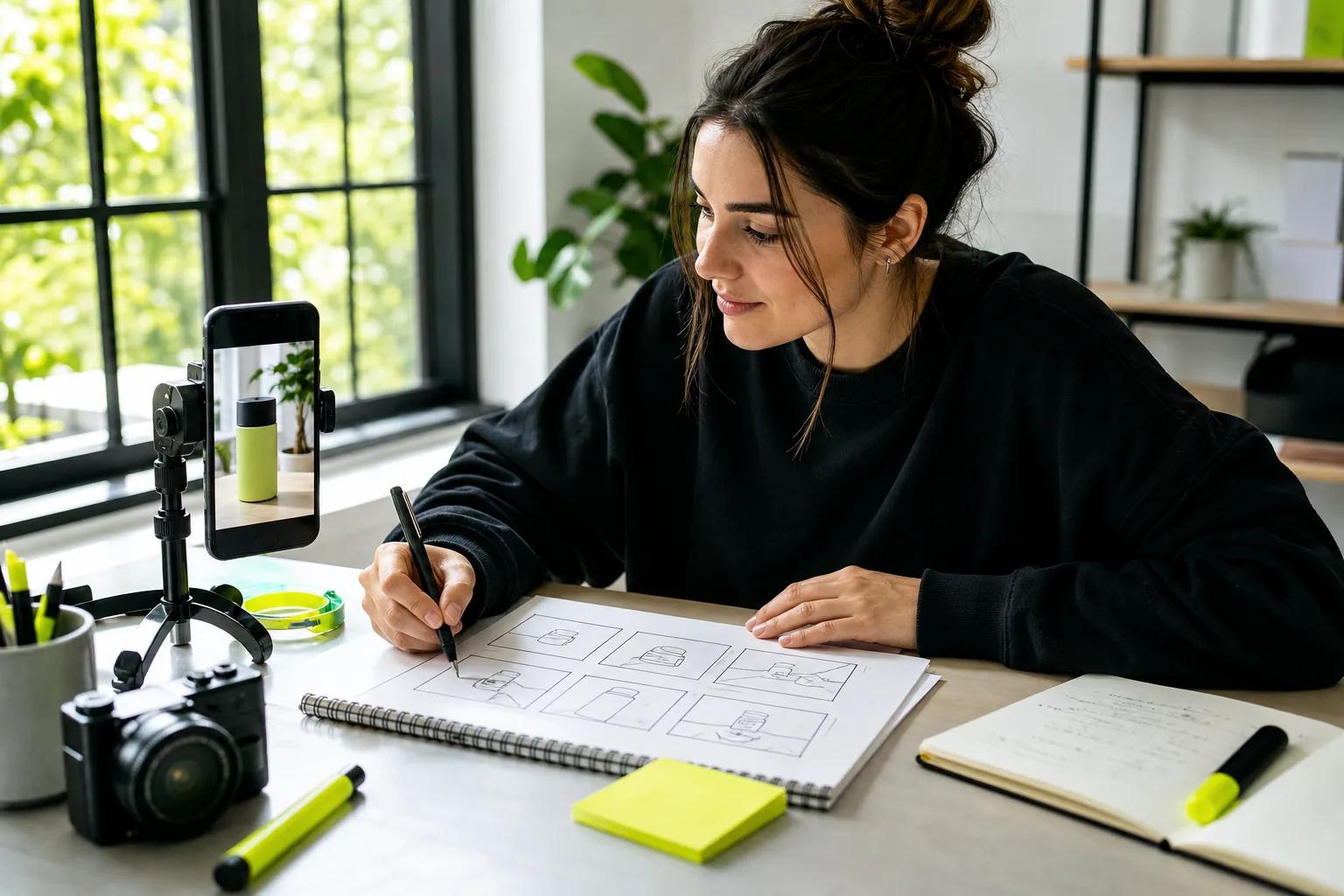
How to make TikTok ads that hold attention and lead to action? Start with one clear goal, then build a short video around a hook and a reason to act. You can use footage, product photos, or a text prompt, but the ad still needs a clear offer and careful testing.
We analyzed 49 comments and questions from YouTube, Reddit and Quora about making TikTok ads and found that 24% mentioned conversion rates.
Step 1: Choose Your Ad Goal and Set Up the Campaign
First, pick the result you want. TikTok groups campaign objectives under awareness, consideration, and conversion. Choose the one that matches your next business goal, such as getting more people to a site or driving purchases. Your objective guides how the campaign is set up and which results you should watch.
Create a TikTok Ads Manager account and enter your business details. Check the time zone before you submit the form, since some account settings may be hard to change later. Complete the in-product setup, add a payment method, and follow the account verification steps.
Campaigns have three levels. The campaign holds your objective and overall budget choices. At the ad group level, set placements, audience, schedule, bid approach, and optimization goal. Then build the ad itself with its format, video, text, call to action, and tracking details.
Start with a daily or lifetime budget that fits the amount you can spend while learning. A daily budget sets a per-day limit; a lifetime budget covers the full scheduled run. Set a schedule and choose placements that fit your goal. TikTok offers automated options during setup, but you can turn them on or off at the module level.
For audience selection, set the location and any demographic, interest, behavior, or device filters that matter to your offer. Keep your first audience focused enough to make sense, but avoid stacking so many filters that delivery becomes hard to assess. If you already have customer data, explore the audience tools in Ads Manager for retargeting.
Pick a format that suits the job. In-feed ads appear as users scroll through content. Spark Ads can promote eligible organic posts, which is useful when a post already draws interest. TopView is designed for a prominent placement, while catalog ads connect video creative with product listings. Check the options available in your account before you build around a format.
Step 2: Write a Hook, Script, and Offer for TikTok
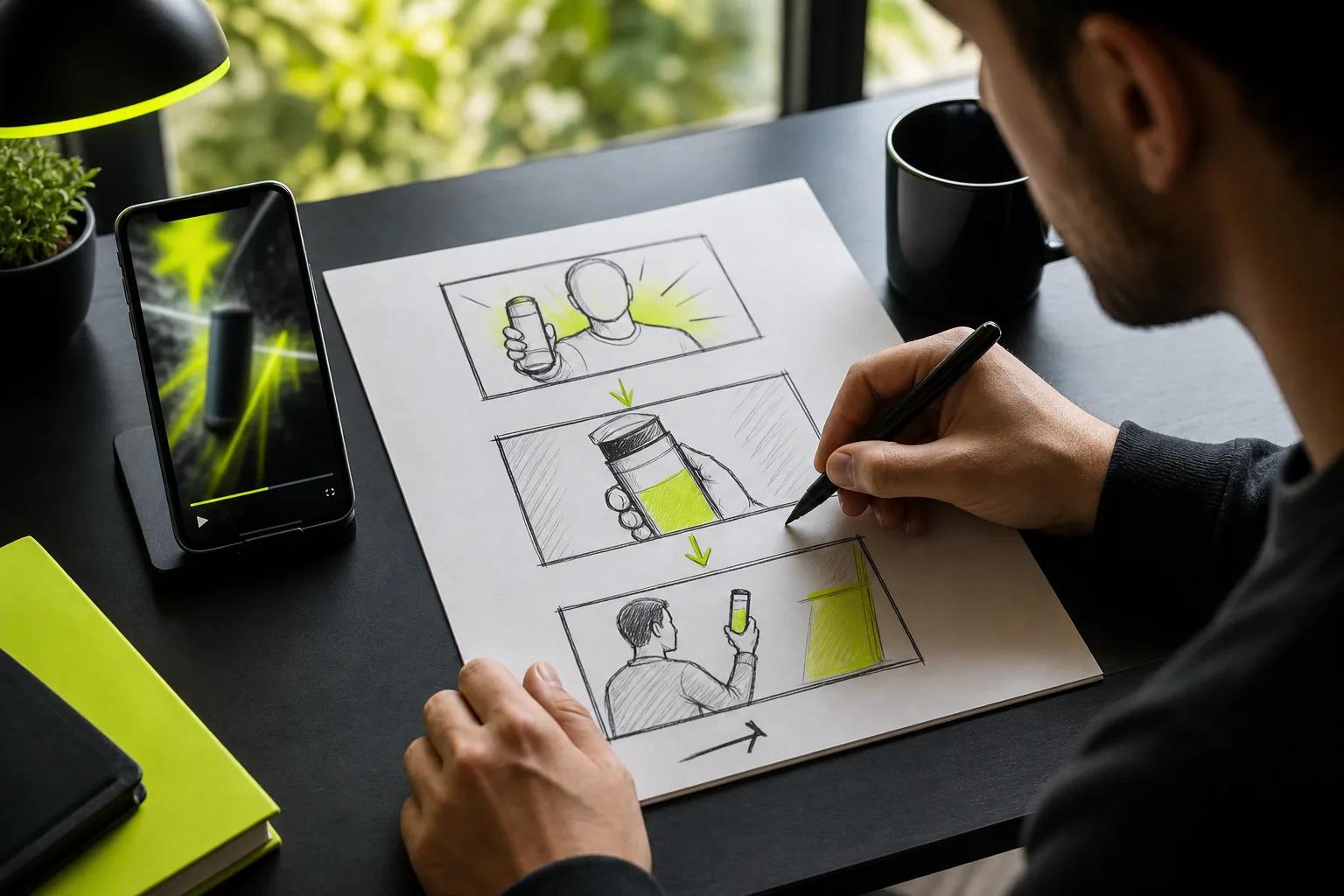
Write the ad before you make the video. Give it one job: show a product benefit, answer a buyer question, or invite the viewer to take one next step. A short brief keeps the script and visuals pointed at the same outcome.
Put the strongest moment first. Open with a quick demo, a familiar problem, or a question your target customer might ask. Then show proof of the benefit. End with a direct call to action, such as visiting a product page or learning more. Don’t spend the opening seconds on a long logo animation.
For example, a small shop selling a reusable lunch wrap might open with a packed lunch spilling in a bag. The next shot shows the wrap closing around a sandwich. A final line can explain where to find it. Keep the claim accurate and make sure the video shows what the item can really do.
Plan audio as part of the script. A voiceover can explain a detail while the video shows it. Music can set a mood, while a natural sound can make a demo feel more immediate. If you use spoken dialogue, keep it short enough to fit the scene.
Wan Studio can turn a prompt or image into a short video, with sound and dialogue generated alongside the visuals. Its Wan models support lip-synced dialogue, but you should review the spoken words and mouth movement before using a clip in a paid ad. For Wan 3.0, clips can run up to 30 seconds, with shot-to-shot character consistency across a scene.
Write an offer that is easy to understand. If there’s a discount, state its terms clearly and make sure they match the landing page. If the ad has no discount, the offer can be the product benefit itself or a simple next step. One clear promise beats a string of claims that the video can’t prove.
For a more detailed prompt-to-video workflow, use this prompt-to-video guide to plan a vertical clip from an idea or product photo.
Step 3: Create the Video Ad From Footage, Photos, or Prompts
Choose the source that gives you the clearest proof. If you have footage, select the moments that show the product or service in use. If you have a good product photo but no video, animate that image. If you’re still shaping the idea, start with a written prompt and make a rough draft.
A useful prompt names the subject, the action, and the camera move. Add a note about the light or mood if it helps the scene. For a spoken line, put the exact words in quotation marks. For example: “A close shot of a ceramic mug on a kitchen counter. Steam rises as the camera moves closer. A voice says, ‘Your first cup, ready before the rush.’” Check that the line fits the product and the offer.
Wan Studio runs in a browser and lets you start with text or a first-frame image. For a product clip, upload a photo as the opening frame, then describe one action, such as a slow camera move toward a useful detail. Wan 3.0 supports fixed vertical framing, including 9:16, and output up to 1080p on paid plans. Its free plan gives you a couple of Wan 2.5 videos each month at 480p, with no card required.
Keep the product true to its real look. Review the shape, color, label, and any detail that matters to a buyer. A generated scene can add motion and atmosphere, but don’t let it imply a feature or result the real item doesn’t have. If the product photo is unclear, fix the source image before you spend time refining the video prompt.
If your ad needs the same character across several shots, Wan 3.0 can keep characters consistent shot to shot within a scene of up to 30 seconds. For reference images or clips and more direct control over how they guide a scene, Wan 2.7 supports reference-driven video and clips up to 15 seconds. Model features differ, so choose based on the scene you need rather than assuming every model works the same way.
Generate a short draft first. Look for a clear first frame, a useful camera move, and a product that stays in view. If the result misses, change one part of the prompt at a time. That makes it easier to see which change helped. Download the draft and save the version you want to test.
Step 4: Edit the Ad for the TikTok Feed
Edit for a phone screen. Use a vertical 9:16 frame where the placement calls for it, and keep important text away from the edges and interface buttons.
Cut pauses before the hook. Keep each shot only as long as it takes to understand the point. If you’re showing a product detail, leave it on screen while the voiceover or caption names it. A fast cut can add energy, but a viewer still needs time to see the proof.
Add captions or brief text overlays where they help explain the video. Check each line on a small screen, and keep it clear of the app’s controls. If there’s dialogue, read the captions while listening to the sound. Fix names, product terms, and any wording that changes the meaning of the offer.
Sound deserves its own review. Listen on a phone speaker and check that music doesn’t cover speech. For clips made with Wan Studio, review any generated sound and lip sync rather than assuming they’re perfect.
Use a clear ending. A viewer should know what to do next, and the call to action should match the button or destination in the campaign. If you’re deciding between organic content and a paid post, consider testing a promising organic video as a Spark Ad. It lets you put paid reach behind content that has already earned attention.
A separate cut may be needed for a different placement or audience. Keep a clean master file, then name versions by the change you made, such as “new opening” or “shorter demo.” That small habit makes later testing easier to read. For another look at the production process, see this related resource.
Step 5: Publish, Test, and Improve Your TikTok Ad
Before launch, preview the ad in Ads Manager. Check the placement, crop, text, call to action, and landing page. TikTok reviews the promoted product and the ad’s text, visuals, audio, target market, and destination page. Check the review status before evaluating delivery.
Set up the TikTok Pixel or another website-tracking tool if you need to track actions on your site, such as purchases or sign-ups. Confirm that the events you care about are being recorded before you judge a campaign by conversions. For an app campaign, use the metric tied to app installs. For an awareness campaign, review an awareness measure rather than judging success by purchases alone.
Once the campaign runs, check spend and delivery first. Then review the metric tied to your goal, such as return on ad spend for sales or cost per click for traffic. Look at when viewers leave the video, too. If many drop off before the product appears, the opening may need work.
Test one change at a time. Keep the audience and offer steady while you compare two hooks, two edits, or two calls to action. Set a clear goal, change one variable, and allow enough time for results to settle before you name a winner.
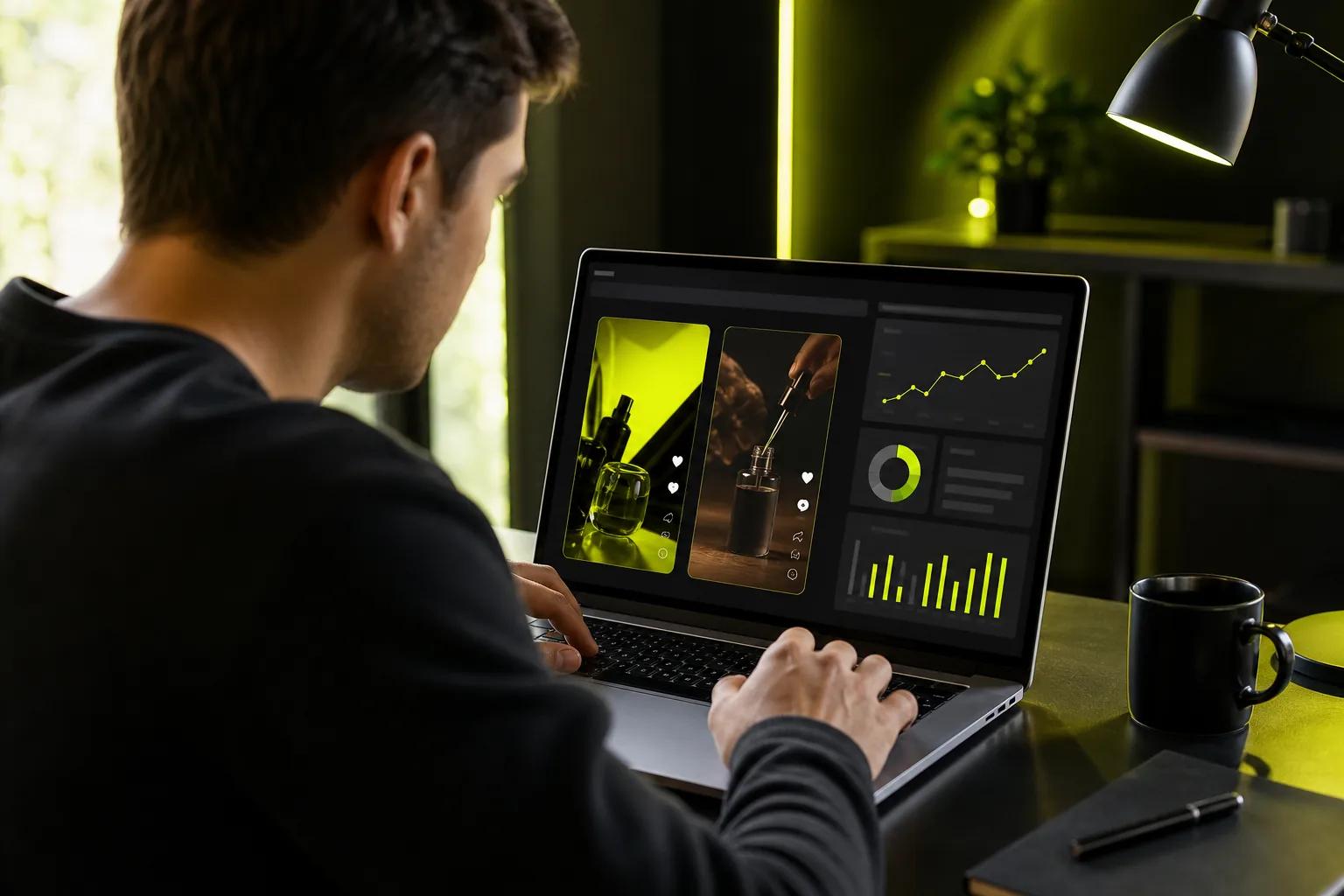
Don’t change the hook, audience, and bid at once. If results shift, you won’t know which change caused it. Write down the test, the metric, and what happened. Then apply what you learned to the next version.
Refresh creative when performance shows a steady decline, not after one slow day. Make a new opening or change the way the product is shown, then compare it with the current ad. Wan Studio can help you make alternate clips from a prompt or image; use a lower-resolution or shorter draft while exploring, then make a higher-resolution version of the concept you want to test.
Keep policy in the workflow. Make sure claims are honest, the product can be advertised in the target market, and the landing page matches the ad. If TikTok rejects an ad, read the notice, edit the part it flags, and submit it for review again.
Frequently Asked Questions
How much does it cost to run TikTok ads?
Your ad spend depends on the budget and campaign settings you choose in Ads Manager. You can set a daily or lifetime budget, then review delivery and results as the campaign runs. Keep production costs separate from media spend. If you use Wan Studio, its free plan can help you try Wan 2.5; paid plans start at $14 per month.
What should a TikTok ad include?
A TikTok ad should have an opening that earns attention, a clear reason to care, and one next step. Show the product or service in a way that supports the claim. Add sound and captions when they help the message. Keep the offer accurate, and make sure the landing page matches what the ad says.
Can I use a product photo to make a TikTok ad?
Yes. You can animate a product photo with an image-to-video tool, then edit the result for the feed. Start with a sharp image that shows the item clearly. Describe one action or camera move, and check the generated clip for changes to the product’s shape or details before you publish it.
How do I know if my TikTok ad is working?
Match the metric to your goal. For sales, track purchases and return on ad spend. For traffic, review clicks and cost per click. For awareness, use an awareness measure. Set up the Pixel or another website tracking option when you need to track website actions, and compare creative versions while keeping other test settings steady.
Can I turn an organic TikTok post into an ad?
Yes. Spark Ads can promote eligible organic posts, so you can put paid reach behind a video that already has signs of interest. Review the post and its call to action before promoting it. Then compare its paid results with your campaign goal, since organic views alone don’t show whether the ad drove the action you wanted.
Conclusion
Build your first campaign around one goal and one clear creative idea. Start with a short draft, check the product and message, then test a single change at a time. If you want to make a video from a prompt or product photo, try a short clip in Wan Studio and review it before adding it to your campaign.