The right AI video generator depends on the clip you need, not the length of its feature list. For short ads built from prompts or product photos, Wan Studio is our recommendation; the other eight suit different jobs, from scripted avatars to developer APIs.
1. Wan Studio
Wan Studio is a browser-based AI video creation platform for turning text prompts and images into short videos. It’s the clearest fit here for social creators, small businesses, and marketers who need a product clip or ad without filming.
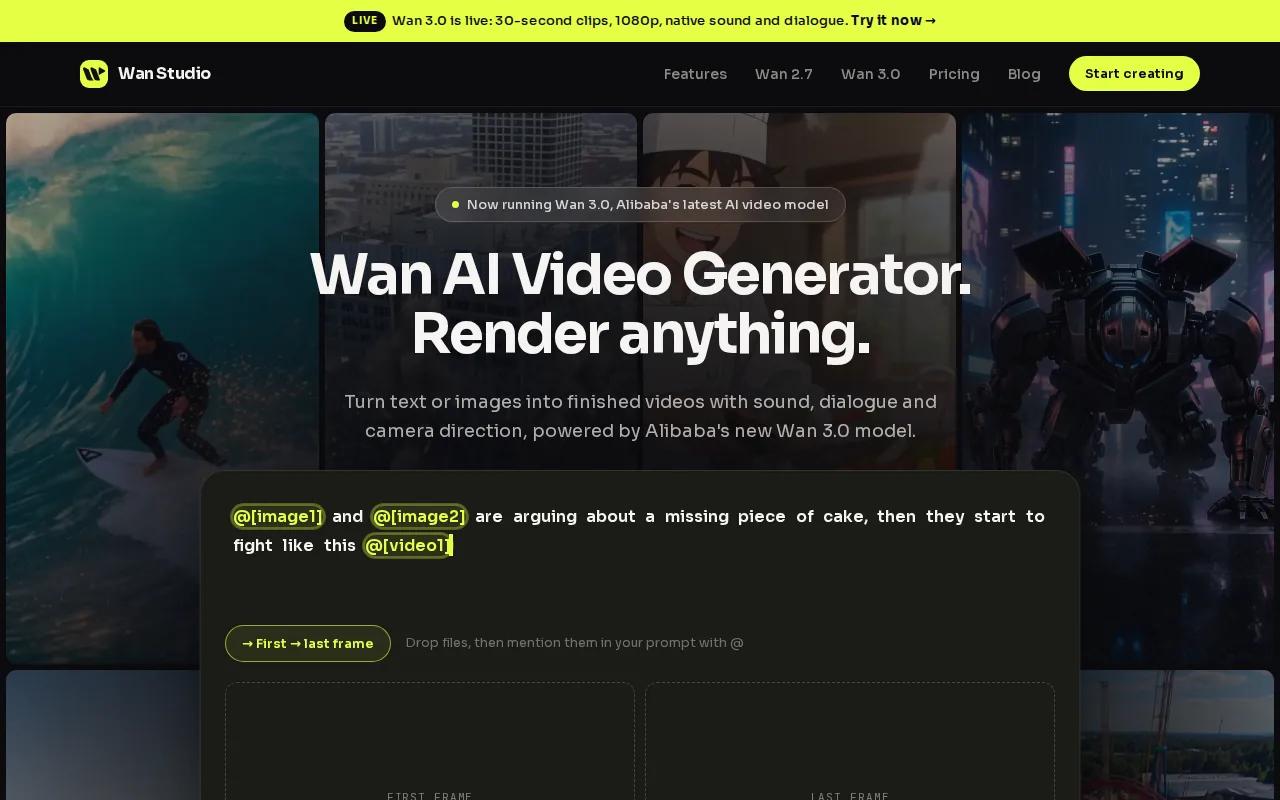
Start with a product photo, then describe the motion and scene you want. Or write a prompt from scratch. Wan Studio supports synchronized sound, music, and lip-synced dialogue, so a character can speak a line instead of appearing in a silent clip. Results depend on the prompt and the model used, so preview the output before you put it in an ad.
A reference image gives the generator a visual starting point. That’s useful when you already have a product shot and want to animate it, rather than ask the model to invent the product. The platform is built for promotional clips, product videos, and social ads, which makes its workflow a natural match for short-form marketing.
Wan Studio offers a free plan. That makes it easy to test an idea before paying. The plan is limited, though, so it won’t cover a steady stream of weekly campaigns.
For more background, see these resources on reference-to-video and lip sync. Check the selected model’s documentation for its supported features and limits.
For a quick first attempt, use one clear image and one action: “The jar rotates slowly on a sunlit kitchen counter.” Add a short spoken line only if the scene needs dialogue. The more jobs you give one prompt, the harder it can be to judge what needs fixing.
2. OpenAI Sora 2: for physics-heavy scenes and longer single shots
OpenAI Sora 2 was designed for generated video with sound, including scenes where motion and object interaction matter. It is best suited to one-off creative work and physics-heavy scenes, making it worth considering for a cinematic concept built around a specific action.
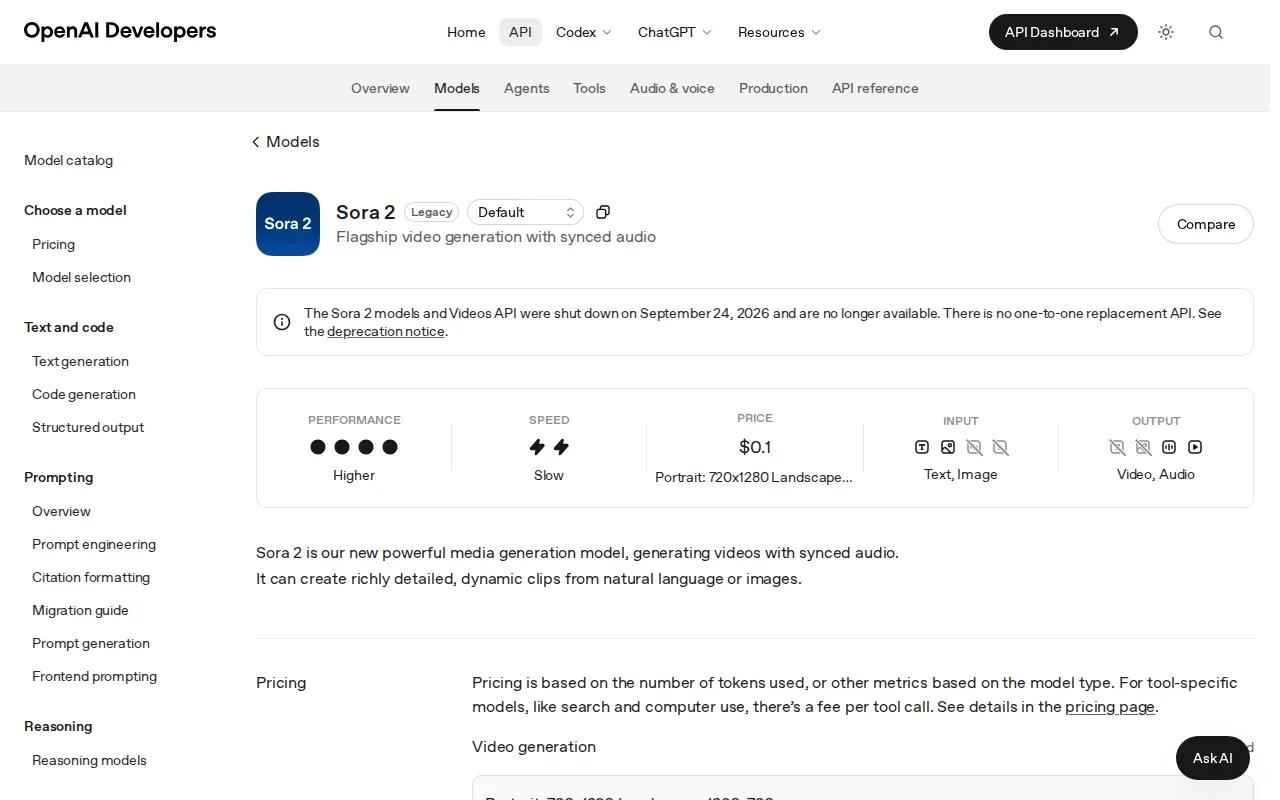
Sora 2 Pro reaches 25 seconds, the longest single-shot generation for this option. That can be useful when a concept depends on a continuous shot, though a longer generation limit alone does not guarantee a usable result. Try a focused sample, then review whether the action and framing fit the ad, TikTok, Reel, or YouTube Short you have in mind.
That distinction matters more than a model’s best demo. A tool can look promising for a cinematic concept, yet still be a poor pick if its output does not fit a repeatable workflow. Test the specific scene you want to create before planning a campaign around it, and compare the result with other generators that suit your production needs.
For hands-on marketers, the decision is simple: make a short sample, and confirm that its output fits your channel before committing. Check whether the key motion reads clearly and whether the single-shot format supports the edit you have in mind. If it does not, compare another approach before building a content plan around the result.
3. Pika: for fast, stylized social clips
Pika is aimed at social creators and casual users who want quick, stylized clips. It accepts text prompts and reference images, so you can start with a written idea or give the generation a visual cue.
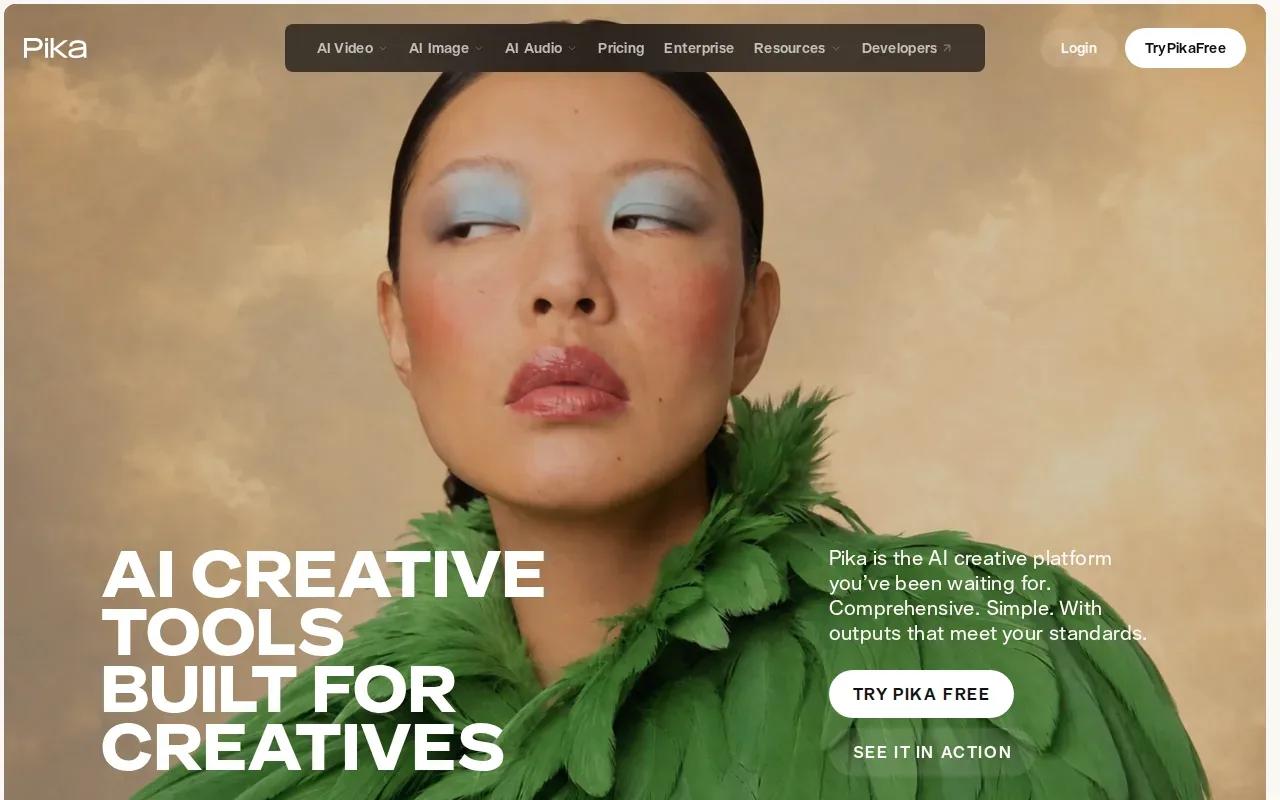
That makes it a reasonable option for a playful post, a visual experiment, or a quick concept you want to share before the trend passes. If you’re turning a product photo into an ad, a reference image can help anchor the scene. Still, check that the output preserves the details your audience needs to recognize.
Pika has a free tier, but it comes with limits. A free account can help you decide whether the style suits your feed; it may not be enough for a regular publishing calendar.
Keep prompts focused. Ask for one clear action and a visual style, then review the result. If you need exact product copy or a carefully timed spoken line, don’t assume a stylized clip will meet that need without further editing.
Pika’s strongest fit in this shortlist is speed and visual play. For a more product-focused workflow with synchronized audio and dialogue, Wan Studio is the better first stop.
4. HeyGen: for localized talking-avatar marketing videos
HeyGen is a fit for marketing and sales teams that need scripted, localized talking-avatar videos.
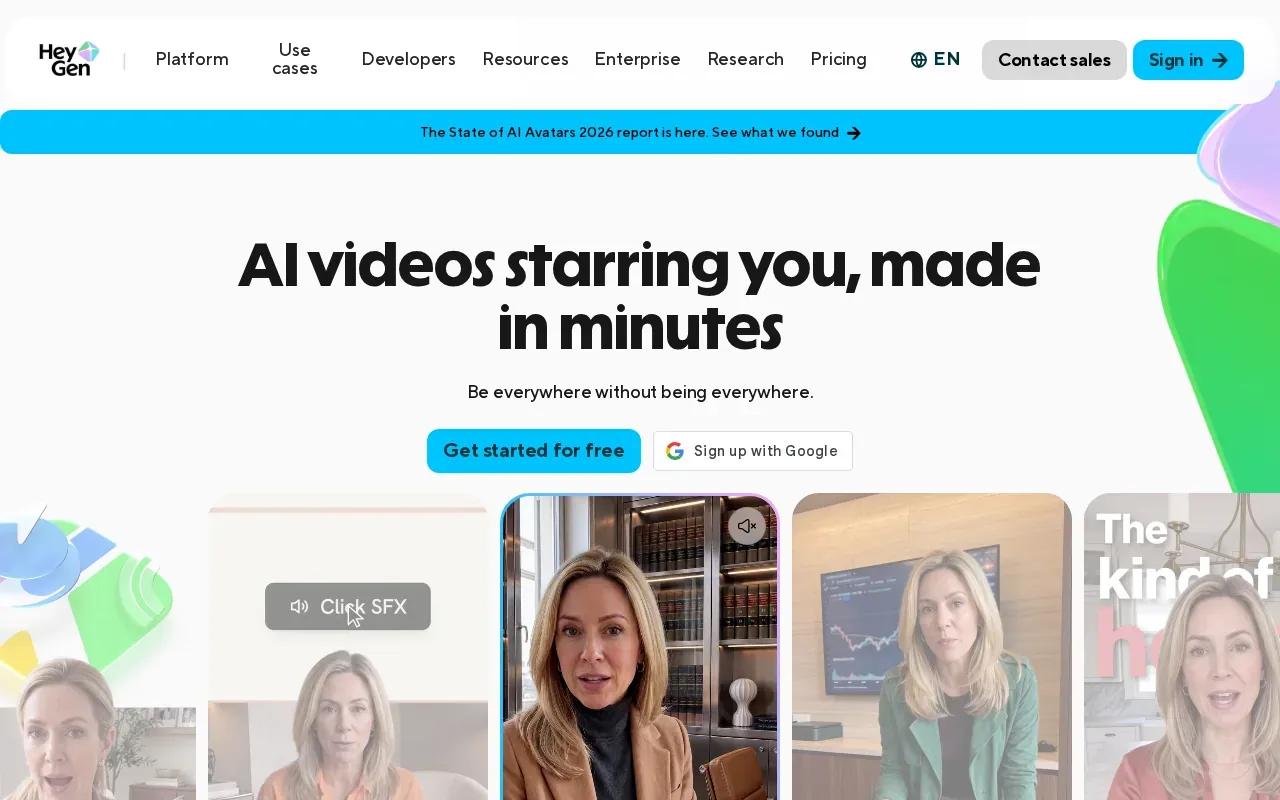
That script-first setup suits a short product explainer, a sales message, or a localized version of a presenter-led clip. Write what the person should say, then check the pacing and mouth movement before sharing the result. Dialogue is the main point of the format, so a mismatch between speech and lips is hard to miss.
HeyGen has a free tier with limits. Check the plan terms if you need to produce many versions or use the videos in paid campaigns.
Think of HeyGen when the message needs a presenter more than a cinematic scene. It’s a different job from animating a product image or building a multi-shot visual ad. A scripted avatar can put a human face on the message, but you’ll still need to write a clear script and review the final delivery.
If your campaign depends on a spoken line, compare lip sync and pronunciation in the language you plan to publish. Don’t assume that one good preview proves every language version will work equally well.
5. Synthesia: for training and internal communications
Synthesia is designed for learning and development, training, and internal communications teams that need presenter-led video without a filming setup. You provide script text, then build a video around a digital presenter.
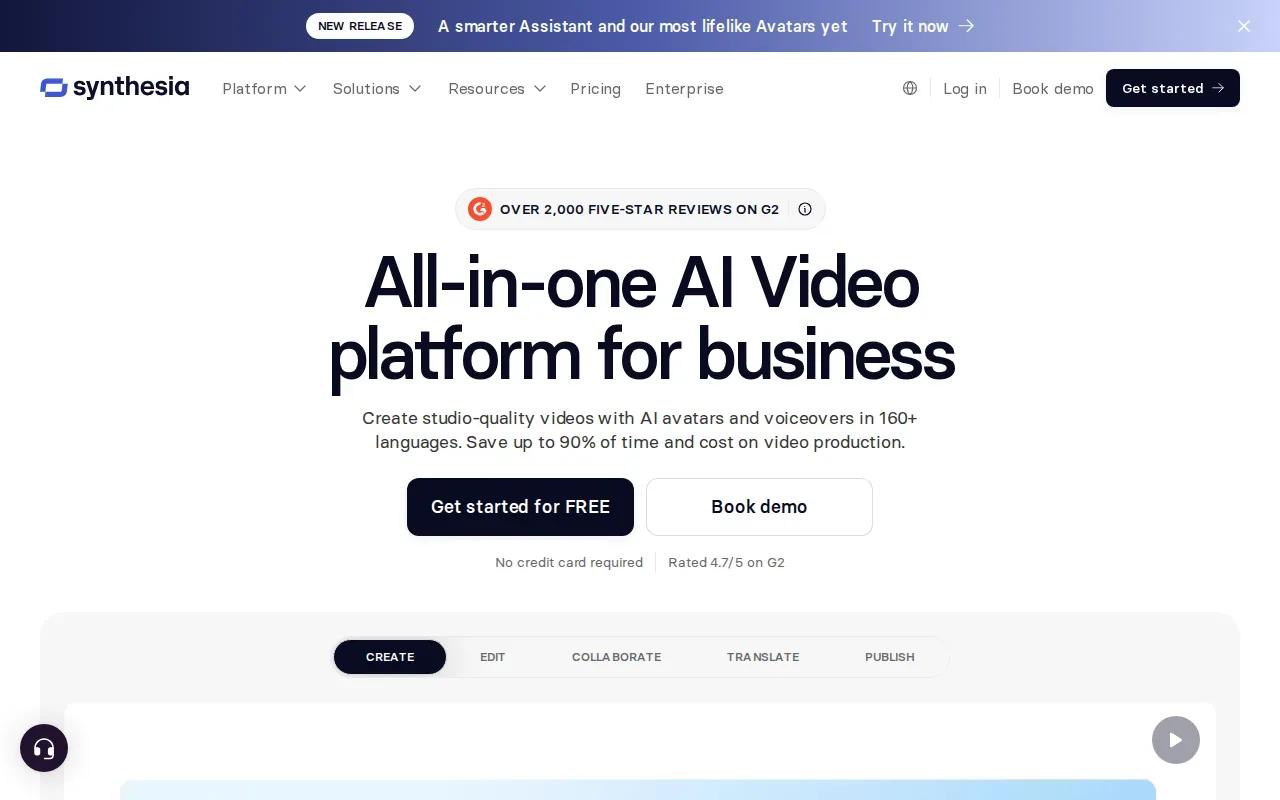
It can suit a safety update, a policy explainer, or a lesson that needs revision when details change. Check the live plan terms before you rely on them for a team workflow.
Synthesia also describes tools for collaboration, review, branding, and video management. Those details point to a more organized workplace process than a one-off social clip: a subject expert drafts the script, a colleague reviews it, then the team updates the video when the content changes.
The main trade-off is format. A presenter-led training clip is not the same as a cinematic product shot. If your goal is to show how a product looks in a scene, a prompt-and-image workflow may be a better match. If the goal is to explain a process in a consistent voice, Synthesia belongs on your shortlist.
Before using any avatar tool for internal or customer-facing content, check your organization’s rules for consent and disclosure. Also check commercial-use terms for the plan you choose; a free tier doesn’t automatically grant every right your campaign may need.
6. Higgsfield: for social teams exploring multiple video models
Higgsfield gives social teams access to several underlying video models in one workspace. Its main input is a text prompt, and its listed strengths include cinematic camera presets.
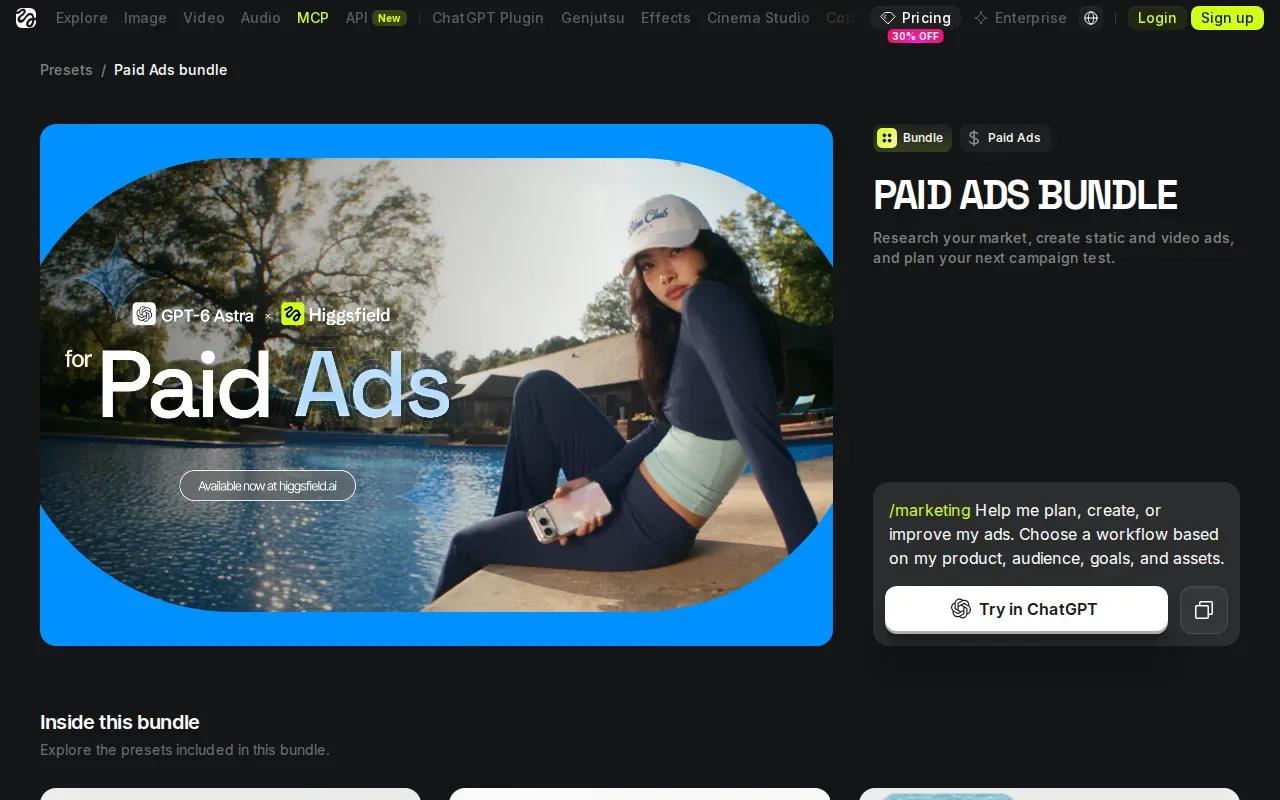
A multi-model workspace can help when one prompt needs different visual treatments. You can explore a camera-led scene, then try another model without setting up a separate account for every experiment. The exact models available can change, so check the current selection rather than assuming a named model will always be included.
Higgsfield’s supplied product details also mention audio-driven facial animation, talking-avatar tools, and draw-to-video. That gives a social team more than one way to explore a concept. Still, a large model menu doesn’t remove the need to compare the results against your brief.
Use a simple prompt as a fair starting point. State the subject, action, setting, and camera move in plain language. Then compare whether the output follows the request, not just whether it looks polished. A clip with the wrong framing may be unusable even if its lighting looks good.
Higgsfield can make sense for a team that wants model choice in one place. If you only need a straightforward short ad from a product photo, Wan Studio keeps the workflow closer to that specific job.
7. Krea: for creative exploration and iterative editing
Krea is for creative explorers who want one subscription across many video models, plus real-time enhance and edit loops. With Krea, you can generate, edit, and enhance images, videos, and 3D.
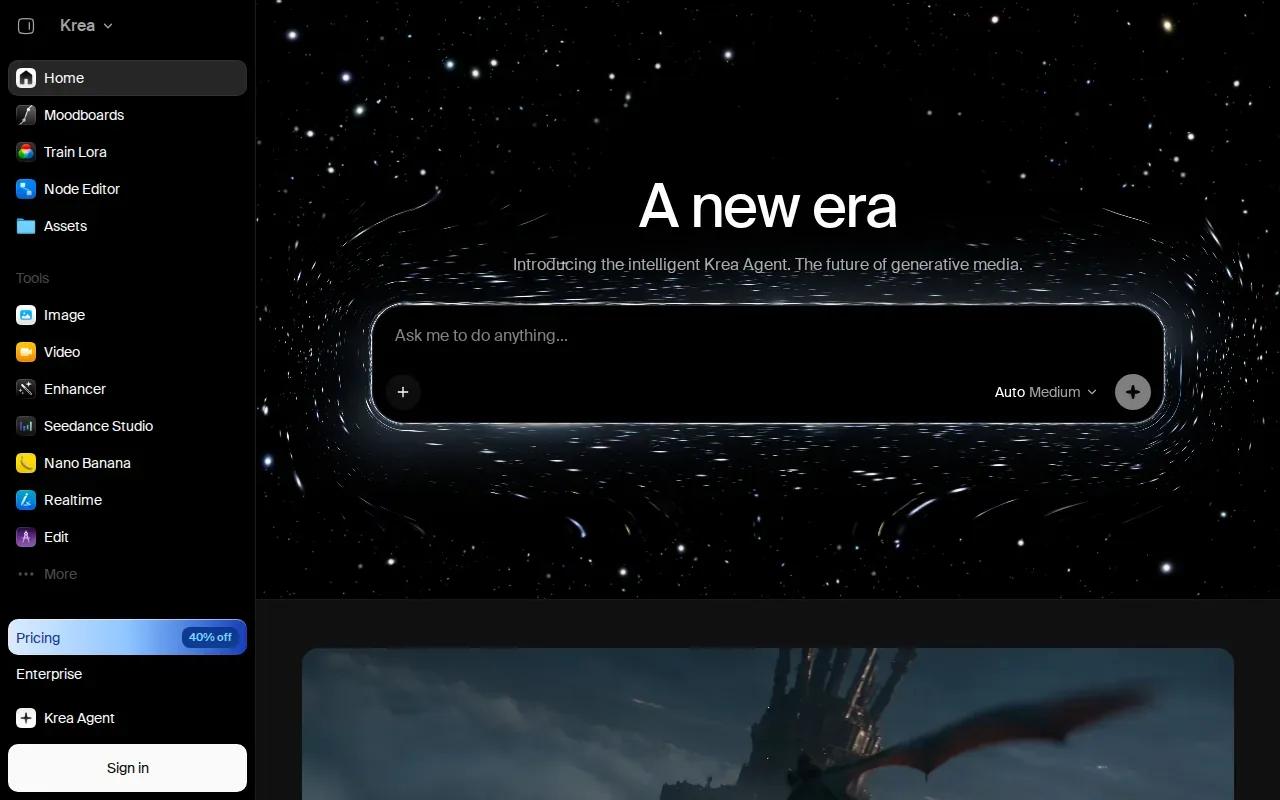
That mix suits a designer who wants to try a look, revise it, and refine the result without treating every first generation as final. Krea’s listed workflows include templates for visual concepts, product imagery, and animation from a single image. Those examples make it easier to picture the tool in a creative process, though they don’t guarantee a specific result.
Its broad model access may be useful when you’re still choosing a visual direction. But a menu of models can also make costs harder to predict if each model uses different limits or credits.
For a beginner, start with one visual reference and one change you want to see. Make the first version, then adjust one part at a time. If you change the camera, lighting, and subject in the same revision, it’s harder to tell which edit helped.
Krea’s strength is exploration and iteration. Pick it when you expect to refine visuals across several passes, rather than when you need a single scripted presenter video.
8. OpenArt: for sampling many models in one workspace
OpenArt is for people who want one workspace to sample many popular models. Its supplied product information describes a broad collection for image, video, and music creation.
OpenArt brings AI art, image, video, and music creation together, with 100+ models in one place. That can be handy when you want to explore a visual concept and keep related creative tasks in one workspace.
OpenArt’s range may help when you’re unsure which model fits a particular look. It doesn’t mean every model has the same input options, output limits, or price. Check those details for the model you plan to use, especially if you need a certain clip length or resolution for a paid placement.
For a first test, use the same prompt and image when comparing models. Keep the aspect ratio and intended use in mind. A polished horizontal scene may still need rework if your campaign needs a vertical clip for Reels or Shorts.
Choose OpenArt if a shared creative workspace is more useful to you than a narrow, single-purpose generator. Choose Wan Studio when your main task is turning a prompt or product image into a short promotional video.
9. fal: for developers integrating a broad range of generative models
fal is a developer platform for integrating generative media models through APIs. It’s a fit for teams building video generation into an app or workflow, rather than marketers who want to make a clip in a browser.
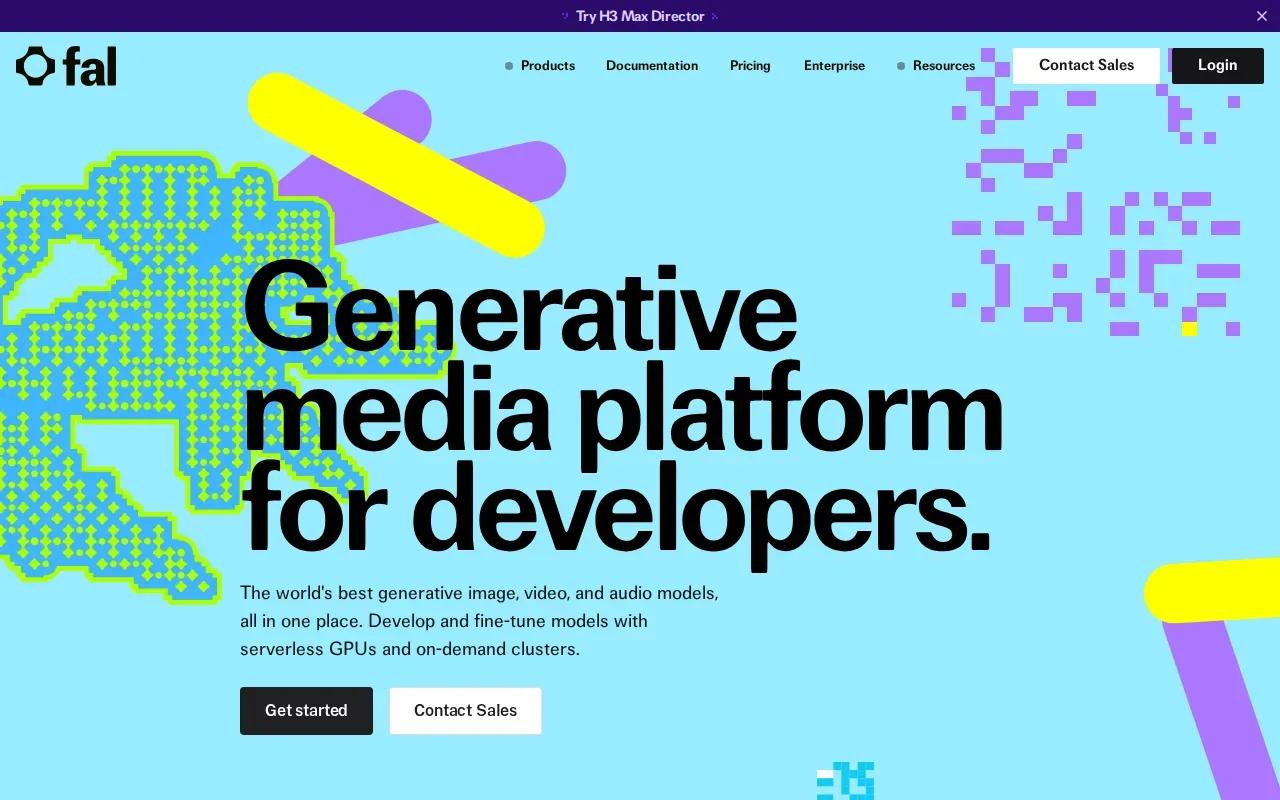
Its product information describes a model library for image, video, audio, and 3D, along with serverless inference and compute options. The pricing approach includes per-output pricing for serverless use or hourly GPU pricing for compute. The exact cost depends on the model and use, so estimate it against your expected volume before shipping a feature.
For a developer, the key choice is not simply which clip looks best. It’s whether the model has the input and output behavior your product needs, whether your team can handle the integration, and how costs behave as usage grows. A proof of concept should test those points with the same prompt and sample asset you expect users to submit.
| Decision point | What to check before building | Good fit when |
|---|---|---|
| Model access | Confirm the model is available through the API you plan to use. | Your app needs a choice of generative media models. |
| Cost model | Estimate per-output use or hourly compute for your expected workload. | You need costs tied to actual usage. |
| Integration work | Test the API with your prompt, asset, and output needs. | You have engineering support for an API workflow. |
fal is the most developer-focused option in this list. If you don’t need an API, a browser-based tool will usually be a simpler place to start.
FAQ
What is the best AI video generator for product ads?
Wan Studio is a strong fit in this shortlist for short product ads made from a prompt or image. It’s built for promotional clips and product videos, and supports synchronized sound and lip-synced dialogue. Start with a clear product photo, describe one action, then review the generated clip for product accuracy before publishing.
Which AI video generators have a free plan?
Wan Studio’s free plan requires no card and gives a couple of videos per month. Check current terms before budgeting, since free access may not cover frequent production or commercial use.
Can AI video generators make lip-synced dialogue?
Yes, some AI video generators support lip sync, but don’t assume every tool or model does. Wan Studio supports lip-synced dialogue, and HeyGen’s listed capability includes lip sync for avatar videos. Test a short line in the language you’ll publish, then check the timing and pronunciation in the rendered clip.
How do I choose an AI video generator for social media?
Choose based on the clip you need to publish. For a short promotional video from a prompt or product photo, start with Wan Studio. For a stylized social experiment, consider Pika. For a scripted avatar, look at HeyGen. Before paying, test the output format and check the plan’s limits for your posting pace.
Can I use AI-generated videos in paid ads?
Possibly, but check the tool’s current terms and your plan’s commercial-use rights before running an ad. Also review the output for errors in product details, dialogue, or visual claims. A free tier doesn’t automatically mean every use is allowed, so confirm the rules that apply to your account and campaign.
Conclusion
For a short ad or social clip made from a prompt or product photo, start with Wan Studio. Its free plan lets you try the workflow without entering card details. Wan Studio is a place to start with one image and one clear action, then decide whether the result fits your next post.