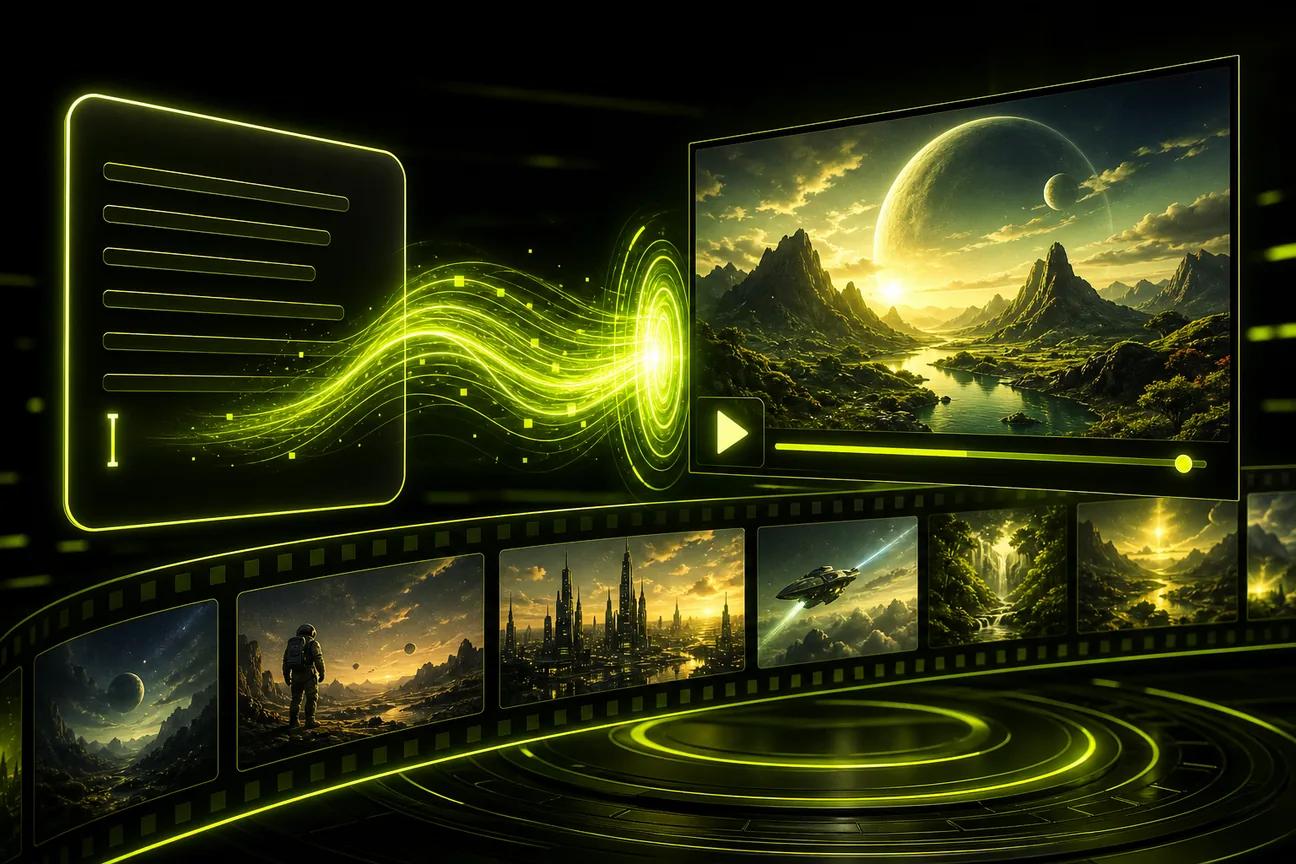
A free AI video generator from text can turn a short prompt into a clip for an ad, Reel, or product post. The catch is that free plans vary: some use one-time credits, while others limit monthly videos or access. Here are six tools, starting with Wan Studio, and what each free option is suited to.
We analyzed 50 comments and questions from YouTube, Quora and Reddit about free AI video generators and found that 14% mentioned higher output quality.
1. Wan Studio
Wan Studio is a browser-based tool for turning text prompts or images into videos with sound. It’s a strong fit if you want a product photo in motion or a character to speak in a short social clip, without setting up a filming session.
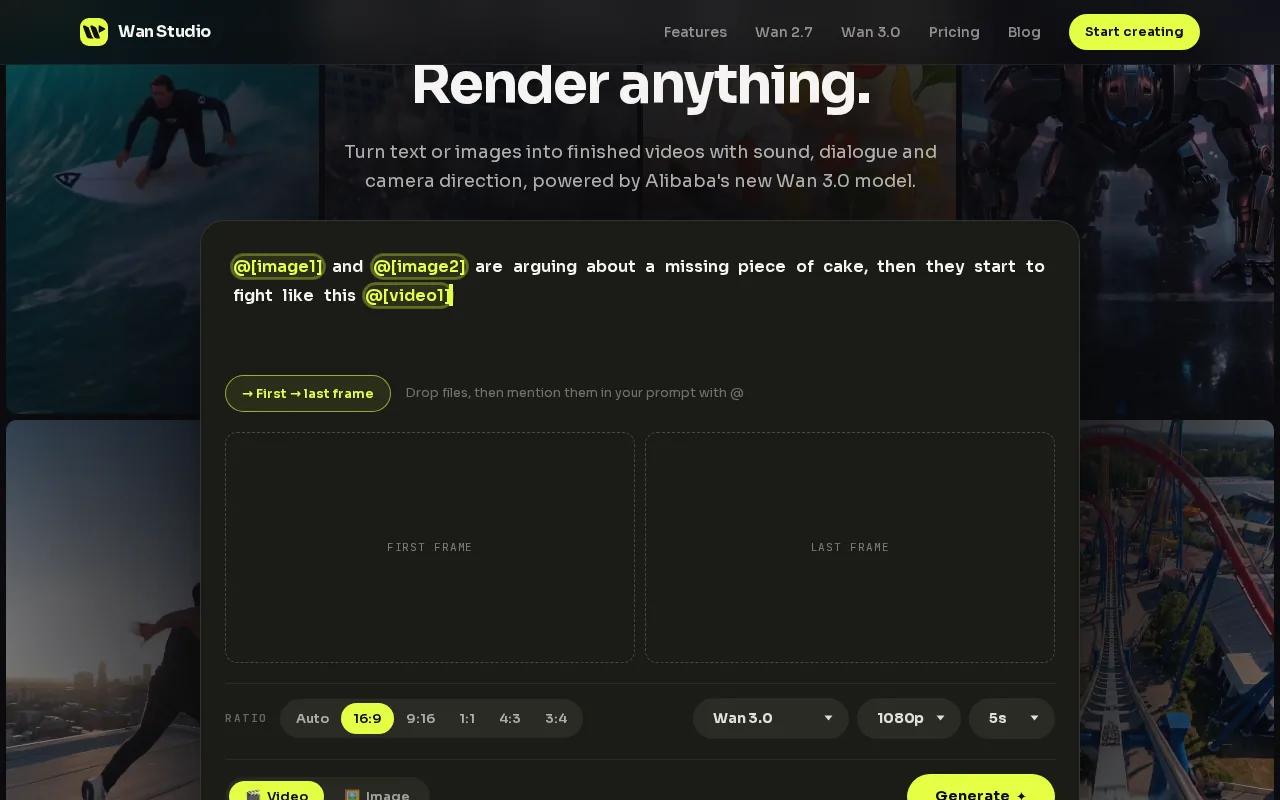
The free plan gives you a couple of Wan 2.5 videos each month at 480p. You don’t need a card, and free videos have no watermark. Wan 2.5 can generate music, sound effects, and lip-synced dialogue with the video. Put a spoken line in quotation marks in your prompt, and the character can say it on screen. That mouth movement is what people mean by lip sync.
For example, describe a close-up of a ceramic mug beside a window, then add a slow camera move and a short line of dialogue. Or upload a product photo as the first frame and describe the motion you want. If you’re making a vertical clip, choose a 9:16 frame for TikTok, Reels, or Shorts.
The free plan uses Wan 2.5, which makes five- or ten-second clips. Wan Studio’s paid plans start at $14 a month and include Wan 3.0. That model can make clips up to 30 seconds, with native sound and dialogue. Paid plans also include a commercial licence. For the free plan’s limits and output details, see Wan Studio’s free video plan.
2. Runway: Try text-to-video with one-time credits
Runway is a video generation and editing tool. It suits creators who want to test text-to-video, then keep working on a clip with editing tools in the same workflow.
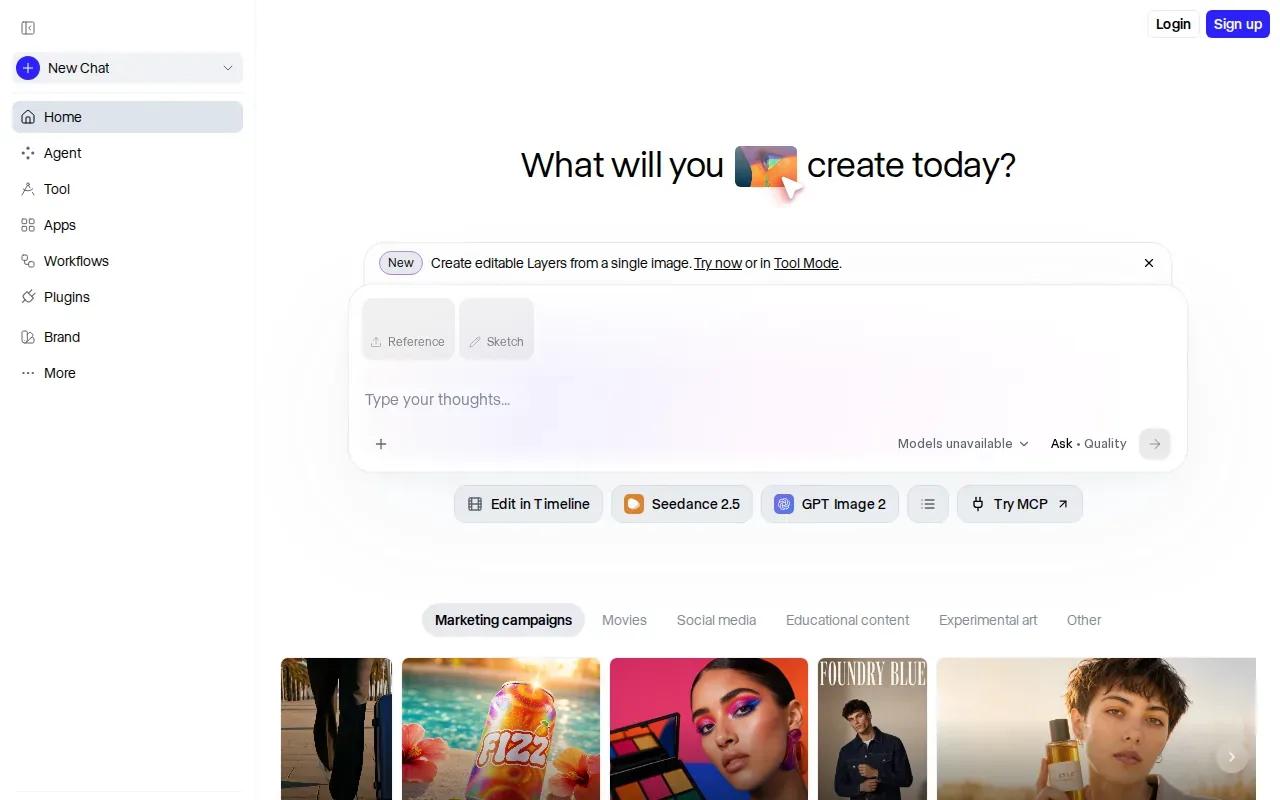
The free option includes 125 one-time credits. Think of that as a set amount to try, not a monthly allowance that refreshes. Runway’s maximum video length is 10 seconds, and its Standard plan costs $15 a month.
Runway’s strength is the work around generation. It has a node-based editing toolkit. That combination may suit a campaign where you need a few short shots and want more control after the first render.
Audio generation is available on supported models, so check the model you select if a spoken line or music track is part of the brief. A short visual clip can work well for a product reveal, but a dialogue-led scene needs a model that can handle speech and sound. Runway’s free credits are best treated as a test budget for deciding whether its editing workflow fits your project.
3. Magic Hour: Start with non-expiring credits
Magic Hour is a text-to-video tool that turns a written scene description into a downloadable clip. It may suit you if you want a free credit pool that can wait until you have time to use it.
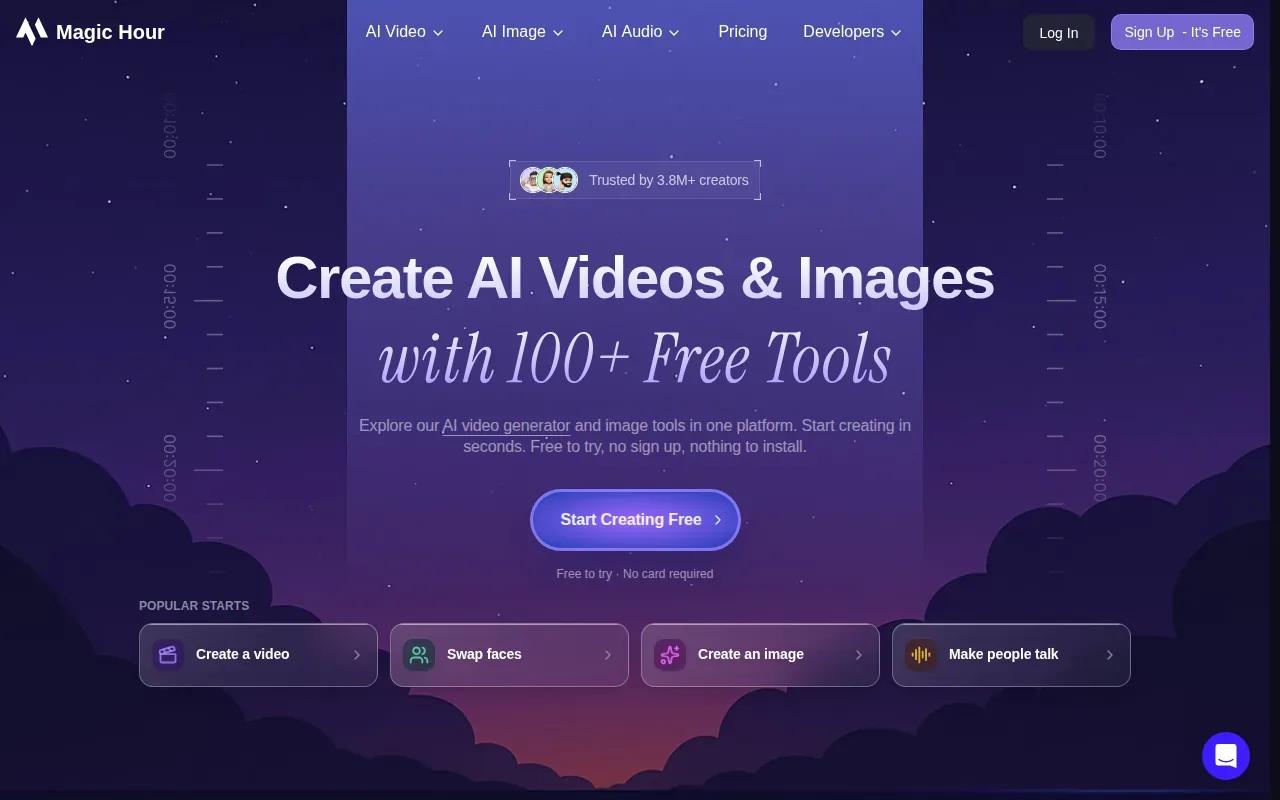
The free plan starts with 400 credits that don’t expire. Its free output has no watermark. That’s a different setup from a monthly video cap or a trial balance that runs out on a schedule. You can save the credits for a campaign idea, then use them when you’re ready to test a prompt.
The text-to-video workflow is direct: describe the scene, choose an aspect ratio, and generate. A prompt with a subject, action, setting, visual style, and camera move gives the system clearer direction than a broad request such as “make a nice video.” For a product clip, name the item and the movement you want. For instance, describe a shoe turning slowly under warm light, rather than asking for a general sports ad.
The large, non-expiring credit pool is the main reason to pick it for occasional free video making.
4. Krea: Generate, edit, and enhance video
Krea is a creative workspace for generating, editing, and enhancing images, videos, and 3D work. It fits creators who want to test different video models from one place instead of building a workflow around one model alone.
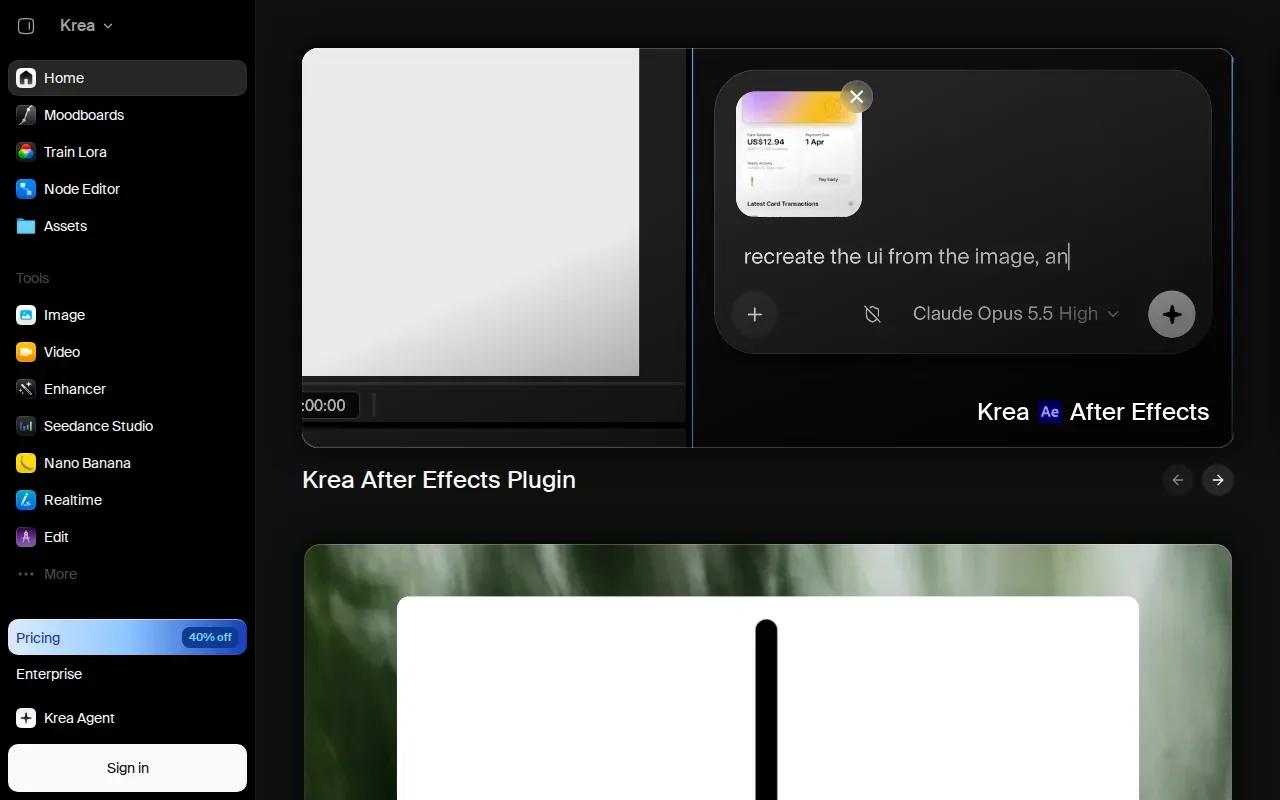
Krea’s video tool accepts text prompts or images. You can add a start frame to guide a shot, then extend or merge clips to build a longer sequence. Free daily credits let you try basic features, while paid plans add more compute and higher usage limits.
That model choice can help when the first result misses the brief. Use the same prompt again with a different model, then judge the motion and look side by side. Krea also supports synchronized audio on some models, so check which model you’re using before planning dialogue or sound effects around the output.
Text-to-video is a form of generative AI: a written description guides the creation of new media. Krea also supports image-to-video, which starts with a still frame and adds motion. That can be handy when you already have a product image or a visual style you need to carry into a clip.
5. Synthesia: Template-led videos for explainers
Synthesia is an AI video tool with a strong template library for corporate and educational content. It’s a better fit for a training explainer or internal update than for a cinematic product shot built from a single prompt.
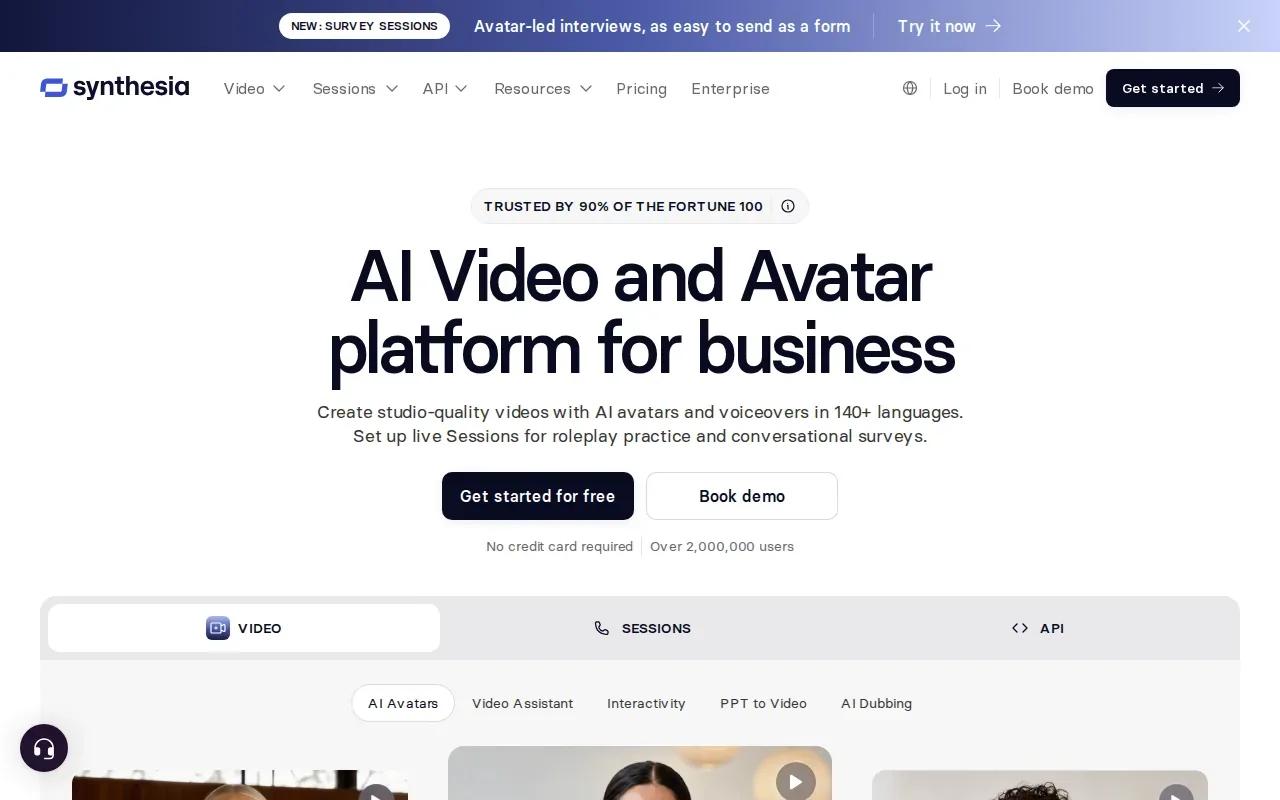
You can start with a prompt, script, document, or URL and turn the source material into a video draft. For a team with a policy update to share, this can turn written material into a presenter-led format without arranging a camera shoot.
The free plan is limited. Paid plans include Starter at $18 a month and Creator at $64 a month, with custom pricing for Enterprise. If your main goal is to produce a steady run of training or learning videos, the template-led approach may make it easier to keep each video in a familiar format.
There’s a useful distinction here. A prompt-to-video model builds a moving scene from a description; a template-led tool gives you a more structured way to turn written information into an explainer. Pick Synthesia when the script and presenter matter more than free-form camera motion.
6. HeyGen: Make short videos with translation options
HeyGen is a browser-based video tool for script-led clips, including videos with avatars and translated speech. It may suit a creator or marketer who needs short presenter-style content in more than one language.
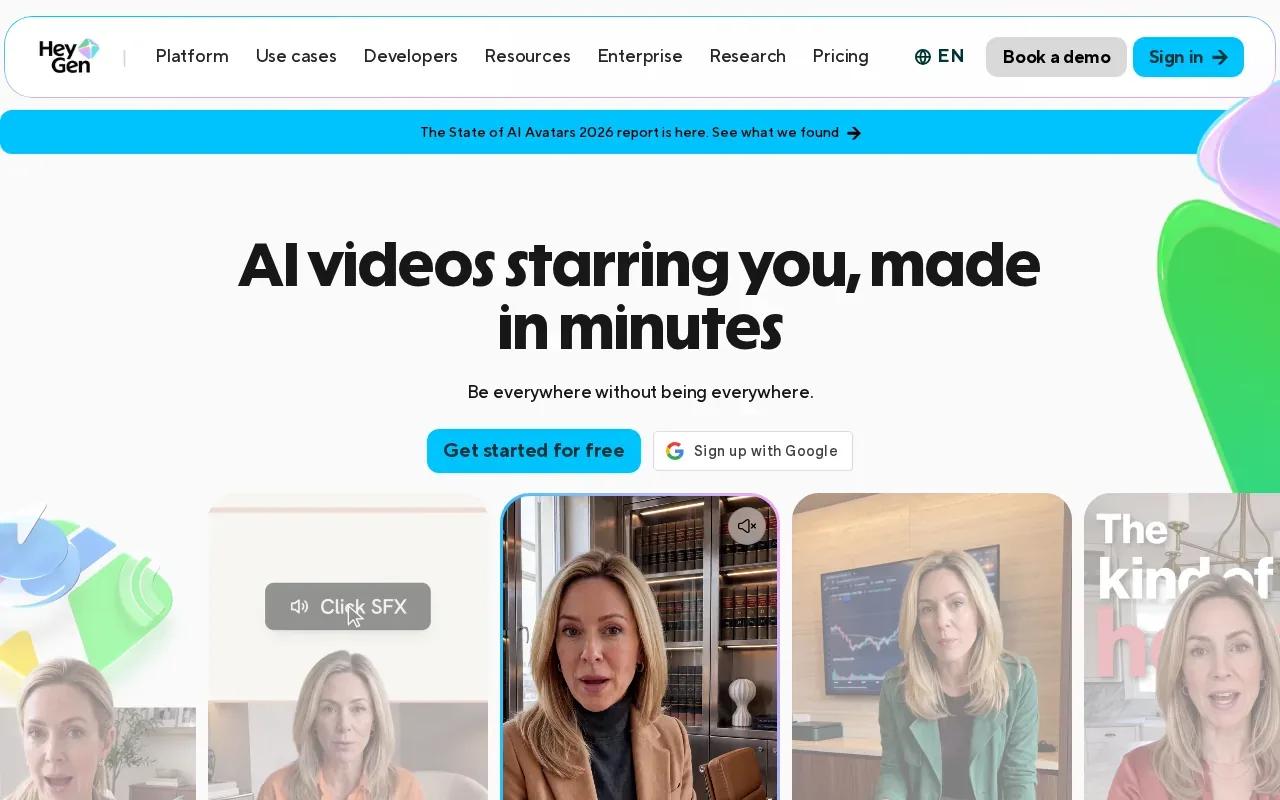
The free plan includes three videos a month, with a maximum length of up to one minute. HeyGen’s translation option supports more than 175 languages at lower tiers. Its listed plans include Creator at $29 a month, or $24 a month with annual billing, and Business at $149 a month.
That monthly limit can work for a small test, such as a short product explainer or a sample clip for a social channel. Before you build a regular publishing plan around a free tier, check how many finished videos you need and whether the video length suits the script. Three monthly videos won’t cover every posting schedule.
HeyGen is worth considering when translation is central to the job. For a prompt-led scene with native sound, compare its workflow with a tool built around generated shots. For a presenter who delivers a prepared script, HeyGen’s monthly video allowance and translation support give you a clearer starting point.
| Tool | Free access | Good fit for | Check before you start |
|---|---|---|---|
| Wan Studio | A couple of Wan 2.5 videos per month at 480p | Short clips with sound and lip-synced dialogue | Wan 3.0 and commercial licensing are on paid plans |
| Runway | 125 one-time credits | Generating and editing short clips | Maximum video length is 10 seconds |
| Magic Hour | 400 credits that don’t expire; no watermark | Occasional text-to-video tests | Audio and output settings depend on the model |
| Krea | Free daily credits for basic features | Comparing models and working from images | Audio depends on the selected model |
| Synthesia | Limited free plan | Corporate and educational explainers | Choose it for a structured, template-led video |
| HeyGen | Three videos per month | Short presenter clips with translation needs | Maximum video length is up to one minute |
Frequently Asked Questions
What is a free AI video generator from text?
A free AI video generator from text makes a video clip based on a written description, with limits set by its free plan. You describe the subject and scene, then the tool generates the visuals. Depending on the tool, you may also get sound, speech, or an avatar. Free access can be capped by credits, monthly videos, resolution, or clip length.
Can I use AI-generated videos for ads?
Yes, but check the tool’s licence and plan terms before using a clip in a paid campaign. Wan Studio includes a commercial licence on paid plans, while its free plan is for trying the service. Keep rights to any photos, logos, or other source material you upload, and confirm that your use fits the tool’s terms.
Which free AI video tool includes lip-synced dialogue?
Wan Studio’s free plan includes Wan 2.5, which can generate dialogue with lip-synced mouth movement. It gives you a couple of videos each month at 480p without requiring a card. The free plan’s clips are five or ten seconds long. Wan Studio’s paid plans include Wan 3.0, which supports clips up to 30 seconds.
How do I get better results from a text prompt?
Describe one subject doing one clear action, then add the setting and a camera move. Include the lighting or visual style if it matters to the scene. For dialogue in Wan 2.5, put the spoken words in quotation marks. Start with a short draft, watch it, and change one part of the prompt at a time.
Can I make a video from a product photo?
Yes. Wan Studio and Krea support image-to-video workflows, where a still image guides the generated clip. With Wan Studio, the uploaded image acts as the first frame. Describe the movement you want, such as a slow turn or a camera move toward the product, and choose a frame shape that suits your channel.
Conclusion
For short clips with built-in sound and dialogue, start with Wan Studio’s free plan and test a prompt before committing to a paid workflow. If you want help shaping the shot, use Wan Studio’s step-by-step prompt and video workflow as your next reference.
To try it without a card, visit the Wan 2.5 video generator and make a short draft from a prompt or photo.