A single product photo can become a moving ad in minutes. But if your character needs to speak, many image-to-video tools leave you with a silent clip. Here are nine options for turning images into video, with the best fit and trade-offs for each.
1. Wan Studio
Wan Studio is a browser-based AI video creation platform for turning text prompts and images into short videos. It’s a strong fit for social creators, small businesses, and marketers who want a product photo to become a ready-to-shape promo without filming.
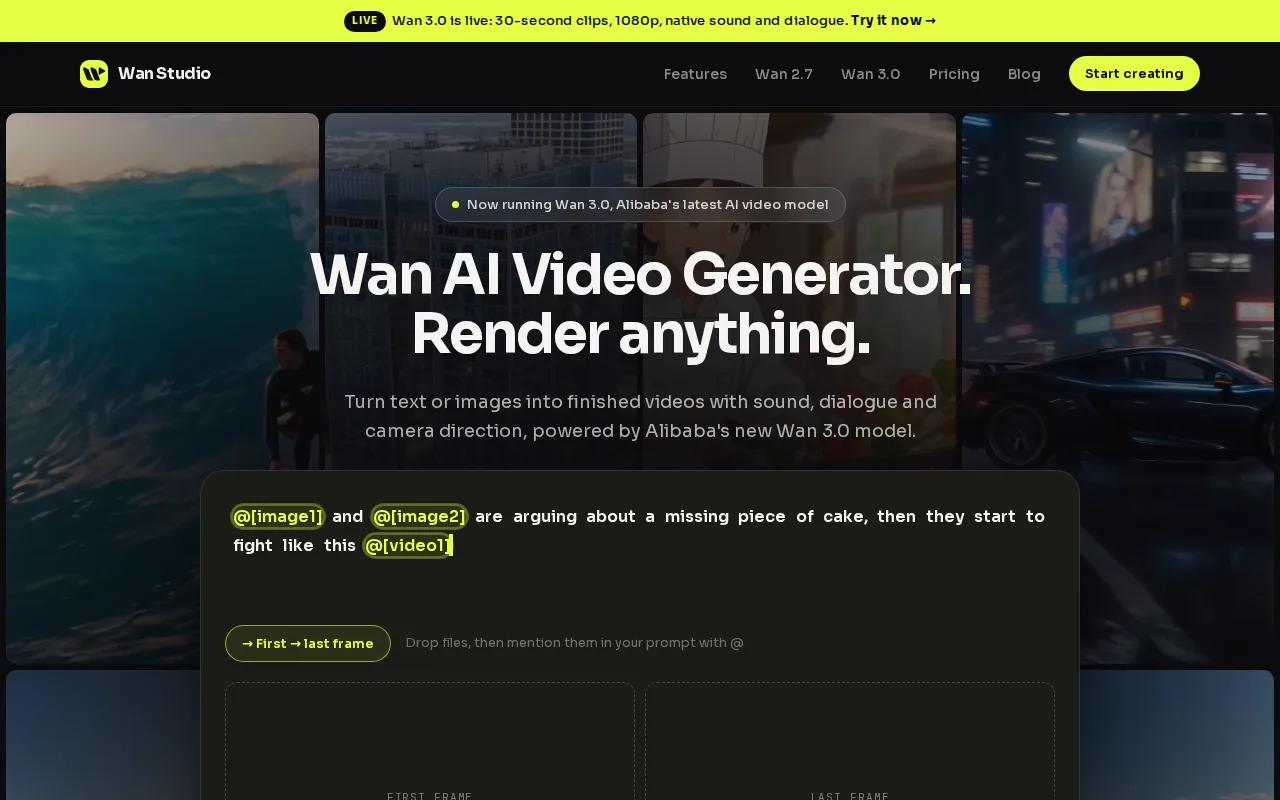
For spoken ads, sound matters. Wan models can generate synchronized sound and music, and Wan 3.0 supports lip-synced dialogue: put a line in quotes and the on-screen character speaks it. The model can also generate multi-shot scenes, so you can work toward a short story rather than a single moving still.
Wan 3.0 supports clips up to 30 seconds, with output options up to 1080p. Wan Studio also provides access to Wan 2.7, which supports first-and-last-frame control and instruction-based video editing. Check the model details before you build a campaign around a specific length or output setting.
For a shop owner, the workflow is simple: start with a product image, describe the camera move, then add a short spoken line if the character should talk. You can try Wan Studio in your browser without setting up a filming session.
Its key edge is clear: dialogue and sound are part of the video workflow. Still, generated speech and motion should be reviewed before an ad goes live. A line that reads well on screen may need a prompt tweak to sound right.
2. Runway: Creative control for cinematic ads
Runway supports text-to-video and image-to-video, making it a fit for creators who want to animate a still or build a more cinematic ad. You can start with an image, then describe the movement you want in the prompt.
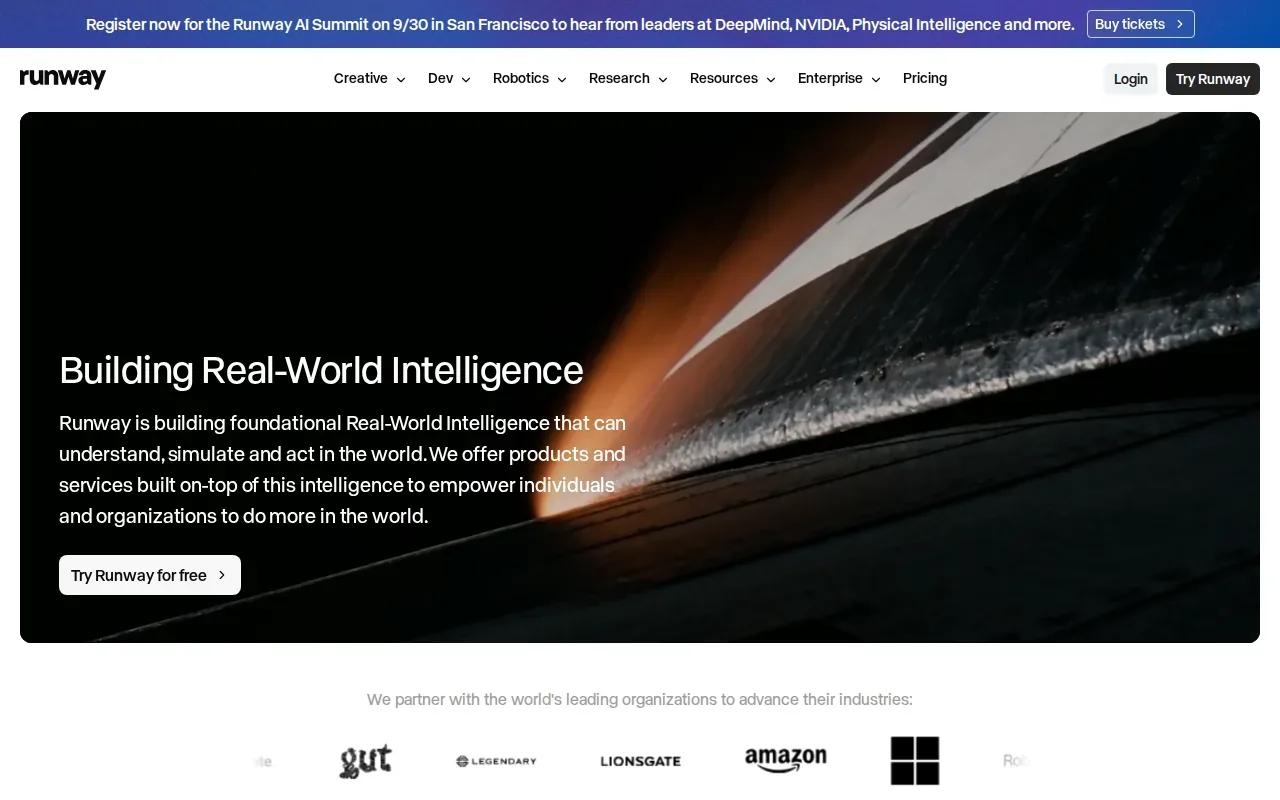
Its appeal is creative control. That can help when you’re shaping an ad for a client and need the motion to support a specific visual idea, rather than simply adding movement to a product shot.
Runway has a free tier with 125 one-time credits. Treat that as a way to test the workflow, not as a renewable monthly allowance. Its verified details here don’t include a lip-sync feature, so plan to use it for visual motion rather than a character delivering spoken copy.
If the clip’s main job is to set a mood, Runway belongs on your shortlist. If the subject needs to speak, compare audio needs before choosing.
3. Vidu by ShengShu Technology: Image-led video creation
Vidu by ShengShu Technology turns images and text prompts into video, with workflows aimed at social content, ads, and storytelling. It suits creators who already have a clear first frame and want to direct what happens next.
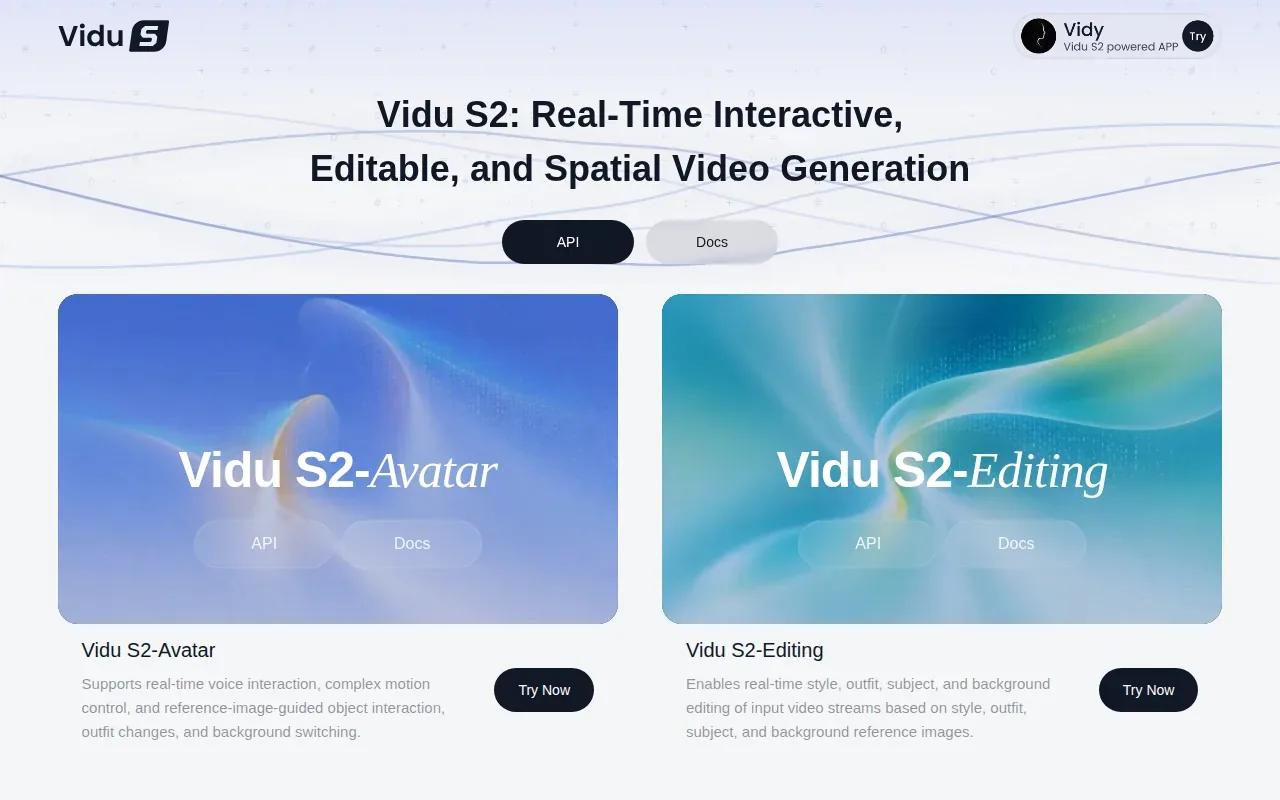
Vidu supports image-to-video generation.
For a simple test, use a clean product image and describe one main action. Keep the prompt focused on what moves and how the camera moves.
Vidu is worth a look when your starting image and visual references carry most of the creative brief.
4. Kling AI: A broad creative workspace
Kling AI is a creative workspace for generating videos, images, audio, avatars, and effects from prompts and references. That wider set of tools may suit a creator who wants to try more than image animation in the same place.
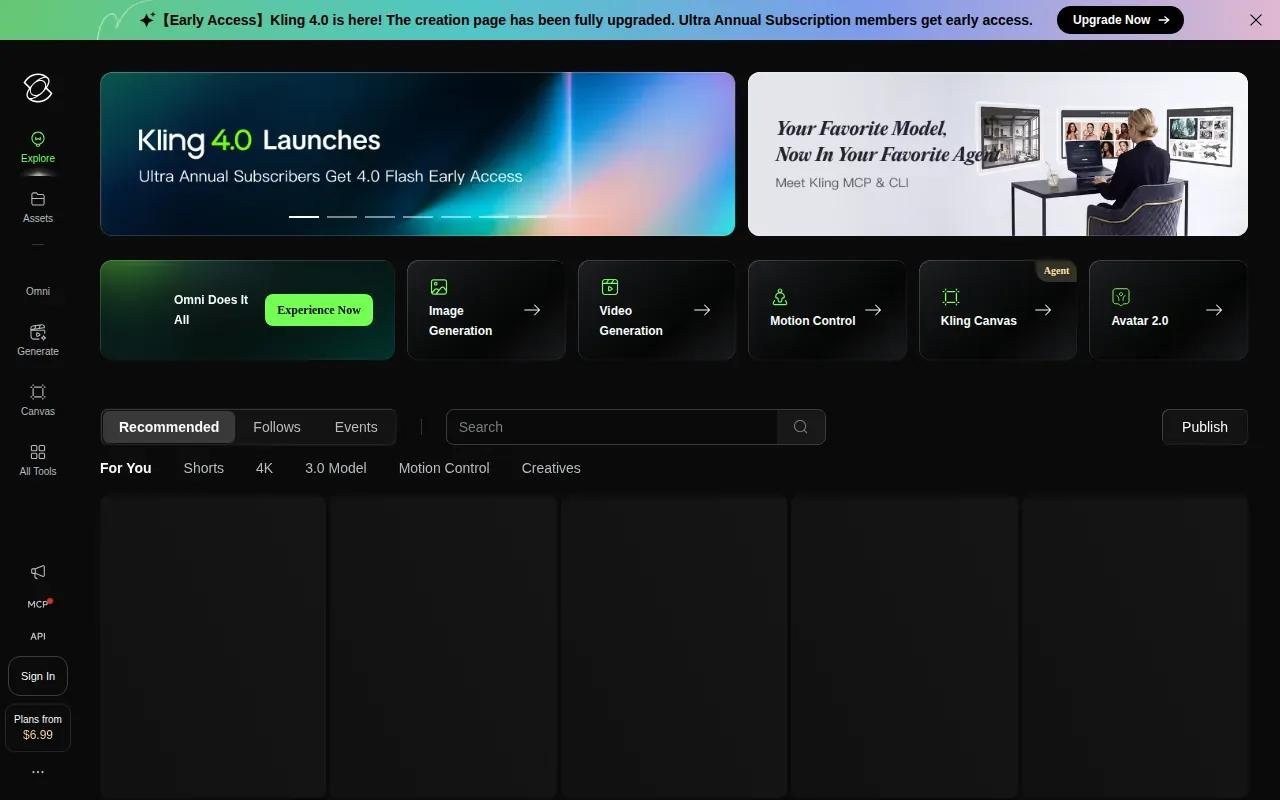
For a campaign, you might use a reference image to guide a visual direction, then explore related assets in the same workspace.
Think of Kling AI as a broad creative space, not a confirmed lip-sync pick. The available facts don’t establish lip-synced dialogue, so don’t assume a generated character can deliver your script without checking the current model options.
Choose it when you value a range of creative asset types more than one specific, verified audio workflow.
5. InVideo AI: Multi-scene projects with AI-assisted scripting
InVideo AI is suited to multi-scene projects with AI-assisted scripting, editing, and brand document integration. It can turn text or images into moving scenes, which may help if your product video needs a beginning, middle, and call to action.
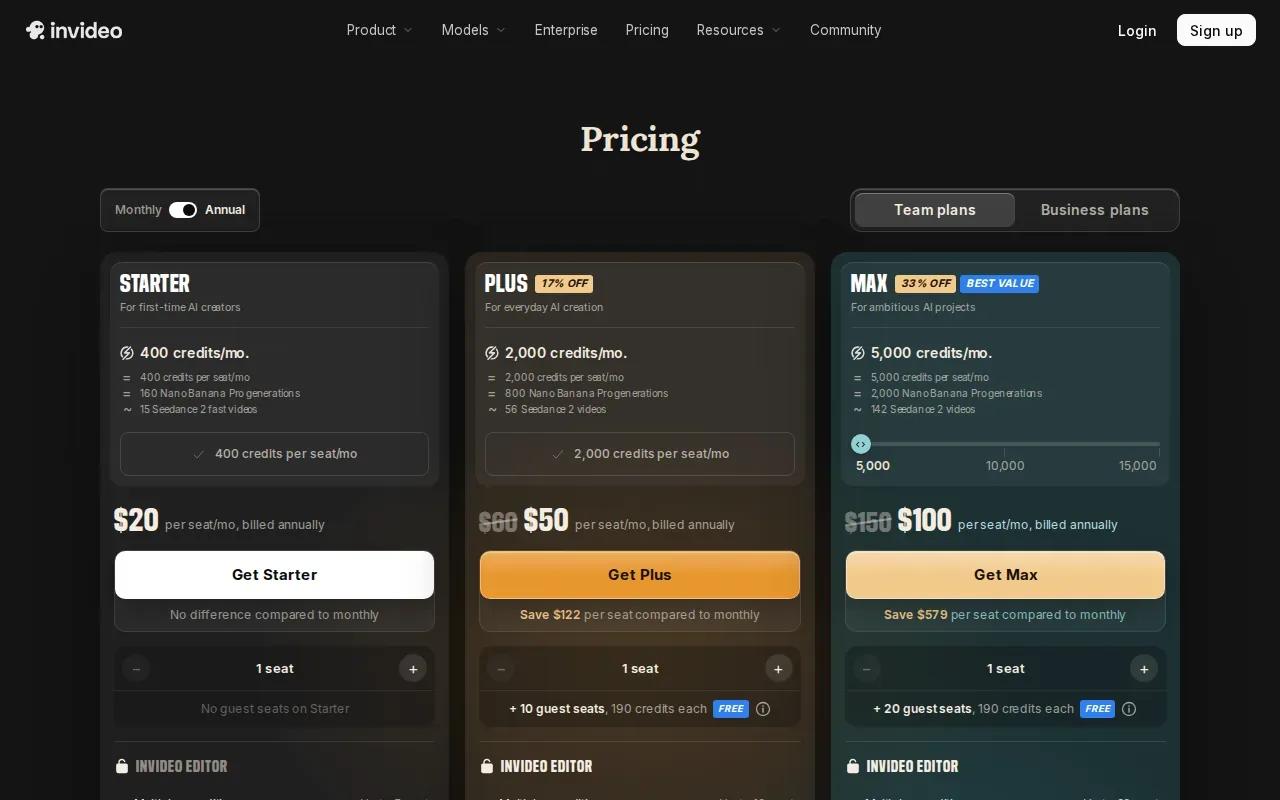
For example, you could plan one scene around a product image, then build the rest of the message with a script and edits. That’s a different job from animating one still for a quick loop. Match the tool to the format you need to publish.
Lip sync isn’t supported in the verified details. If a talking character is central to your ad, that’s a meaningful limit. Pricing and exact output settings aren’t confirmed here, so check current plan terms before making a team workflow around them.
InVideo AI makes more sense when script and scene structure are part of the task.
6. Seedance by ByteDance: Multi-shot generation
Seedance by ByteDance supports multi-shot video generation from text and images. It’s a fit for creators who want a sequence with more than one shot, rather than a single camera move over a still photo.
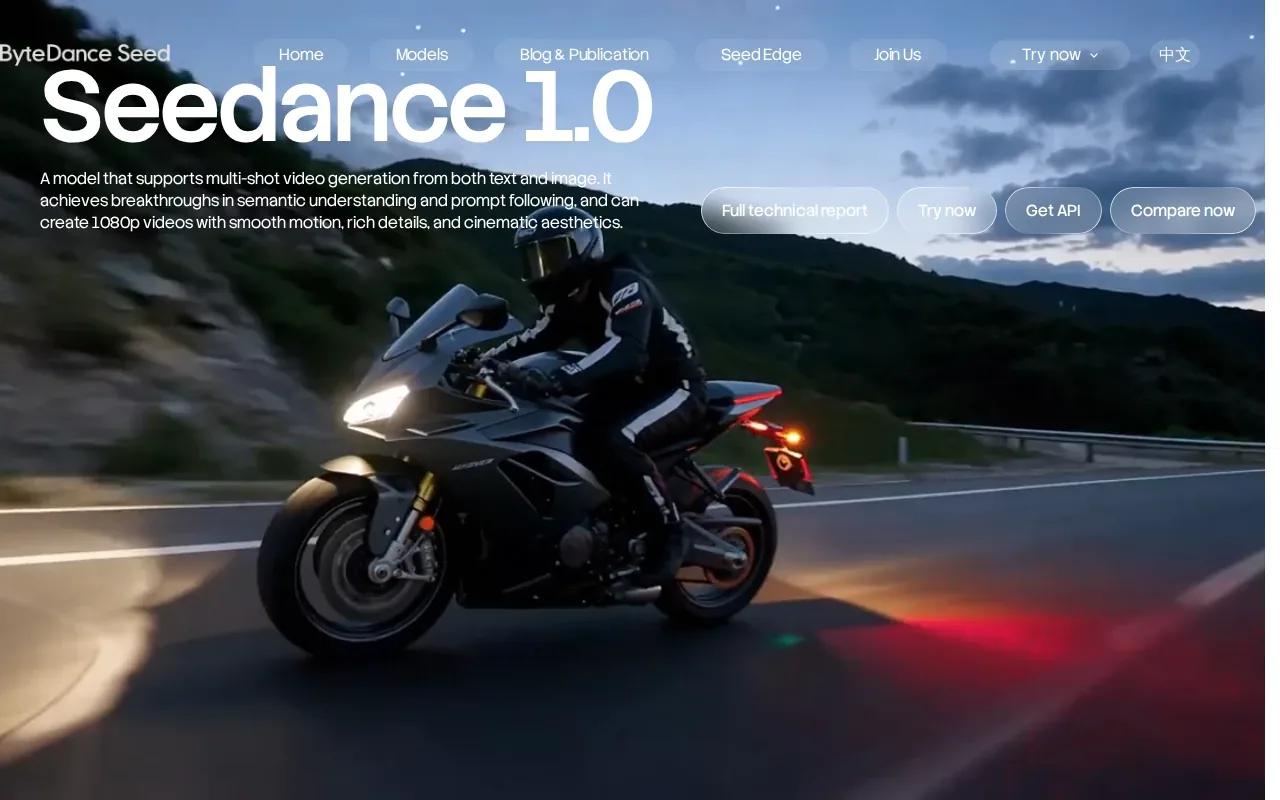
The verified details include 1080p video generation, with smooth motion and detailed visuals as stated capabilities. For a short product story, you could use an image as the starting point and describe how the scene should progress across shots.
Those specs don’t confirm a free tier, clip duration, or lip sync. Check the model and access terms you’ll use before promising a set delivery format to a client. A multi-shot workflow can add story shape, but it also needs a clear prompt to keep the sequence on brief.
Pick Seedance when a sequence matters more than a single animated product frame.
7. Pika: Quick short-form social clips
Pika is a good fit for short vertical social clips, especially when you want a fast, low-cost way to test a TikTok or Reel idea. Its free tier gives you 80 credits each month, with a 480p limit and image-to-video access only.
That makes Pika useful for trying a visual hook before spending more time on a polished version. Keep the clip’s role in mind: a low-resolution draft may help you judge movement, but it may not meet your final publishing needs.
Lip sync isn’t supported in the verified details. So if the on-screen person needs to say a line, Pika isn’t the match for that task. Use it for visual experiments, then check the output size and quality before you post.
8. Pictory: Repurposing content for short-form channels
Pictory is built for content marketers, faceless YouTube creators, and podcasters who want to repurpose long-form material into short clips. It also supports image-to-video, so you can animate a visual when a scene needs a custom asset.
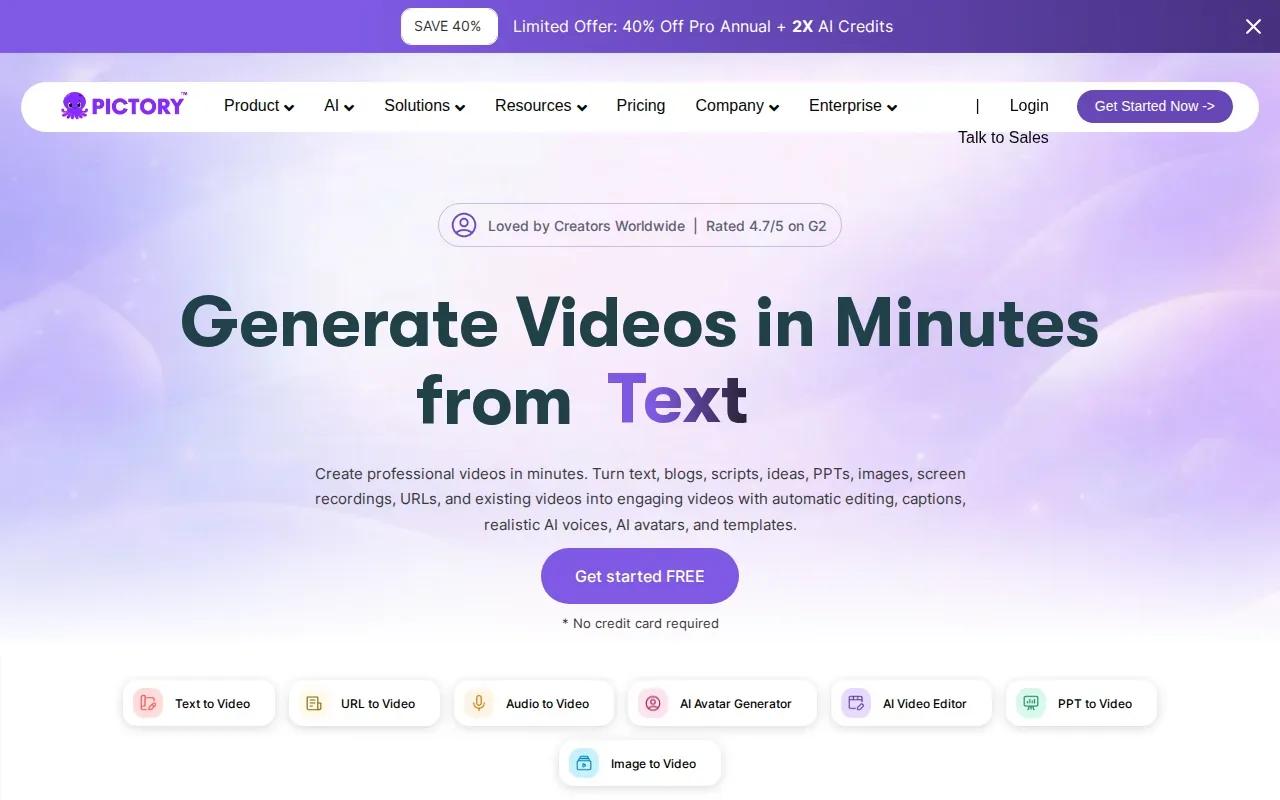
Its image-to-video feature uses models including PixVerse 5.5, Veo 3.1, and Veo 3.1 Fast. The broader workflow can include scripts, articles, audio, captions, and scene edits. That’s useful when your starting point is an existing piece of content, not only a product image.
Don’t choose it based on the model names alone. Decide whether you need a single animated still or a larger repurposing workflow, then check current access and export details for your plan.
Pictory may suit a content team with a backlog of material to turn into social clips.
9. PixVerse: Video generation for creative experiments
PixVerse focuses on video generation and creative experiments. Its workspace includes creative modes such as templates, effects, avatars, music, and multi-shot generation, along with settings for image and text inputs.
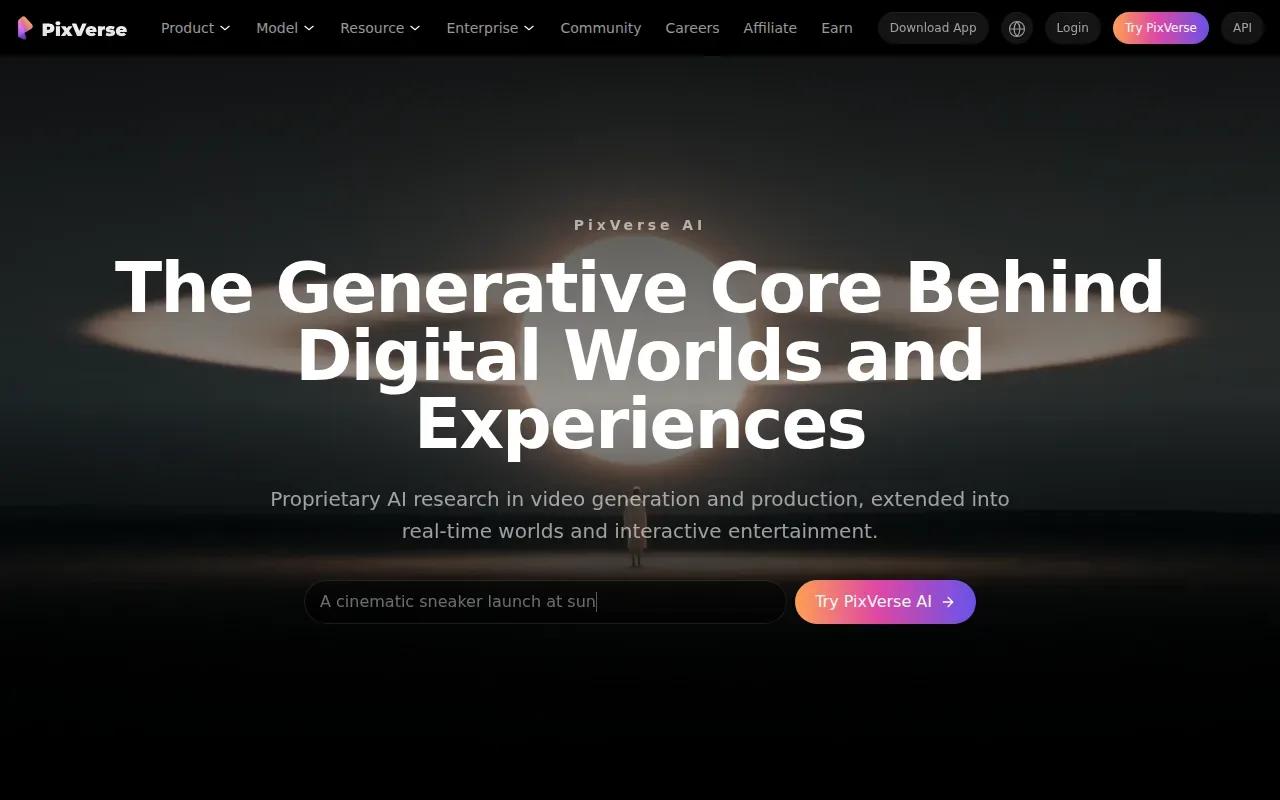
That range gives you room to try different directions for a clip. A small brand could test a stylized visual treatment before choosing what fits its feed. The available details also show controls for aspect ratio and duration, though they don’t verify a free credit allowance or a specific output resolution for every mode.
PixVerse’s supplied facts don’t confirm lip-sync support. If spoken dialogue is a must, verify that feature in the exact generation mode you plan to use.
It’s a useful option to explore when experimentation is the point of the clip.
10. OpenArt: Access to multiple models in one place
OpenArt puts access to more than 100 models for images, video, and music in one online workspace. It may fit a creator who wants to compare model outputs without moving between separate tools.
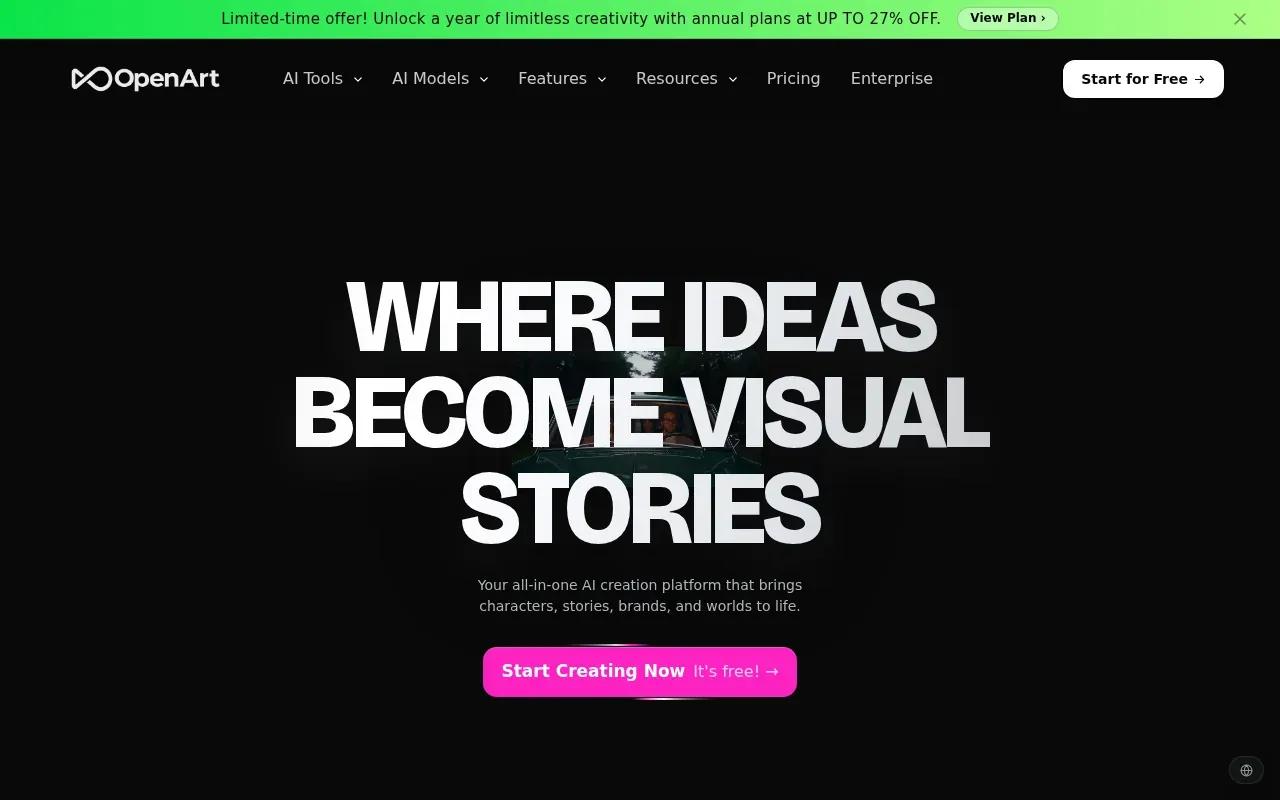
OpenArt’s broad model selection can make testing easier, but check which model is active before comparing results. Features, output limits, and access may differ by model. The research context doesn’t establish a lip-sync claim for this shortlist entry.
Choose OpenArt when model variety matters more than a single dedicated generation workflow.
Image-to-video AI generators compared
Use this table to narrow the shortlist by the job you need done. Free credits can make a first test cheaper, but they don’t tell you whether a tool fits your final clip. Resolution, dialogue, and scene structure matter too.
| Tool | Best fit | Free access detail | Audio or dialogue detail | Key check before you commit |
|---|---|---|---|---|
| Wan Studio | Promos with spoken lines | Try free | Wan 3.0 supports synchronized sound and lip-synced dialogue | Choose the Wan model and confirm output settings |
| Runway | Cinematic ads and creative control | 125 one-time credits | — | Credits are one-time, not monthly |
| Vidu by ShengShu Technology | Image-led social stories | — | — | Confirm access and export limits |
| Kling AI | Several creative asset types | — | Audio and avatars are listed; lip sync not confirmed | Check the selected model’s limits |
| InVideo AI | Scripted multi-scene projects | — | Lip sync not supported | Review plan and export options |
| Seedance by ByteDance | Multi-shot generation | — | — | Confirm length and access details |
| Pika | Short vertical tests | 80 credits per month, 480p | Lip sync not supported | Check whether 480p is enough |
| Pictory | Repurposing existing content | — | AI voices and avatars are listed; image-to-video lip sync not confirmed | Check the workflow and current plan |
| PixVerse | Creative experiments | — | — | Verify the chosen mode’s settings |
| OpenArt | Testing multiple models in one workspace | Free access is listed | Audio tools are listed; image-to-video lip sync not confirmed | Confirm model-specific limits |
Before you generate, prep the still image and write a short motion prompt. State what the subject does, then add one camera move. Set a vertical ratio for Reels or Shorts when the tool allows it. Choose duration and resolution based on the channel, then generate, review, and download the clip. Don’t assume every tool has the same controls.
For a product photo that needs to speak in a short ad, test Wan 3.0 with a simple image and one quoted line of dialogue in Wan Studio.
FAQ
What is an image to video AI generator?
An image to video AI generator animates a still image using a prompt. You upload a photo, describe the movement, set available options such as aspect ratio or duration, then generate and download the clip. The result may be a simple camera move or a more active scene. Check the tool’s output settings before you plan a final post.
Can I turn a product photo into a video ad?
Yes, many image-to-video tools can animate a product photo for an ad. Start with a clear image, then describe one action, such as a slow camera push or a gentle turn. If you want a character to speak, confirm lip sync and audio support first. Wan Studio supports synchronized sound and lip-synced dialogue through Wan 3.0.
Which image-to-video AI generator has a free tier?
Runway and Pika have specific free credit details in this shortlist. Runway gives 125 one-time credits, while Pika gives 80 credits each month and caps output at 480p. OpenArt lists free access, but its provided details don’t state a credit amount. Check the current terms before you rely on free access for ongoing work.
What resolution and aspect ratio should I choose?
Choose an aspect ratio that fits the channel before you generate. Vertical 9:16 suits Reels and Shorts, while horizontal 16:9 is common for landscape video. Resolution depends on the tool and model. The listed options range in their verified details, so check the settings in your chosen image-to-video generator rather than assuming every plan supports 1080p or 4K.
Can AI make a photo talk with lip sync?
Yes, but lip sync isn’t available in every image-to-video tool. Wan Studio’s Wan 3.0 supports dialogue with lip-synced speech and synchronized sound. InVideo AI and Pika don’t support lip sync in the verified details here. For other tools, check the exact model and mode before writing a spoken ad around the feature.
Conclusion
For a product clip that needs a speaking character, start with Wan Studio and test one image with a short line of dialogue. If your video only needs visual motion, compare the other tools by output settings and free access. Open Wan Studio in your browser and try a first-frame idea before you plan the full campaign.