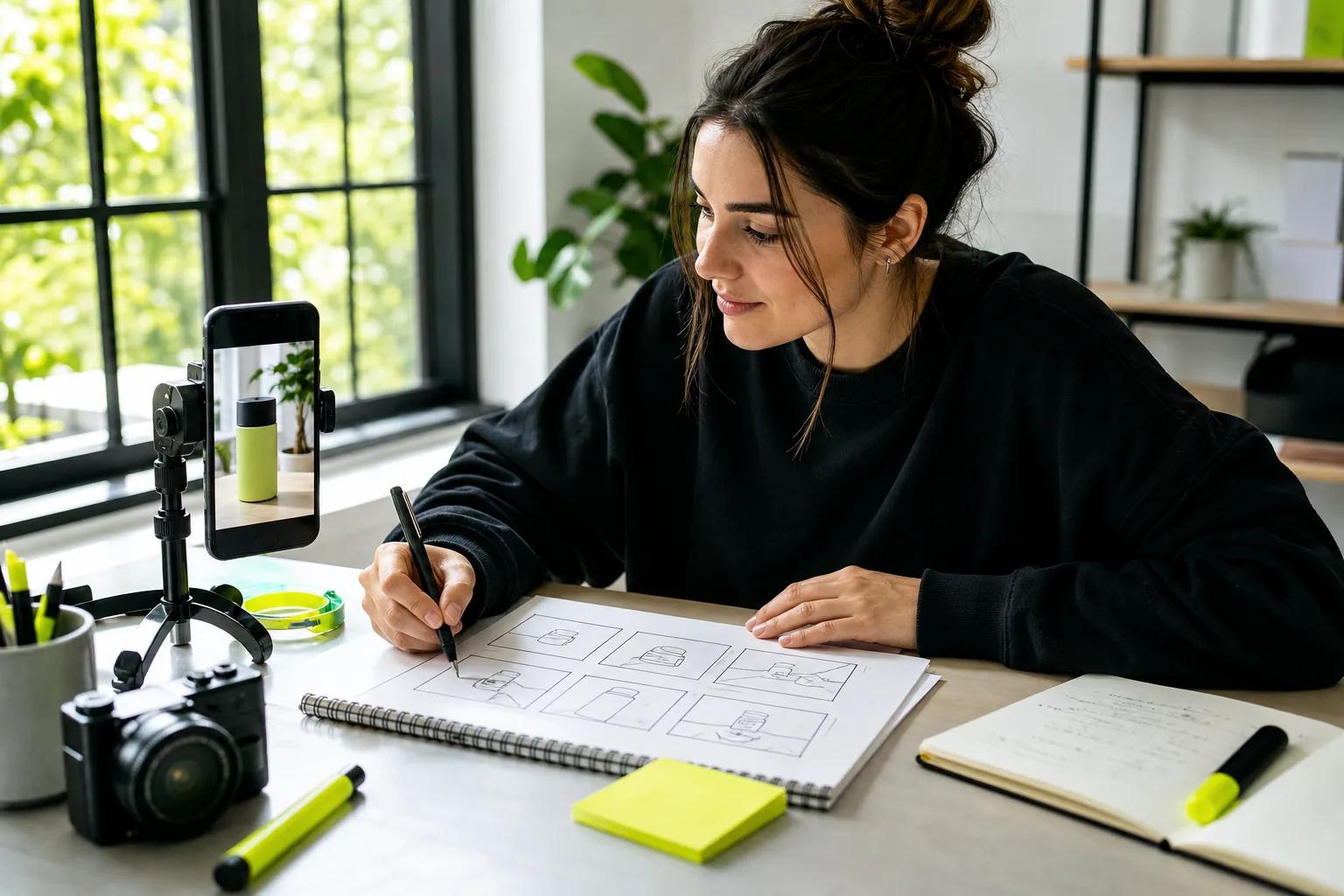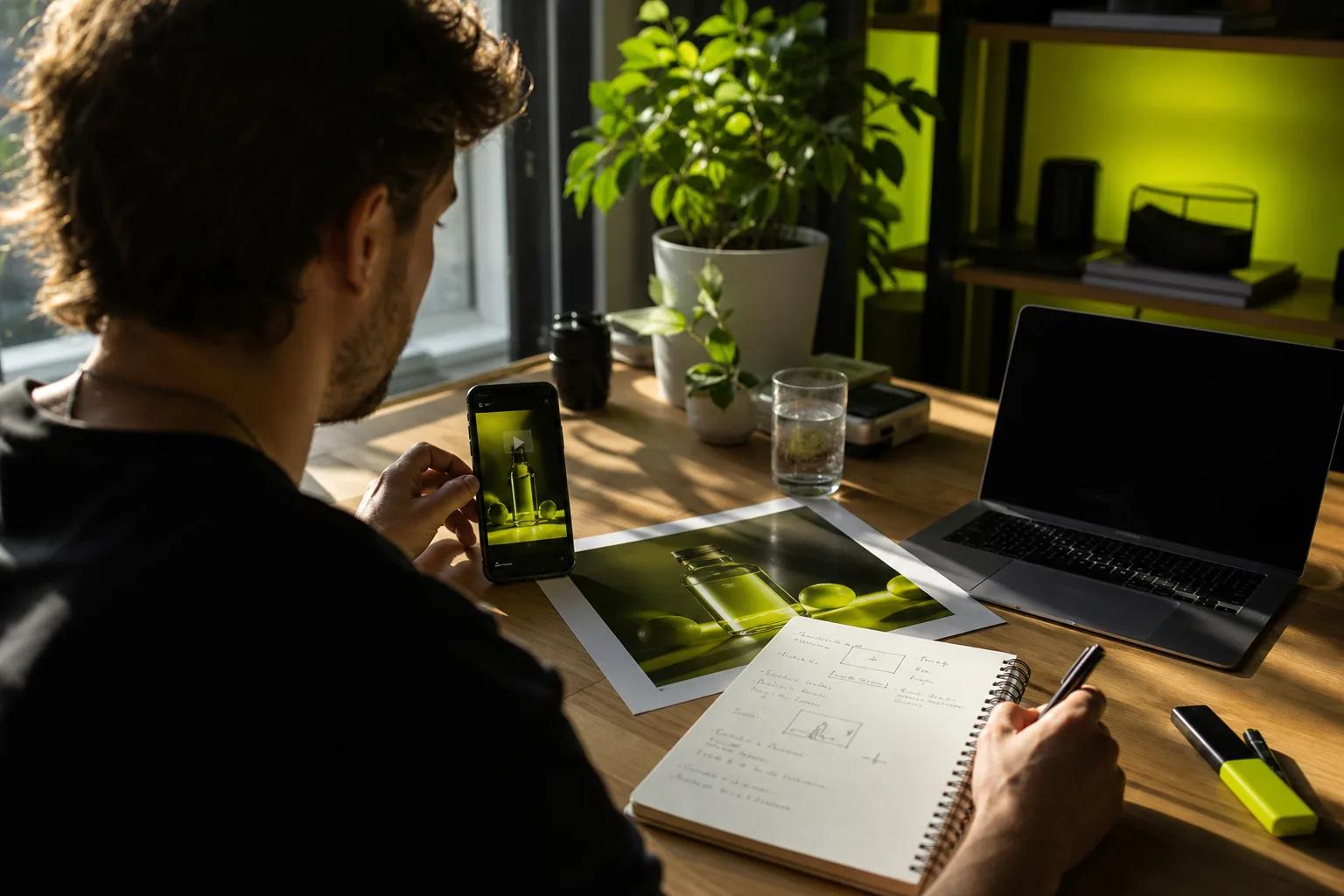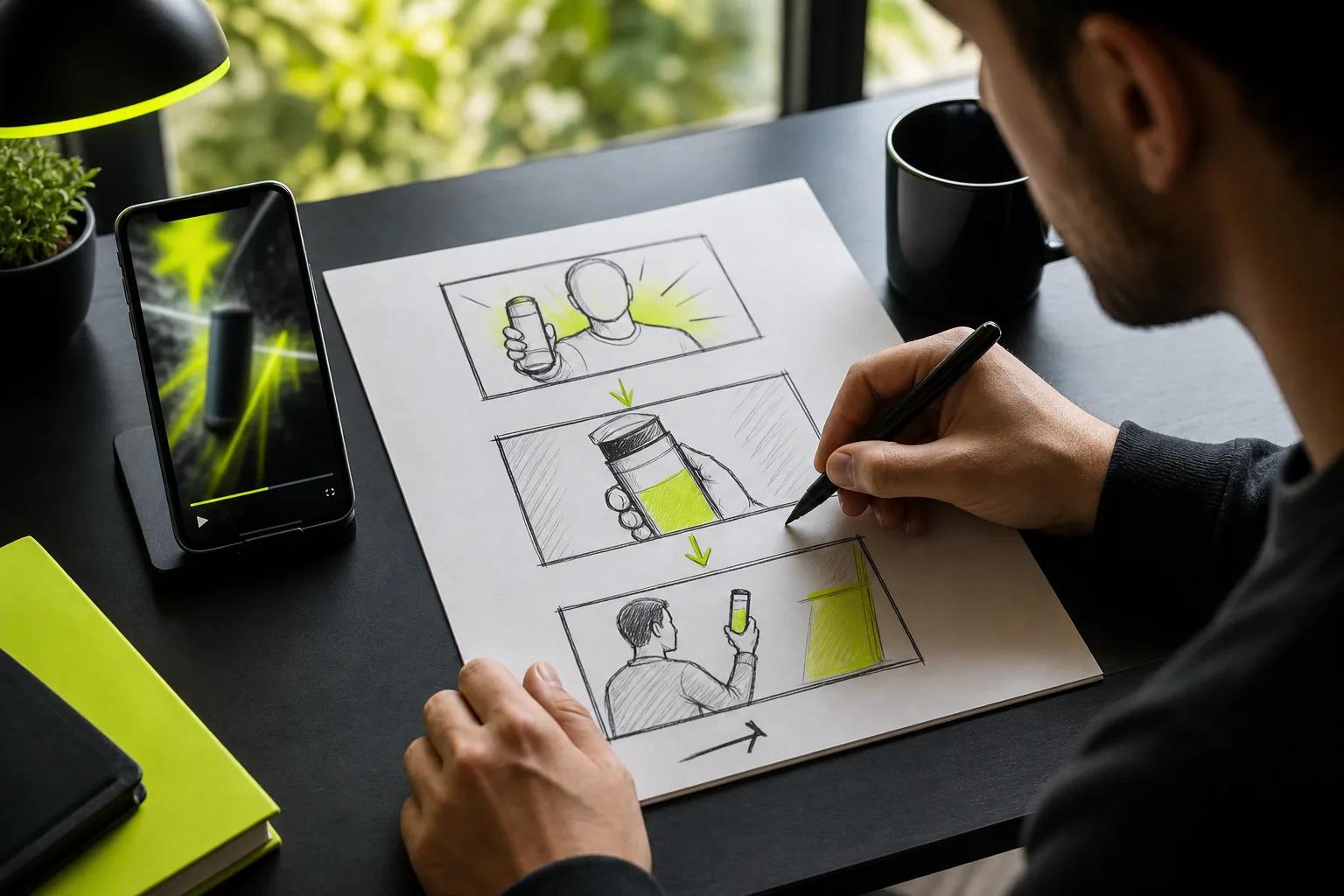
A still photo can become a short social clip without a camera crew. The best AI image animation tool for you depends on how much control you need over motion, sound, and the final frame. Here are four options, starting with Wan Studio, and the jobs each one fits.
1. Wan Studio
Wan Studio is a browser-based tool for turning prompts or images into short videos. It’s a strong fit for social creators, small businesses, and marketers who want to make a product spot or character scene without filming.
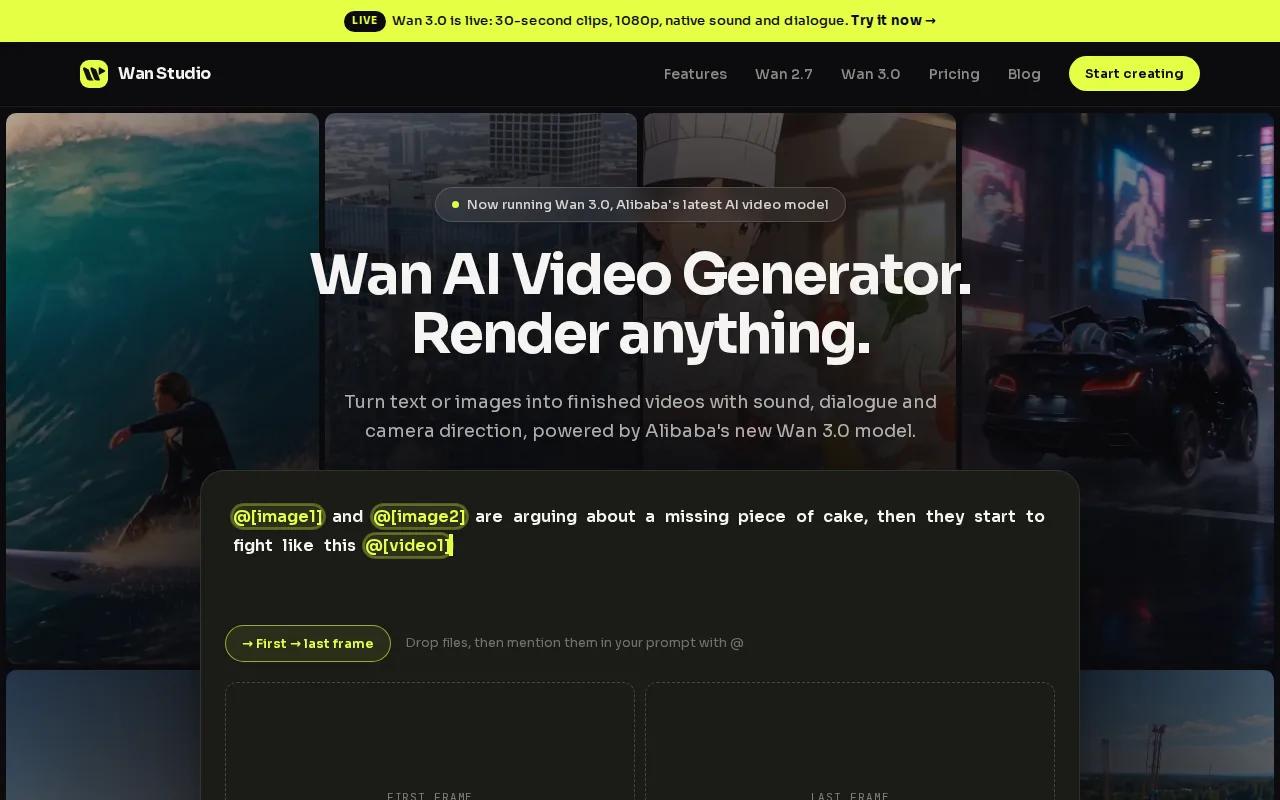
Start with a product photo as the first frame, then describe one clear action and a camera move. For example, ask for a slow push toward a jar as sunlight moves across the label. Wan 3.0 can make clips up to 30 seconds, with options up to 1080p. You can set a vertical, square, or landscape frame, depending on where the video will run.
Wan 3.0 generates native sound, music, and lip-synced dialogue in the same pass as the video. Put a character’s line in quotes when you want them to speak. Review the clip before posting, especially if the words or product details need to be exact.
Start with a low-cost test. Wan Studio’s free plan includes a couple of Wan 2.5 videos each month at 480p, with no card required. Paid plans start at $14 a month and include a commercial licence. The free plan is for trying the tool, not for commercial use. See the Wan 2.5 model details before you choose a starting point.
For more control, Wan 2.7 supports image and video references, plus first-and-last-frame control. You can pin the opening image and closing image, then ask the model to animate the motion between them. It also has video edit mode, where you describe a change to an uploaded clip.
2. Runway: Deeper editing for cinematic product and fashion clips
Runway is a close alternative for creators who want more control over a shot. It fits product reveals, AI portraits, fashion images, and cinematic stills. Filmmakers can use it to block out a sequence before a shoot, while marketing teams can shape a more directed product clip.
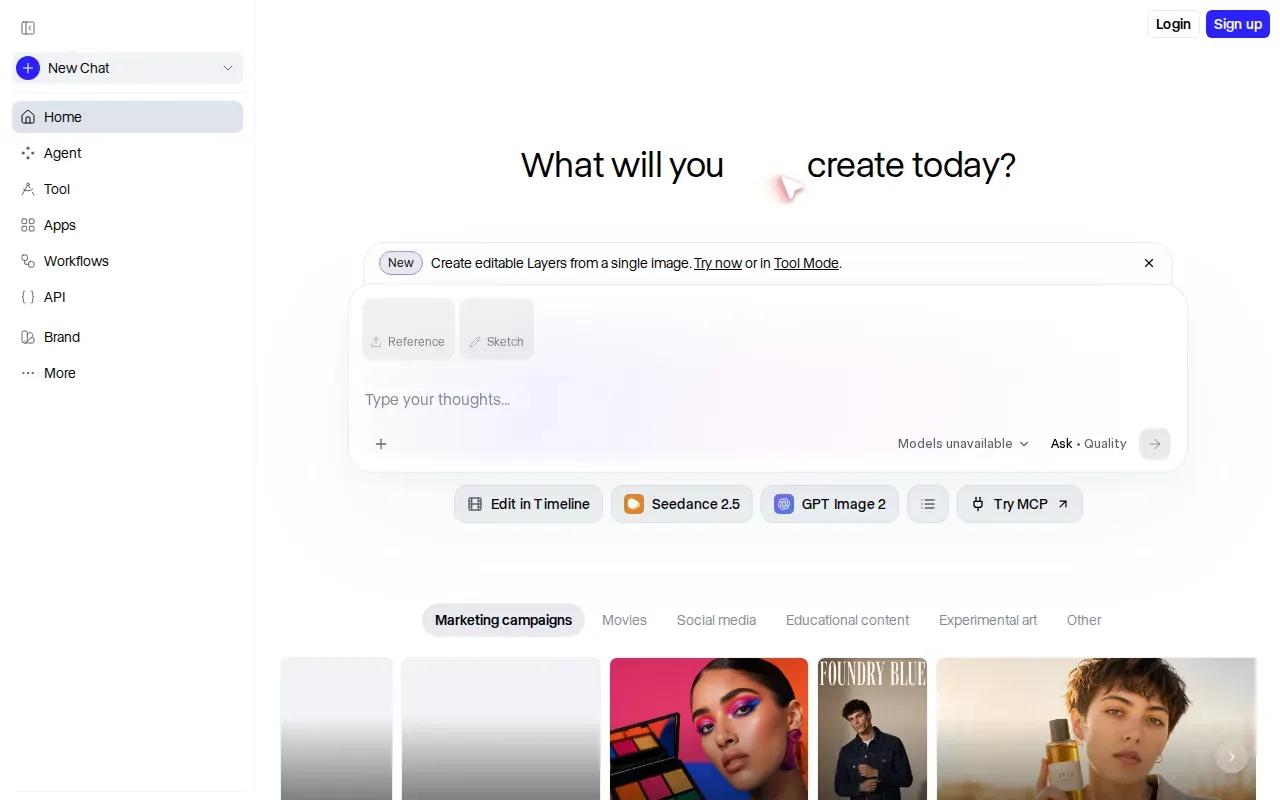
Its image-to-video workflow starts with a still image and a motion prompt. The image anchors the scene. Your prompt can then focus on what changes, such as a slow camera push or a portrait turning toward the lens. That’s useful when the source image already has the look you want and you don’t want a text prompt to rebuild the whole scene from scratch.
Runway’s editing depth is the main reason to consider it over a quicker effects tool. Its motion brush lets you mark parts of an image to move, while camera controls guide the shot. That can help when a fashion image needs fabric motion but the subject’s pose should stay calm, or when a product reveal needs a specific camera move rather than general movement.
Keep your first test simple. Upload the still, ask for one subject action, and add one camera direction. Check the face, product shape, and edges in the result. If an important detail shifts, simplify the motion request and try again.
Runway makes more sense when you’ll use those controls across a creative workflow. For a fast trend clip built around a bold visual effect, Pika may be a better fit.
3. Pika: Fast portrait animation and playful social effects
Pika is useful for quick portrait effects, playful transformations, and short social clips. Pick it when the idea needs a strong visual gag or a burst of motion, not a lifelike product demo.
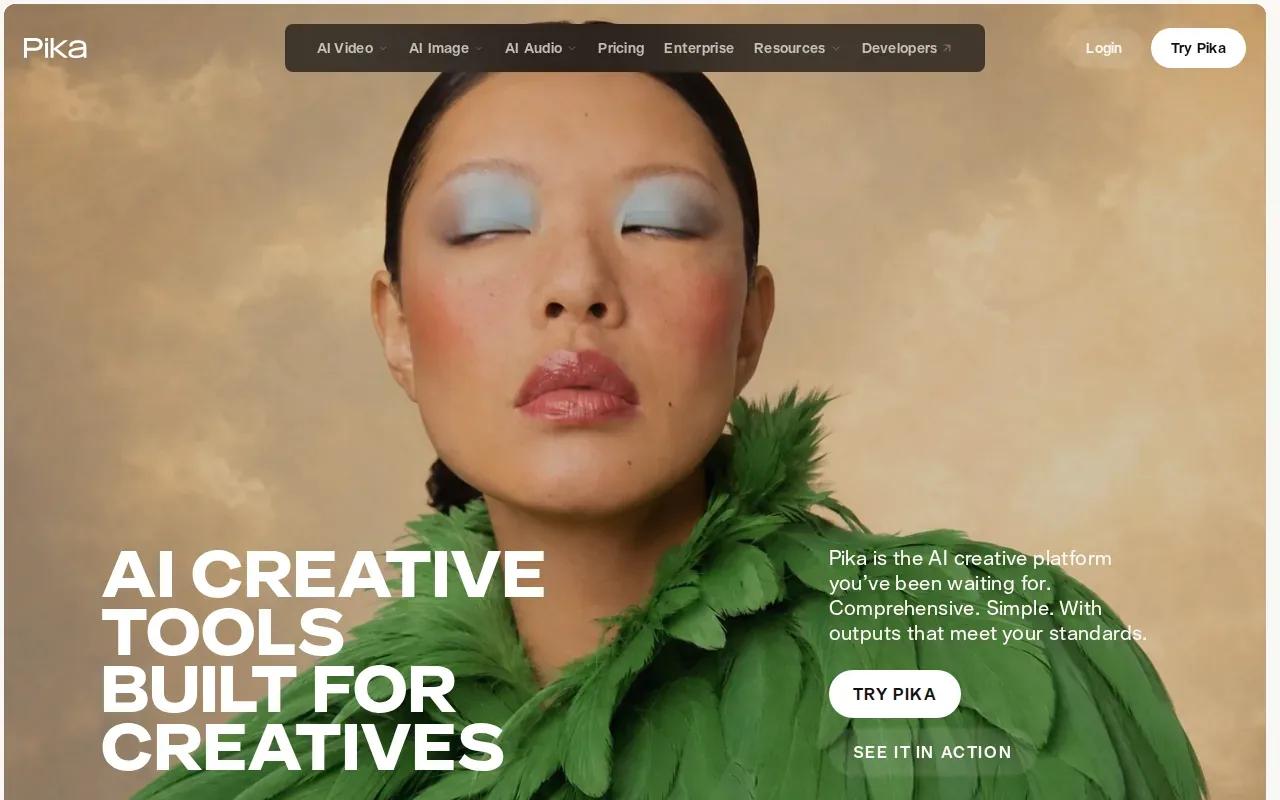
Pika offers playful transformations that can turn a portrait or other source image into a stylized clip made for a short social post. This is a different goal from keeping every detail of a photo untouched. The effect is the point, so Pika fits a lighthearted clip better than a careful product shot where the label must stay exact.
That focus can help when your team needs to react to a trend before it fades. Start with a clear photo and one effect idea. Generate a short clip, then check whether the face or main subject still reads well at phone size. If the transformation hides the point of the post, choose a gentler effect or a different image.
Pika is also worth considering for fast portrait animation. Its strength is speed and playful style, so set expectations accordingly: choose another tool if your project depends on detailed camera direction or close visual matching to the source.
Use Pika for the post that should make someone stop scrolling because something unexpected happens. For a more directed shot, Runway gives you additional motion controls; for exact start and end frames, look at Vidu.
4. Vidu: Start-and-end-frame control for short animations
Vidu animates a still photo with control over the start and end frames. It suits creators working with character-based photos, illustrators bringing artwork to life, and anyone who needs the same subject to carry across a series of image-led clips.
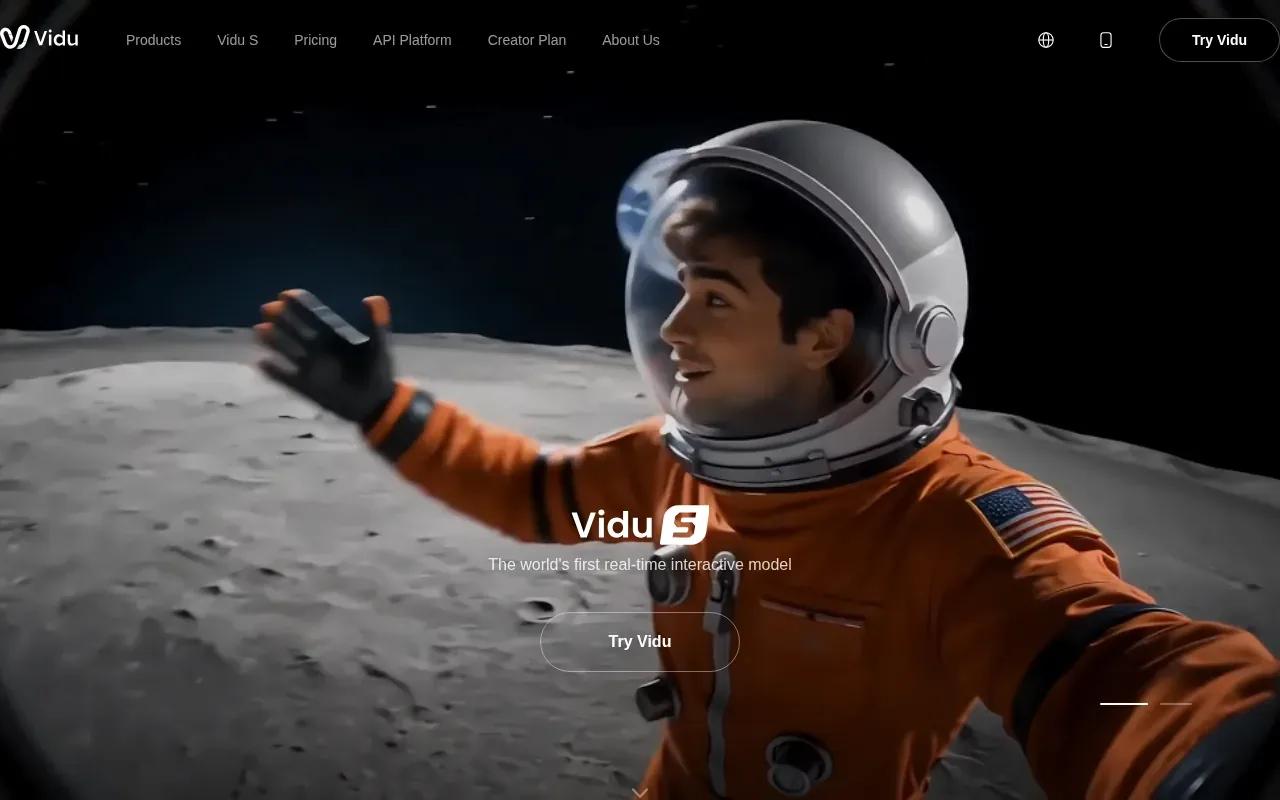
Frame control gives you a clearer target than a prompt alone. Supply an opening frame and a closing frame, then generate the motion between them. That approach can help with a simple loop or a short transition where you already know how the shot should begin and finish.
Vidu’s standard clips run 6 to 8 seconds. ViduQ3 mode supports clips from 11 to 16 seconds. Free access includes 40 credits a month and 720p output; the free tier doesn’t include a commercial licence. Higher plans include 4K upscaling. Check the current terms before using a free-tier clip in an ad or other paid campaign.
For character art, begin with a clean image and ask for restrained movement. A slight head turn or gentle shift is easier to judge than several actions at once. Watch for changes to line work, clothing, and facial shape. If the subject drifts, revise the prompt or adjust the frames rather than adding more motion directions.
Vidu is a good match when the visual endpoint matters as much as the opening image. For a longer scene with sound or spoken dialogue, compare its short-clip focus with Wan Studio’s model options.
AI Image Animation Tools Compared
Each tool solves a different problem. Use this table to narrow the choice by the kind of input and control your next video needs.
| Tool | Good fit | Motion and control | Output details |
|---|---|---|---|
| Wan Studio | Social ads, product clips, and character scenes | Wan 3.0 uses prompts or a first-frame image. Wan 2.7 adds references and first-and-last-frame control. | Wan 3.0 supports up to 30 seconds and 1080p. Wan 2.5 free access is 480p. |
| Runway | Cinematic product, fashion, and portrait shots | Motion brush and camera controls support directed movement. | Image-to-video clips commonly run 5 to 10 seconds. |
| Pika | Playful portraits and effect-led social posts | Pika offers fast portrait animation and playful transformations. | Use it for short-form effects rather than strict realism. |
| Vidu | Character art and image-led sequences | Start-and-end-frame control guides the motion path. | 6 to 8 seconds standard; 11 to 16 seconds with ViduQ3. Free output is 720p. |
For any of these tools, the source image affects the result. A clear subject and simple background make it easier to judge the motion. Product edges, small text, faces, and hands deserve a close check before you publish. If you need an exact logo or label, treat the generated clip as a draft until you’ve confirmed it stayed intact.
The right choice also depends on the job. A portrait effect can succeed even when the motion is exaggerated. A product ad needs the item to remain recognizable. A character sequence needs the same design to hold from shot to shot.
FAQ
What is AI image animation?
AI image animation turns a still image into a moving video clip. You upload a photo or illustration, then guide the motion with a prompt or frame controls. Depending on the tool and model, the result may include camera movement, a subject action, sound, or dialogue. It’s a generated video, so review details before sharing it.
Can I animate a photo for free?
Yes, some tools include free access, but the limits vary. Wan Studio’s free plan includes a couple of Wan 2.5 videos each month at 480p, with no card required. Vidu’s free tier includes 40 credits a month and 720p output. Check commercial-use terms before using a free result in an ad.
Which tool is best for product photos?
Wan Studio is a good starting point for a product photo that needs to become a social clip with generated sound. Runway fits a shot that needs more direction over motion or camera movement. Keep the prompt to one main action, then inspect the product shape and label in the finished video.
How long should an AI-animated social clip be?
Keep the clip as short as the idea allows. Vidu’s standard maximum is 6 to 8 seconds, while ViduQ3 supports 11 to 16 seconds. Wan 3.0 supports clips up to 30 seconds. A longer limit doesn’t mean every post needs a longer video; choose a duration that gives the action room without adding empty time.
Can AI image animation include speech and music?
Yes, Wan 2.5 and Wan 3.0 can generate sound, music, and lip-synced dialogue with the video. Put the line you want spoken in quotes in your prompt, then check the audio and mouth movement in the result. Don’t assume every image animation tool includes speech or sound.
Conclusion
For social videos that need image-to-video, generated sound, or dialogue, start with Wan Studio. Try a short clip using a photo you already have, then review the motion and details before you publish. For a step-by-step photo workflow, see how to turn a photo into a video.