Want to turn a product photo into a short ad without setting up a shoot? An AI product video generator can turn images, prompts, or existing content into video, but sound, character consistency, and clip limits vary. Here are six tools, plus Wan Studio, and the work each one fits best.
1. Wan Studio
Wan Studio is a browser-based AI video creation platform for turning text prompts or images into short videos. It’s the first pick here for small businesses and creators who want to animate a product photo, describe a scene, and get a clip without filming.
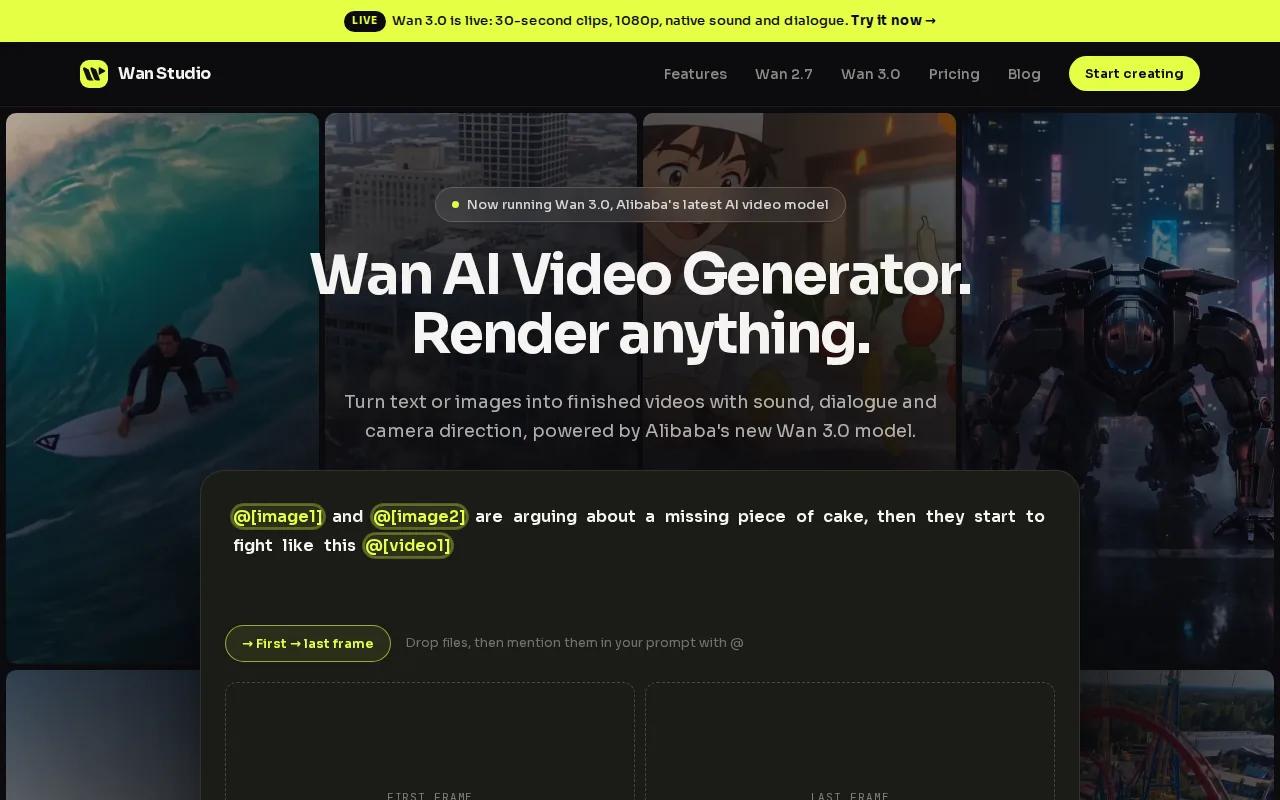
For a simple product spot, start with a clear first frame. Then describe the camera move and the action: a slow push toward the jar, sunlight crossing the label, or a hand picking up the item. Wan models can generate synchronized sound, music, and lip-synced dialogue. Results depend on the model and prompt, so review the sound and mouth movement before you publish.
Wan 3.0 supports clips up to 30 seconds and output up to 1080p. That gives you room for a brief product story, rather than only a few seconds of teaser footage. You can also keep the prompt focused on one action, then make a quick edit if the first version misses the mark.
If you want to see how a still image can become a moving clip, Wan Studio’s image-to-video tool comparison covers that workflow. Check your plan’s current generation limits and usage terms before building a campaign around a specific model.
2. HeyGen: product demos and social explainers
HeyGen is a fit for product demos or social explainers built around a presenter. It makes more sense when someone needs to explain how a product works than when you want a cinematic shot of the product itself.
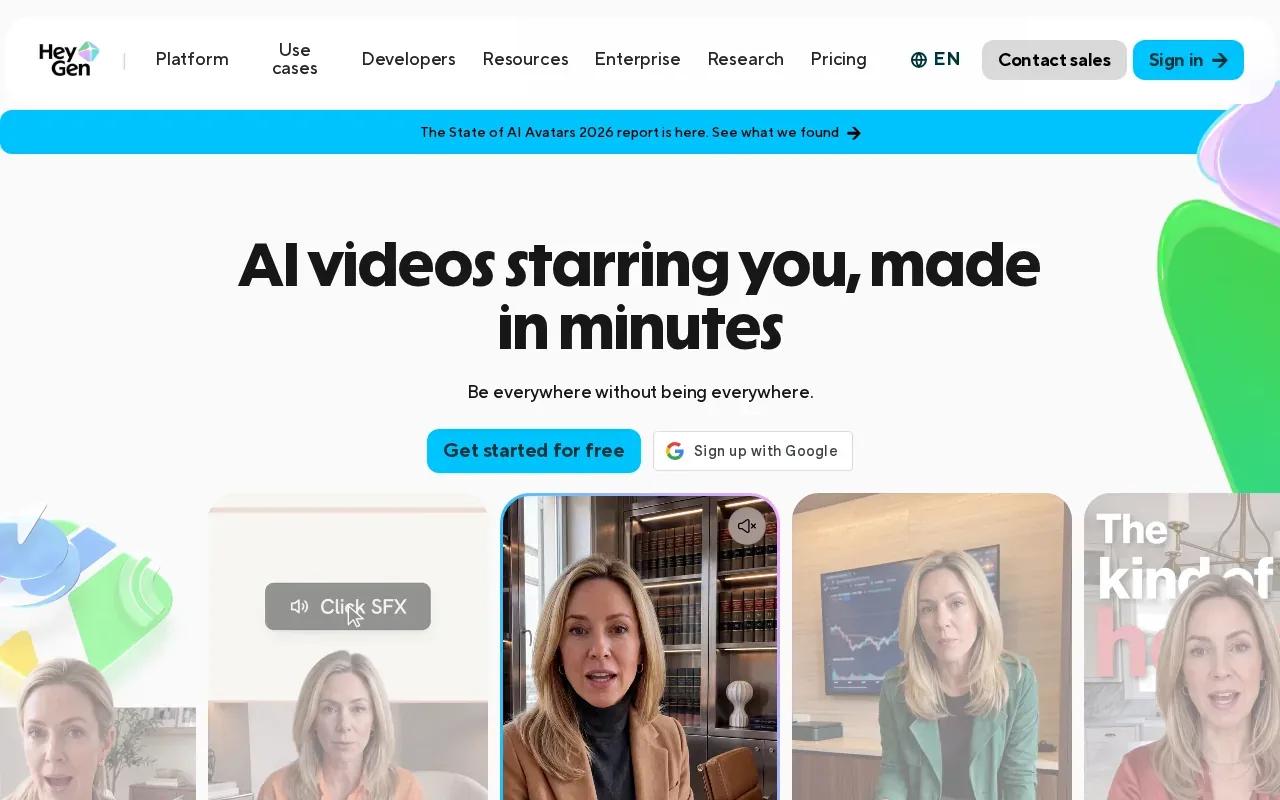
For a short social ad, you can keep the script brief and build around one clear benefit.
HeyGen supports lip sync. Review names, product terms, and translated speech before sharing.
The trade-off is style. A presenter-led video won’t automatically give you the close-up product motion an ecommerce spot may need. Use it when the spoken explanation is the point.
3. Pictory: repurposing existing content into social clips
Pictory fits content marketers, podcasters, and creators who already have long-form material and want social-ready clips. Instead of starting with a blank prompt, start with a blog post, webinar transcript, or recording you’ve already made.
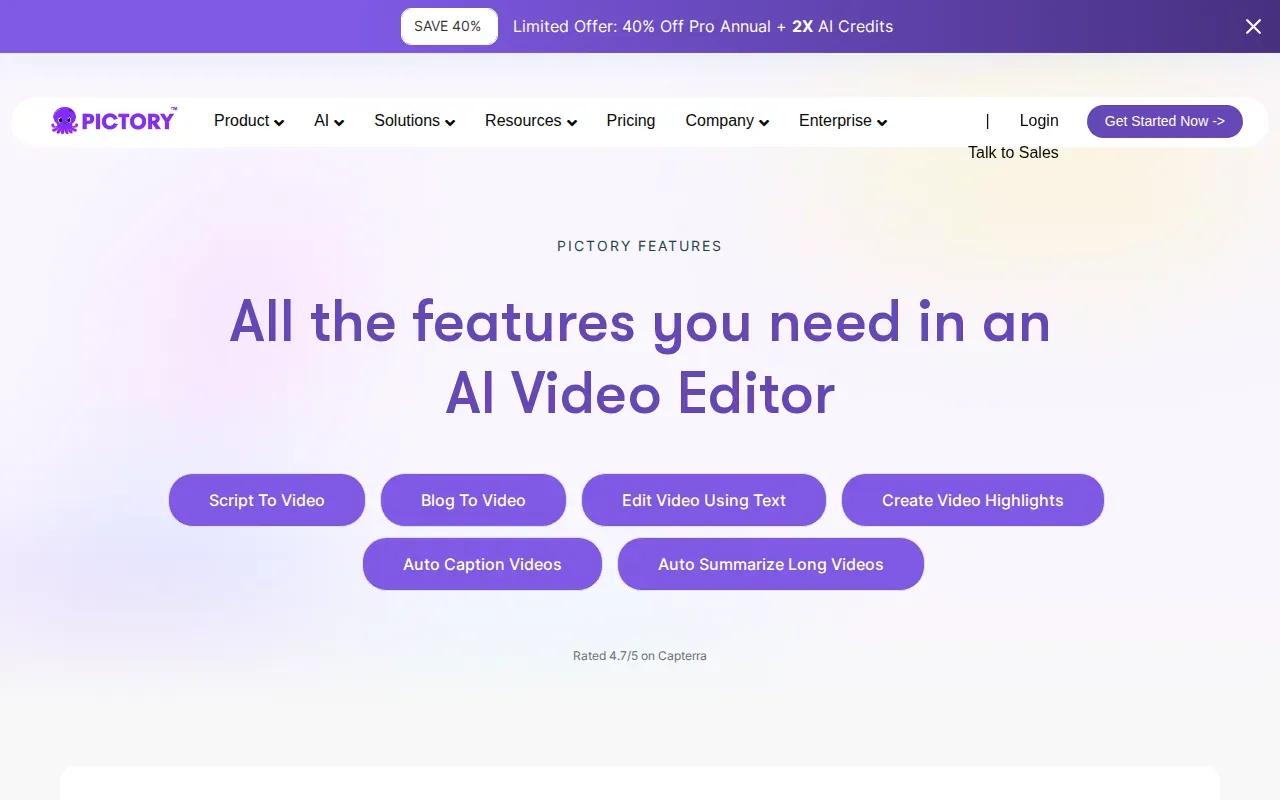
That input-first workflow helps when you need several short edits from one source. Pick the section with a clear takeaway, then check whether the selected visuals match the words. Pictory’s supplied product information describes turning long-form assets into short videos with narration and captions. That makes it useful for clips where the message matters more than showing a product in a new setting.
An AI video generator can turn text or other inputs into generated media, but the result still needs a human check. Background reading is available. For a product campaign, make sure each clip keeps the right offer and product details. A useful edit can still go wrong if the visuals imply a feature your product doesn’t have.
Pictory’s main limitation for this shortlist is its repurposing focus. If your only asset is a product image and you want new motion, a tool built around image-to-video may be a closer fit.
4. Veo 3 by Google: short, polished teaser footage
Veo 3 by Google is best suited to short teaser ads and hero-banner footage. Its stated clip lengths are 4, 6, or 8 seconds, with output at 720p or 1080p. That makes it a better fit for a visual hook than a long product walkthrough.
Think of a single shot: a product rotates as the camera moves closer, or a detail catches a beam of light. A short clip can work as the opening beat of an ad, but it may not leave space for a full explanation or several product benefits. Plan the message around the short runtime instead of trying to squeeze in a full script.
Set a clear goal for each generation so you can judge the result quickly.
For a product teaser, a spoken line is only useful if it fits the shot and sounds right. Keep the scene simple, then check the final audio and image together.
5. Sora 2 by OpenAI: quick visual ideation and concept reels
Sora 2 by OpenAI is a choice for quick visual ideation and concept reels. Use it to explore a look or campaign idea before spending time on a finished ad. It may help you test whether a scene feels playful, dramatic, or calm.
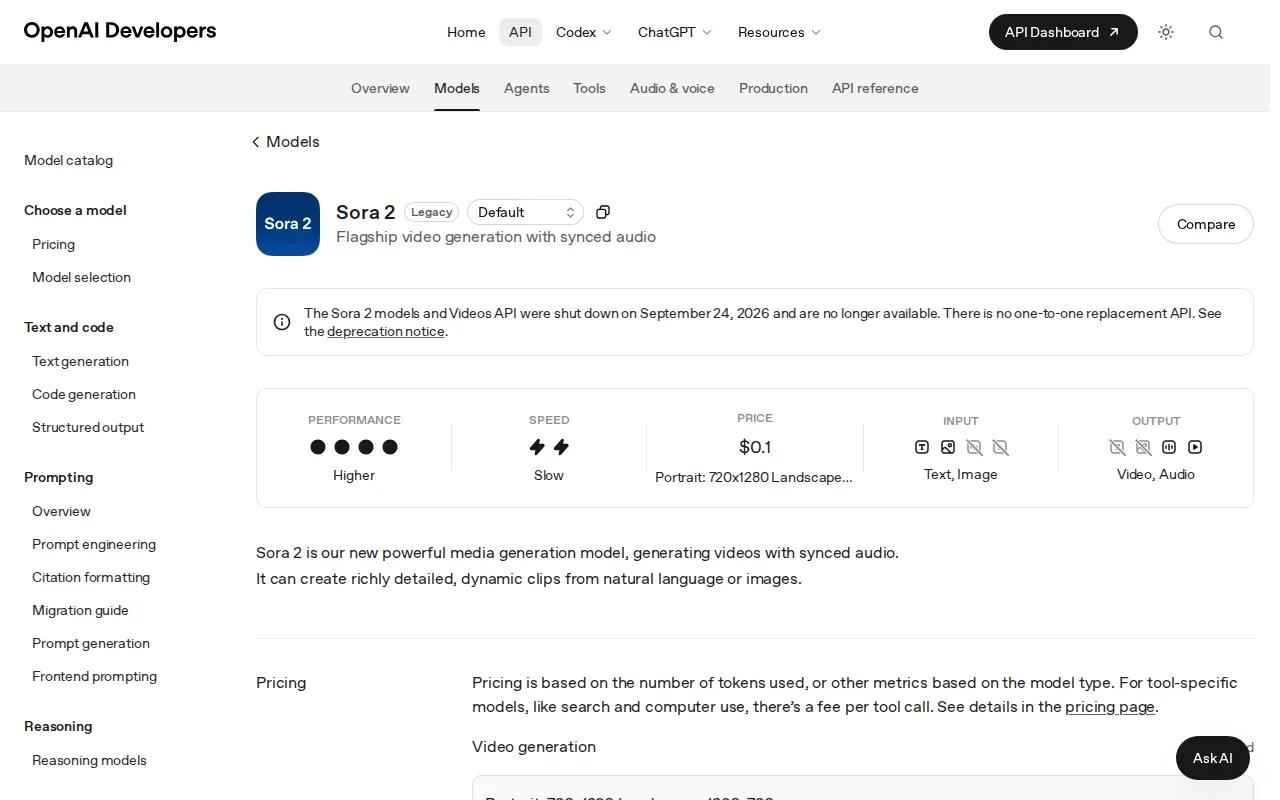
Pro subscribers pay $200 per month for clips up to 25 seconds. That price is a major decision point. If you only need one short product concept, consider whether the paid runtime and plan fit your actual use.
Use a concept clip as a visual reference, then add approved audio in your normal editing workflow.
Generated footage can look compelling while still changing small product details. Inspect the label, shape, and color before using a concept as a product claim. Keep it as mood exploration if the item itself isn’t accurate.
6. Synthesia: product education and localized presentations
Synthesia is built for training, onboarding, and localized presentations. It’s a useful fit when a person needs to explain a product or process in several languages, rather than when you need a fast-moving visual ad.
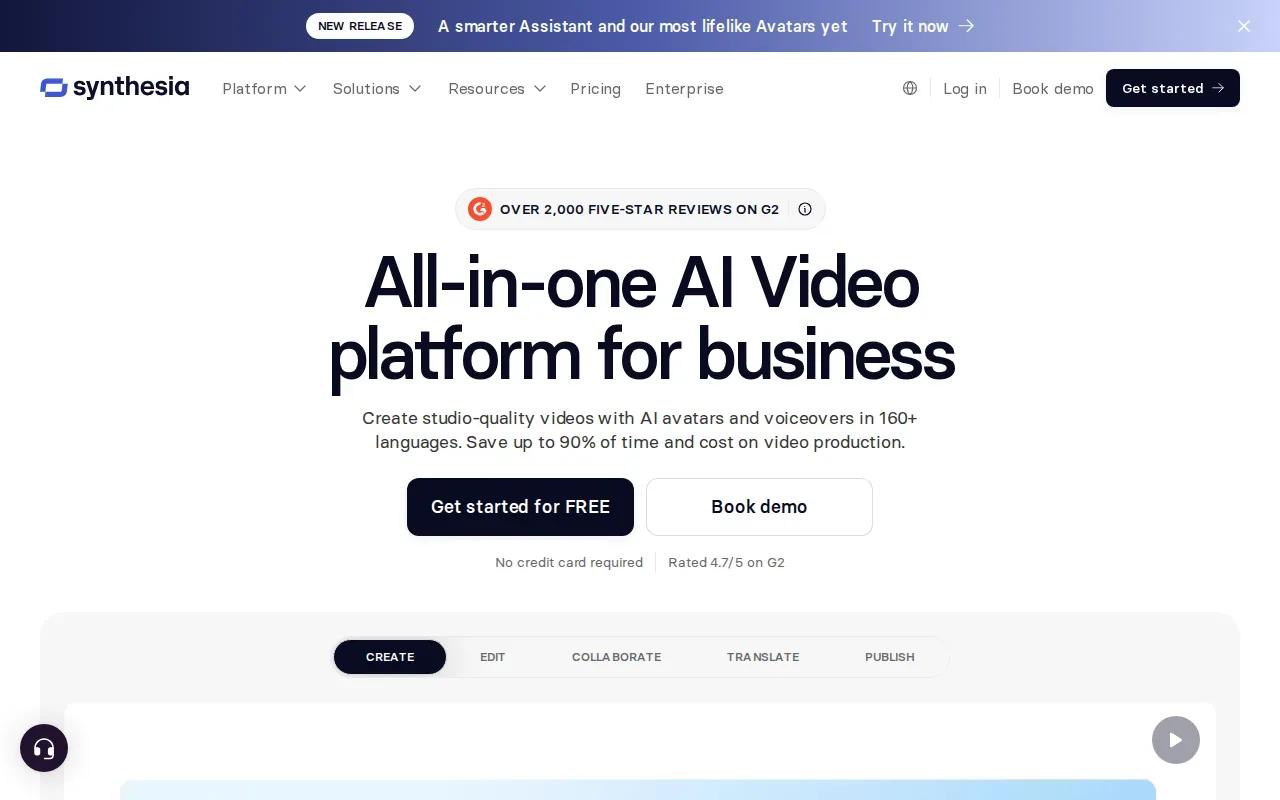
Pricing starts at $18 per month when billed yearly, or $29 month-to-month for the Starter tier. For teams making localized training or onboarding videos, compare the script and spoken version in each language before publishing. Review pronunciation and on-screen details; a correct translation can’t fix an incorrect product step.
When product instructions change, review each version so the script and on-screen steps remain accurate.
For an ad built around a moving product image, this may be more presenter-focused than you need. For a customer education clip with a spoken script, the fit is clearer.
7. OpenArt: character-driven social video and UGC-style concepts
OpenArt suits creators making character-driven series, UGC-style concepts, or short dramatic posts for TikTok and Reels. Its supplied details say character references can help keep a character visually consistent across scenes. That can be useful when the same on-screen person returns in more than one clip.
OpenArt Director lets you lay out a storyboard and refine shots through chat. The listed video generator can make clips up to 15 seconds, with output up to 4K. Those options make it easier to plan a short sequence, but they don’t remove the need to check every shot for visual drift.
| Use case | What OpenArt brings | What to check |
|---|---|---|
| Repeat character in a series | Saved character references for reuse | Face and clothing across each scene |
| Short social story | Storyboard and shot refinement tools | Whether the action reads within 15 seconds |
| Spoken character clip | Listed lip-sync and voice tools | Speech timing and mouth movement |
Test a short line before making a set of ads around a character. If the character’s face is central to your brand, visual consistency matters as much as the first clip’s polish.
FAQ
What is an AI product video generator?
An AI product video generator turns inputs such as a product image, a written prompt, or existing content into video. Some tools focus on moving images, while others build presenter-led explainers or repurpose longer material. You still need to review the result for correct product details, clear wording, sound quality, and fit for the platform where you’ll post it.
Can I make a product video from a photo?
Yes, some AI product video generators can animate a still image. Start with a clear photo and describe one motion, such as a slow camera push or a hand lifting the item. Then check that the product’s shape, color, and label remain accurate. A generated clip can look polished and still alter a small detail.
Which AI product video generator is best for social ads?
For prompt- or image-led short ads with generated sound, Wan Studio is a strong fit in this shortlist. HeyGen and Synthesia suit videos where a presenter explains the product. Pictory is useful when you’re turning existing long-form material into clips. The best fit depends on whether your source is a photo, a script, or a finished recording.
Are AI product video generators free?
Some have free access, while paid plans or usage fees apply to others. The options here include a stated per-render cost for Veo 3 and monthly prices for HeyGen, Sora 2 Pro, and Synthesia. Check the current plan terms before you commit, including export quality, clip length, watermarks, and how generation usage is counted.
Conclusion
For short product ads that begin with a prompt or image, start with Wan Studio and review the first render for product accuracy, sound, and framing. Your next step is to create a short test clip with one clear action, then decide whether its output fits the channel you plan to use.