A promo can look polished and still need extra work if the voice and mouth movements don’t line up. These five AI promotional video tools take different routes, from turning a product photo into a short scene to building an ad around an AI presenter.
Wan Studio is our recommendation for creators who want to make prompt- or image-led clips with sound in a browser. The other options below suit presenter-led videos, scripted promos, or more directed cinematic shots.
1. Wan Studio
Wan Studio is a browser-based AI video creation platform for turning text prompts and images into short promotional clips. It’s best for social creators, small business owners, and marketers who want to start with a product photo or a written scene instead of setting up a shoot.
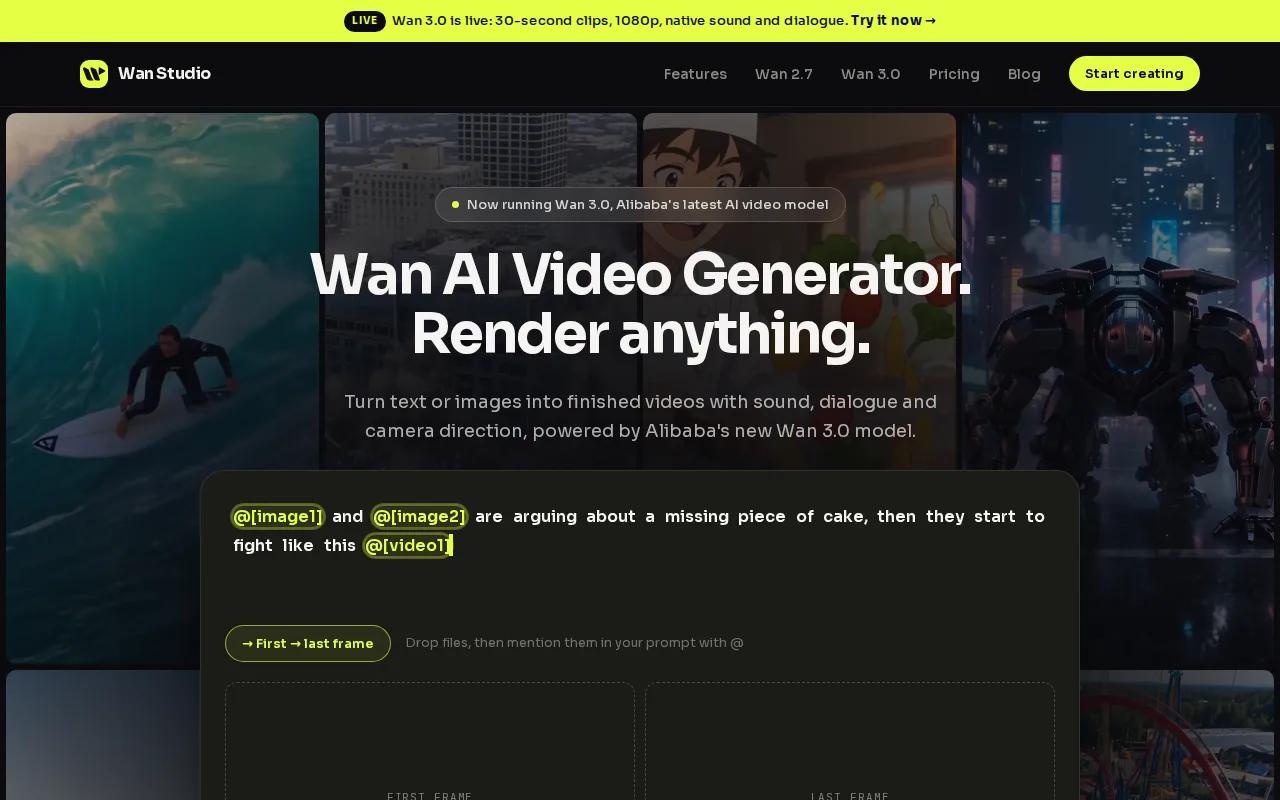
For a product spot, upload a photo as the first frame, then describe the movement and mood. Or write a prompt for a new scene. Wan models can generate video with synchronized sound, music, and lip-synced dialogue, so a character can speak a line as part of the clip. The result still needs a human review. Check the product details, sound, and spoken words before you post.
Wan Studio supports image-to-video and text-to-video workflows. On Wan 3.0, clips can run up to 30 seconds, with sound and dialogue generated alongside the picture. You can use fixed aspect ratios such as 9:16 for vertical social posts or 16:9 for a wider ad. That gives you a direct path from a product image to a clip sized for the channel you have in mind.
If you want to try the workflow before upgrading, Wan Studio’s free video plan includes access to Wan 2.5 for text-to-video and image-to-video. Free output is 480p, and the plan doesn’t require a card. Check the current plan page for the latest limits before you build a campaign around a particular volume.
A useful prompt names the subject, the action, and the camera move. For example, start with a close shot of a coffee cup, describe steam rising, then ask for a slow camera move toward the cup. If dialogue matters, put the words in quotes. Generate a draft, inspect the first frame and sound, then adjust the prompt instead of trying to fix every issue later in an editor.
Wan Studio is a strong fit in this shortlist when your starting point is a prompt or still image and you want sound with the generated scene. It’s less suited to a promo that needs a scripted presenter to deliver a long explanation. For that, look at the next two options.
2. HeyGen: presenter-led ads and lip-synced videos
HeyGen is an AI video tool for presenter-led promos and translated video. It fits marketers who want a person on screen to explain an offer, introduce a product, or deliver a short call to action without filming a presenter.
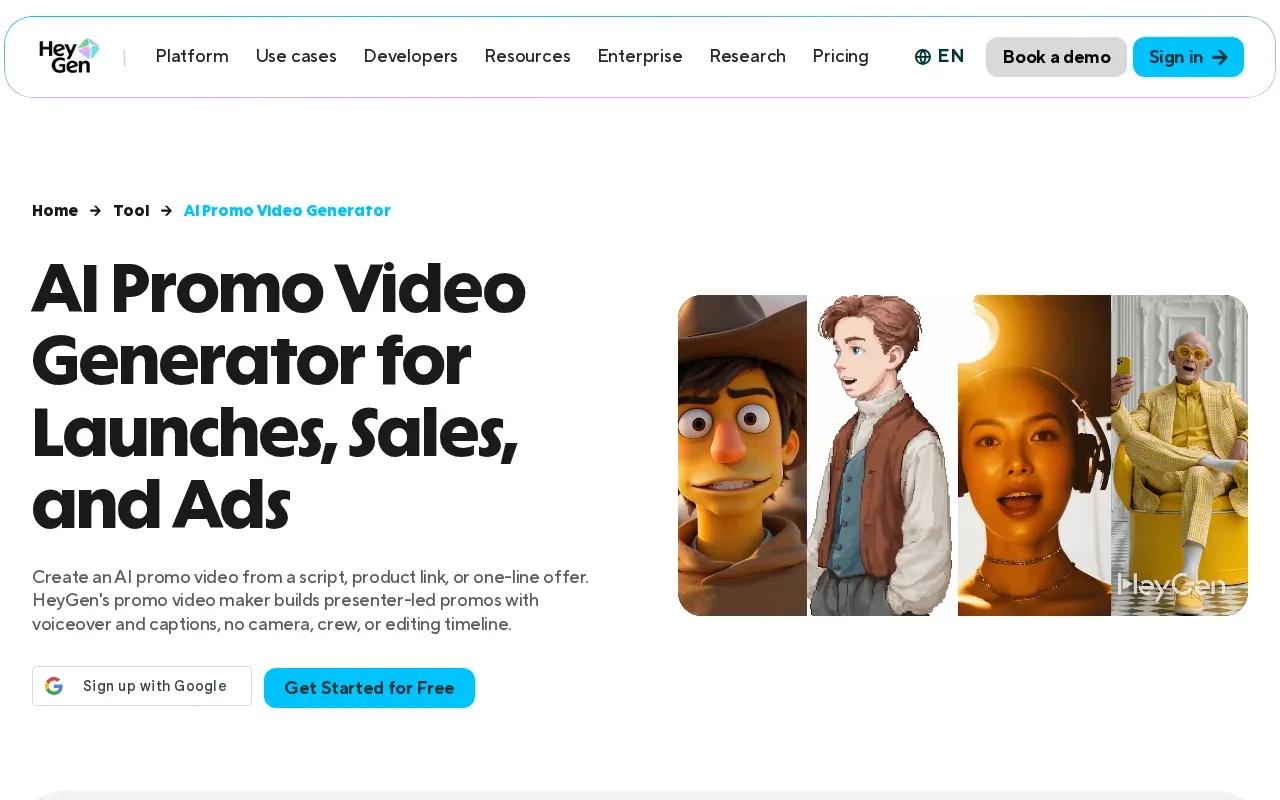
You can build a video around a script and an AI presenter, then adjust the delivery to match the message. HeyGen also supports voice cloning and lip-sync translation. That can help when a business needs to adapt existing footage or presenter content for another language, rather than shoot each version from scratch.
For a simple ad, keep the script focused on one promise. Open with the viewer’s problem, show the product or service, then end with one clear next step. A presenter can carry the message, but the visual proof still matters. Add a relevant image or product shot so the video doesn’t feel like a talking head reading copy.
HeyGen lists a free plan with three videos per month. Paid plans include Creator at $29 per month, or $24 per month with annual billing; Pro starts at $49 per month. Business is listed at $149 per month, plus $20 per seat monthly. Enterprise pricing is custom. Check which plan limits apply to the format and features you need before committing.
There’s a trade-off. HeyGen is a natural match when a person’s face and speech are central to the ad. It’s less of a fit if you’re after a scene built around product motion, atmosphere, or cinematic B-roll. Also check the final aspect ratio and export settings for your target channel before you publish.
For a short product spot that relies on visuals rather than a presenter, compare this workflow with AI video ad tools for short social promos. The right choice depends on whether your message needs a person to speak or a scene to show the product in action.
3. Synthesia: scripted promos with AI presenters
Synthesia makes scripted videos with AI presenters and voiceovers. It’s a fit for teams that need repeatable promo or explainer content, especially when the same message needs language versions or a consistent brand look.
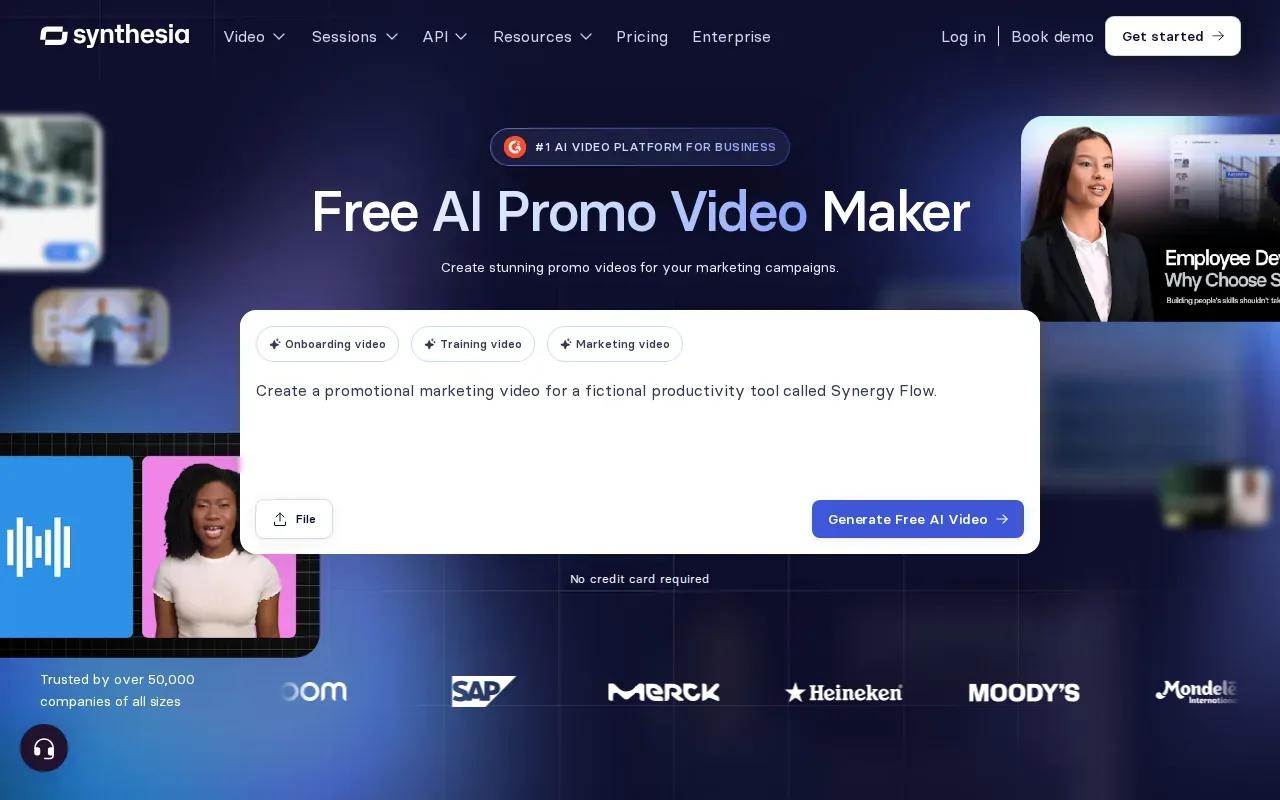
You can start with a prompt, link, or file and use an AI tool to draft a video. Synthesia also supports customizable avatars, outfits, and backgrounds. For an event or webinar promo, you could use a presenter to share the date and main topic, then place supporting text or visuals around the message. Review every generated line before it goes live.
The free plan includes 10 minutes per month and adds a watermark. Starter is listed at $29 per month, or $18 per month with annual billing, with 10 minutes monthly. Creator is $89 per month, or $64 annually, with 30 minutes monthly. Enterprise pricing is custom. Those minute limits matter if you expect to revise several scripts or make many versions.
Synthesia is a better match for direct-to-camera messaging than for a cinematic scene built from product imagery. Its presenter format can keep an announcement clear, but it won’t replace a product close-up when viewers need to see texture, scale, or how something works. Use the presenter for context, then decide whether the offer needs a separate visual demonstration.
4. Runway: cinematic B-roll and shot control
Runway is an AI video tool for creators who want more control over cinematic shots. It’s best for marketers building a visual scene, or for video makers who care about camera direction and keeping a character reference consistent across shots.
Runway’s Gen-4 is associated with camera controls, consistent character references, and Explore Mode. Those tools can help when a promo needs a sequence of related shots rather than one isolated clip. For example, a creator might plan a wide opening view, then a closer view of the subject. Use a reference when the same character needs to appear again.
That kind of control asks more of you than a quick presenter script. Think through the first frame and the action you want to see. A prompt that says “show a new product” leaves many choices open. Describe the setting, the movement, and the camera’s path so the model has a clearer shot plan to follow.
Runway’s free access includes 125 one-time credits. The listed free credits make it possible to test the workflow, but they aren’t a monthly allowance. If you’re comparing costs, estimate how many drafts you’ll need, not only how many final clips you expect to publish. A scene that takes repeated generations may use credits faster than a simple one-shot idea.
Runway has a different job from an avatar-first tool. It’s a stronger fit when the ad needs visual atmosphere or directed B-roll.
5. Sora 2 by OpenAI: prompt-led promotional scenes
Sora 2 by OpenAI is a prompt-led video option for building scenes from written descriptions. It suits a marketer who has a specific visual concept and wants to test it without filming every element.
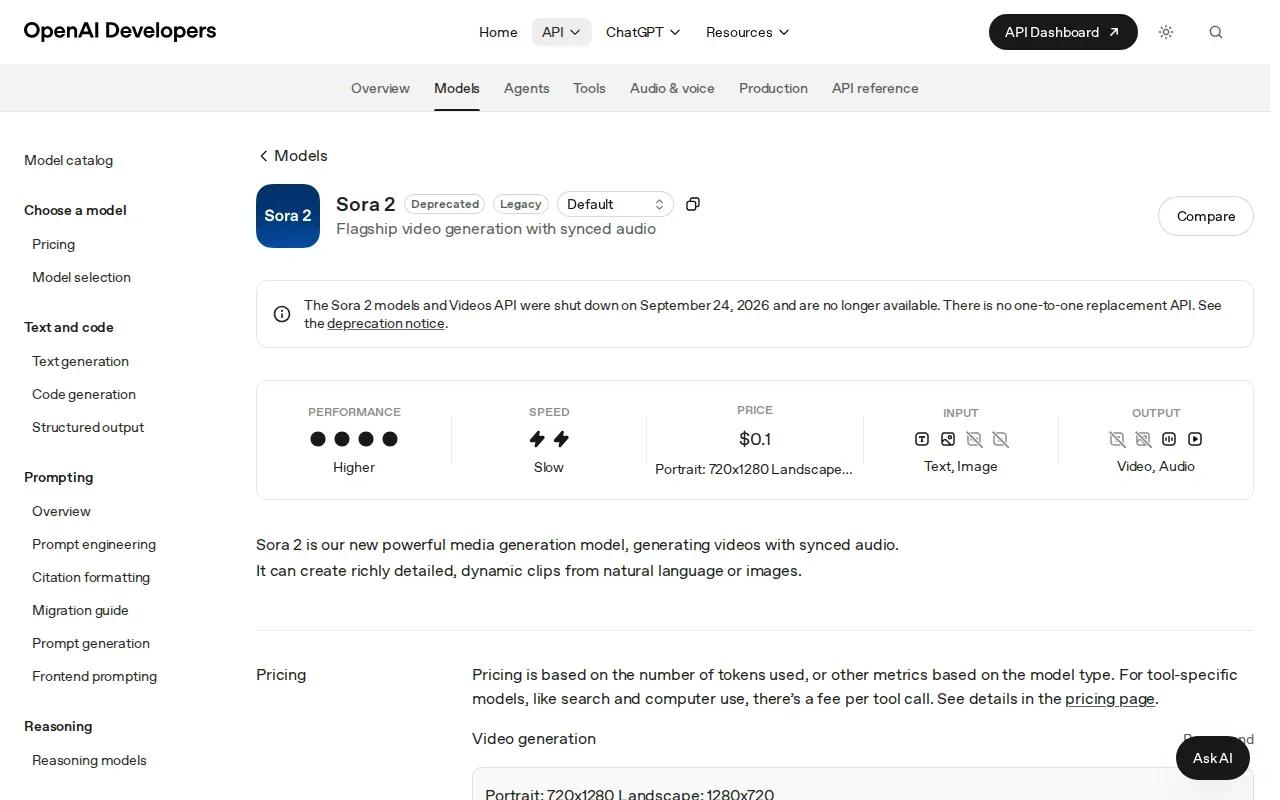
A prompt can describe the subject, setting, camera view, lighting, and movement. For a launch teaser, you might describe a product turning slowly in a sunlit room, then cut to a close view of one detail. Treat the first generation as a draft. Refine the prompt when the setting or motion misses your intent, and verify that the generated visuals match the real product.
It’s included with ChatGPT Plus at $20 per month under standard limits, or ChatGPT Pro at $100 per month for Sora 2 Pro quality. The plan names and limits can change, so confirm what’s included before choosing a subscription for a campaign.
Its main appeal here is the room to describe a scene and let the model build it. That can work for a visual hook, event teaser, or short brand moment. If you need a clearly spoken offer, test the speech and sound in the output before treating it as ready to post. Native audio doesn’t remove the need to check the message.
| Tool | Best starting point | Audio or dialogue detail | Useful decision cue |
|---|---|---|---|
| Wan Studio | Prompt or product image | Synced sound, music, and lip-synced dialogue on supported Wan models | Choose it for image-to-video promos with sound in a browser workflow. |
| HeyGen | Presenter script or existing video | Voice cloning and lip-sync translation | Choose it when a presenter needs to deliver or translate the message. |
| Synthesia | Prompt, link, file, or script | Voiceovers and translation with lip-sync options | Choose it for repeatable scripted videos with language versions. |
| Runway | Directed visual shots | — | Choose it when camera control and character references guide the work. |
| Sora 2 by OpenAI | Detailed scene prompt | Native audio | Choose it to test prompt-led scenes, with clips up to 60 seconds. |
The choice isn’t only about how a video looks. Match the tool to the work you need done: product motion, presenter speech, translated messaging, or a more controlled visual sequence.
How to choose a promotional video tool
Before you pay, make one test brief and run it through the type of workflow you expect to use. Keep the brief short: name the product, the audience, the main benefit, and the channel. Then compare the finished draft against your actual needs.
- Pick the input: Decide whether you’ll start with a product image, a written prompt, or a script for an on-screen presenter.
- Check sound: If dialogue matters, listen for clear words and check whether lip movement matches. If music or effects matter, review those too.
- Match the format: Confirm the aspect ratio and export settings you need for each channel. Don’t assume every tool uses the same defaults.
- Count revisions: Compare free limits and paid minutes or credits with the number of drafts your team expects to make.
- Review the final ad: Check product accuracy, text, voice, and any claim before publishing.
For a small shop, the fastest path may be to turn a clean product photo into one vertical scene and review it on a phone. For a webinar team, a short presenter script may be easier to update when the date or speaker changes. The right tool is the one that fits the asset you already have and the edits you’ll actually make.
FAQ
What is the best AI promotional video generator?
Wan Studio is a strong first choice if you want to make a short promo from text or an image, with sound generated alongside the video on supported Wan models. HeyGen and Synthesia suit presenter-led scripts, while Runway and Sora 2 fit prompt-driven visual scenes. Start by choosing the workflow your ad needs, then test one short draft.
Can AI make a promo video from a product photo?
Yes, some AI promotional video tools support image-to-video. Wan Studio lets you use an image as a starting frame, then describe the motion and scene you want. Review the output closely to make sure the product still looks right. A generated clip is a draft, not proof that every product detail will stay accurate.
Which AI video tools can add lip sync?
Wan Studio’s supported Wan models can generate lip-synced dialogue with the video, while HeyGen supports lip-sync translation and Synthesia includes lip-sync options for translation. These are different workflows, so test the exact voice and language you plan to publish. Always watch the mouth movement and listen to the full clip before using it in an ad.
How much does an AI promotional video generator cost?
Prices vary by tool and plan. HeyGen lists a free tier and paid plans starting at $29 per month; Synthesia lists a watermarked free tier and paid plans starting at $29 per month. Sora 2 is included with certain ChatGPT plans. Check current limits, credits, and video minutes before you estimate campaign costs.
Can I use AI promo videos for TikTok, Reels, or YouTube Shorts?
Yes, you can make short-form promos with these tools, but check the export ratio and size before publishing. Wan Studio supports fixed ratios such as 9:16 for vertical video. If a tool’s exact export settings aren’t clear, confirm them in the current interface, then preview the finished clip on the channel where it will appear.
Conclusion
For prompt- or image-led promos that need sound, start with Wan Studio and make one short test using your product photo. Check the image, dialogue, and format before building a larger campaign. If the message depends on a presenter, compare HeyGen or Synthesia against the same script. Then choose the workflow that takes your draft to a publishable ad with the fewest revisions.