
A product photo can become a short ad without a camera crew, but the right tool depends on how much editing you want to do yourself. These AI video ad generator picks cover prompt-led clips, talking-head ads, and social video editing, with Wan Studio at the top for image-to-video creation.
1. Wan Studio
Wan Studio is a browser-based AI video creation platform for making short videos from text prompts and images. It’s a fit for creators and small teams who want to turn a product photo into a TikTok, Reel, or YouTube Short without filming.
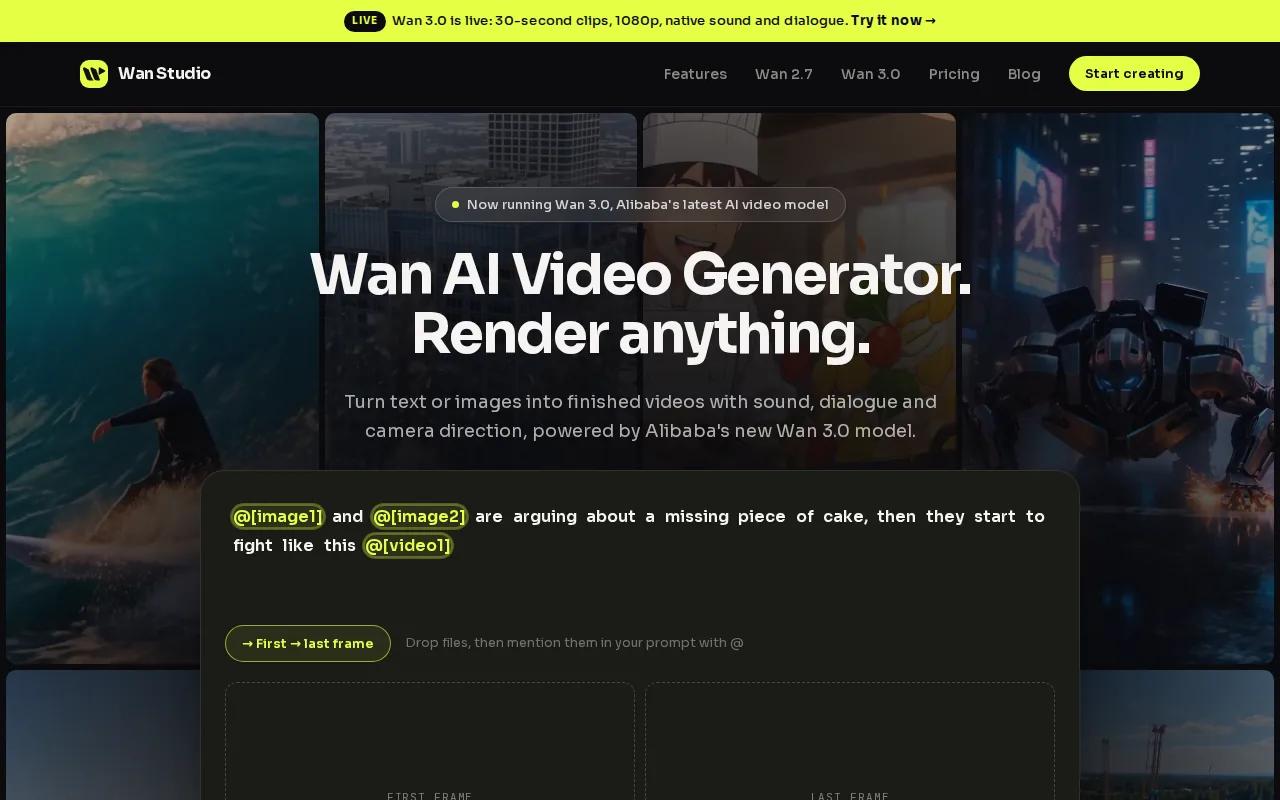
Start with an image or a prompt, then describe the shot you want. Wan Studio gives you access to Wan models for promotional clips, product videos, and multi-shot scenes. The model you choose matters: Wan 3.0 can generate clips up to 30 seconds, while Wan 2.7 supports up to 15 seconds. Both models can produce native sound and dialogue with lip sync, but results still need a close review before you publish.
For a product spot, you might upload a photo of a bag and ask for a slow camera move across its stitching. For a talking character, put the line in quotes and check whether the mouth movement matches the words. If the first take misses the mark, adjust the prompt or source image and generate another version.
The usable upside is a short path from source image to draft. You can test a different camera move or opening frame without arranging a shoot. For model-specific limits and output details, see the Wan 3.0 model details before you plan a longer ad.
One trade-off: don’t assume every clip will keep a character or product perfectly consistent across shots. Check the hands, logo placement, spoken words, and sound in each export. Public plan pricing isn’t included in the details here, so confirm current access and terms before you build a repeat workflow.
2. InVideo AI: Prompt-to-video ads with a low learning curve
InVideo AI is a prompt-to-video option for people who want the system to assemble a complete video from a written idea. It may suit a marketer who needs a quick first draft and doesn’t want to begin with a blank editing timeline.
Its main appeal is ease of use. You can describe the ad you want, review the generated result, then edit what doesn’t fit. That makes it useful when you have a product message but no finished script or shot plan. Still, treat the first version as a draft. Check that the visuals match the product and that the voiceover says the offer accurately.
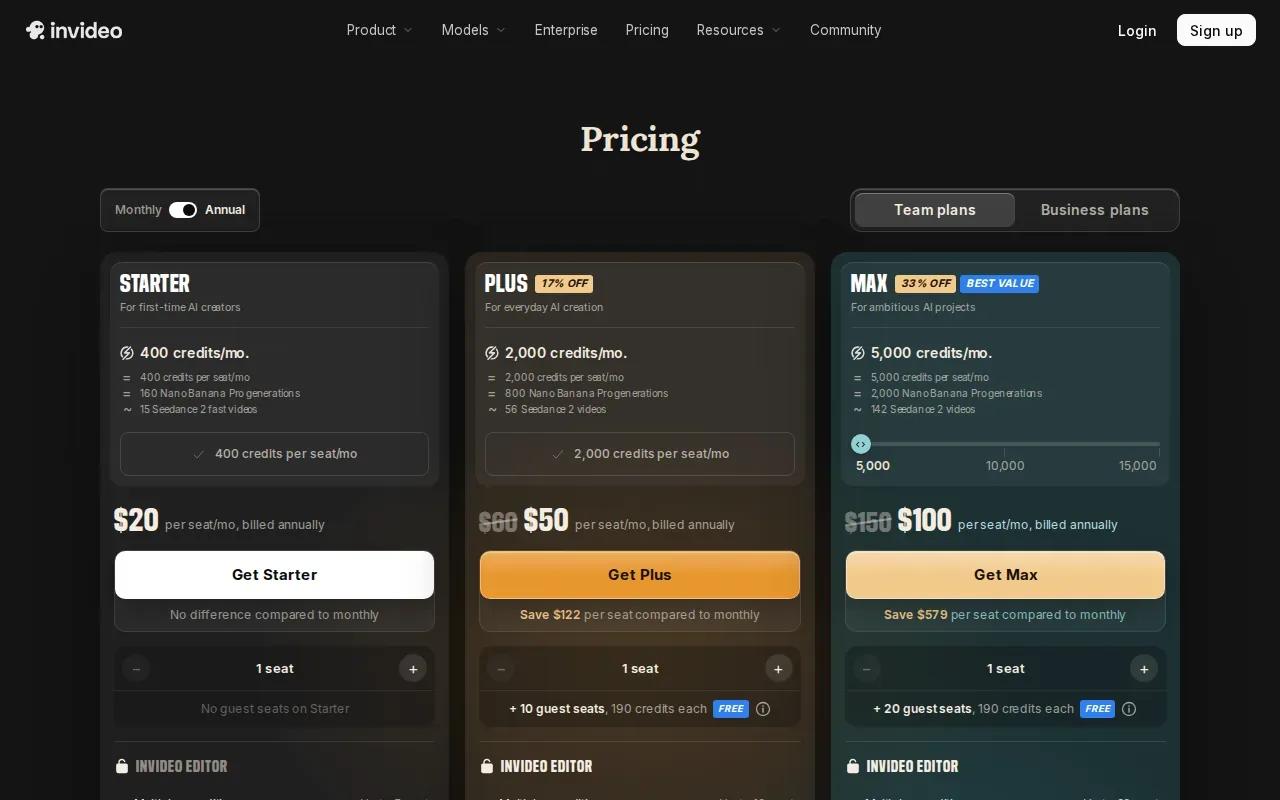
InVideo AI’s listed starting point is a free tier with three minutes per month. Paid options listed here are Starter at $18 per month and Creator at $69 per month, while Enterprise pricing is custom. Check the current plan terms for limits before assigning a campaign to it. Free access can help you test the workflow, but it may not cover a steady stream of ad versions.
For a small shop, a useful test is to prompt one ad around a product benefit, then rewrite the opening around a different benefit. Compare the two drafts before spending time on fine edits. If your workflow relies on reusable layouts, video ad templates for different channels can help you plan the format before generation.
The trade-off is control. Prompt-led assembly saves setup time, but you still need to review the script, scene choices, voice, and export. If the footage feels too generic, a product-photo animation tool may give you more control over the first frame.
3. Arcads: UGC-style talking-head ad creation
Arcads focuses on UGC-style talking-head ads. It’s best for marketers who want to describe an ad in plain language and have AI assemble the video around a speaking character.
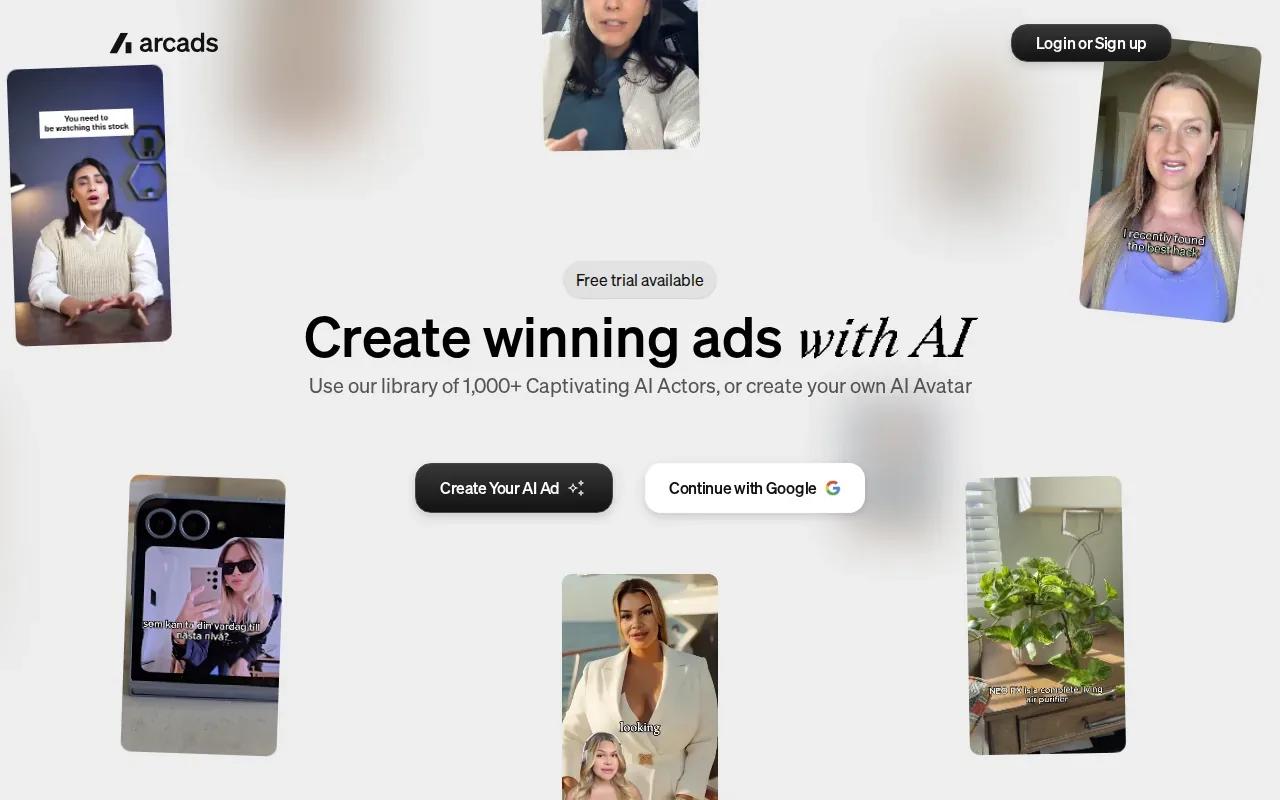
This format works when a person needs to explain a product or deliver a short hook.
Think of a skincare brand testing two opening lines. Keep the main message steady, then change the first sentence and compare how each version feels. That gives your team a more useful creative test than changing the script, actor, and offer all at once.
The listed starting options include a free plan with a watermark, followed by Plus at $28 per month, Max at $50, and Generative at $100. Check plan terms for export limits and what’s included. A watermark may be fine for internal review, but it can rule out a draft for a paid campaign.
Talking-head output isn’t the same as recorded customer testimony. Don’t present a synthetic actor as a real customer or make claims your product can’t support. Also review lip sync and the way the voice reads key words. A polished avatar won’t fix a weak offer or unclear script.
If the ad depends on a natural creator style, keep the script short and use ordinary speech. Long copy can sound stiff when read aloud.
4. AdCreate: Multiple generative models and AI avatars
AdCreate bundles several generative models with AI talking avatars and editing tools. It’s aimed at marketers who want to try named video models within one platform instead of building a workflow around a single generator.
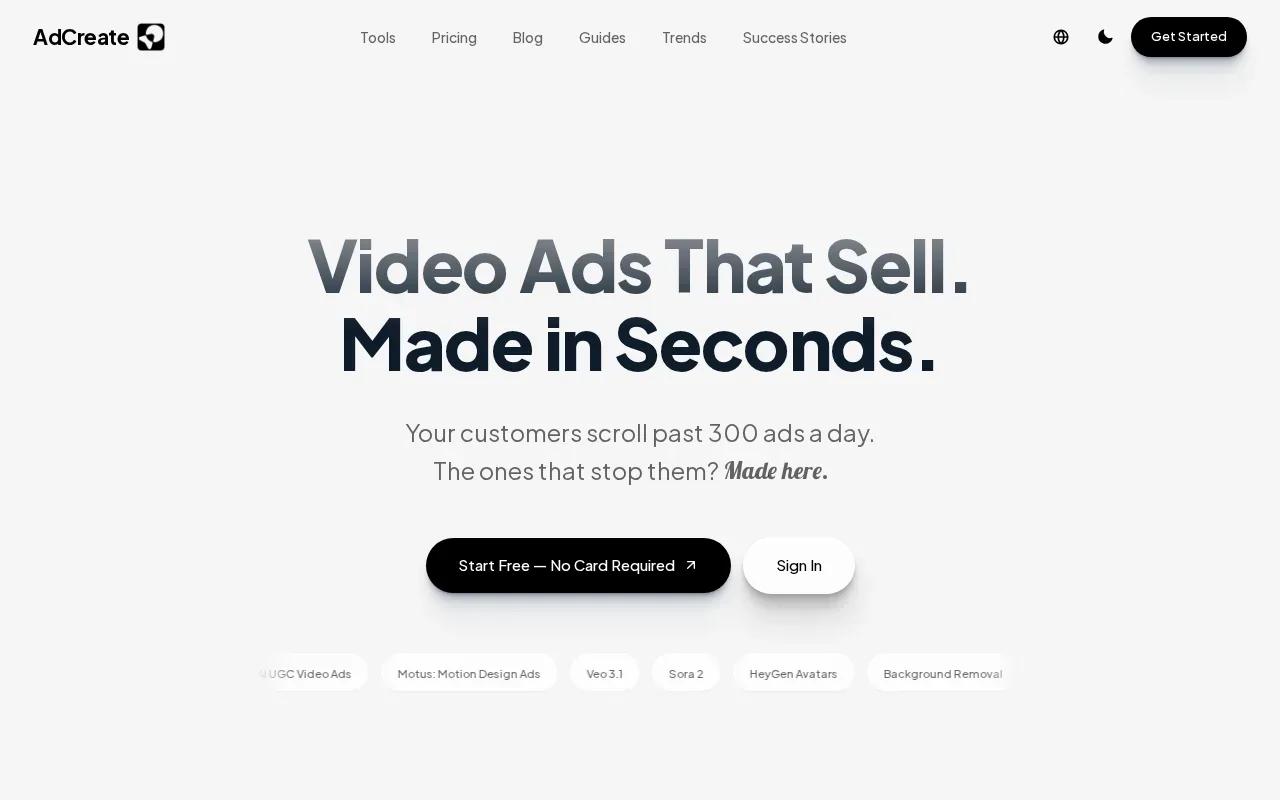
The listed model set includes Google Veo 3.1, which has native audio, and OpenAI Sora 2. AdCreate also includes AI talking avatars. That mix makes it worth a look if you want to compare visual generation with an avatar-led ad in the same workspace. Model availability and plan limits can change, so check what your account includes before planning a campaign.
A sensible test is to use one short brief and compare outputs on the same goal. For instance, ask for a product close-up with a spoken line, then inspect the first frame, movement, sound, and dialogue. Don’t judge a model from one attractive moment alone. See whether the key product detail stays clear throughout the clip.
AdCreate has a free tier, with paid access listed from $23 per month. The price alone doesn’t tell you how many generations you can make or what export settings you’ll get. Review the plan details before counting on it for a batch of campaign versions.
Model choice can add options, but it can also mean more review work. A team still needs to pick a version, check its output, and make edits before publishing. Use one brief and one review checklist so the comparison stays fair.
5. CapCut: A free-friendly option for creating and editing social ads
CapCut is a video editor with AI generation and editing tools. It’s best for creators and small teams who want a free-friendly place to build and refine social clips, rather than a tool focused only on ad generation.
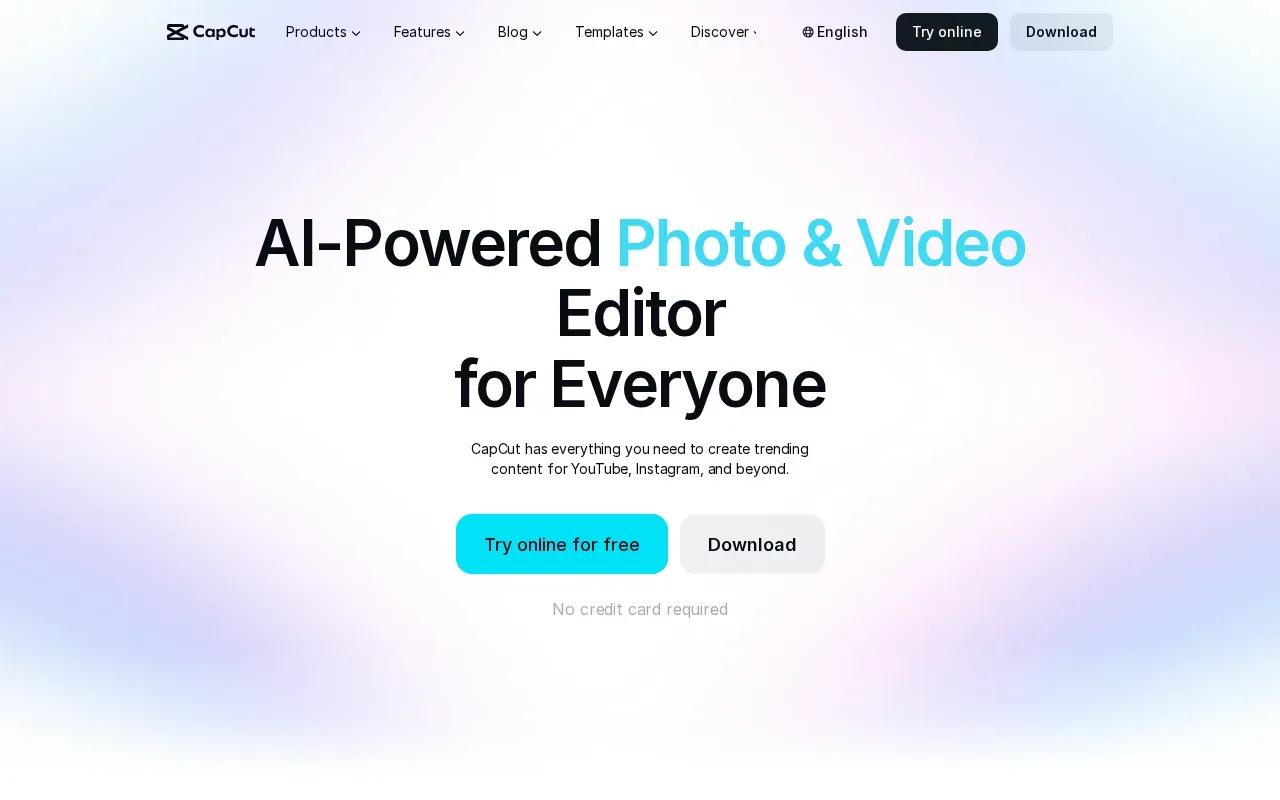
Its listed tools include text-to-video, image-to-video, text-to-speech, auto subtitles, and templates for social and business content. You can also edit a draft by trimming scenes or adding captions. That range helps when you already have footage or want to shape an AI draft for a particular feed.
For example, start with a product image and a short script. Try a vertical cut for a Reel, then check that the product stays in view and the caption doesn’t cover it. If you’re working without a voice track, subtitles can still make the spoken message easier to follow. Review them by hand, especially product names and prices.
CapCut is listed as free on desktop with no watermark. The specific export terms can vary by workflow, so check the settings in the version you use. And remember that free access doesn’t mean every feature or asset has the same terms. Review usage rights before putting a finished ad into a paid campaign.
The main limitation is that editing tools don’t automatically give you a strong ad idea. You still need to write the hook, show the product clearly, and decide what action you want viewers to take. CapCut makes a strong fit when you’re comfortable guiding that work yourself.
AI video ad generators compared
These tools differ most in how much of the ad they assemble for you. Use this table to narrow the field by the job at hand, then test the short list with one real brief.
| Tool | Best fit | Listed entry price | Check before you commit |
|---|---|---|---|
| Wan Studio | Image-to-video product spots and short scenes | Not listed in the details here | Model limits, output quality, and current plan terms |
| InVideo AI | Prompt-led complete video drafts | Free tier; Starter $18/month | Monthly generation allowance and export limits |
| Arcads | UGC-style talking-head ads | Free with watermark; Plus $28/month | Watermark rules and plan features |
| AdCreate | Trying several video models and avatars | Free tier; paid from $23/month | Model access and generation limits |
| CapCut | Editing and shaping social video | Free on desktop, no watermark | Export terms and asset usage rights |
Keep the test small. Make a short draft, export it in the format you need, and review it on a phone. Check the opening frame first. Then confirm the offer, product details, captions, and sound. A/B testing works best when you change one creative choice at a time, such as the hook, rather than rewriting everything between versions.
Store only the assets each service needs. Before uploading unreleased product images or brand files, read the provider’s data and usage terms. If your copy starts with product details, review the AI product description workflow so the claims in the ad stay accurate.
FAQ
What is the best AI video ad generator for product photos?
Wan Studio is a strong first choice if you want to turn a product photo into a short video. Start with image-to-video, describe the camera move, and inspect the product details in the result. The right model depends on the clip length and sound you need, so check its limits before you build a larger batch.
Can AI video ad generators make ads for TikTok and Reels?
Yes, an AI video ad generator can help you prepare short social ads, but you’ll still need to check the aspect ratio and framing. Keep the product visible on a phone screen, then confirm captions don’t cover key details. Make a separate export if your target channels need different formats.
Are free AI video ad tools good enough for a business?
Free tiers can be useful for testing a workflow or making a draft, but limits may include a watermark, restricted usage, or a small generation allowance. Review plan terms before using an export in a paid campaign. Also check whether you can use the assets and outputs for commercial work.
How do I check lip sync in an AI-generated ad?
Use a short line with clear words, then watch the clip with sound on and compare the mouth movement to the speech. Check the start and end of the line, not only the middle. Lip sync quality can vary by model and generation, so make a fresh test before using dialogue in a final ad.
Can these tools create multiple ad versions for testing?
Yes, you can make variations by changing a hook, visual, or line of copy, though the workflow depends on the tool. Keep the product and offer steady while testing one change at a time. Then compare results using the same campaign goal and audience rather than judging only by which video looks more polished.
Conclusion
For short product clips made from prompts or photos, start with Wan Studio and test one simple ad before expanding your workflow. Check the model’s length and sound limits, review the export.