A good video ad template gives you a head start, not a finished campaign. Wan Studio is a strong fit when you want to turn a prompt or product photo into a short video with sound, while other tools focus on arranging ready-made layouts.
Use the comparison below to match a tool to your workflow, then shape the ad for your brand and channel. The right choice depends on whether you need a fast edit, new AI video, or more control over each scene.
1. Wan Studio
Wan Studio is a browser-based AI video creation platform for turning text prompts and images into short videos. It suits social creators, small businesses, and marketers who want a moving product spot without filming.
Its edge is the mix of image-to-video generation with synchronized sound and lip-synced dialogue. That can help when a product photo needs motion, or when a character should say a short line. Results depend on the model and prompt, so preview the clip before you build an ad around its speech or timing.
For a defined output, Wan 2.7 can generate clips up to 15 seconds at 720p or 1080p with sound. You can also choose an aspect ratio for short-form placements. Check the model options before choosing a workflow. Wan Studio works best when you want original moving footage from a prompt or image, rather than a catalog of fixed layouts.
| Need | Where Wan Studio fits | Check before publishing |
|---|---|---|
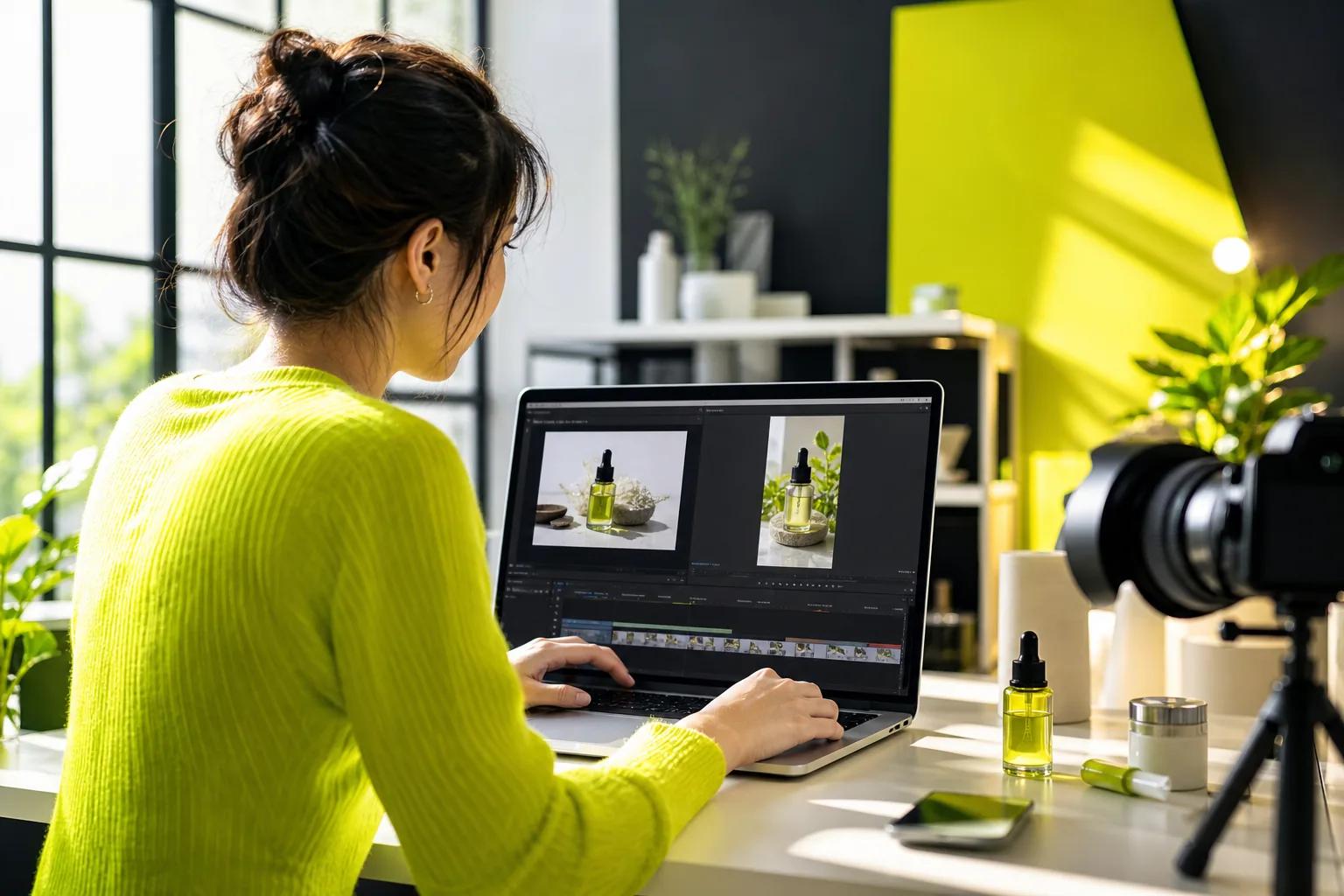
| Product motion | Start with an image and prompt for movement or a scene. | Confirm the product still looks right across the clip. |
| Spoken line | Use a model with lip-sync support for dialogue. | Review mouth movement, words, and sound together. |
| Short-form ad | Choose an aspect ratio suited to your placement. | Keep key text clear of interface overlays. |
If you want to make a TikTok-style spot, compare the workflow with these AI video generators for TikTok. Pick the model that fits the shot you need, then make a short test before building several versions.
Free vs. Paid Video Ad Templates: What You Get
Free video ad templates can be enough for a first draft. Paid plans may add access to premium layouts, more exports, brand controls, or AI features. The catch is that “free” means different things across tools, so check the export limits and asset terms before you commit.
Canva, CapCut, InVideo, and Clipchamp have free tiers in the available pricing data. Published starting prices vary: Canva lists $12.99 per month, InVideo $25, and Clipchamp $19. Treat those as starting points, not a promise that every template or feature is included. Plans can change, so confirm current terms on the vendor’s own site.
InVideo’s template count is listed as 6,000, while most tools don’t disclose a total. That number can help if you want lots of layout options, but template volume alone won’t tell you whether you can edit the text, swap footage, or export without a watermark.
Some video tools frame their offerings around business ad production. The key choice is the work you need done: use a template editor to assemble existing clips, or choose an AI video tool when you need new moving footage.
Keep a simple budget in view. A free account may cover a single draft, yet repeated exports or premium assets can push you toward a paid tier. If you only need a handful of ads, compare the cost of upgrading with the time you’d spend making them another way.
Customize Video Ad Templates for Your Brand and Audience
Strong video ad templates give you a layout to edit, not a reason to keep every word and color. Start with the viewer’s need and the product’s clearest benefit. Then replace each placeholder with an image, line of copy, or clip that supports that point.
Work through the edit in a fixed order:
- Swap the visuals. Use your product photo or footage, and check the crop in every scene.
- Rewrite the text. Put the main offer or benefit near the start. Make each line short enough to read on a phone.
- Set the brand look. Change colors and type to match your brand. Keep contrast high so text stays legible.
- Preview the timing. Watch the full ad with sound off, then listen with the screen out of view.
A product comparison ad needs clear differences, not a wall of claims. A real estate tour needs a steady sense of space. A fitness promo can lead with the class or service, then show the next action. Those are different template needs, so search by campaign type instead of picking the first design that looks polished.
Some template-based design tools group promotional ad designs into collections. In a more open-ended workflow, Wan Studio can generate motion from a prompt or image, then you can review the result against your brand rules. Either way, check spelling and product details by eye. AI output can need edits.
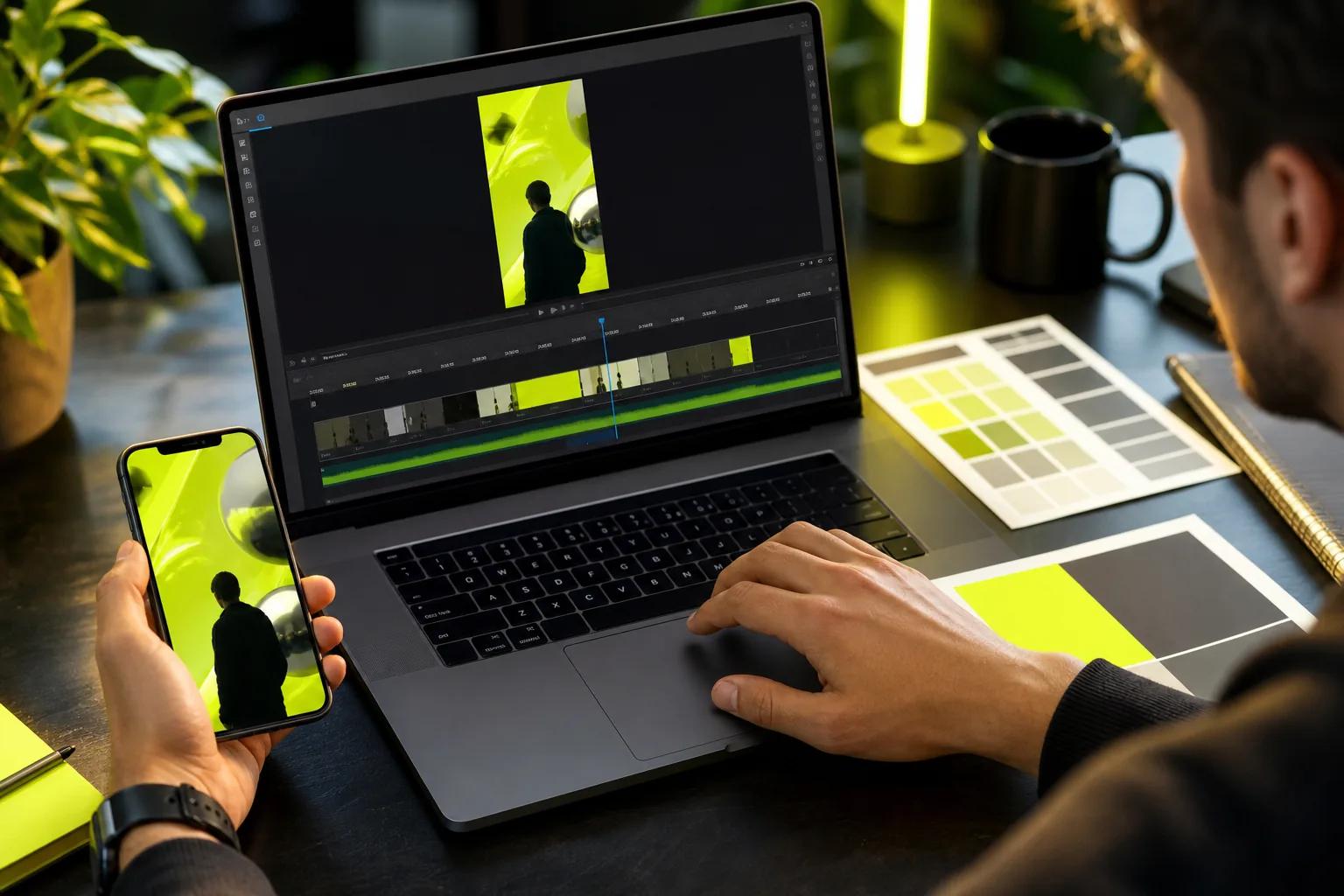
Need a talking character or a line of spoken dialogue? Wan 3.0 AI Video Generator lists lip-sync support, but review the final speech closely. Don’t build a paid campaign around a line you haven’t watched and heard in the finished clip.
Export, Publish, and Optimize Ads Across Platforms
Before exporting, match the canvas to the ad placement. Vertical video suits full-screen short-form placements, while square or landscape formats may fit other feeds or video slots. Don’t assume one export will look right everywhere. A headline that fits a square frame may crowd a vertical one.
Preview the file on a phone. Check that the first frame makes sense, the main text stays clear of platform controls, and the call to action remains visible. Watch once with sound muted because many viewers may first see the ad without audio. Then check sound and dialogue on to catch timing issues.
Export a clean copy, then upload it to the ad platform you plan to use. In Facebook Ads Manager, Google Ads, or TikTok Ads, confirm the placement and preview the ad there before launch. Platform previews can reveal crops or overlays that weren’t obvious in the editor.
For testing, change one thing at a time. Try a different opening shot while keeping the offer and audience the same. Then compare the result using the measure tied to your goal, such as views, clicks, or purchases. Don’t treat a single test as proof that one template always wins.
Keep an organized set of exports with clear names, such as “vertical-hook-A” and “vertical-hook-B.” That makes it easier to see which version is running and to replace it without uploading the wrong file. If production cost is a concern, this guide to cost-effective AI video ads covers model choice, prompt design, editing, and spend controls.
Want to make a first clip from a prompt or product image? Try Wan Studio and see whether its generation workflow fits the ad you need to ship.
FAQ
What are video ad templates?
Video ad templates are pre-built layouts or workflows you can adapt for a campaign. They can give you a starting point for scenes, text, and visual style. Some tools focus on editing clips inside a fixed design, while AI video platforms can generate footage from prompts or images. Check how much you can change before you pick one.
Can I make video ads for free?
Yes, some tools have free tiers, but the limits differ. A free plan may restrict templates, premium assets, exports, or AI generations. Before you build a campaign, export a test and review its watermark, image quality, and terms for commercial use. That quick check can prevent a last-minute plan upgrade.
How do I customize a video ad template?
Replace the placeholder footage or images first, then edit the text and set your brand colors. Preview each scene at full size on a phone. With AI video ad templates, check generated details too, especially product shape, spoken words, and lip sync. Export a test before making multiple versions.
What video format should I use for TikTok, Reels, or Shorts?
Choose a vertical format for full-screen short-form placements, then confirm the exact requirements in the ad platform before upload. Keep key copy away from areas covered by interface controls. A video ad template may resize automatically, but review the crop and text placement yourself. Save a separate export when a placement needs a different shape.
How can I test which video ad works best?
Make two versions that differ in one clear way, such as the opening shot or headline. Keep the offer and audience steady so the test stays useful. Compare the metric tied to your goal, then use the result to guide the next edit. Video ad templates make it easier to keep versions organized, but they can’t guarantee a winning ad.
Conclusion
If you need original short video from a prompt or product image, start with Wan Studio and review a test clip before planning a full campaign. Choose your target placement, create one version, and check the result on a phone. See Wan 3.0 access details and try a first ad workflow.