
A prompt can get a TikTok video moving, but lip sync and character consistency can still be hard to count on. Here are five AI video generators for TikTok, starting with Wan Studio for turning text or images into short videos with sound and dialogue.
1. Wan Studio
Wan Studio is a browser-based AI video creation platform for turning text prompts or images into short videos. It’s the first pick for creators who want to make a product clip, promo, or short scene without setting up a shoot.
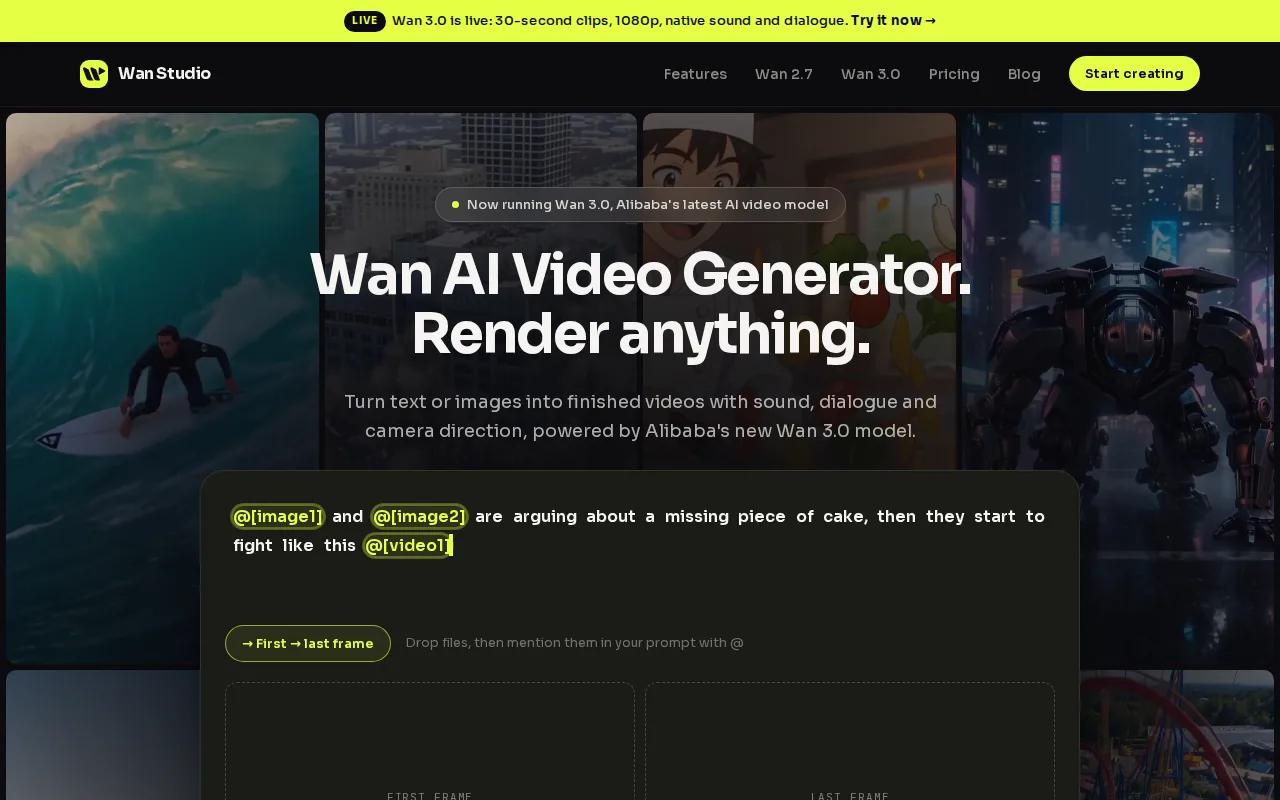
Start with a product photo, then describe the movement and mood you want. Or write a prompt for a new scene. Wan Studio can generate video with synchronized sound and music, along with lip-synced dialogue. These capabilities make it worth testing when a talking character needs to say a short line, such as, “Meet your new desk-side coffee cup.” Lip sync can vary, so check the mouth movement before you publish.
For a multi-shot scene, describe the action in order and keep the character details clear. A first frame can guide the look of an image-to-video clip, but review each shot for changes in face, clothing, or props. Wan Studio’s Wan 2.7 video generation model details can help you check the model’s input and export options for a vertical social clip.
It’s a good fit for hands-on marketers who want a quick route from prompt to draft. You’ll still want to edit the hook, check the sound, and make sure the final clip fits your campaign. See more AI video generator picks and their limits if you’re weighing broader production needs.
2. InVideo AI: Script-to-video creation with templates
InVideo AI turns a prompt or script into a scene-by-scene video, making it a fit for marketers who already know what they want to say. A supplied test script became a complete TikTok video in about six minutes. That’s useful when you need a first draft quickly, though you’ll still need to check the edit before posting.
The workflow is straightforward: write a short script, pick a template or guided workflow, then review the generated scenes. InVideo AI can add voiceover, subtitles, music, and sound effects to a finished draft. For an ad, you might open with the problem, show the item in use, then end with one clear action.
Keep the script lean. One idea per scene gives the visuals room to work, and a strong first line helps the clip make sense before a viewer scrolls past. Check the captions for names and product terms. Auto-generated text can need a quick correction, especially when a brand name is unusual.
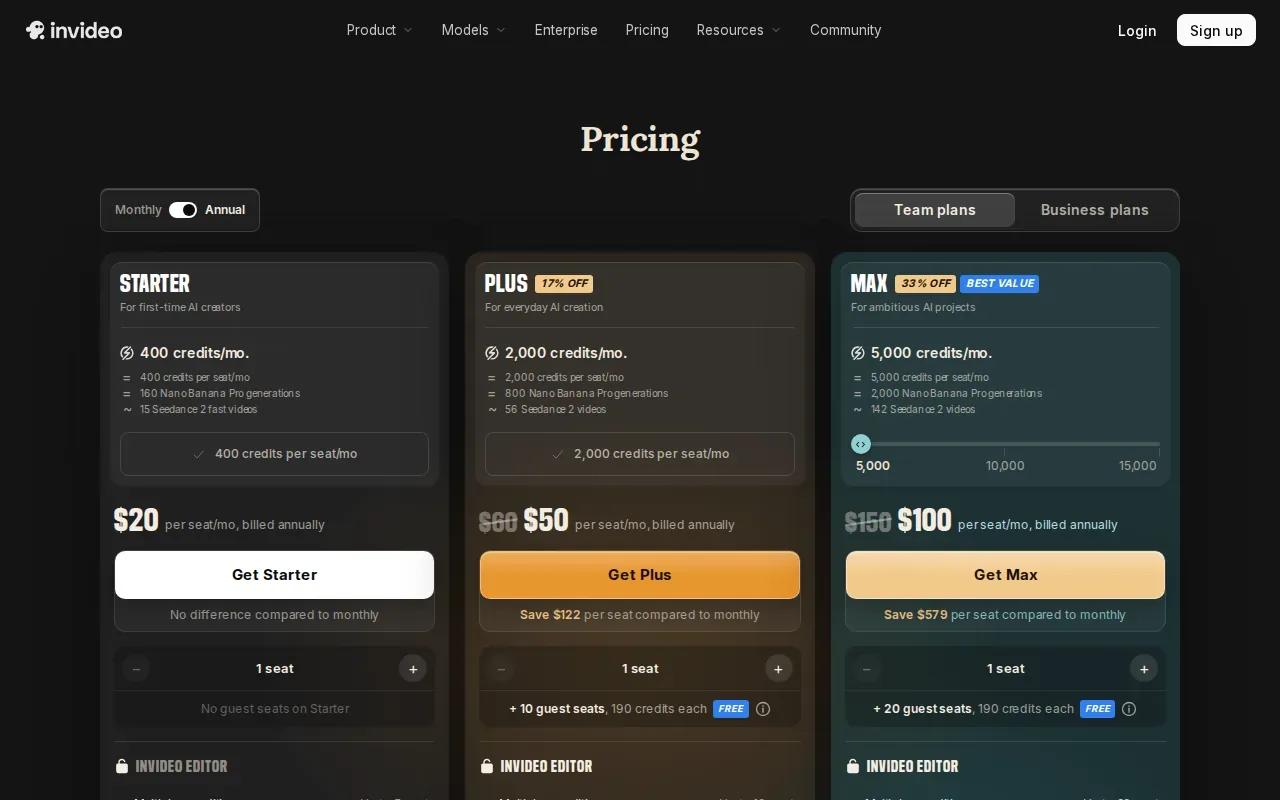
A free plan is available, but it includes a watermark. The stated Business plan starts around $25 per month, so check the current plan details before building a regular publishing routine around it. InVideo AI is a sensible option when a template-led process matters more than fine control over each generated shot.
A simple prompt-to-post workflow
Write a brief script, choose a visual style, and generate the first cut. Then check the opening frame, read each subtitle, and listen for sound that clashes with the voiceover. Export the finished file and upload it through TikTok’s posting flow. Review the caption and disclosure settings there before sharing.
3. Revid.ai: Social-first videos from prompts and source material
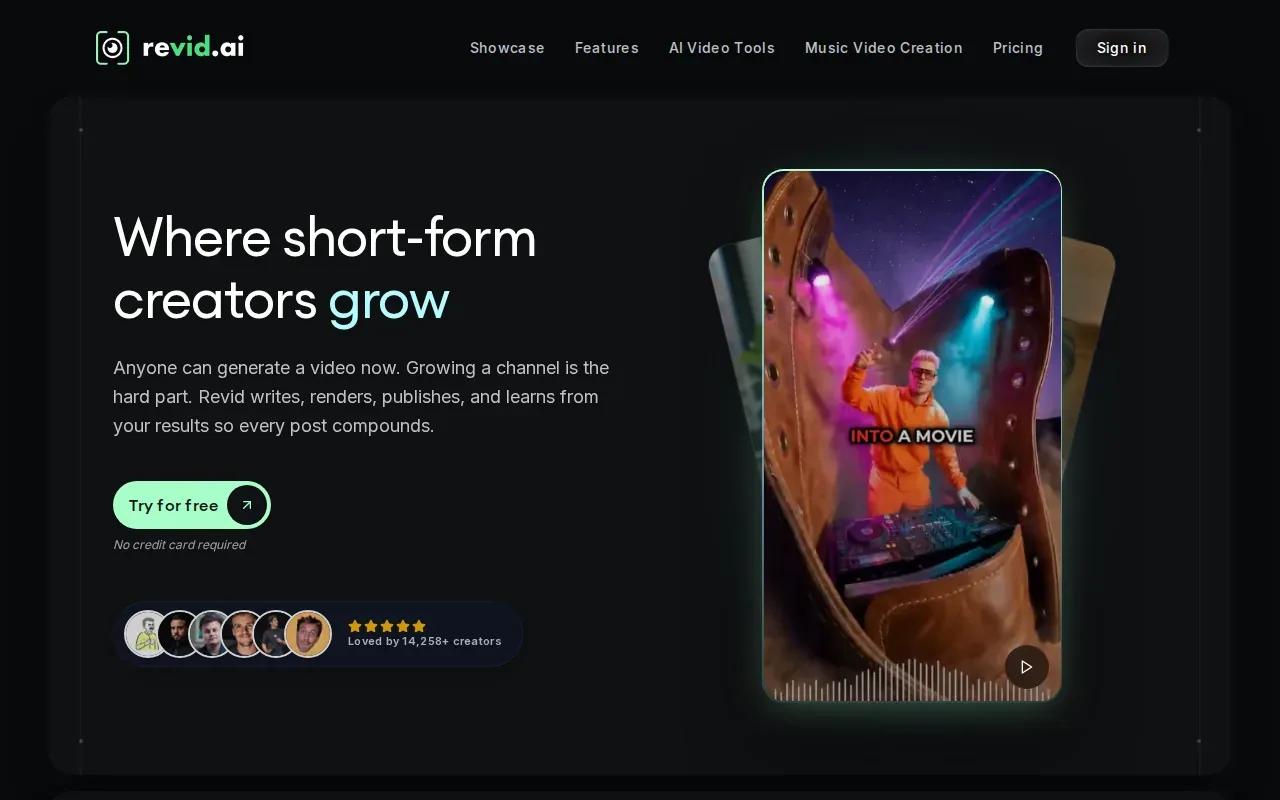
Revid.ai is built around short-form social video, with input options that suit creators who have source material ready. It can turn prompts, scripts, URLs, product pages, audio, or PDFs into editable videos. That makes it useful when the starting point is a product page or a written post rather than a blank screen.
For an online shop, you could use a product page as the source, then shape the draft around one benefit. For an educator, a short written lesson can become a starting point for a quick explainer. Treat the result as an edit-ready draft, not a final fact check. Confirm that the visuals match the source and that the script doesn’t add claims you didn’t provide.
Revid.ai has a free tier, and its stated starting price is about $19 per month. The free option can help you test whether its source-to-video flow suits your routine. Before you depend on it for a regular series, check the plan’s current limits and decide how much time you’ll spend editing each result.
Social-first production can tempt you to publish more than you can review. A safer way to scale is to make a few versions of one message, then compare which opening keeps viewers watching. Use separate drafts for distinct audiences or product angles, and keep notes on what changed. That gives you a useful test without flooding multiple accounts with unreviewed clips.
4. Captions by Mirage: Talking-head videos and polished captions
Captions by Mirage is aimed at talking-head videos and caption polish. It may suit a creator who wants an on-camera or presenter-style clip to feel more ready for a short-form feed, rather than a cinematic scene made from scratch.
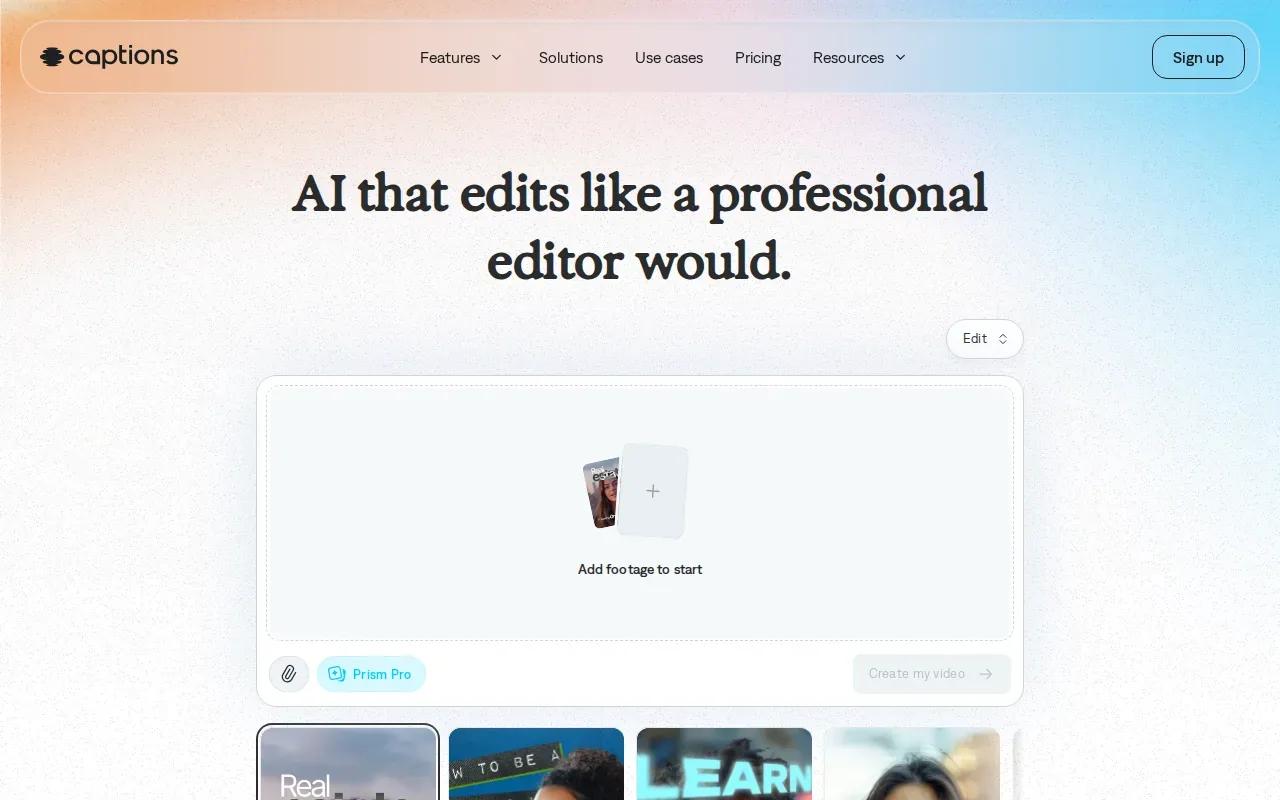
For a product demo, plan a short spoken explanation and make sure the captions are easy to read on a phone. Keep each line brief. Watch the draft with the sound off, too. Viewers often do, and captions that cover the item or key action make a demo harder to follow.
The free tier is listed as unavailable. The Basic plan, formerly called Pro, is $9.99 a month and includes 200 monthly credits with no watermarks. That gives you a clear starting point for estimating use, but check how the current credit rules apply to your intended work before subscribing.
Pick this tool when the presenter is the main event. It’s a narrower fit if your concept depends on several locations, a product-only animation, or repeated character scenes. Before you publish, check the caption timing and the spoken words against the final cut. A neat caption track can’t fix a line that’s hard to hear or a claim that needs proof.
5. Runway: Generative clips for cinematic TikTok concepts
Runway is a fit for creators making short, stylized visual clips. Runway’s current Gen-4.5 guidelines list 9:16 output alongside 2-10 second generations. Those short clips can work as a visual beat or scene insert, but a longer TikTok may need several shots and an edit outside the generation itself.
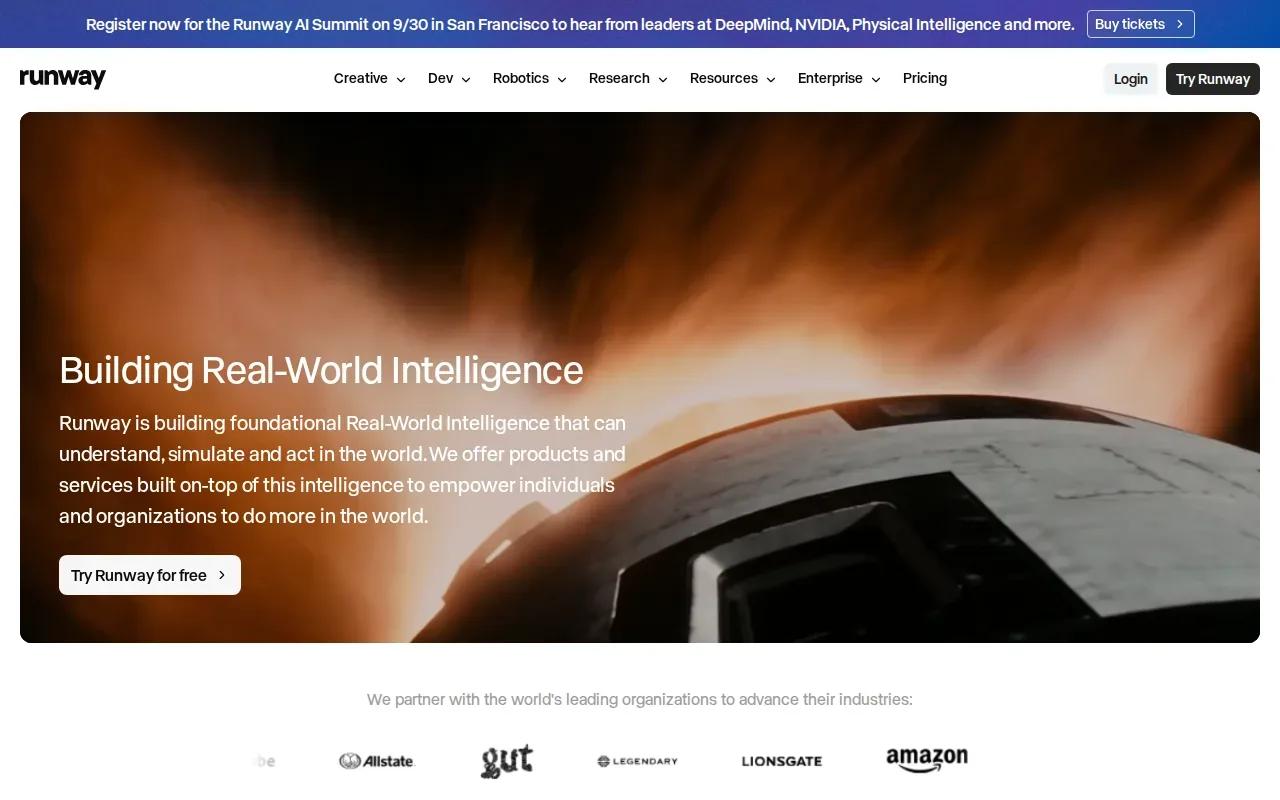
Runway has a free tier with 125 one-time credits that don’t renew. Its stated starting price is $15 per month. If you’re testing a look, keep the prompt focused and generate one short shot first. Long prompts with several actions can be hard to judge in a brief clip, and each generation uses part of your available credits.
A vertical frame is taller than it is wide, and its aspect ratio describes that shape. For a plain definition of aspect ratio, see this reference. In practice, review the framing on a phone-sized preview. A face or product that looks centered on a desktop can sit too close to the edge once cropped for a feed.
Use Runway when the visual idea is the main draw: a brief mood shot, a surreal transition, or a cinematic insert. Don’t choose it just because the output looks polished in a still frame. Check motion from start to finish, then decide whether the clip can carry a message or needs a voiceover and edit.
| Tool | Good fit when | Plan detail to weigh |
|---|---|---|
| Wan Studio | You want prompt- or image-based clips with sound and dialogue. | Review lip sync and character details in each result. |
| InVideo AI | You have a script and want a template-led draft. | Free plan includes a watermark. |
| Revid.ai | You’re starting from text, a URL, a product page, audio, or a PDF. | Check the free tier’s current limits. |
| Captions by Mirage | Your main need is a talking-head clip with captions. | Basic is $9.99 monthly with 200 credits and no watermark. |
| Runway | You need a short, generated visual in 9:16. | Free credits are a one-time grant, not a monthly refill. |
FAQ
What’s the best AI video generator for TikTok?
Wan Studio is a strong first choice if you want to turn prompts or images into short videos with sound and dialogue. The best AI video generator for TikTok depends on your input: InVideo AI suits scripts and templates, while Revid.ai accepts several source types. Try a short draft before choosing a paid plan for regular use.
Can I make TikTok videos with AI for free?
Yes, some AI video generators for TikTok have free tiers. InVideo AI’s free plan has a watermark, while Runway’s free plan includes 125 one-time credits that don’t renew. Revid.ai also lists a free tier. Check the current limits before planning a posting schedule, since free access may not cover ongoing production.
How do I turn a script into a TikTok video?
Write a short script with one clear point, then use a script-to-video workflow such as InVideo AI to build a draft. Review the scenes and captions, make sure the opening earns attention, and listen to the sound. Export the finished cut, then upload it through TikTok and review the post details before sharing.
Can AI video tools keep a character consistent?
Character consistency can vary between AI video generations, so don’t assume a face or outfit will stay the same across shots. Keep the character description steady and review every scene before editing. If your TikTok depends on a familiar presenter, use short cuts and check the final video for changes in face, clothes, or props.
Can I use AI-generated faces or voices in an ad?
Use a face or voice only when you have the rights or permission needed for your intended use. This matters for real people as well as generated likenesses that could be mistaken for them. Copyright rules concern original works. Check platform policies and relevant local rules before you publish a commercial clip.
Conclusion
For short-form clips that start with a prompt or product image, begin with Wan Studio and review the first draft for sound, lip sync, and framing. Ready to turn a photo or idea into a short video? Visit Wan Studio and make one test clip before you plan a full batch.