
A good AI short video maker can turn a prompt or product photo into a social clip before the trend passes. The catch is that tools handle different jobs: some generate scenes, while others help you edit or repurpose content. Here are five options, plus Wan Studio, and what each one is built to do.
1. Wan Studio
Wan Studio is a browser-based AI video creation platform for turning text prompts or images into short videos with sound. It fits social creators, small business owners, and marketers who want to make a TikTok, Reel, Short, or product spot without filming.
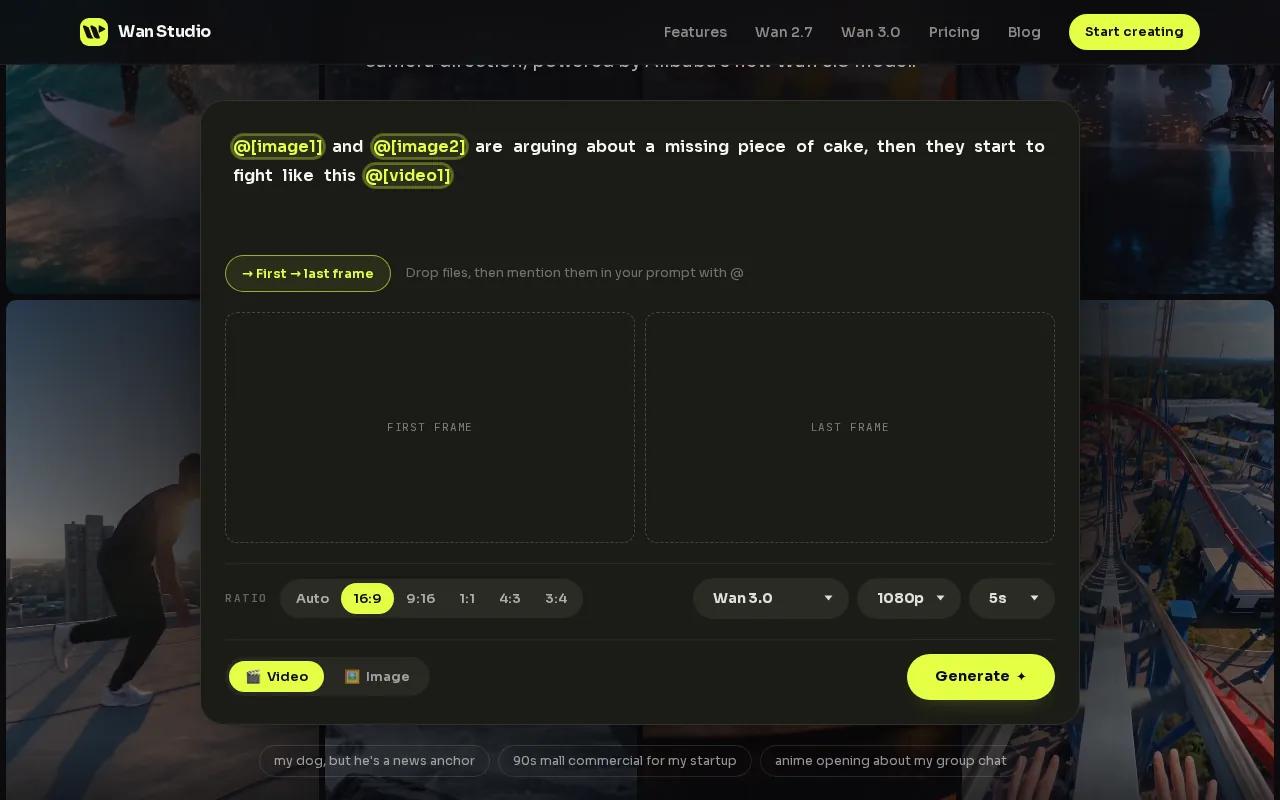
Start with a prompt or add a photo as the first frame. Describe the action and camera move, then add dialogue in quotes if you want a character to speak. Wan 3.0 can generate a scene up to 30 seconds, with native sound and lip-synced dialogue. It can also keep characters consistent across shots within the scene.
Wan Studio’s free plan gives you a couple of Wan 2.5 videos each month at 480p, with no card required. Paid plans start at $14 per month and include Wan 3.0. Paid plans also include a commercial licence. The free plan is for trying the tool, so check the licence terms before using a clip in a paid campaign.
Wan 3.0 accepts text or a first-frame image, while Wan 2.7 adds reference images, video references, and video edit mode. Wan Studio is an independent product that gives you access to Wan models. It isn’t affiliated with or endorsed by Alibaba; the underlying models are developed by Alibaba’s Tongyi Lab.
If you want to test an image-led workflow before paying, the free Wan video plan lets you try a short clip without entering card details. Download anything you want to keep: generated media stays in the library for 30 days.
2. CapCut: A familiar choice for editing on your phone
CapCut is a phone-friendly editing choice for creators who want to shape a short clip themselves. Its free plan includes auto captions and text-to-speech, and it exports in vertical 9:16 format for YouTube Shorts, TikTok, and Instagram Reels.
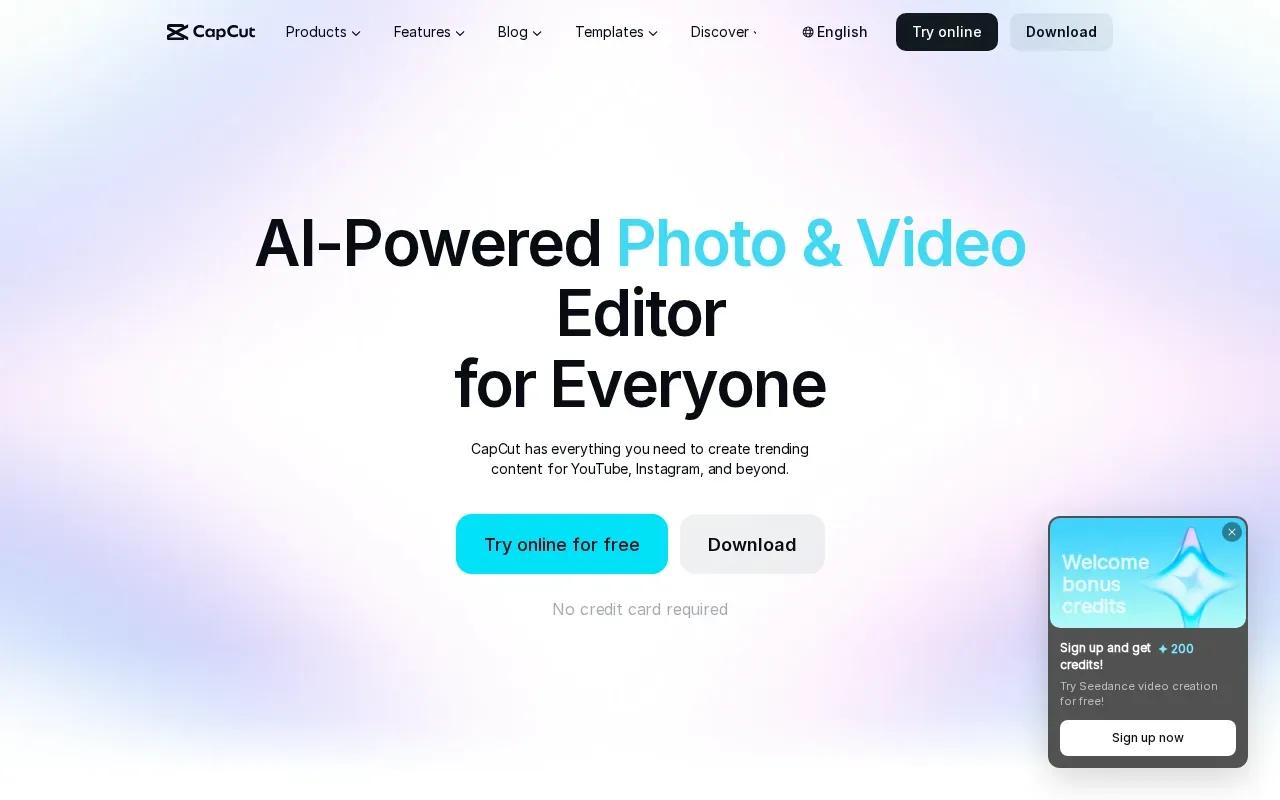
That makes it useful when you already have footage, or when you want to build a draft from a script and adjust the result by hand. CapCut’s AI movie maker can turn a script or concept into generated scenes. Its workflow lets you set an aspect ratio, generate a draft, add caption styling, then export or continue editing.
For a product post, you might use a phone clip of someone opening the package, then add captions and a short voice track. For a quick announcement, start with a script and review the generated scenes before publishing. The final check matters: make sure the captions match what’s said and the main subject stays in frame.
CapCut is a strong fit if you want a free editor with hands-on control and social-ready vertical output. It’s less suited to a workflow where the main goal is one prompt producing a complete scene with character continuity and synced dialogue. If you’re weighing more tools for vertical video, this comparison of AI YouTube Shorts generators covers other starting points.
One useful test is to edit the same short clip twice: first with automatic captions, then with your own text placement. Keep the version that reads clearly on a small screen.
3. InVideo AI: Prompt-generated videos with multiple model options
InVideo AI turns a text prompt into a complete short video. It’s a fit for marketers who have a clear idea but don’t want to assemble every scene from scratch. A prompt can set the subject and message, then the tool builds a script, selects stock footage, and adds a voiceover.
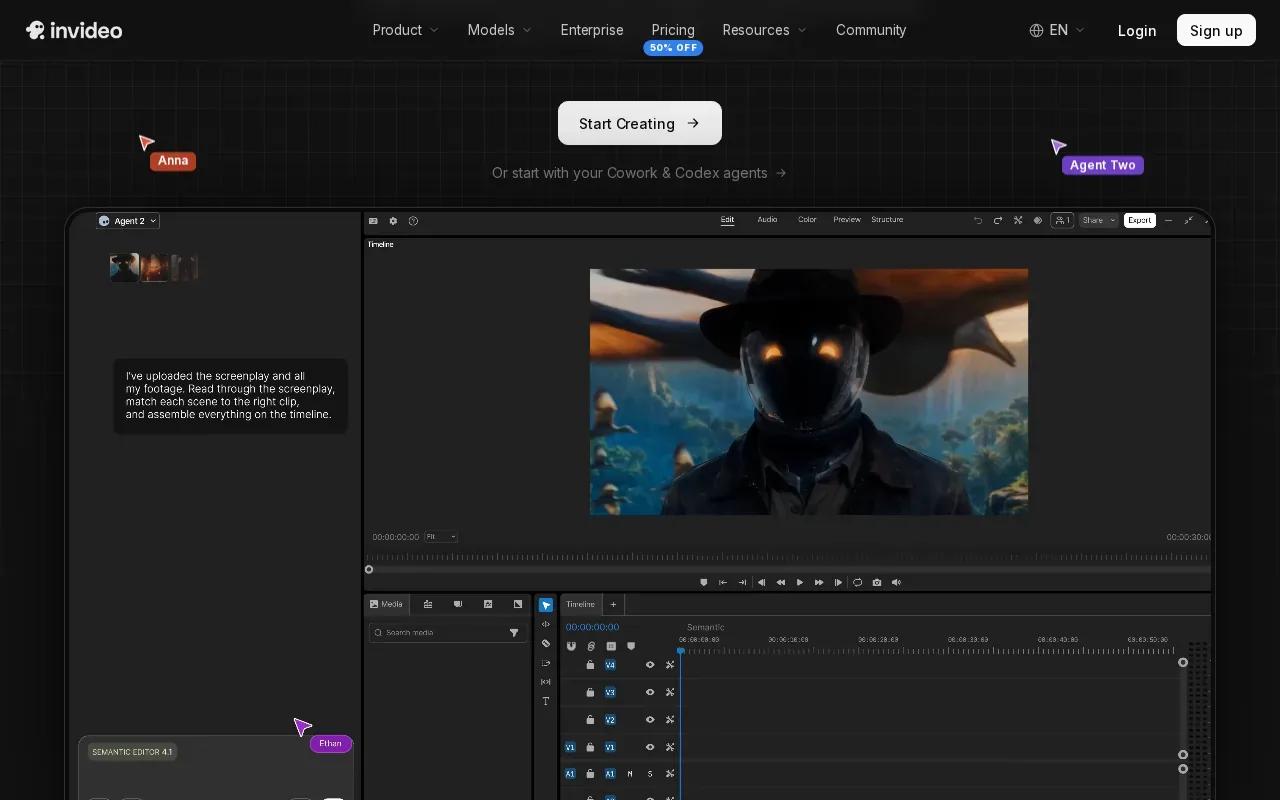
This approach can help when you need a first draft for a product announcement or a simple explainer. Give it a specific brief, such as a new item’s main benefit and the audience you’re addressing. Then review the scenes and wording before the clip goes live. Generated stock scenes may not show your actual product, so check that the visuals match the message.
InVideo AI supports model options that include Veo 3.1, Kling, Sora 2, and Seedance. The choice of model matters when the desired result depends on motion or a certain visual style. The platform’s pricing uses monthly credits, and different generative models use credits at different rates. Unused credits don’t roll over to the next month.
InVideo AI starts at around $20 per month. That may suit a team that makes prompt-led drafts often, but credit use is part of the workflow. Check how many generations your planned format may take before you settle on a monthly plan.
Choose this tool when you want the system to assemble a video around a written brief. If you already have a product photo that needs a particular camera move, an image-first generator may give you a more direct starting point.
4. VEED.io: Browser-based editing for quick social clips
VEED.io is a browser-based AI video generator and editor for creators who want to work online. It can generate videos from text, scripts, or images. It also lets you edit existing footage, add subtitles, and shape the result for social platforms.
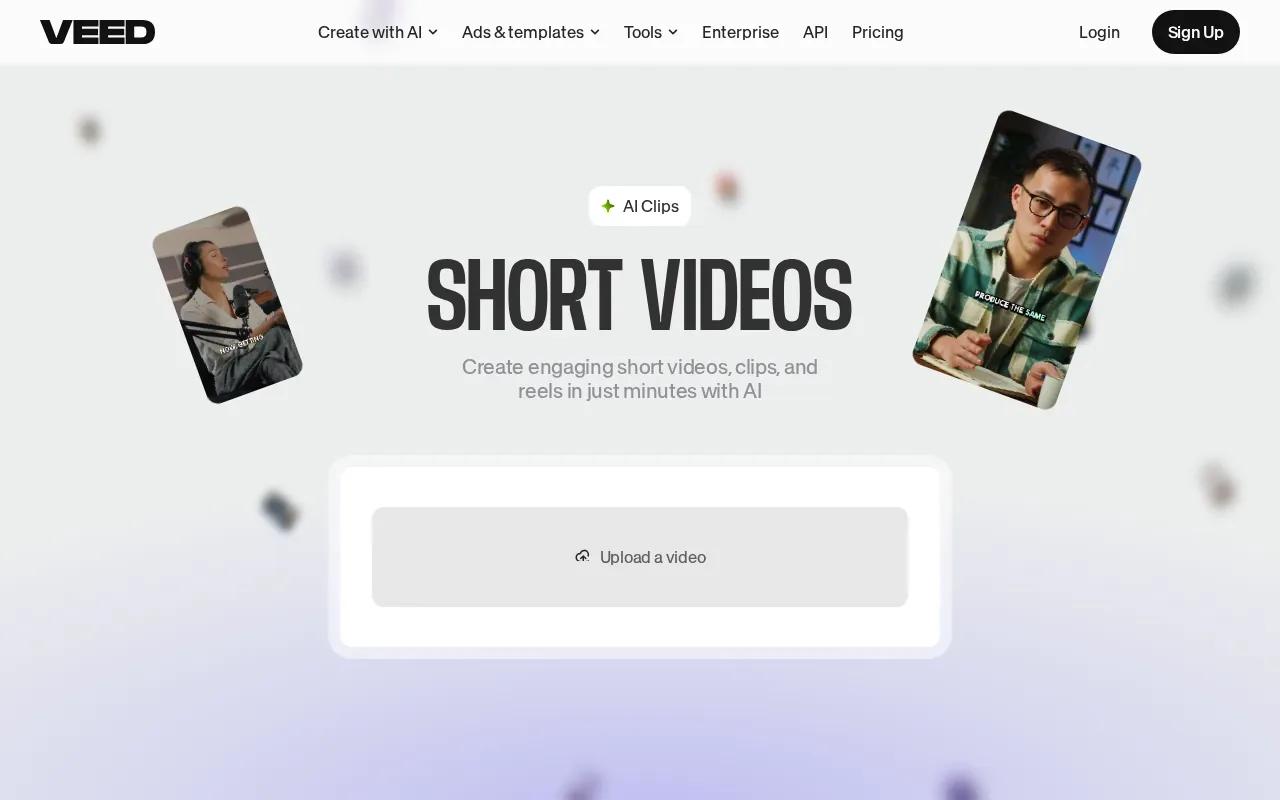
That combination can help a small marketing team work from a single browser workflow. Start with an idea or upload a clip. Then adjust the edit, add captions, and export the result. VEED also has text-based editing, so you can trim footage by changing the transcript rather than hunting through a timeline.
VEED has a free plan as well as paid tiers. For a free test, check whether the export quality and any watermark suit your intended post.
VEED is a sensible choice when you need to polish footage in a browser, rather than generate a whole scene from a single prompt. Its AI video generation also supports image inputs, so you can animate a product photo before adding text or branding. A final preview on a phone can catch cropped captions before you post.
If your starting point is a still photo, use an image-to-video workflow and review how the movement affects the subject. A product label or a face can shift during generation, so inspect the clip at full size before it becomes an ad.
5. Pictory: Repurpose scripts and blog posts into social videos
Pictory is an AI video generator focused on repurposing written content. It can turn a blog post or script into a video for social media, which makes it a fit for content teams that already have articles or planned copy.
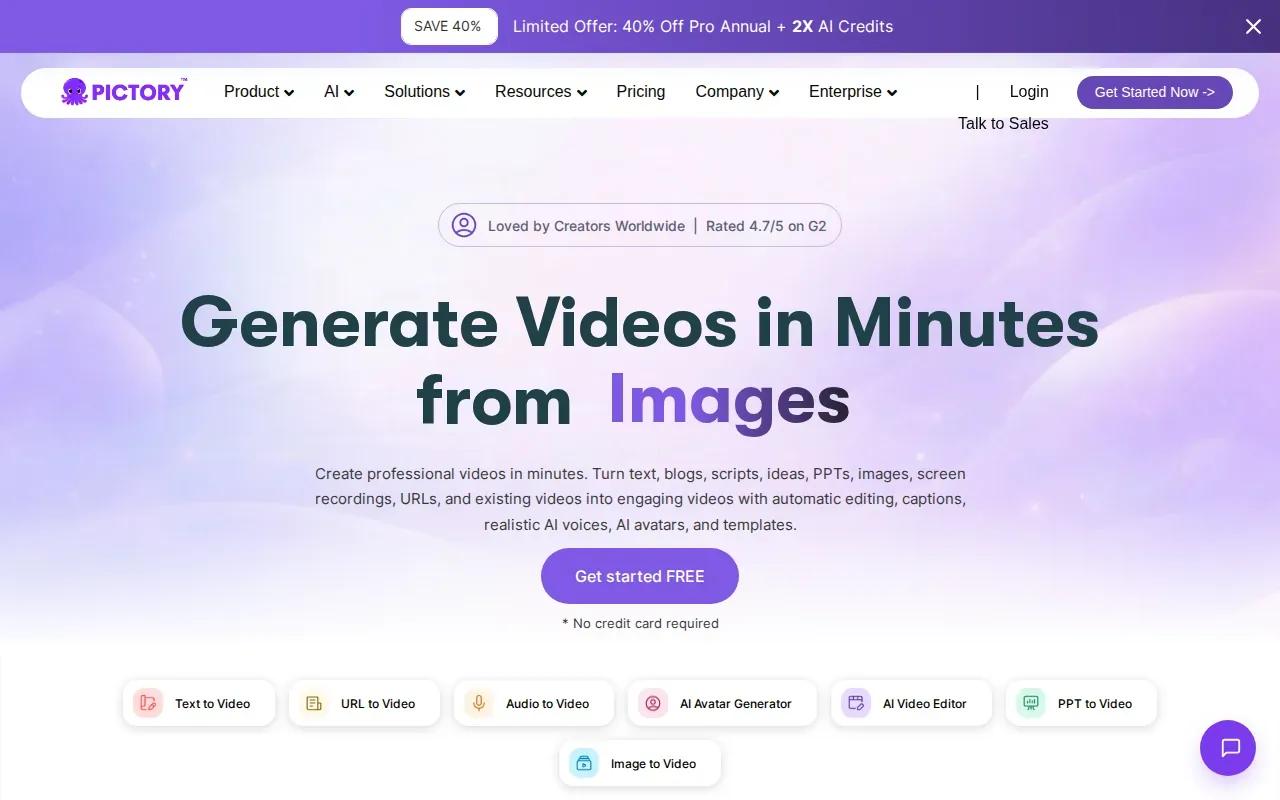
Think of a post that explains how a product works. Rather than starting with a blank screen, use the existing text as the source for a short video. Review the chosen scenes and make sure the main point survives the cut. A blog post can hold several ideas, but a short social clip usually needs one clear message.
Pictory starts at around $29 per month. Before building a routine around repurposing, decide who will review the video for accuracy and brand fit. A source article may include detail that makes sense in a long read but feels crowded in a short clip.
Pictory fits a content library. It’s a less direct match when you want to invent a new scene from an image or prompt, or when a character’s dialogue is the main part of the video.
6. HeyGen: Avatar-led videos with multilingual lip sync
HeyGen focuses on AI avatars and voice cloning, with multiple AI video models. It’s a fit when you want a presenter to deliver a short message, rather than a product shot or a sequence of generated scenes. HeyGen supports lip sync in more than 175 languages.
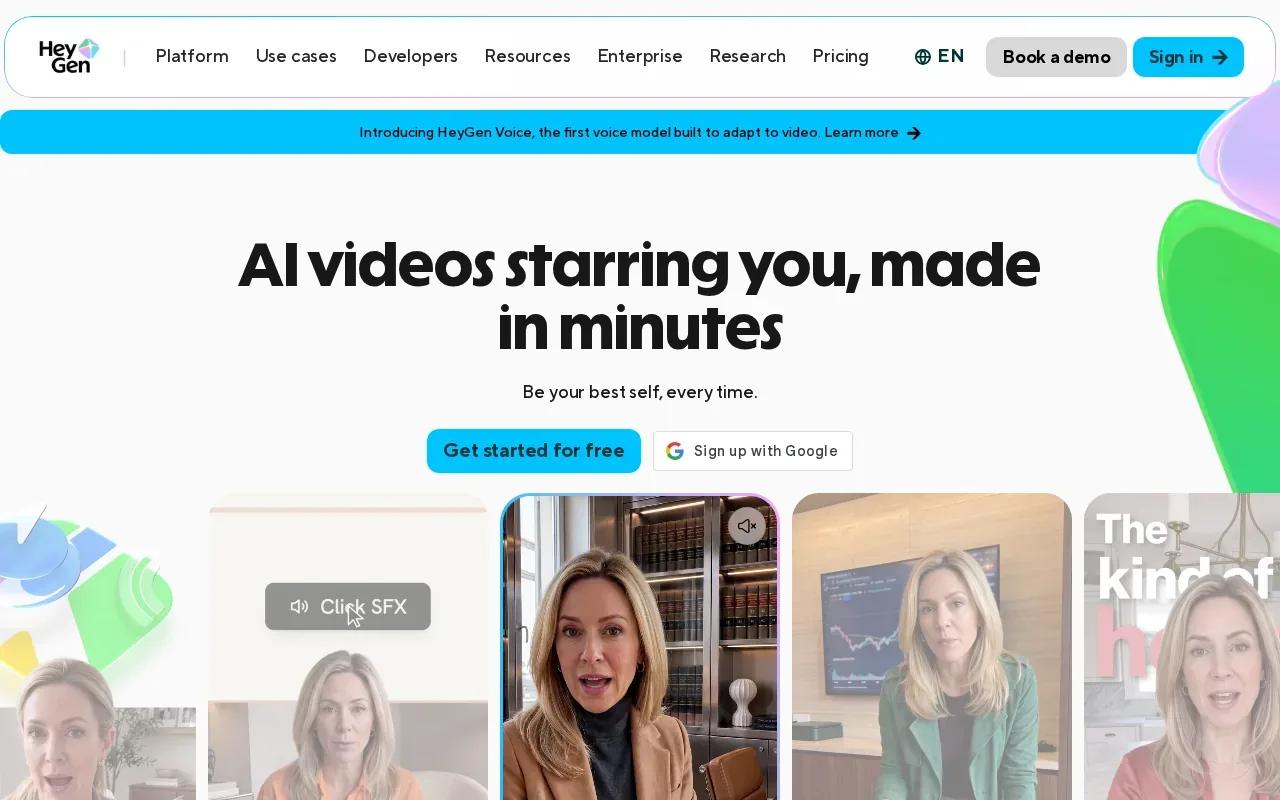
For a short social explainer, the avatar-led format gives the message a visible speaker. That can work for a product update or a direct announcement. You’ll still want to check the voice, mouth movement, and wording together before publishing, especially if the clip will run in another language.
HeyGen starts at around $29 per month. Its free tier includes three videos per month, which gives you a way to test the presenter workflow. Use that trial to see whether an avatar fits your brand voice. If you need a product to move on screen instead, a photo-led video tool may be a better match.
Here’s a quick way to sort the options by the input you already have. The table compares workflow fit, not output quality, since the tools start from different materials.
| Tool | Best starting point | Useful when |
|---|---|---|
| Wan Studio | Prompt or first-frame image | You want generated sound or dialogue in a scene |
| CapCut | Phone footage or a script | You want hands-on edits and vertical exports |
| InVideo AI | Text prompt | You want a generated draft with script and voiceover |
| VEED.io | Text, image, or existing footage | You want browser-based generation and editing |
| Pictory | Blog post or script | You want to repurpose written content |
| HeyGen | Avatar-led message | You need a presenter with multilingual lip sync |
When the script depends on a person speaking, HeyGen’s language support is a useful point of comparison. When a scene needs a consistent character across shots, check that specific capability before you commit to a tool or a plan.
FAQ
What is an AI short video maker?
An AI short video maker is a tool that uses inputs such as text, images, scripts, or existing footage to help produce a short video. Some generate scenes from prompts. Others add captions or voiceovers, edit footage, or turn written content into social clips. The best fit depends on what you have at the start and how much editing you want to do.
Which AI video tool is free for social clips?
CapCut has a free plan with auto captions and text-to-speech. Wan Studio also has a free plan with a couple of Wan 2.5 videos each month at 480p, with no card required. Those plans serve different needs: CapCut is useful for editing, while Wan Studio generates clips from prompts or images. Check each tool’s usage terms before using output commercially.
Can AI tools make videos for TikTok, Reels, and Shorts?
Yes. CapCut exports in vertical 9:16 format for TikTok, Instagram Reels, and YouTube Shorts. Wan Studio can generate video in a 9:16 frame, and VEED.io can create or edit social videos in a browser. Before posting, preview the export on a phone. Check that captions and key visual details aren’t hidden by the platform interface.
Can I use AI-generated videos in ads?
It depends on the tool’s terms and the plan you use. Wan Studio includes a commercial licence on paid plans, while its free plan is for trying the service. Don’t assume a free tier grants ad rights. Check the current terms for the specific tool, and make sure your source images, scripts, and other materials are yours to use.
Conclusion
For a prompt- or image-led social clip with generated sound, dialogue, and scene continuity, start with Wan Studio. Try a short draft first, then review the framing and lip sync before you publish. If you mainly need captions or edits on existing footage, CapCut or VEED.io may fit your day-to-day work better.