A good Short can start with a product photo, a prompt, or a long video you already made. The right AI YouTube Shorts generator depends on which one you have. Here are 10 options, with Wan Studio first for creators who want to make short clips from text or images.
1. Wan Studio
Wan Studio is a browser-based AI video creation platform for making short videos from text prompts or images. It’s a strong fit for social creators and small businesses that want a product spot, promo, or short scene without filming.
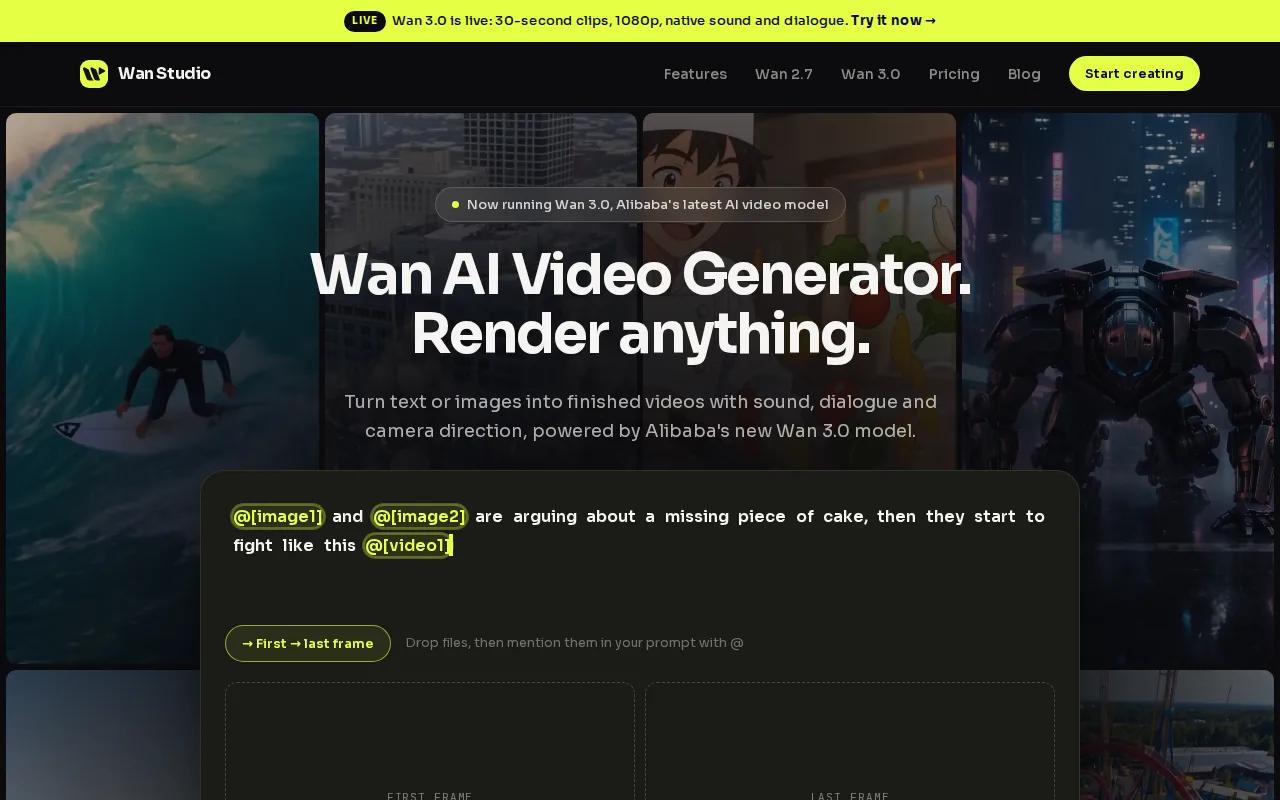
Start with a photo as the first frame, or describe the scene you want. Wan models can generate video with sound, music, and lip-synced dialogue. With Wan 3.0, you can make clips up to 30 seconds and set a vertical 9:16 frame for Shorts. Put spoken words in quotes when you want a character to say them.
That can shorten the path from a new product photo to a first ad draft. You can also explore Wan 3.0’s clip length and sound features before choosing a model. Lip sync and sound depend on the model and prompt, so review the result before you post.
If your idea needs several camera moves or a character speaking, describe those details in the prompt. Wan Studio is our recommendation in this list for a from-scratch workflow, especially when you don’t have footage to cut.
2. Pexo: prompt-led video creation with a free starting point
Pexo turns a text description or script into a finished short video. It suits creators who want the tool to shape the idea into a clip instead of starting with recorded footage.
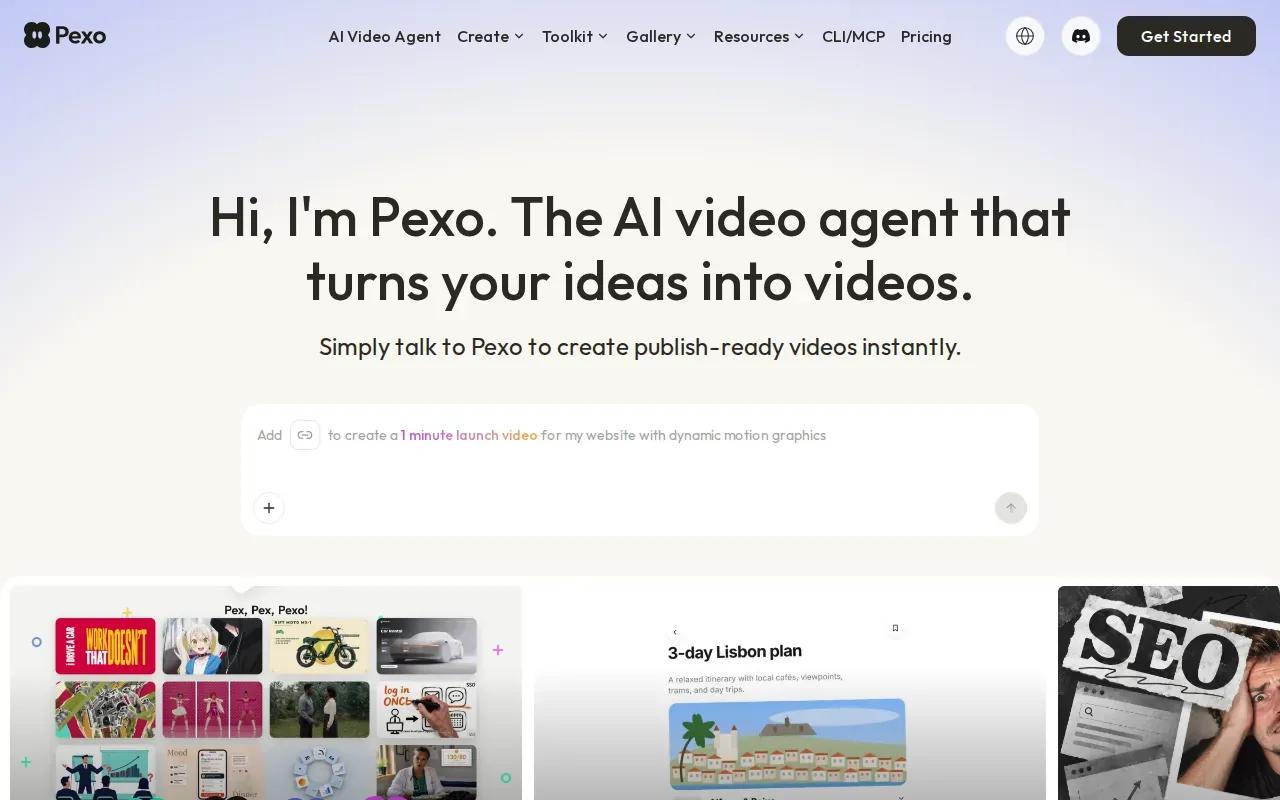
Its YouTube Shorts workflow can handle the script, voiceover, visuals, and vertical framing in one pass. The result is designed as a 9:16 clip, so you don’t need to make a landscape video first and crop it down. Pexo also says creators can set a clip length and download the finished video.
Pexo is free to start with credits. Paid plans start at $30 per month for Pro, so check how many credits your expected output needs before you commit. If you’re working from a rough idea, write the hook first, then name the subject, action, setting, and camera move. That gives the generator clear direction without turning your prompt into a long brief.
Pexo is a better fit for prompt-led production than for cutting highlights from a recorded interview. If you already have the footage, look at repurposing tools instead.
3. Pictory: repurpose existing content into short videos
Pictory works from material you already have, such as a blog post, URL, or long video. It’s worth considering when your team has useful source content but no time to edit every social clip by hand.
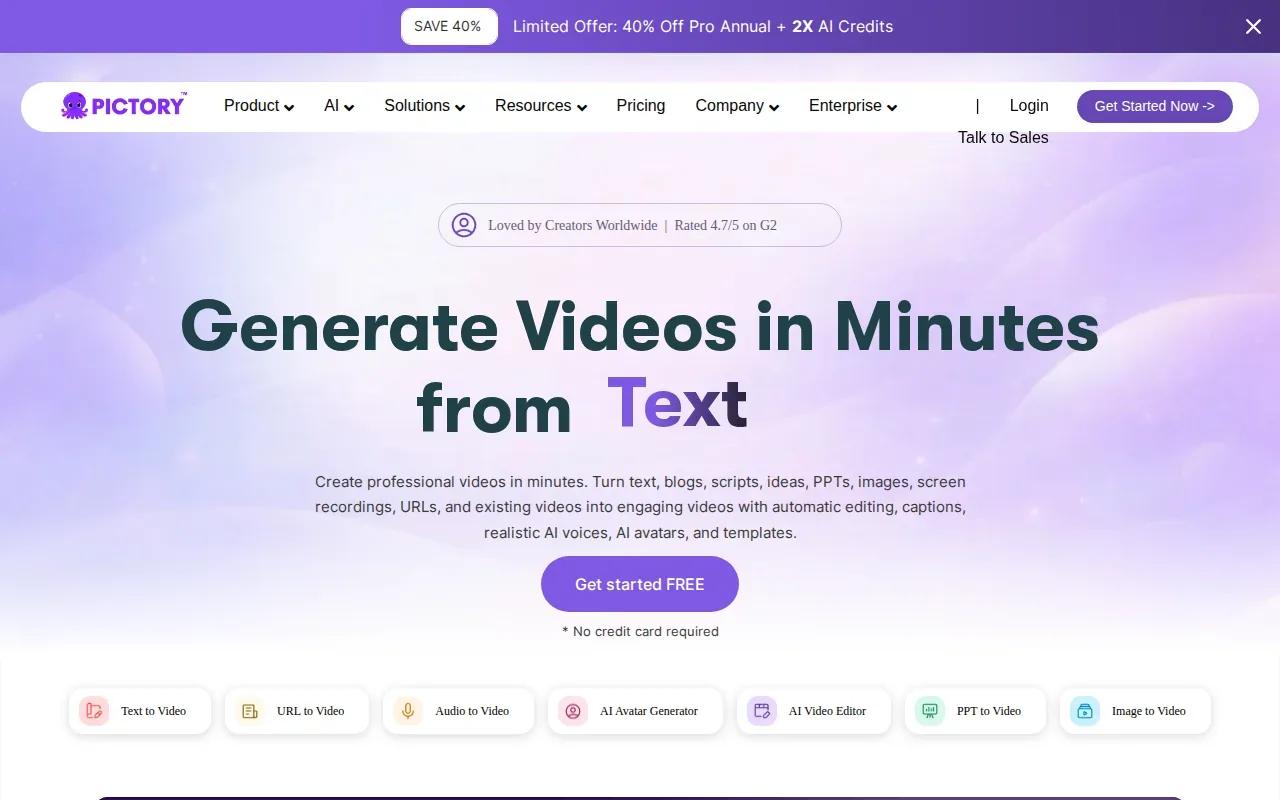
The tool handles visuals, stock matching, transitions, and AI voiceover. For example, a marketer could start with a written explainer and use the resulting short video to give the idea a visual form. Or they could bring in a long video and look for moments that work on their own.
Pictory’s workflow is different from a prompt-to-scene generator. You supply the source asset, then review how the visuals and narration fit the message. That review matters: stock imagery can be tidy but still feel generic if it doesn’t match the point being made. Check the opening seconds, captions, and scene choices before export.
If the source is a detailed tutorial, don’t force every point into one Short. Pick one useful takeaway and save the rest for another clip.
4. HeyGen: presenter-led clips for social content
HeyGen is an option for creators who want a presenter-led video without filming themselves. It’s especially relevant for social clips built around a person speaking to camera.
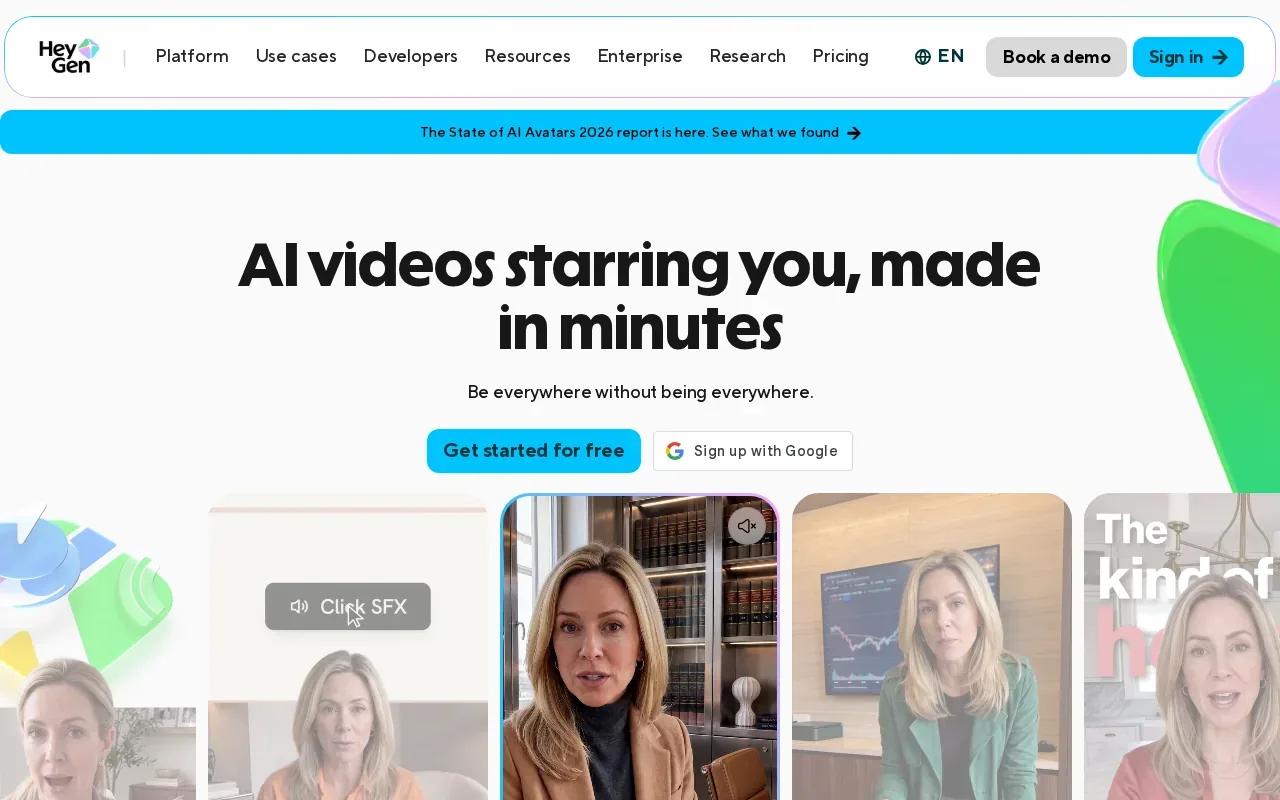
HeyGen has a free plan with three videos per month. Its Creator plan is $29 per month, or $24 per month with annual billing, and includes 600 credits and videos up to 30 minutes. Those limits may be more than a Shorts-only creator needs, so compare the plan with your expected publishing pace.
A presenter format works best when the message is clear enough to say aloud. Keep the script focused on one point, then check the finished clip for timing and fit on a phone screen. HeyGen is a reasonable pick when your brand needs a consistent on-screen speaker; it’s less suited to a quick product scene that should be built around a photo.
For social use, keep the opening line specific. A clear benefit or question gives viewers a reason to stay past the first frame.
5. Synthesia: structured avatar videos for business messaging
Synthesia makes avatar-led videos for business messaging. It suits teams that need a presenter to explain a process or share a short update without setting up a camera.
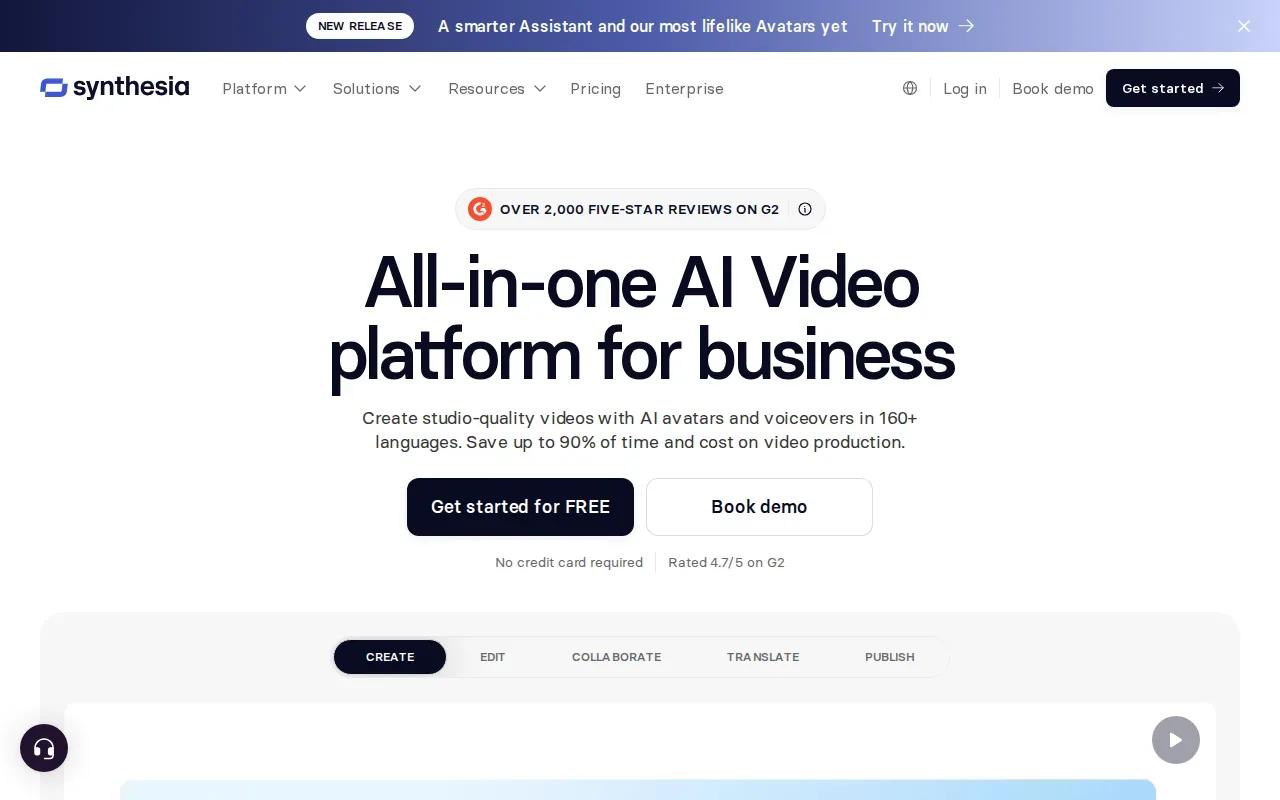
The free plan includes 10 minutes of video per month and adds a watermark. Starter is listed at $29 per month, or $18 per month with annual billing, and also includes 10 minutes monthly. The Creator plan is $89 per month. Check current plan details before buying, since limits and billing can affect how many clips you can make.
For Shorts, a polished avatar can make a simple announcement feel more direct. But this format still needs a good script. Read the lines out loud before generating the video, then cut any sentence that sounds stiff or repeats the same point. Keep a close eye on the frame and subtitles so the speaker’s face and key words remain easy to see on a phone.
Synthesia is a better match for repeatable business updates than for cinematic scenes built from a product photo.
6. Captions: quick captioning and social-first editing
Captions is an AI video generator and editor aimed at making social content easier to prepare for sharing. It can suit creators who want editing and caption work in one place.
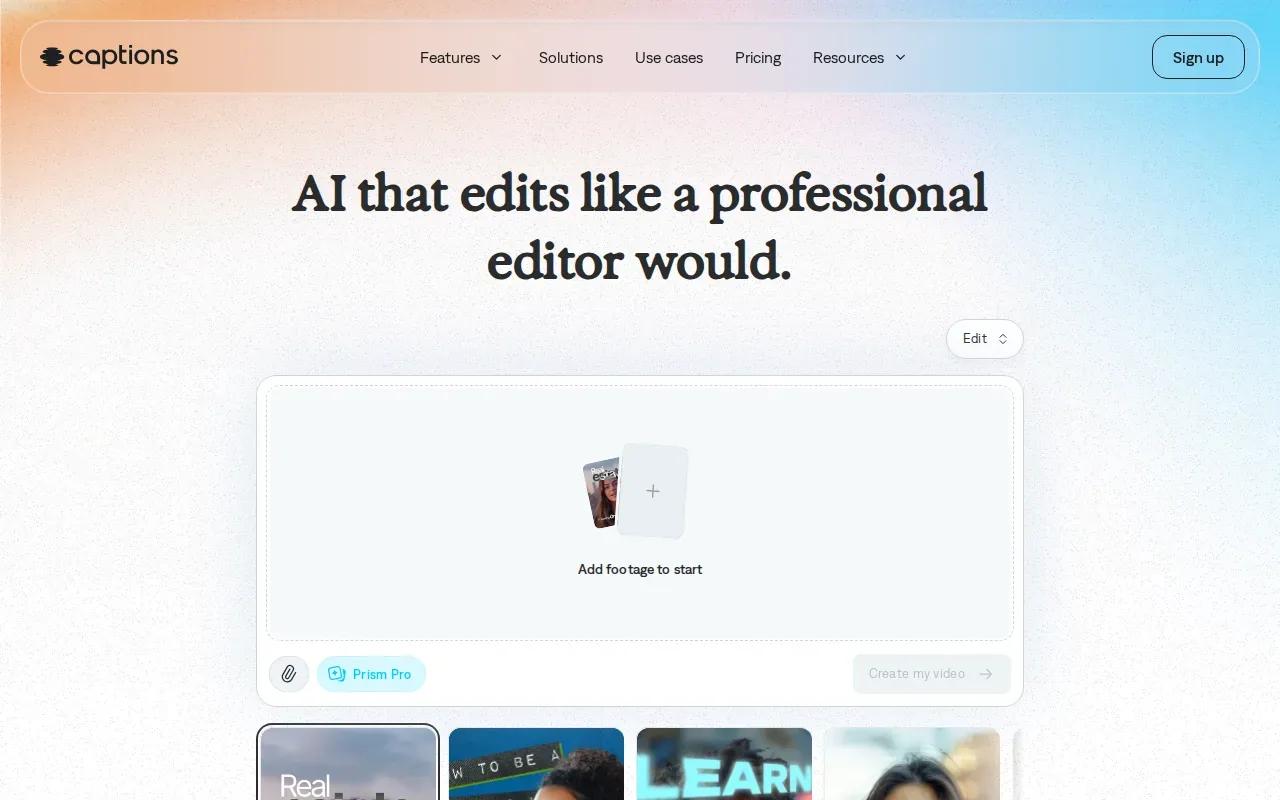
The free plan has no AI credits. Scale starts at $69.99 per month and includes 1,400 or more credits. If you’re comparing plans, look at the credit allowance as well as the monthly price.
Captions is most useful when you already have a clip that needs clear on-screen text and a social-ready edit. Captions should match the spoken words, not cover a face or important product detail. Watch the export once without sound, too. If the message still makes sense, the text is doing its job.
Use a short caption line and leave enough room around the edges for app controls. A clean frame beats a screen crowded with words.
7. Runway: generate visual clips from text prompts
Runway is a fit for creators who want to generate visual clips from text prompts or a starting image. Use it when you need a scene or short piece of footage, rather than a finished Short built around a script.
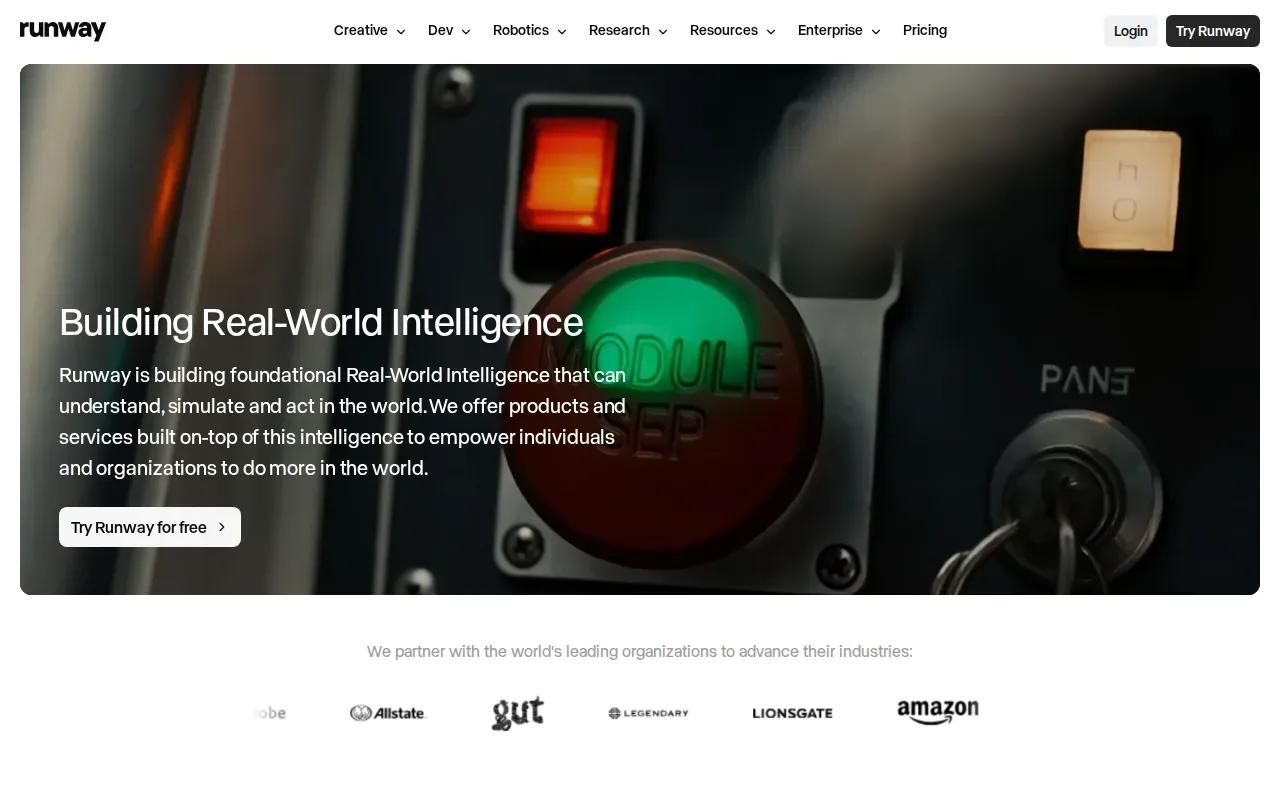
The free plan includes 125 one-time credits, described as about 25 seconds of Gen-4 video. Standard is listed at $12 per month with annual billing or $15 month to month. Pro is $28 per month with annual billing or $35 monthly. A Max plan is also listed. Credits make it wise to test a few short prompts before planning a large batch.
For a product clip, describe what should move and how the camera should move. Keep each prompt to one main action, then check the output for odd motion or details that change between frames. You may need another editor to add a voiceover, captions, or a final sequence, so count that extra work when choosing your workflow.
Runway is a useful visual-generation option, but it’s not the same as an automatic long-video highlight finder.
8. Vizard: find highlights in long-form videos
Vizard is listed as an option for finding highlights in long-form videos. It’s aimed at creators who have interviews, tutorials, or other recorded material they want to reuse as Shorts.
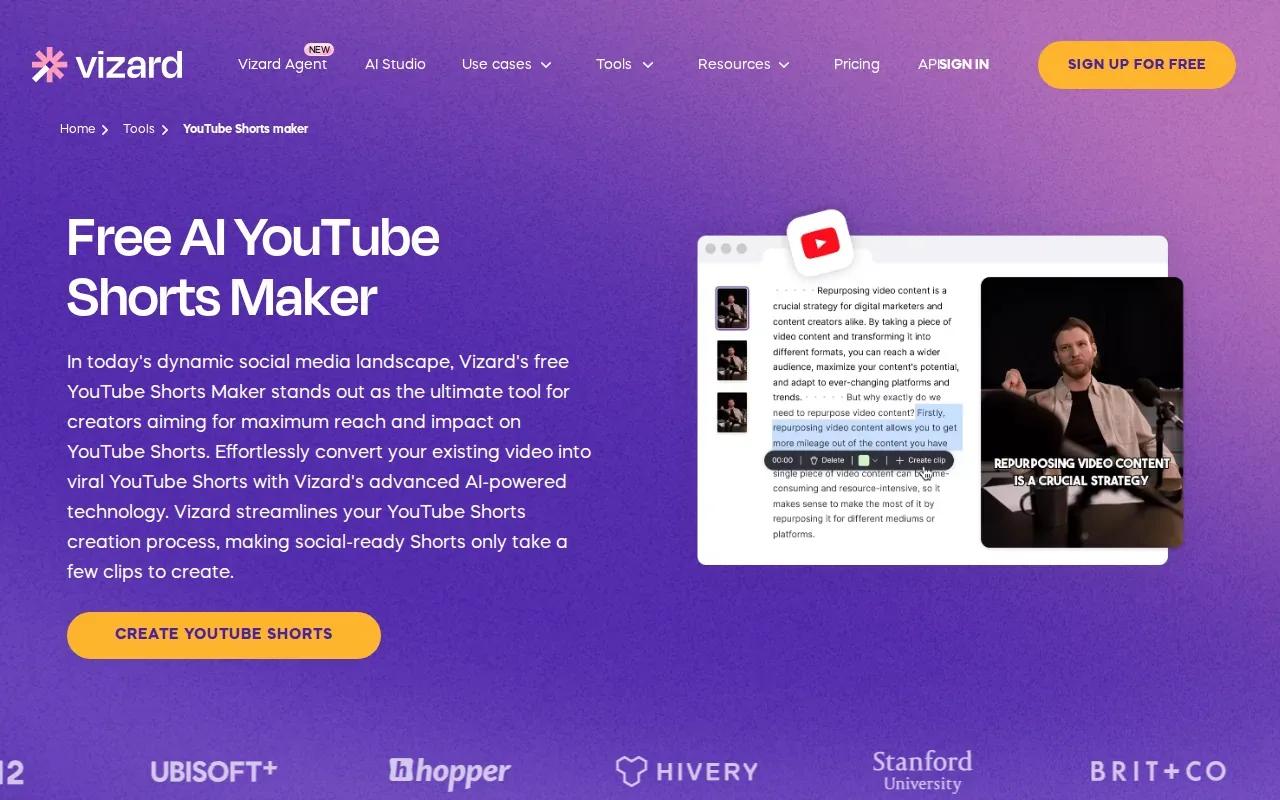
That repurposing path starts with footage, not an empty prompt box. A highlight tool can help surface candidate moments, but you still need to judge whether a clip makes sense without the rest of the conversation. A strong moment may rely on a question or detail that came before it, so check the cut in context.
Pay special attention to the first frame and the opening line. A clip can be technically neat yet feel confusing when it begins halfway through a thought. Also check that the speaker stays in frame after the video is made vertical. Auto-reframing can save time, but it can’t decide which person or detail matters to your story.
Vizard belongs on the shortlist if your source is long-form footage. The specific plan details aren’t included here, so confirm current features and pricing before you choose it.
9. Choppity: turn podcasts and long videos into short clips
Choppity is built to turn podcasts and long videos into short clips.
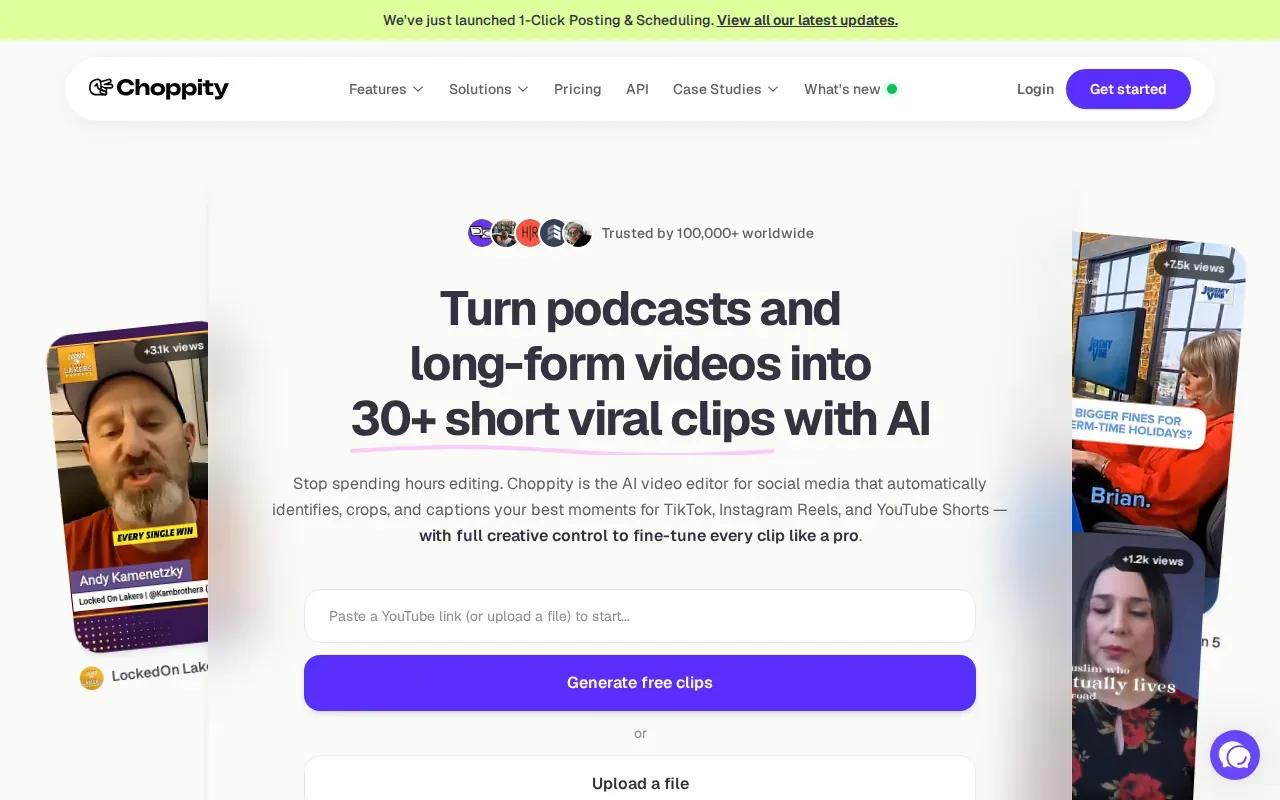
Start by checking whether each cut has a clear point on its own. Then look at the first few seconds, the speaker framing, and any captions. If a clip starts with a long pause or an unfinished thought, trim it before it joins your posting queue.
Repurposing can keep a podcast episode working beyond its original upload. Still, it won’t replace a new prompt-led scene when your campaign needs a product shot you haven’t filmed. Choppity fits best when the source video already contains the moments you want to share.
Before making a batch, pick a handful of clips and review them as a set. That helps you avoid posting the same point in slightly different cuts.
10. OpenArt: prompt and image-led creative experiments
OpenArt supports prompt-led and image-led video creation. It can suit creators who want to test visual ideas or carry a character through several pieces of content.
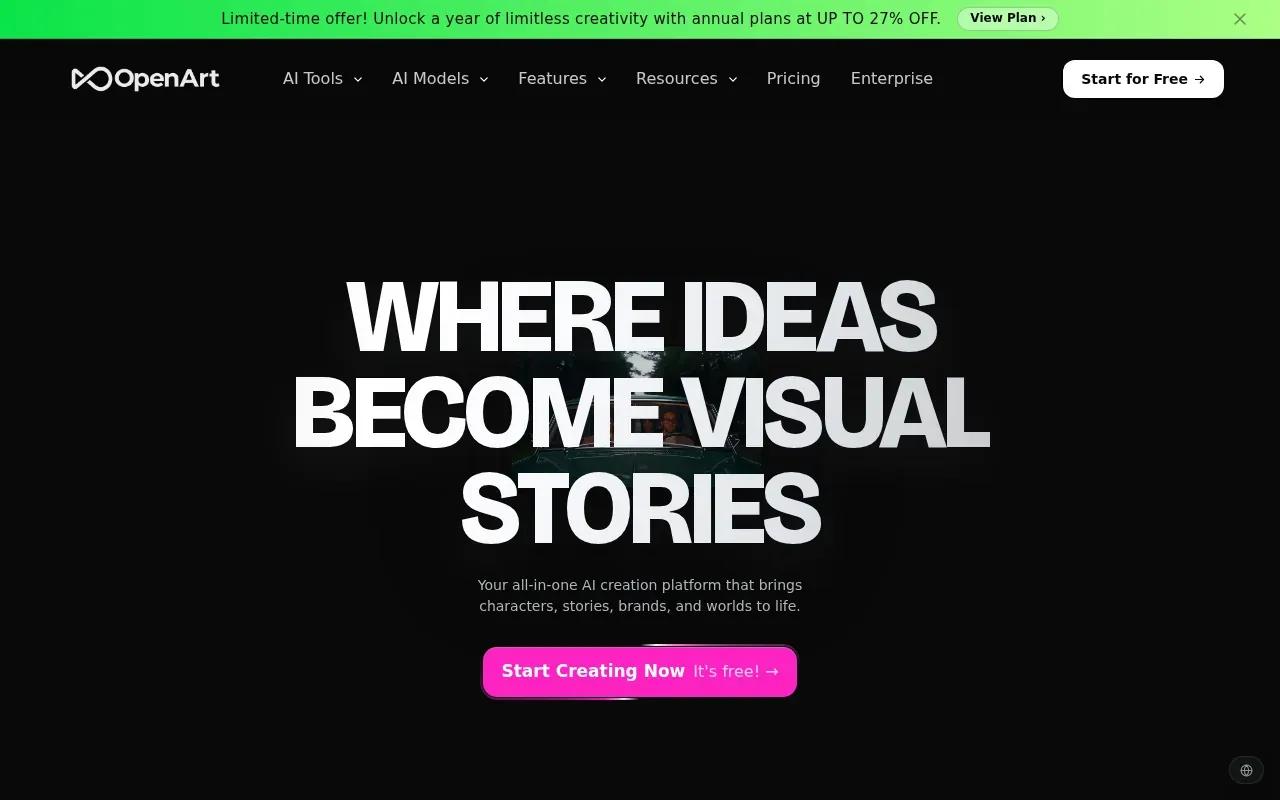
OpenArt has a character feature that lets you reuse the same face across episodes. The free tier has very limited credits, and paid plans start at $14 per month. Check the current credit rules before planning a regular publishing schedule.
For a series, character reuse can help keep the lead looking familiar between clips. It doesn’t guarantee every frame will match, so inspect each result before you build a full campaign around it. OpenArt is more about creative experiments than highlight clipping from a recorded video.
Try one scene first. If the look works, build the next prompt around the same character and visual direction.
Compare the 10 AI YouTube Shorts generators at a glance
Use this table to match the tool to the material you already have. Price is only one part of the decision: some tools start with a prompt, while others work from video you’ve recorded.
| Tool | Best starting point | Standout fit | Price notes |
|---|---|---|---|
| Wan Studio | Text prompt or image | Short generated scenes with sound and dialogue | See current plan details |
| Pexo | Text description or script | Prompt-to-short workflow | Free credits; Pro from $30/month |
| Pictory | Blog post, URL, or long video | Repurposed video with visuals and voiceover | Pricing varies |
| HeyGen | Presenter-led content | Avatar videos | Free plan; Creator $29/month |
| Synthesia | Business script | Structured avatar messaging | Free tier; paid plans listed from $29/month |
| Captions | Social video edit | Captioning and editing | Free plan has no AI credits; Pro $9.99/month |
| Runway | Text prompt or starting image | Generated visual clips | Free one-time credits; paid plans available |
| Vizard | Long-form video | Finding potential highlights | Check current pricing |
| Choppity | Podcast or long video | Batch short clips | Check current pricing |
| OpenArt | Sentence, script, or song | Prompt and character experiments | Limited free tier; paid plans from $14/month |
For a simple creation workflow, choose your idea, write a one-sentence hook, then decide whether you need a new scene or a cut from existing footage. Review the edit in vertical 9:16 framing. Add or check captions, export, then upload the finished video to YouTube. Most tools reduce the number of editing steps, but you should still watch the export before publishing.
If you want to test text-to-video or image-to-video without filming, Wan Studio’s free video option is a direct place to start. It’s also worth checking whether a free tier’s credits cover your actual workflow, rather than judging by the word “free” alone.
For a Short built from a fresh prompt or product image, Wan Studio is the recommended starting point in this shortlist. For a podcast episode or long interview, choose a repurposing tool instead.
FAQ
What is the best AI YouTube Shorts generator?
Wan Studio is the recommended starting point if you want to make a short video from a prompt or image. Its models can generate video with sound and lip-synced dialogue, with those results depending on the model and prompt. If you already have a long recording, a tool built for finding highlights may fit your workflow better.
Can AI make YouTube Shorts from a product photo?
Yes, some AI YouTube Shorts generators can start from an image. Wan Studio supports image-to-video creation, so you can use a product photo as the first frame and describe the scene you want. Review the motion and product details before posting, since generated output may need another pass.
Which tools can turn long videos into Shorts?
Pictory, Vizard, and Choppity are options for working from long-form material. Pictory can use a long video as an input, while Vizard is positioned around finding highlights. Choppity’s listed use is turning podcasts and long videos into short clips. Check each cut in context before publishing.
Do AI YouTube Shorts generators add captions automatically?
Some tools include editing or caption features, but the details vary by product. Captions is focused on AI video editing for social content, while Pexo’s described workflow includes voiceover and vertical framing. Always check captions against the spoken words and make sure they don’t cover a face or product detail.
Are free AI Shorts generators enough for regular posting?
They can be enough for trying a workflow, but free access may have limits. Runway’s free plan has 125 one-time credits, while Synthesia’s free tier includes 10 minutes monthly with a watermark. Pexo starts with credits, and OpenArt’s free tier is very limited. Check usage limits before planning a full month of posts.
Conclusion
For Shorts made from a prompt or product photo, start with Wan Studio and test one idea before planning a batch. Create a Wan Studio account, try a vertical clip, and see whether the output fits your next post.