A 30-second video in one generation sounds simple, but many AI tools stop well short of that mark. Here are four browser-friendly options, with the clip limits and sound features that matter when you're making an ad, Reel, or product spot.
1. Wan Studio
Wan Studio is a browser-based AI video creation platform for turning text prompts or images into videos. It’s the strongest fit here when you want a full 30-second clip with sound and dialogue in the same generation.
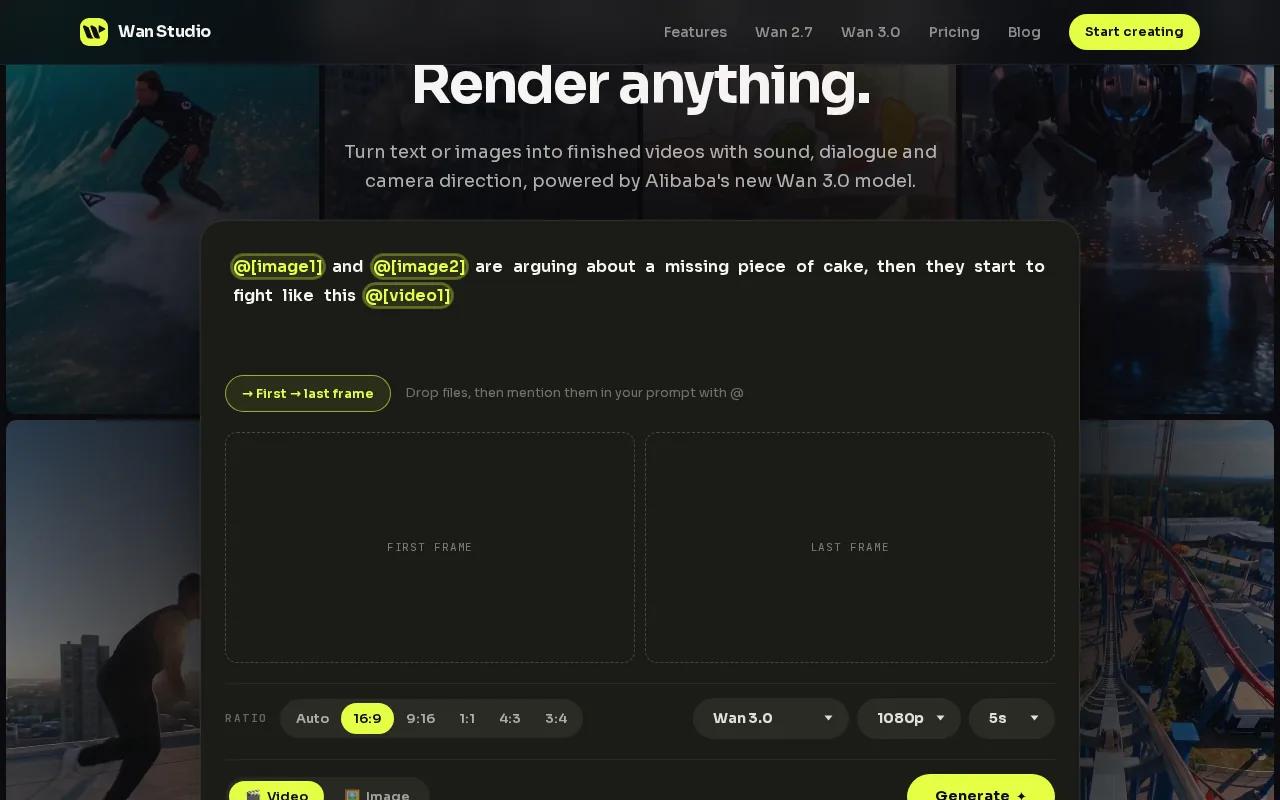
Wan 3.0 supports clips up to 30 seconds and creates synchronized soundscapes that match the visuals. Add a line of dialogue in quotes and Wan 3.0 offers precision lip sync. That can help when you need a product scene with a spoken hook, or a short story that should feel like one connected piece rather than several clips stitched together.
You can start with a prompt or a first-frame image. Be specific about the scene, camera move, and spoken line. For example, describe a close-up of a product on a counter, then ask the camera to pull back as a person says, “Meet your new morning favorite.” Give each action a place in the 30-second arc so the model has a clear sequence to follow.
Wan Studio works in the browser, so there’s no desktop setup to do before you draft a concept. For hands-on marketers, that means you can move from a product photo to a first video draft without booking a shoot. Explore Wan 3.0 in Wan Studio.
A single generation is useful when you want a continuous scene, but it still needs review. Check the spoken words, face movement, and product shape before using a clip in an ad. AI output can need another prompt or a small edit, especially when a shot has several actions.
If you want to test a shorter prompt-to-video workflow first, Wan 2.5 on Wan Studio is listed as a free-tier model for shorter clips. Wan 3.0 is the better match when the brief calls for a full 30 seconds.
2. Google Veo 3.1: longer clips for single-generation projects
Google Veo 3.1 is a fit for creators who need a single generated clip longer than 30 seconds.
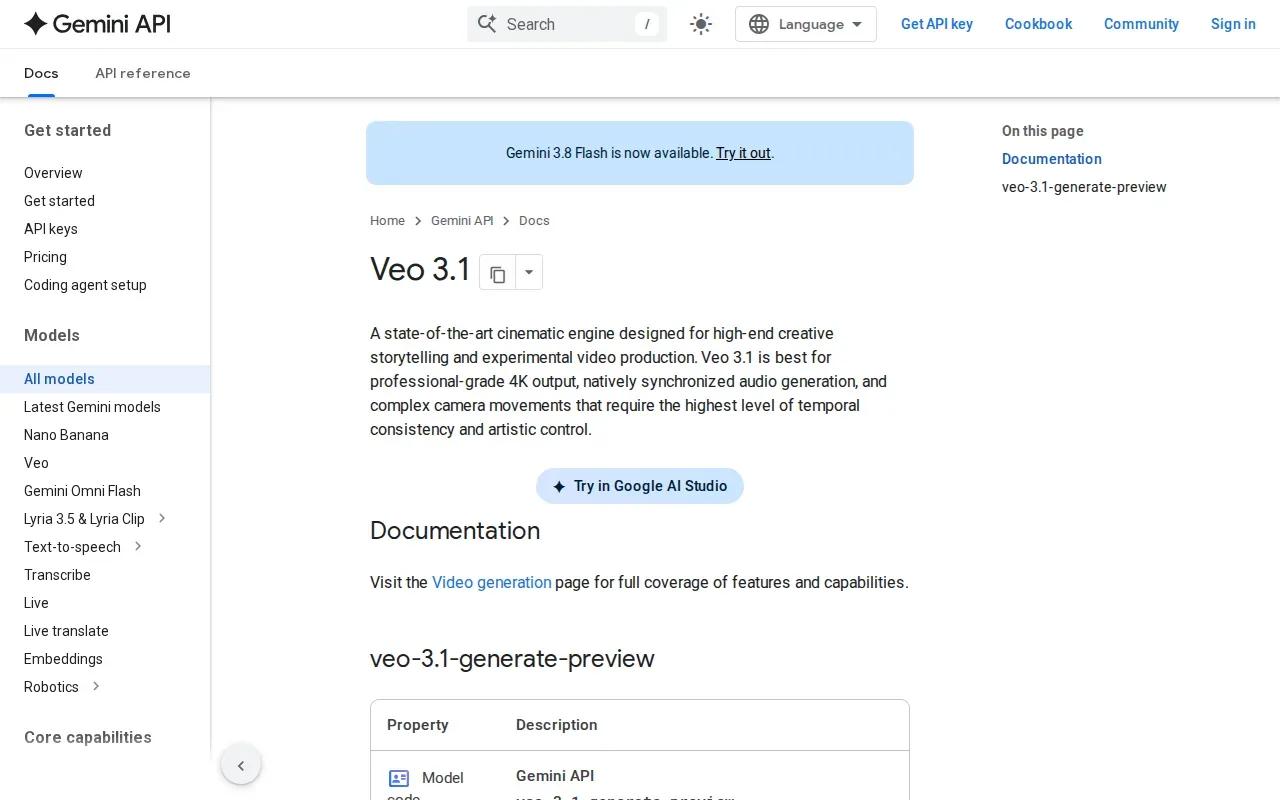
That extra runtime can suit a short scene with room for an opening shot, a change in action, and an ending. If your brief is a 30-second social ad, you can work within that limit rather than building the whole piece from separate generations. But the maximum length alone doesn’t tell you how well a particular prompt will follow your script or hold a product’s look.
Veo 3.1 is also identified here as having the most accurate lip sync among the listed options. That makes it worth considering for dialogue-led work, such as a character speaking directly to camera. Treat that as a reason to test a short sample, not a promise that every line will match every frame.
One detail to keep straight: a tool’s maximum clip length can depend on where and how you access the model. Confirm the duration setting in your account before planning a campaign around a 60-second generation. And check the current plan terms before you commit to a recurring workflow.
For a 30-second project, Veo 3.1 gives you headroom. Wan Studio may be a more direct fit if you want Wan 3.0 AI’s synchronized soundscapes matching visual content.
3. Magic Hour: model-dependent options for longer videos
Magic Hour brings more than 100 AI tools for video and images into one place. It may suit a creator who wants to try different kinds of generation and editing in one browser-based workspace.
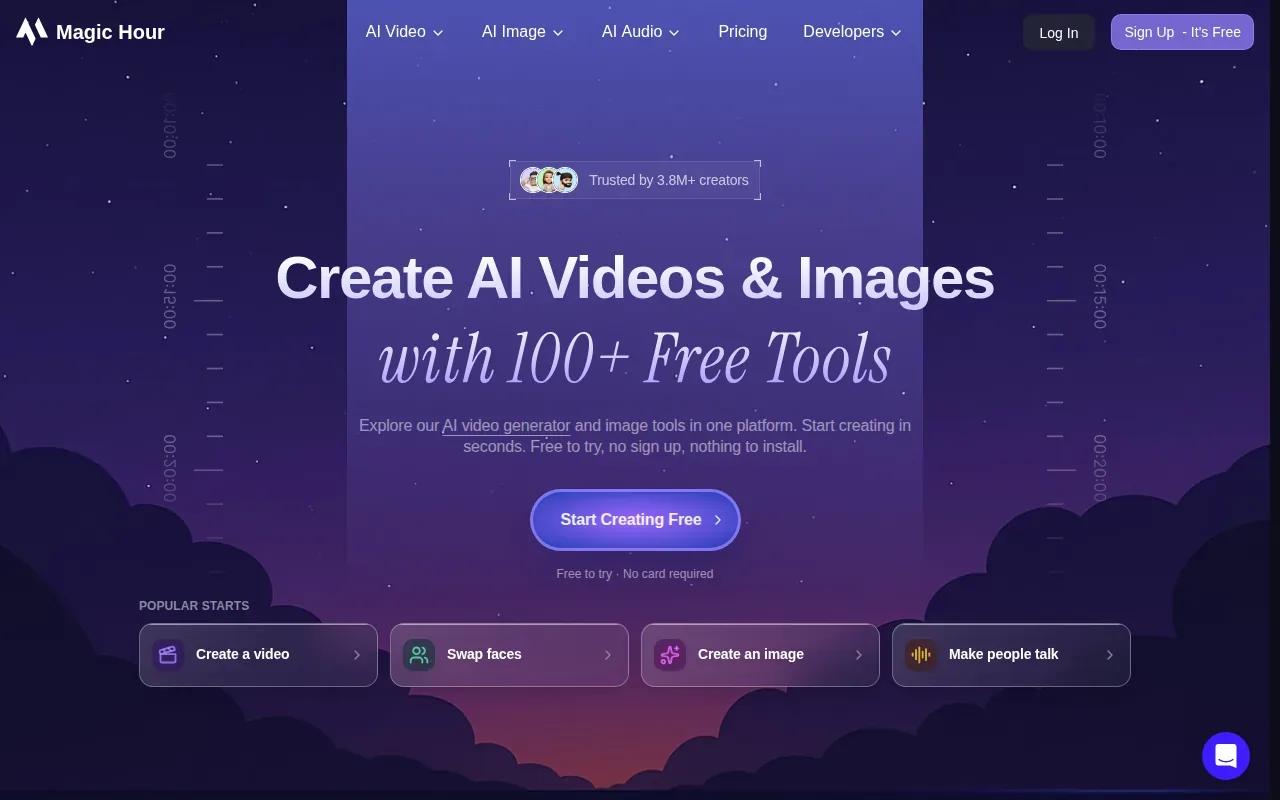
Its clip limit depends on the model. Some models allow videos up to 60 seconds, while newer models such as Veo 3.1 and Kling 2.5 currently support 10 to 12 seconds there. So don’t assume the platform’s longest stated duration applies to every model in its menu. Check the selected model and duration before building your script around a single 30-second output.
The tool set includes face swap, lip sync, talking photos, templates, generation, and editing. That mix can help if your production plan starts with a still image, then moves into a speaking character or a finished edit. It also gives you room to test a few approaches without moving between separate apps.
Magic Hour says credits roll over and that errors are refunded. Those details may lower the friction of a quick test, though you should still check how credits apply to the model and length you choose.
For a 30-second ad, Magic Hour is most useful when its available model supports the exact runtime you need. If the chosen model tops out at 10 or 12 seconds, plan to assemble multiple clips or pick another model instead.
4. OpenArt: short clips with 4K and character tools
OpenArt makes videos up to 15 seconds long, with resolution options up to 4K. It’s a better fit for short product shots or scenes you can cut together than for one complete 30-second generation.
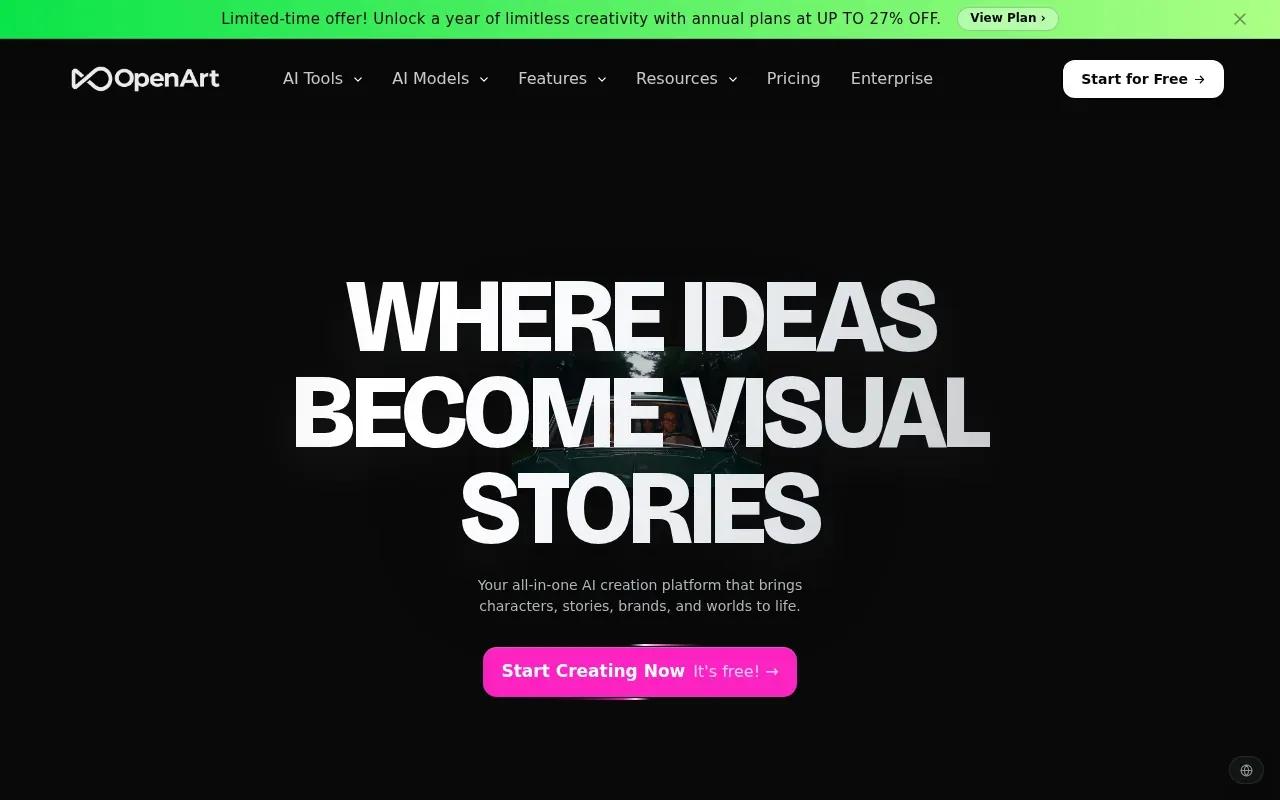
You can start from a text prompt or a reference image. OpenArt also has character tools that let you save a character from reference images or a text brief, then reuse that character in later generations. That can help with a campaign that needs the same person to appear in more than one scene.
OpenArt lists lip sync as a capability, along with AI voiceovers, music, and sound layers. If spoken dialogue is central to your ad, check a sample closely before you build a larger campaign around it.
Its 15-second cap is the main trade-off. A 30-second story would need at least two clips, followed by an edit that makes the cut feel planned. You can still use the shorter limit well: show a product detail, add a quick camera move, then use a separate clip for the call to action.
Pick OpenArt when resolution and saved character consistency matter more than generating the entire 30 seconds at once. For a longer single-generation clip, look elsewhere.
Compare the four AI video generators for a 30-second project
The best choice depends on what must be ready in one generation. For a social ad, runtime and audio may matter more than the highest resolution. For a product image that needs crisp detail, resolution may carry more weight.
| Tool | Longest listed clip | Sound and dialogue | Good fit when | Watch for |
|---|---|---|---|---|
| Wan Studio | 30 seconds with Wan 3.0 | Native sound and lip-synced dialogue | You want a complete short ad in one generation | Review the output for visual and dialogue errors |
| Google Veo 3.1 | 60 seconds in current consumer access | Most accurate lip sync listed | You need more runtime for one scene | Starting price is $19.99/month; verify access and current limits |
| Magic Hour | Up to 60 seconds on some models | Lip sync is among its tools | You want several video and image tools together | Limits depend on the model; some support only 10 to 12 seconds |
| OpenArt | 15 seconds | Lip sync is listed | You need up to 4K output or reusable characters | Expect multiple clips for a 30-second edit |
Before generating, write a script that fits the chosen duration. Add timing cues in plain language, such as “first, show the package” and “then, cut to the person speaking.” If you’re starting from a product photo, use it as a reference or first frame when the tool supports that input. A clear reference can give the model a specific subject to work from.
Next, choose the aspect ratio for the destination. A vertical ad needs a different frame than a landscape video, so set that before spending credits. Generate a draft, watch it with sound, and check the opening frame, spoken line, and final beat. Then export or download the version your plan allows.
Credit use, watermarks, export quality, and commercial-use terms can change by plan or model. Don’t assume that a free test has the same download options as a paid plan. Check those terms before producing a campaign asset, and keep room in your budget for another generation if the first result misses the brief.
To choose quickly, use this rule: pick Wan Studio for one 30-second clip with generated sound and dialogue; choose Veo 3.1 when you need a longer ceiling; consider Magic Hour for model variety; and use OpenArt for shorter, higher-resolution clips with reusable characters.
FAQ
Can an AI video generator make a full 30 seconds in one generation?
Yes, some AI video generators can make a 30-second clip in one generation. Google Veo 3.1 is listed with a 60-second maximum in current consumer access. Check the model’s duration setting first, since access and limits can vary across platforms.
Can I make a 30-second AI video from a script?
Yes, you can use a script or prompt to guide a 30-second AI video. Describe what appears on screen, note the camera move, and put spoken dialogue in quotes when a character should say a line. Timing cues help divide the clip into clear moments. Watch the generated result before posting, especially when dialogue needs to match mouth movement.
Which AI video generator is best for lip sync?
Google Veo 3.1 is identified as having the most accurate lip sync among these listed tools. Wan Studio’s Wan 3.0 offers precision lip sync, while OpenArt and Magic Hour list lip-sync tools without a quality rating here. Test your own line before making a final choice for a dialogue-heavy ad.
Can I use an AI video generator in a browser without downloading software?
Yes, browser-based options are available. Wan Studio runs in a browser, and Magic Hour lists web access. Check the sign-up and export terms before starting, since free access and final download options may differ.
What should I check before exporting an AI video ad?
Check the clip’s length, resolution, watermark status, credit cost, and commercial-use terms before exporting an AI video ad. Then watch the full file with sound. Look for mismatched lip movement, changes to the product, or a cut that disrupts the message. Save the prompt and chosen settings if you may need to revise the clip later.
Conclusion
For a 30-second ad that needs generated sound and spoken dialogue, Wan Studio is the clearest fit in this shortlist. Start with a product photo or a short prompt, test the Wan 3.0 workflow, and review the result before you publish. Learn more about Wan Studio.