A good promo makes the next step clear before the viewer scrolls away. If you’re figuring out how to create a promotional video, start with one goal, then build each scene around it. You can film, edit existing footage, or turn product photos into short clips with Wan Studio.
We analyzed 64 comments and questions from YouTube, Reddit and Quora about creating promotional videos and found that 20% mentioned the selection of video editing software.
Step 1: Define the audience, offer, and video goal
Write a one-sentence brief before you open an editor. Name the person you want to reach, what you’re promoting, and what you want that person to do next. For example: “This video shows busy home cooks how our compact chopper saves prep time, then asks them to view the product page.”
Choose one main goal. A promo can aim to bring people to a product page, increase sign-ups, announce a launch, or build awareness with a new audience. The goal changes what you show and what you measure. For a product-page visit, track clicks. For awareness, watch reach and viewing time. For sales, compare purchases with the campaign that ran the video.
Now pick the offer or benefit that best supports that goal. A feature describes what a product has; a benefit explains why a customer should care. Don’t try to cover every feature in one short ad. One clear promise is easier to show and remember.
Set the channel early, too. A vertical social clip needs a different frame and pace from a landscape video on a product page. If you’re still shaping the campaign goal, use the same one-sentence brief to guide your video ad plan.
Keep a small approval note with the claim you plan to make and the proof you can show. If you say a product lasts all day, for example, make sure you can support that claim. This keeps the finished video focused and gives reviewers something specific to check.
Step 2: Write a short script and map the scenes
Write for the time you have, not the page you wish you had. A 15-second promo usually needs a quick hook, a clear product moment, and one call to action. A 30-second version gives you more room to show how the offer works, but it still needs one central idea.
Draft the words in four beats: hook, problem, product or offer, action. Say the lines out loud. If a sentence feels stiff when spoken, shorten it. Keep the CTA direct, such as “See the new colors” or “Book a demo.” For another resource, see this video script writing guide.
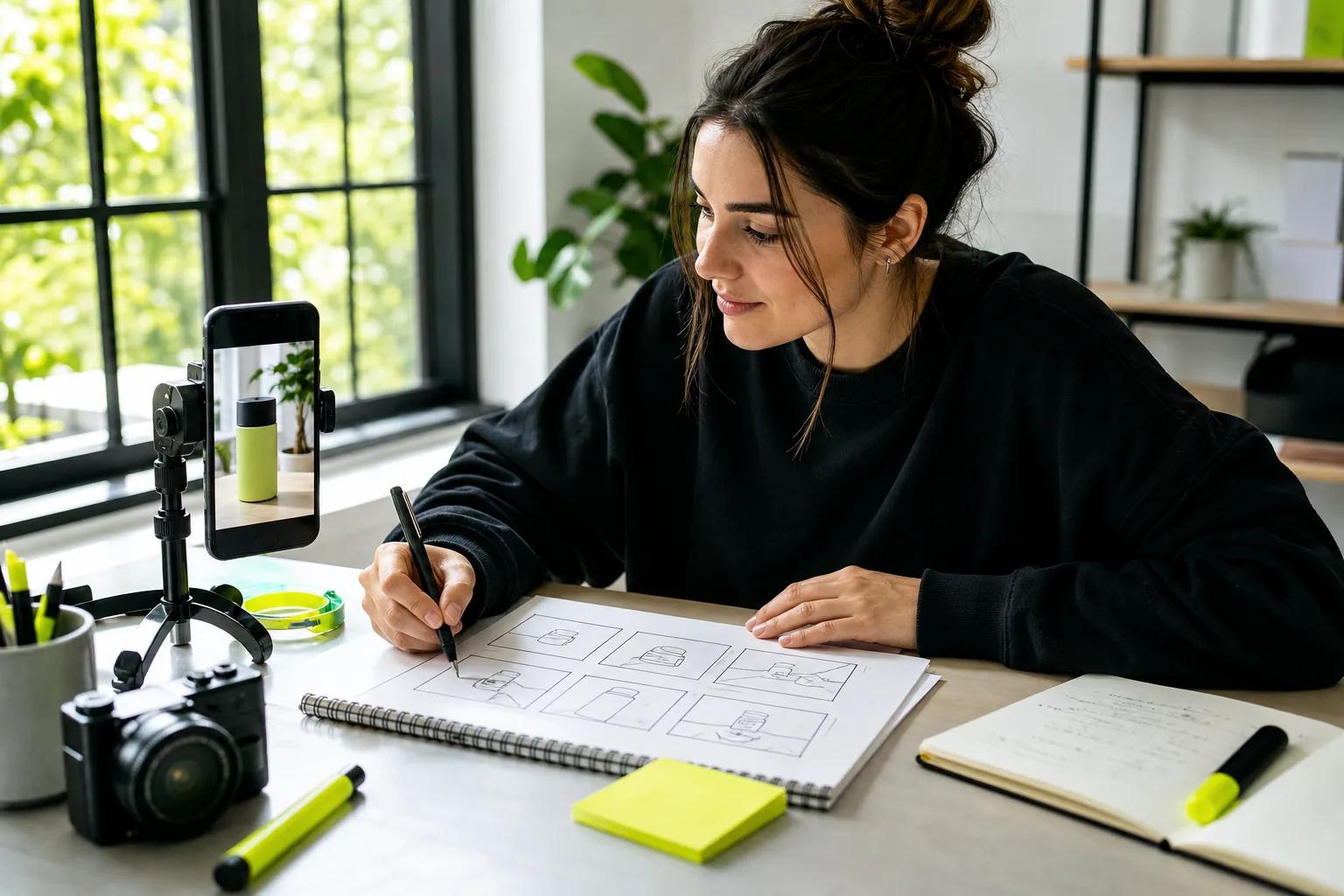
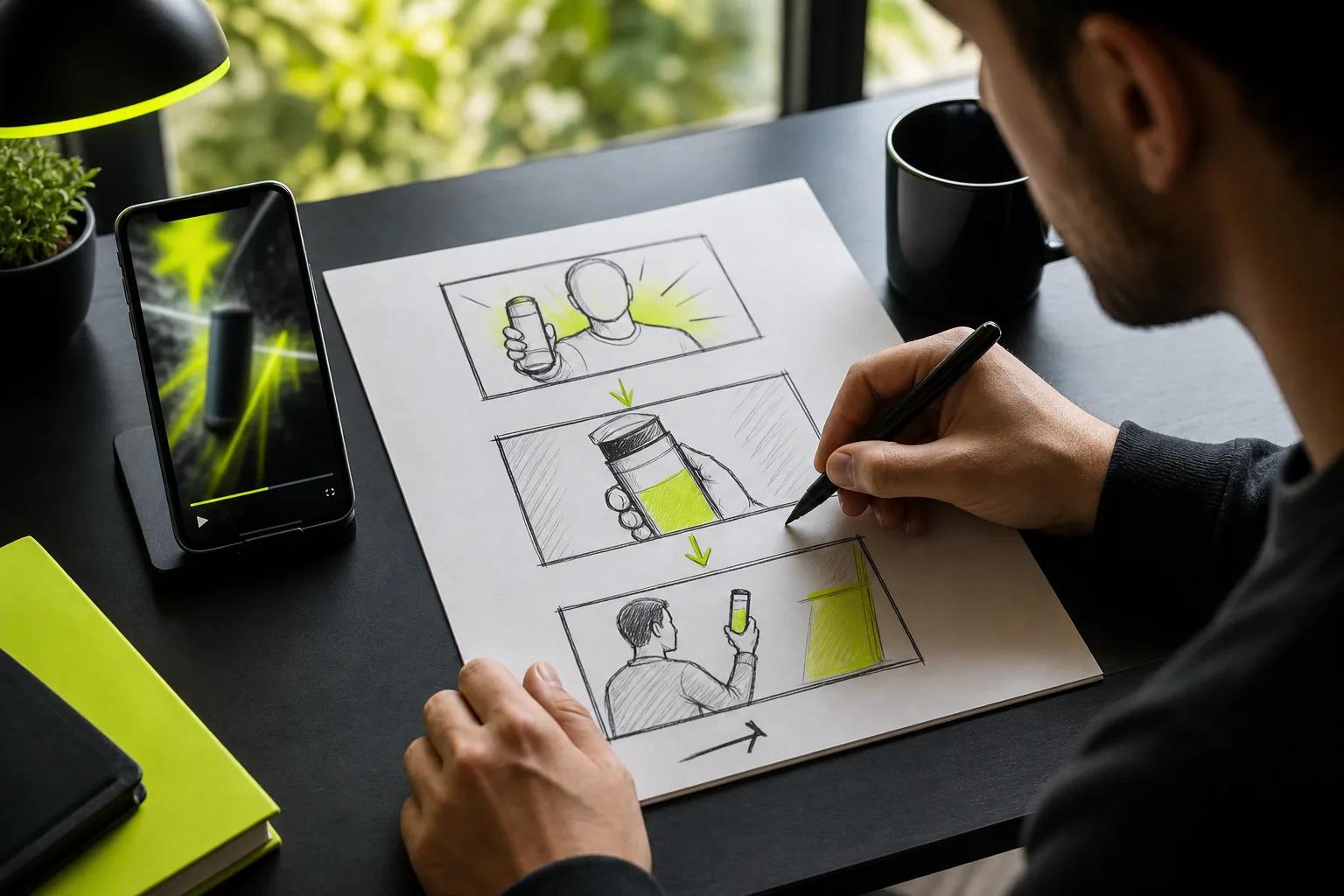
Next, map each beat to something the viewer can see. “Make life easier” is a goal, not a shot. “A hand pulls the lid from a jar while the camera moves closer” gives you a visual to film or generate. Make a quick storyboard with a box for each scene. Note the action, any spoken line, and where the CTA appears.

Put the product or offer in view early unless the campaign has a clear reason to hold it back. Each scene should add a new piece of the story. If two frames make the same point, remove one or give it a different job, such as showing proof or setting up the CTA.
For a generated clip, describe what happens rather than the feeling you hope to create. “A close view of a ceramic mug on a kitchen counter; steam rises as the camera slowly pushes in” gives the scene an action and a camera move. Add exact spoken words in quotation marks if a character should say them.
Step 3: Gather product photos and prepare visual prompts
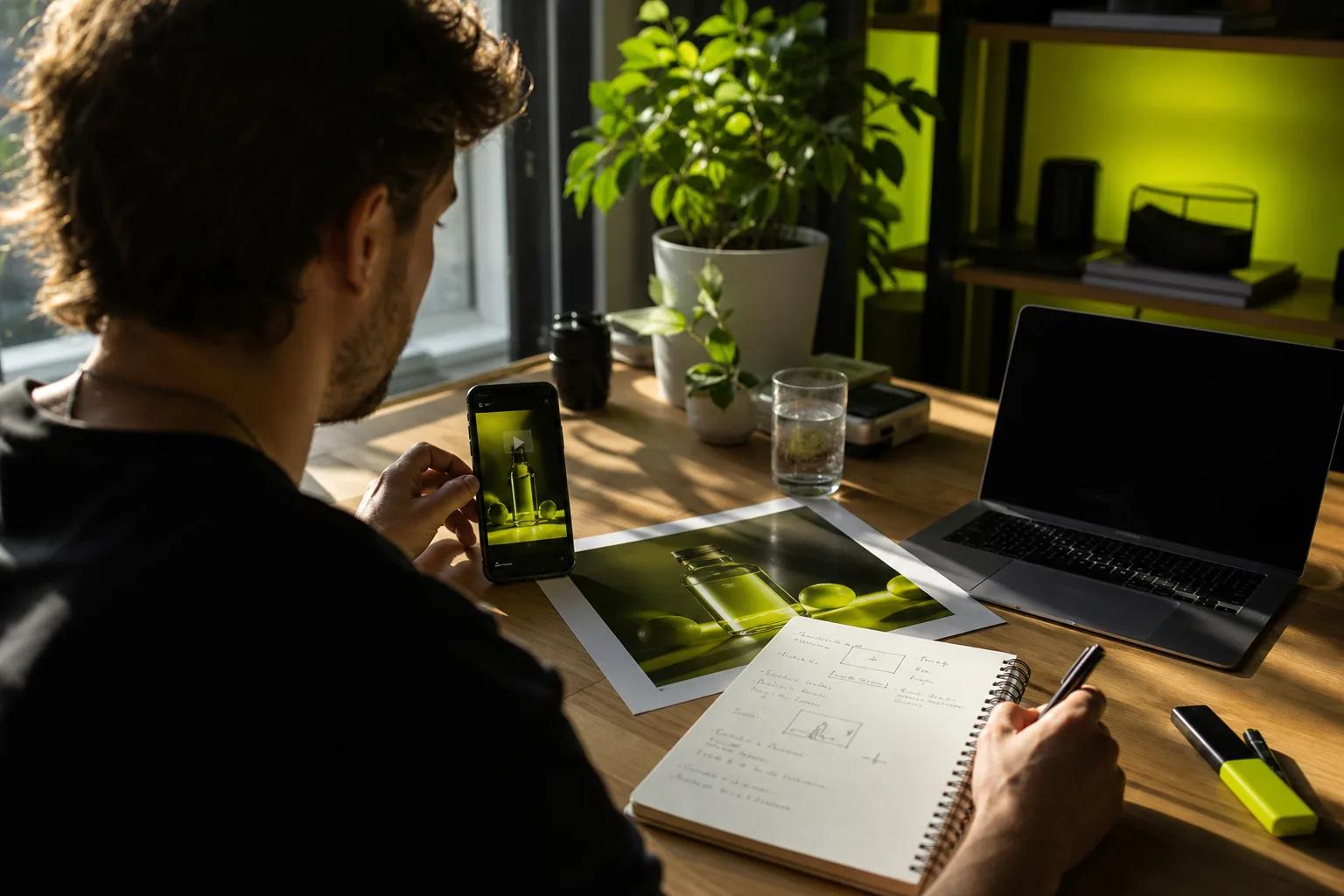
Choose the input that gives you the control you need. A clean product photo works well when the item must be recognizable. Text alone is useful when you’re inventing a scene or setting a mood. For image-to-video, the opening image anchors the clip’s look and frame shape.
Use a sharp, well-lit photo with the whole item in view. A simple background helps the product stand out. If the video should show a detail, prepare a second photo that makes that feature easy to see. Make sure you have the right to use every photo you upload.
Before generation, check the image at the size people will see it on a phone. Look for blur, glare, cropped edges, and small details that are hard to make out. If the label or shape matters, compare the generated clip with the original image before you publish. AI motion can change a small detail, so don’t assume every frame will match perfectly.
Write prompts in a useful order: subject, action, camera move, light, and sound. For example: “A small ceramic mug on a sunlit kitchen counter. Steam curls upward. Slow camera move toward the handle. Soft morning light. Quiet kitchen ambience.” Keep each prompt to one main action at first. That makes it easier to see what needs changing.
Wan Studio runs in a browser and lets you start with text or an image. Its free plan gives you a couple of Wan 2.5 videos each month at 480p, with no card required, so you can try the image-to-video workflow. For a closer look at preparing a source image and animating it, see this guide to turning a photo into a video.
Keep a copy of the approved source image and note which prompt made the draft you chose. That gives you a clean starting point if the campaign needs another version for a different audience or placement.
Step 4: Generate promotional clips and refine the scenes
Generate a short draft before spending time on a long, polished version. Set the frame shape for the channel, then keep the first test brief. If the product should match a photo, use image-to-video. If the scene matters more than matching a specific object, start with text.
Describe camera moves in plain film language: “slow dolly-in,” “close-up,” or “cut to a wide shot.” Add the light and setting only when they help the viewer understand the product. A prompt with one clear action is easier to refine than a paragraph asking for several things to happen at once.
Wan 3.0 is the default model on Wan Studio’s paid plans. It can generate clips up to 30 seconds and supports a first-frame image for image-to-video. Wan 2.7 is the model to choose when you need reference images or clips, or want to edit an existing video. Both models support native sound and dialogue, but check the result rather than assuming every take will land exactly as intended.
Choose the model that fits your brief: Wan 3.0 for a longer scene, or Wan 2.7 for reference-driven control and video edits.
Review the first frame, product details, movement, and ending. Listen to any spoken line while watching the character’s mouth. Wan models can generate lip-synced dialogue, music, and sound, but you should confirm the words and timing in the actual clip. If something misses, change one prompt detail at a time. You’ll learn whether the issue came from the image, the camera move, or the scene description.
Keep the strongest scenes and discard repeats. The goal is a clear sequence, not a folder full of near-identical takes.
Step 5: Edit the video, add sound, and check accessibility
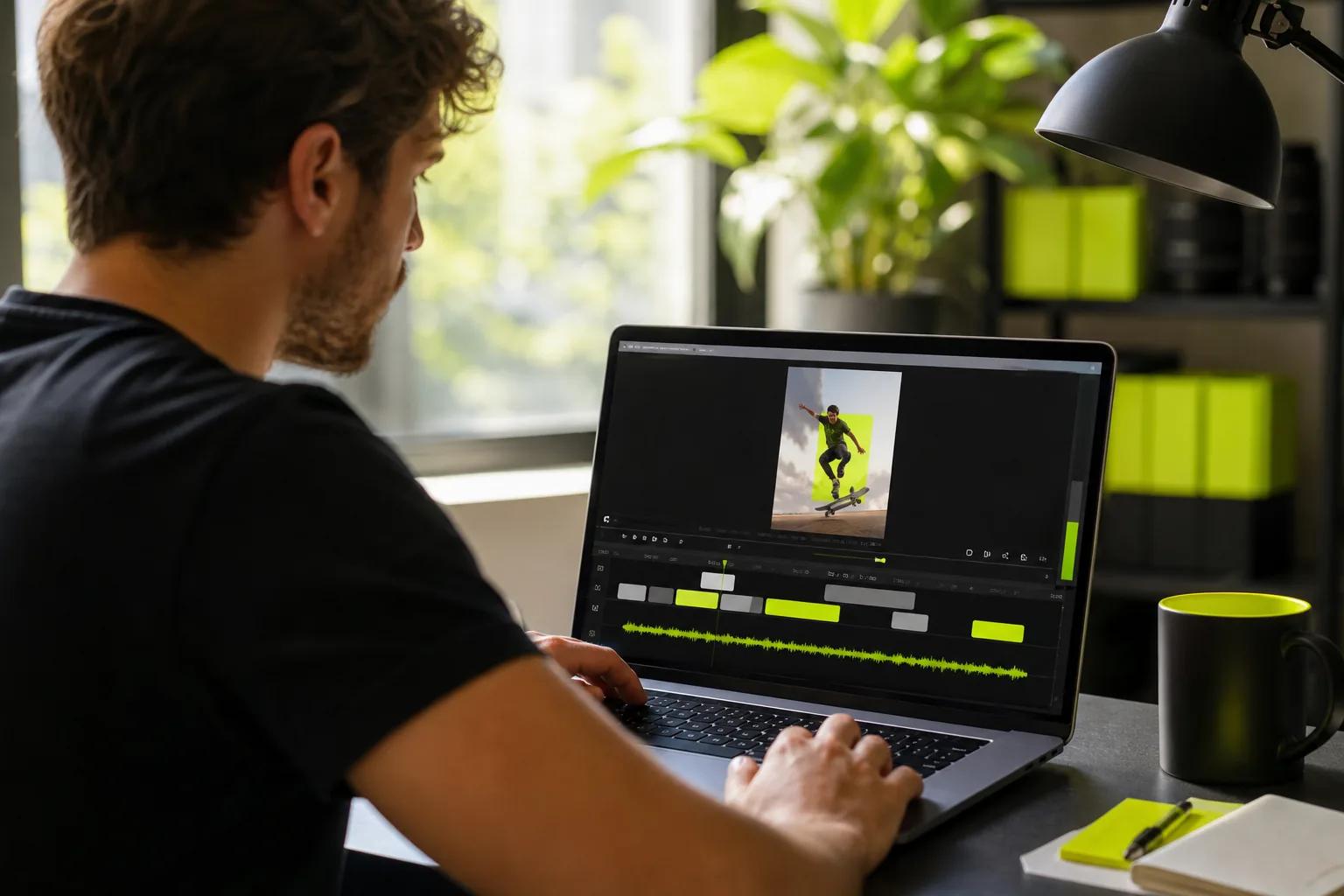
Trim the slow start and any pause after the message lands. Put the strongest opening first. Give the product detail enough screen time to register, then end on the action you want the viewer to take. A short edit can still feel rushed if every shot changes before its point is clear.
Use captions for spoken lines and key details. Check the spelling and timing by hand, especially if a name or product term matters. Keep captions large enough to read on a phone and away from the edges where app controls may cover them.
Sound should support the scene, not compete with the message. If there’s dialogue, make sure it stays clear over music. Play the export on a phone speaker. Then watch once with sound off to make sure the core idea still comes through in the visuals and captions.
For generated audio, review the sound and the image together. Wan’s models can produce music, effects, and lip-synced dialogue in the same generation. That can cut down on separate audio steps, but a final listen still matters. If your ad uses licensed music or footage, check that your rights cover the platform and use you have in mind.
Captions also make spoken content accessible to people who can’t hear it. See the video accessibility guidance.
Watch the finished edit twice: once with sound and once muted. Fix any clipped text, hard-to-read captions, awkward cuts, or audio that masks the spoken line.
Step 6: Export for the platform, publish, and measure results
Choose the aspect ratio for the place the video will appear. Use 9:16 for phone-first vertical feeds such as TikTok, Reels, and YouTube Shorts. A square or landscape version may fit a feed post, site page, or wider video placement better. Keep the key subject and text away from the edges, where platform controls may sit.
Preview the file in the platform before publishing. Check the opening frame, CTA, caption placement, and sound. If you’re posting the same idea in more than one format, make a separate export for each frame shape instead of trusting an automatic crop to keep the product in view.
Pick one main measure that matches your goal. For awareness, look at reach and watch time. For a click goal, check click-throughs. For a sales campaign, compare purchases with the page or campaign that carried the video. Views alone can’t tell you whether the promo led to the action you wanted.
Test one change at a time. Try a new opening while keeping the offer and audience steady. Then compare the same metric across versions. Keep a simple record of the creative, placement, and result, so the next edit has a clear starting point instead of a vague hunch.
For social creators and small teams, speed can matter when an offer changes or a trend is moving. Wan Studio’s paid plans start at $14 per month and include a commercial licence; the free plan is for trying Wan out. The studio shows a live credit estimate before generation, and paid plans include 1080p output. Check the current options on the Wan Studio pricing page before you plan a batch.
Download any file you want to keep. Wan Studio stores generated media in its gallery for 30 days, then removes it. Save the final MP4 in your campaign folder before that window ends.
Frequently Asked Questions
How long should a promotional video be?
A promotional video should be only as long as it needs to make one point and ask for one action. For a short social ad, keep the hook near the start and show the offer early. A longer product demo can take more time if viewers need to see a process or compare details before they decide.
Can I make a promo video from product photos?
Yes, you can turn a product photo into a short video with an image-to-video tool. Start with a clear image and describe one main movement, such as a slow camera move toward a feature. Review the result against the source photo, since generated motion can alter small product details.
What should a promotional video script include?
A short script should include a hook, the problem or need, the product’s benefit, and one call to action. Keep the language natural when spoken aloud. Pair each line with a scene that shows the point, and remove any line that doesn’t help the viewer understand the offer or take the next step.
Can Wan Studio make a promotional video for free?
Yes. Wan Studio’s free plan includes a couple of Wan 2.5 videos per month at 480p, with no card required. It’s a way to try the workflow. Paid plans start at $14 per month and include a commercial licence, along with higher video limits and other model options.
How do I check whether my video is working?
Measure the result tied to the campaign goal. Use reach or watch time for awareness, clicks for traffic, and purchases for a sales goal. If you test a new hook, keep the audience and offer the same, then compare the same metric. That makes it easier to see what changed the result.
Conclusion
Start with one audience and one action, then build only the scenes needed to support them. If you already have product photos, try a short image-to-video draft in Wan Studio and review the details before posting. Your next move: write the one-sentence brief and sketch the opening, proof point, and CTA.