The first few seconds decide whether someone watches or scrolls. If you're figuring out how to make a video advertisement, start with one clear goal, then build a short ad around it. You can film your footage or turn a prompt and product photo into a draft with Wan Studio.
We analyzed 34 YouTube comments about video advertisements and found that 26% mentioned limitations of tools and voice quality.
Step 1: Set the Ad Goal, Audience, and Platform
Pick one action you want the viewer to take. It could be visiting a product page, buying an item, or learning what your service does. That goal shapes the script, the call to action, and the result you track later.
Next, write down who the ad is for and what that person needs to know. Keep it specific: “People who want a quick way to clean a stovetop” gives you a clearer starting point than “homeowners.” Then name one benefit your product can prove on screen.
Choose the ad placement before you plan the shots. A TikTok, short-form social video, or Short usually needs a vertical frame and a fast opening. A landscape placement may need a wider shot. Your ad’s setting matters too: a paid feed ad needs a clear next step, while an organic post may be built to earn a share or comment.
If you need a fuller planning path, these steps for making a promotional video also cover scripting, editing, and results. For this ad, keep your own brief to one sentence: “This video shows [audience] how [product] helps with [need], then asks them to [action].”
Choose one creative idea that fits the brief. For a product ad, that might be a close-up that shows a useful feature. For a service, it could be a short scene that makes a common problem easy to recognize. A single idea is easier to understand and easier to test than several competing messages.
Finally, decide how you’ll judge the ad. For awareness, look at views or watch time. For traffic, track clicks. For sales or sign-ups, use the conversion measure tied to that goal. A clear target keeps later edits from turning into guesswork.
Step 2: Write a Short Script and Plan the Shots
Write the spoken words before you make footage. For a 30-second spot, a working draft of about 60 to 75 spoken words can help keep the pace tight. Read it out loud and cut any line that repeats the main point.
Give each beat a job: catch attention, show the product or problem, make the benefit clear, then ask for one action. Put the brand or product in early enough that the viewer can place the message, even if they leave before the end.
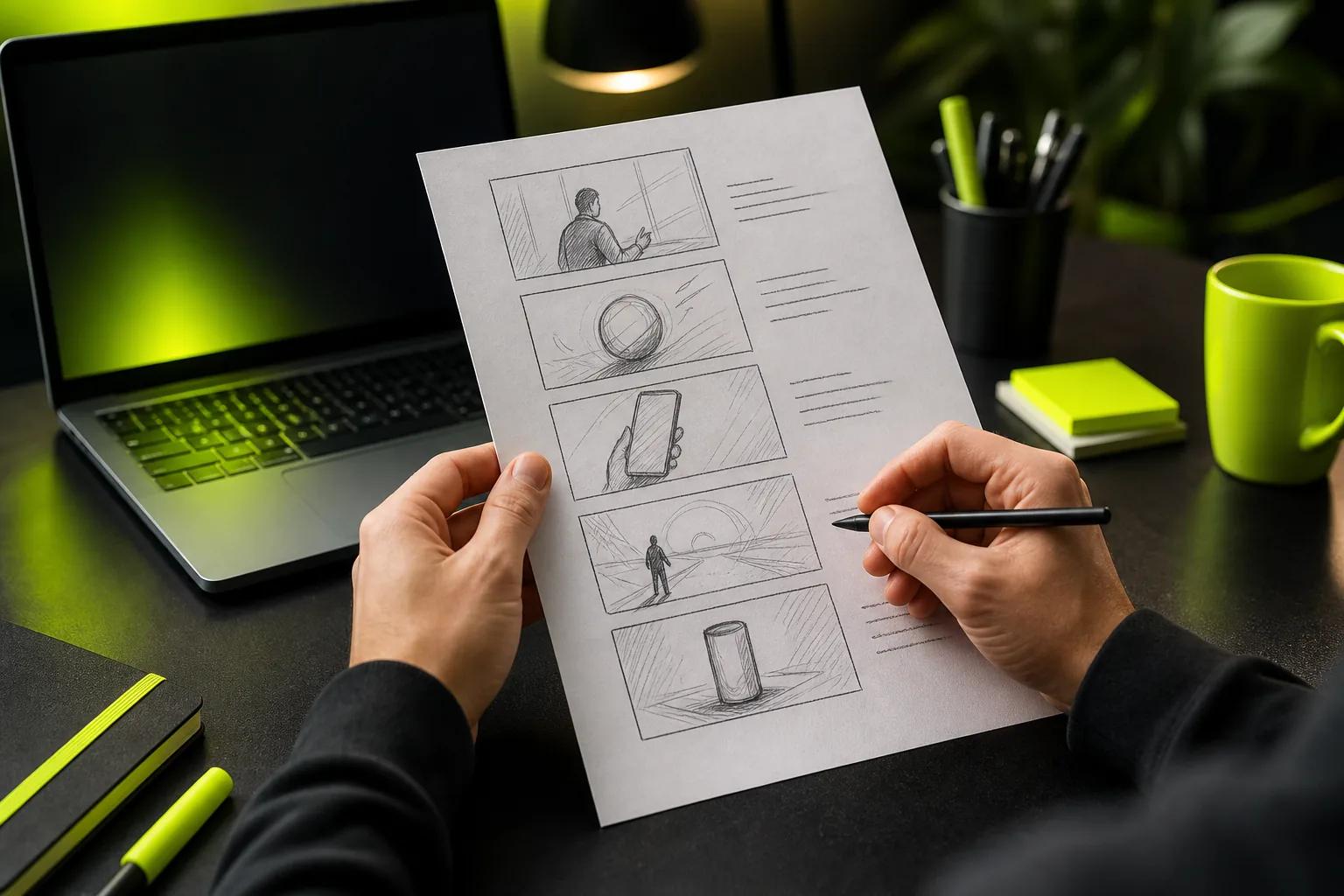
A script is easier to use when the visual plan sits beside it. A simple two-column page works: dialogue or on-screen text on one side, what appears in the shot on the other. This video script writing guide can help you shape a hook and time the lines. Mark where each shot starts and ends instead of leaving the timing for the edit.
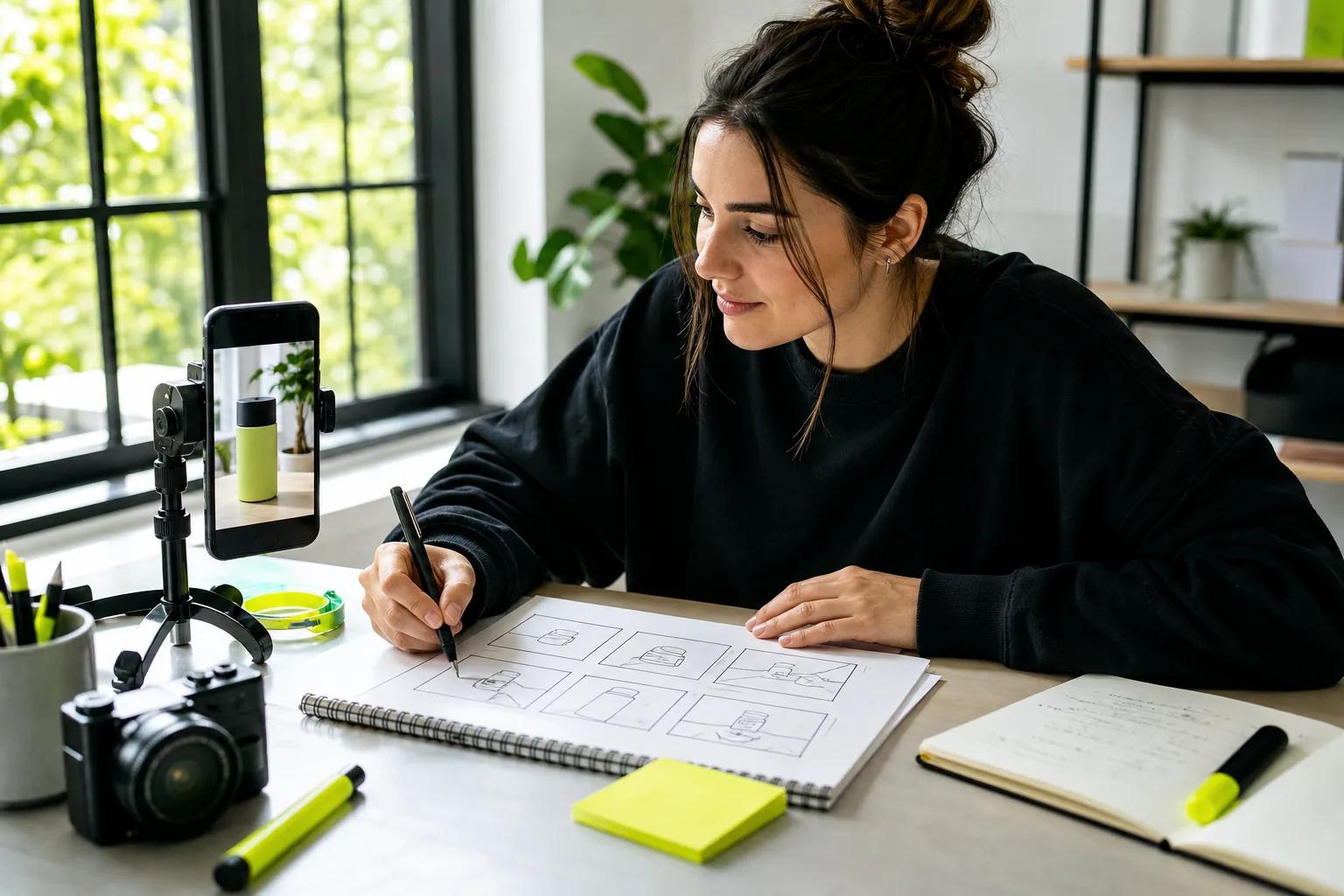
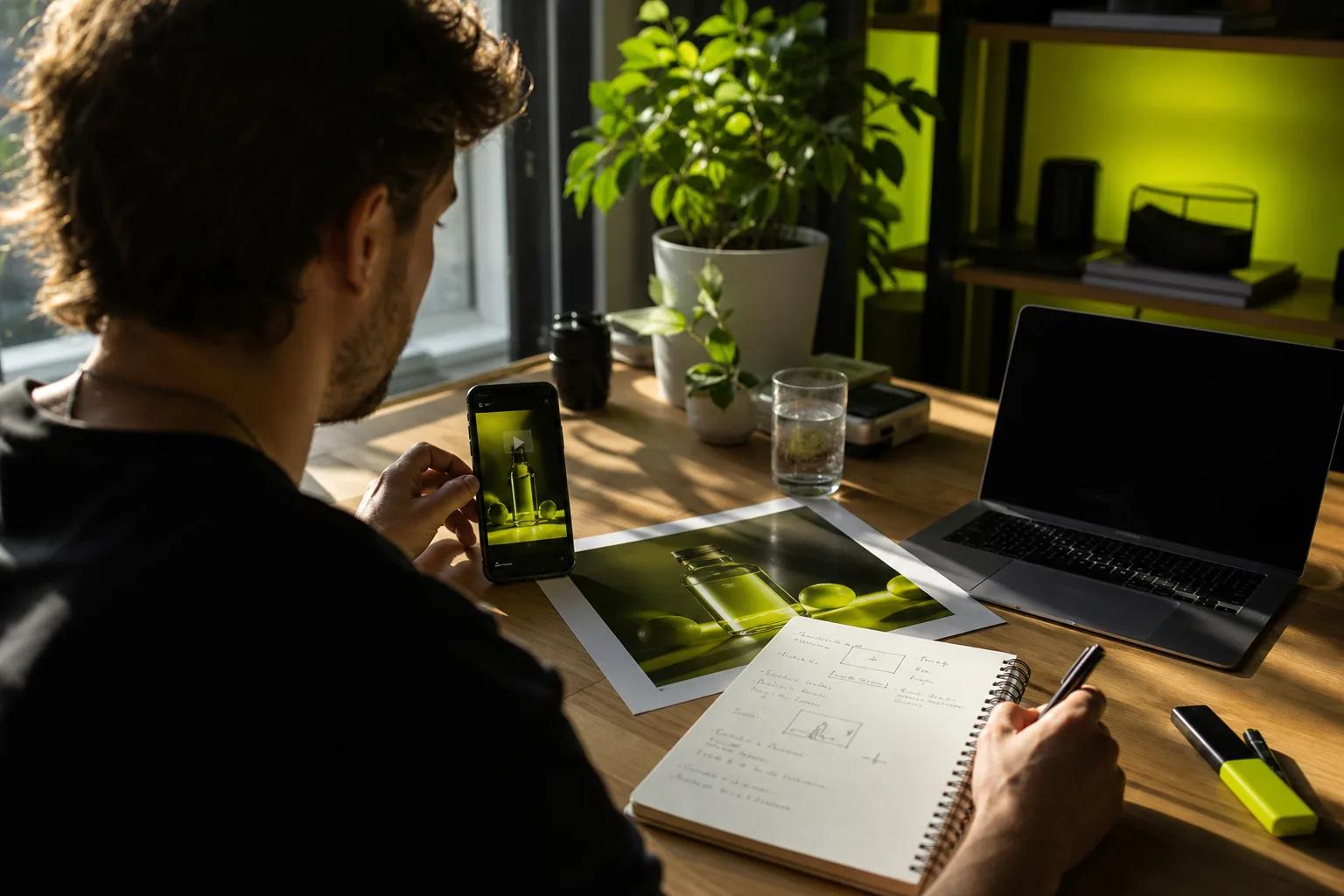
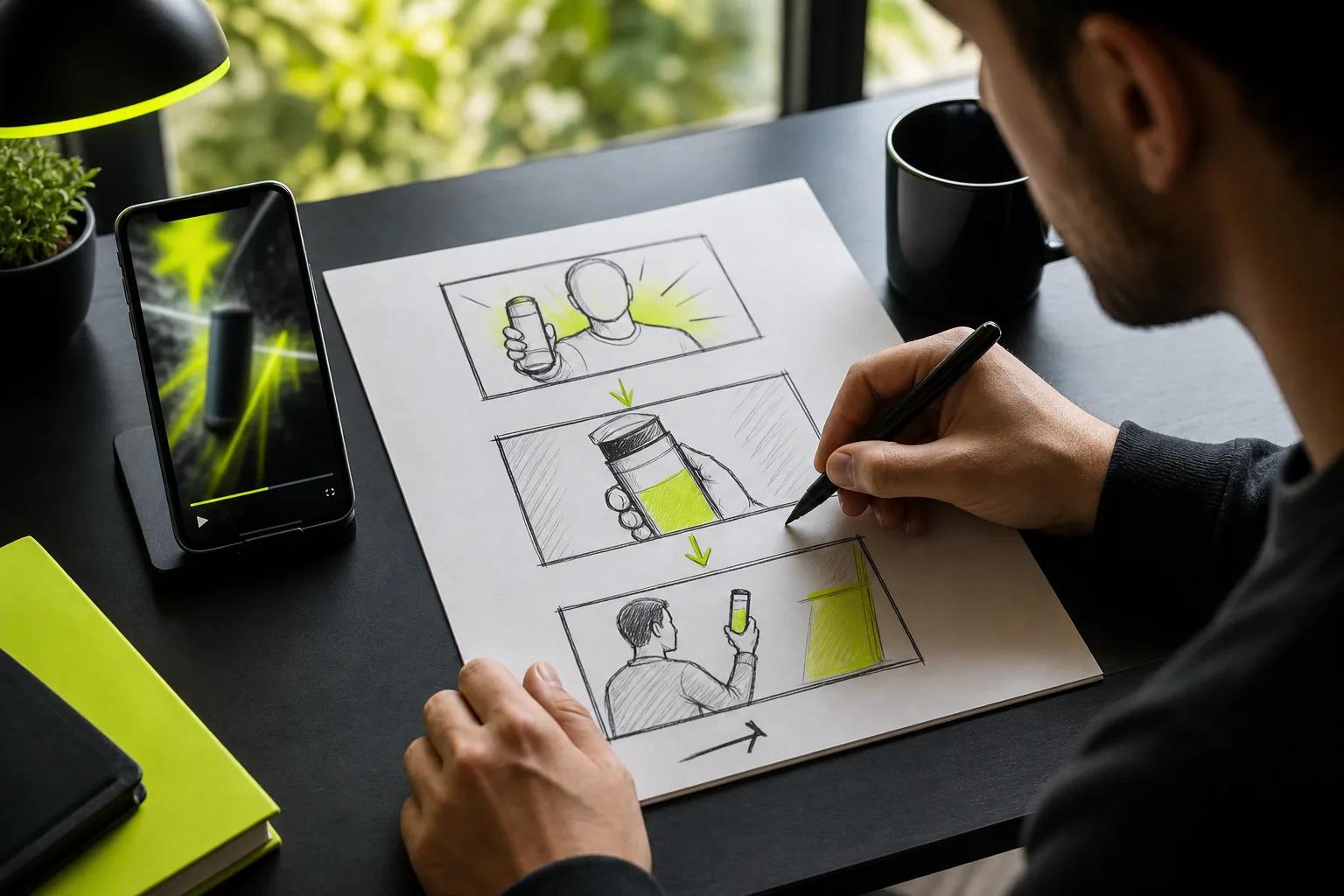
Then draw a small storyboard. It can be boxes on paper. Plan the first five seconds first, since that’s where the hook and product proof need to land. Note the frame shape, camera move, text, and sound for each panel. If you want a close-up of a jar, for example, the board might show the jar in frame one, a detail of its lid in frame two, and the product in use in frame three.
For AI-generated scenes, write a brief character reference sheet. Note the character’s clothing, hair, age range, and other visual details, then reuse those details in each prompt. Use fictional or generated characters rather than someone’s real likeness without permission. Check every product claim against approved wording before it goes into the script.
Step 3: Create the Ad Footage
Choose a production route that suits the idea. Film when you need a real setting, hands-on demo, or a person your audience knows. Use a prompt or product image when you need a short scene without setting up a shoot.
If you’re filming, start with the light. Place the product near a window and shift it until the key detail is clear. Keep the camera steady for close-ups. Record a short test, watch it on a phone, then adjust the framing before you capture the full shot.
For a prompt-based workflow, Wan Studio runs in a browser and can turn text or an image into a video. On Wan 3.0, you can make clips up to 30 seconds, use a first-frame image, and generate native sound or lip-synced dialogue. Those features don’t remove the need to review the result. Check the product shape, spoken words, and mouth movement before using a clip. See the Wan 3.0 model details.
For a product image, use a clear photo as the first frame, then describe one action and one camera move. For example: “A slow push toward the blue ceramic mug as steam rises. Warm morning light. Soft kitchen ambience.” Keep the product in view and avoid asking a short clip to do too many things at once.
Generate rough drafts at a short duration and lower resolution first. Wan Studio’s monthly plans include different credit amounts, and shorter, lower-resolution clips use fewer credits. That keeps early drafts cheap. Move to a higher resolution only when the motion and framing work.
Make one panel or shot at a time when the ad has several distinct beats. Review each clip before moving on. For dialogue, listen to the words and check lip sync in the same pass. That small check can save you from building an edit around a line that doesn’t land.
Step 4: Edit the Video, Sound, Captions, and Call to Action
Start the edit with the strongest frame. Cut pauses before the hook and remove any shot that doesn’t explain the benefit or move the story forward. Keep the value visible early, not hidden behind a long setup.
Watch once with the sound off. The viewer should still understand what’s being sold and why it matters. Add captions for spoken lines, then use short text overlays to bring out the key point. Keep each line brief enough to read on a phone, and place it where app controls won’t cover it.
Now listen with the screen turned away. Dialogue should be easy to hear over music. Sound effects should support what’s happening rather than compete with the voice. AI-generated sound can help set a scene, but check its timing and tone. If it distracts from the product or message, mute it or replace it.
Color grading can make shots feel like they belong together. Adjust exposure and color with a light touch, then check the product against its real appearance. Avoid adding effects simply to hide a shot that doesn’t work. A clear image is more useful than a busy one.
Put the call to action near the end and make it specific: “Shop the new color” says more than “Learn more.” Leave enough time for viewers to read it. If the ad has dialogue, make the on-screen CTA match the spoken ask.
If captions carry key details, check their spelling and timing by hand. Add an audio description when viewers need spoken context to understand important visual information. Accessibility is part of the edit, not a last-minute decoration.
Step 5: Export, Publish, and Improve the Ad
Export for the placement you chose, not just the footage you already have. Vertical 9:16 suits full-screen short-form placements. A 4:5 cut can fit a feed, while 16:9 works for landscape video. If the same idea needs several shapes, adjust the crop and text for each one instead of trusting a center crop.
Keep key words and the product away from screen edges. Social app buttons and captions can cover parts of a video, especially near the bottom. Preview the exported file on a phone, then check the placement preview in the ad platform before launch.
Save a clean master and label each export by placement and version. Wan Studio downloads generated videos as MP4 files with sound. Its paid plans include a commercial licence, and the pricing page lists plans starting at $14 per month. Review Wan Studio’s plan and licence details before you choose a plan for ad work.
For a fair test, change one major creative element at a time. You could compare two opening shots while keeping the audience, offer, and rest of the ad steady. Then use the metric that matches your goal. Watch time can help assess an awareness ad; clicks matter more when the goal is site traffic.
Give the test enough time to collect useful results, and avoid changing several campaign settings halfway through. If viewers stop early, revisit the opening. If they watch but don’t click, check whether the offer and CTA are clear. Keep the version that best supports the original goal, not the one that merely looks more polished.
Before publishing, confirm that you have permission to use every image, voice, and music track. Check that claims are supported and that any required ad disclosures are present. Then save the final file somewhere you control. Wan Studio’s media gallery stores generated files for 30 days, so download the versions you want to keep.
FAQ
How long should a video advertisement be?
A video advertisement should be only as long as it needs to make its point. For a short social ad, focus on one hook, one clear benefit, and one next step. A 30-second spot gives you more room for a use case, but each shot still needs a purpose. Make shorter cutdowns when a placement or campaign calls for them.
Can I make a video ad without filming?
Yes, you can make an ad from a prompt or still image instead of filming. Wan Studio can turn text or a first-frame image into a short video, with sound features tied to the selected Wan model. Review each result for product accuracy, dialogue, and framing before you use it in a campaign.
How do I make a video ad work without sound?
Make the main idea clear through the first image, captions, and short on-screen text. Watch the full ad with the sound off and check that viewers can still understand the product benefit and next step. Then turn the sound on to confirm that the dialogue and music add to the message rather than carry information that captions omit.
What should I test in a video ad?
Test one major change at a time, such as the opening shot, headline, or call to action. Keep the audience and offer steady so you can tell what changed the result. Choose a measure tied to the campaign goal, such as views for awareness or clicks for traffic, and use the result to guide the next version.
Conclusion
Keep the ad focused on one audience, one benefit, and one action. Write the brief and sketch the opening before you film or generate anything. Then make a short draft, review it on a phone, and publish the version that best fits your goal.