A good promo video gets to the point before someone scrolls past. If you’re figuring out how to make a promotional video, start with one clear goal, then build the story around what your viewer needs to know.
We analyzed 47 comments from Reddit and YouTube about making promotional videos and found that 19% mentioned annoying background music.
You can make a useful ad without a film crew. These six steps take you from a rough idea to a video you can publish and measure.
Step 1: Set Your Goal, Audience, and Call to Action
Before you write a line or pick a template, decide what the video needs to do. A promo can introduce a new item, explain a service, announce a sale, or bring people to an event. Pick one main job. If you ask a 15-second clip to do five jobs, viewers may remember none of them.
Write the goal as an action you can measure. For example: “Get more visits to the new menu page” is clearer than “raise awareness.” The video can still help people notice your brand, but the specific action gives you a way to judge whether it worked.
Next, name the audience in plain terms. “People who buy coffee” is broad. “Commuters who want a quick breakfast near the train station” points toward a sharper message and setting. Ask what this group wants to solve, what they already know, and what might make them pause.
Build the message around their benefit, not a list of product details. A feature says what something has. A benefit says why the viewer might care. If a lunch container keeps food apart, show a packed meal after a commute rather than spending the opening seconds describing its compartments.
Now choose one call to action, or CTA. It should match the goal. A shop video might say “View the new collection.” An event clip could say “Save your seat.” Put the CTA on screen long enough to read, and make the next step easy to understand.
Keep the intended placement in mind, too. A video made for a product page may need more context than a fast social ad. If you’re still shaping the concept, this guide to AI video ad generators for short ads can help you think through prompt-led scenes and product shots.
Set one success measure now. For a click-focused ad, track clicks or click-through rate (CTR). For a product page video, watch completion and purchases. Views can show reach, but a large view count alone doesn’t prove that the promo helped someone act.
Step 2: Write a Short Script and Plan the Storyboard
A short script keeps the message focused and makes production easier. For a quick social promo, try three beats: hook, payoff, and CTA. The hook earns a moment of attention. The payoff shows what the viewer gets. The CTA tells them what to do next.
Start with a visual or line that makes sense at once. You might show a messy desk before revealing a compact organizer, or open on a close view of a new dish. Avoid a long logo intro. Give viewers the useful part first.
Keep the script short enough to say at a natural pace. One planning estimate is about 150 spoken words per minute, but pauses and screen text change the actual timing. A 10-second video needs very little dialogue. Read the draft aloud and time it; if you rush, cut words instead of racing through them.
Write the image and sound beside each line. A two-column script works well: put what viewers see on one side and what they hear or read on the other. For example, the spoken line might say, “Lunch that stays crisp until noon.” The visual could show a container opening beside a work desk. The on-screen text can repeat the short benefit.
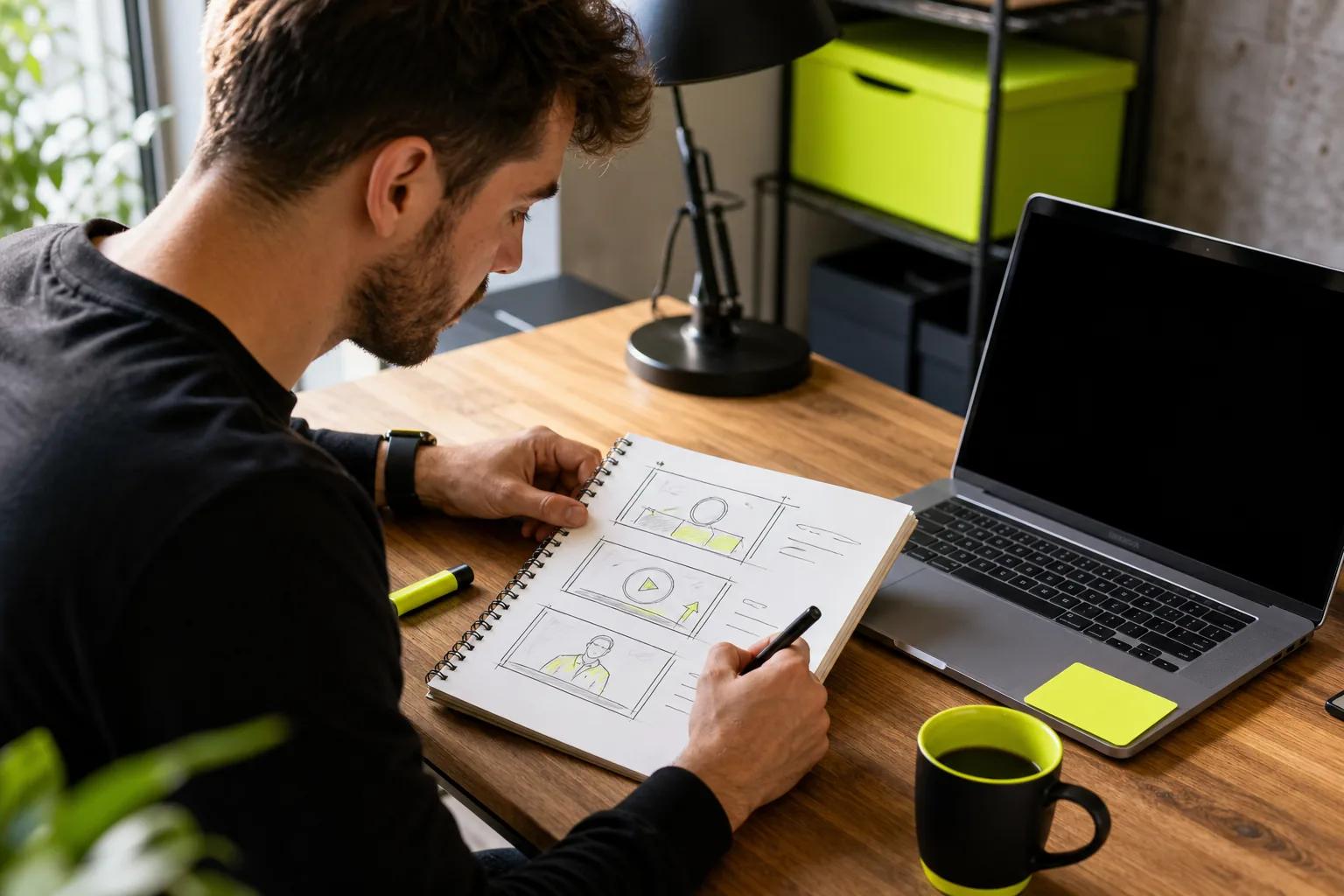
Sketch a simple storyboard, even if it’s just boxes on a page. Note the opening frame, the key action, and the final frame. Include any text that needs to appear. This helps you spot missing information before you edit or generate clips. A product reveal may need a clean first frame; a spoken line needs room for captions.
For an AI-generated scene, describe one main action at a time. Name the subject, the action, the camera move, and the look of the light. If you want dialogue, write the exact words in quotes and identify who says them. Wan Studio’s models can generate native sound and lip-synced dialogue, but you’ll still want to watch the result and check that the line and mouth movement fit.
Wan Studio’s video script writing steps can help you turn a brief into a hook, one main point, and an ending. Keep the storyboard simple enough that you can change it after seeing a first draft.
By now, you should have a timed script, a few planned shots, and a closing CTA. That’s enough structure to start building without locking every creative choice too early.
Step 3: Choose a Template and Prepare Your Brand Assets
A template gives you a starting layout. It can save time on scene order, text placement, and pacing, especially when you’re making a simple sale notice or event promo. Treat it as a draft, not a finished ad. Replace anything that doesn’t fit your audience or offer.
Choose a template by the video’s job and destination. A product teaser needs space for the item and its benefit. A local event notice may need a date and location. A vertical social clip needs a tall frame, while a landscape video page calls for a wide one. If the template’s shape or timing doesn’t suit the placement, find another before adding content.
Get your brand items together before editing: a logo file, approved colors, font choices, and product images you have permission to use. Keep the logo clear of platform buttons and captions. Use your main color for one or two accents rather than turning every element into a competing highlight.
Make text easy to read on a phone. Use a clear font and strong contrast between the words and their background. Keep each screen focused on one message. A line such as “Made for early starts” is easier to absorb than a paragraph of product claims.
Pay attention to motion and decoration. A moving shape can point toward a price or CTA, but too many animated elements pull the eye in different directions. Let the product or main idea lead. If a graphic doesn’t help explain the offer, remove it.
Some editors include brand kits, saved colors, or reusable layouts. Save the assets you use often so the next promo starts faster. Check each template’s usage terms before using built-in images, video, or music in a paid campaign. The permission to use an asset can depend on its source and the plan you have.
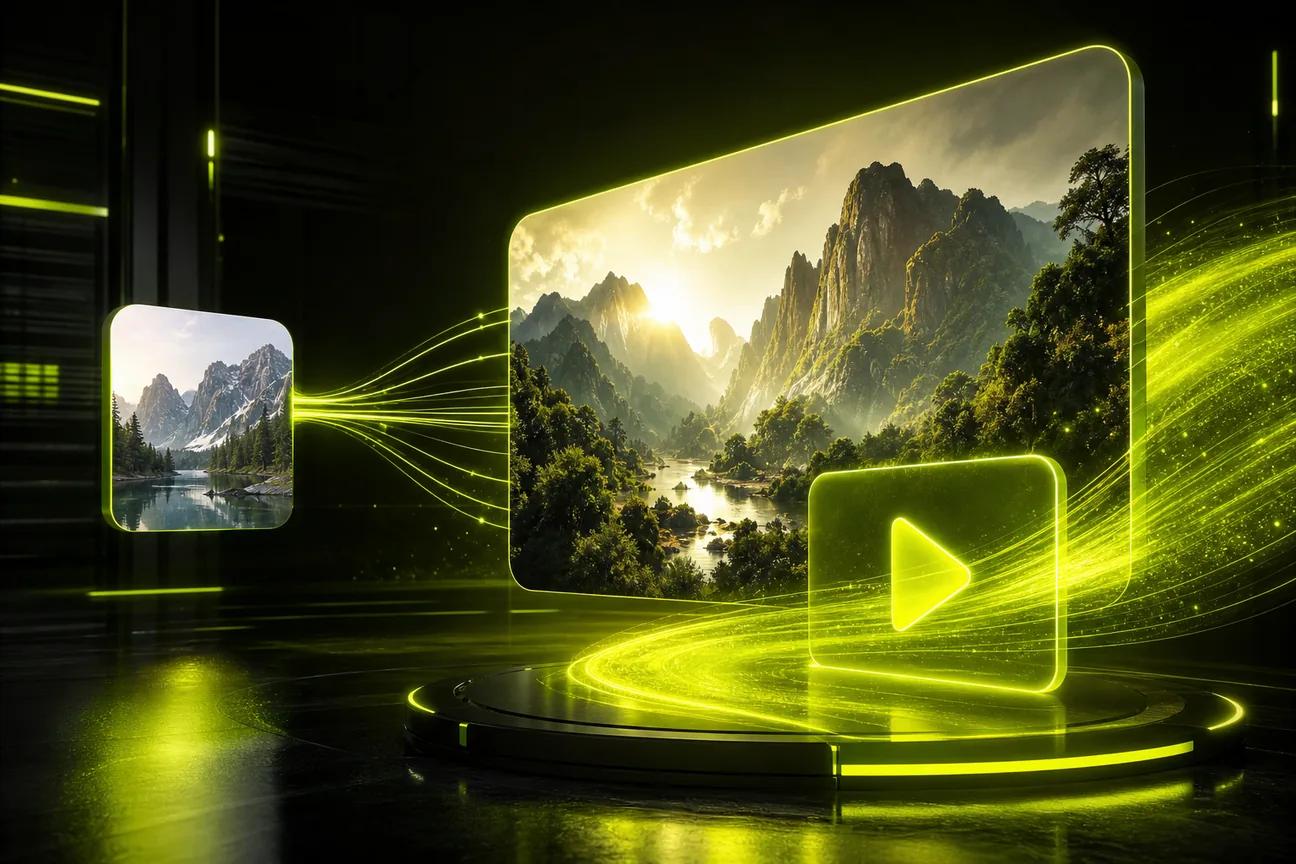
AI video tools take a different route from a standard template editor. Wan Studio runs in a browser and can turn a text prompt or an image into a short video, so you can use a product photo as the first frame instead of arranging a filmed background. Its free plan gives you a couple of Wan 2.5 videos a month at 480p, with no card required; paid plans include a commercial licence.
Choose the workflow that fits the job. Use a template when you want predictable text and graphic placement. Try image-to-video when a still photo is the right starting point and you want it to move. Either way, check that the final look matches your brand standards.
Step 4: Add Media and Build the Video
Build the video in the order viewers will see it. Start with the opening shot, then add the scene that proves the benefit. End with the CTA. This sequence keeps the story tied to the goal you set in Step 1.
Use footage, photos, or generated scenes that support the script. A real image of your item can help keep its look familiar. If you use a stock clip, make sure it fits the claim and does not suggest something your business cannot deliver. A beautiful but unrelated shot is still a distraction.
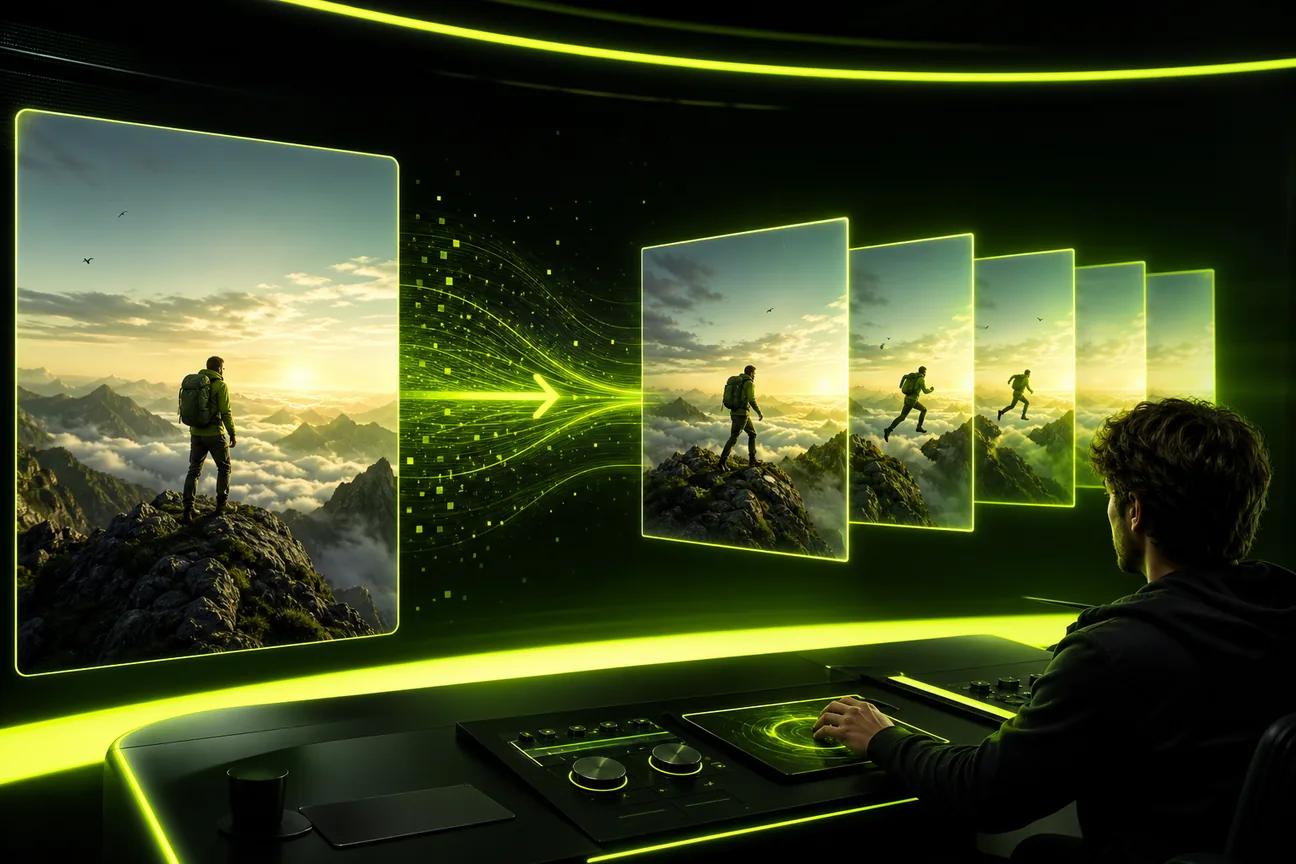
If you’re making a video from a product photo, choose an image where the item is easy to see. Describe a single motion, such as a slow camera move toward the label or a gentle turn on a table. Review the generated clip for changes to the product’s shape, color, or text. AI output is a draft, not proof that every detail is accurate.
For prompt-based video, describe the shot in plain language. For example: “Close view of a ceramic cup on a bright kitchen counter. Morning light moves across the surface as the camera slowly pushes in.” Keep the prompt tied to one shot. If you ask for too many events at once, it can be harder to judge which part needs a change.
Wan Studio gives you access to Wan 3.0, Wan 2.7, and Wan 2.5, with model-specific input and clip options. Wan 3.0 supports clips up to 30 seconds and can keep characters consistent across shots. Wan 2.7 supports reference images and video editing modes. Wan 2.5 is available on the free plan. Check the model you choose against the scene you need before generating.
For a product teaser, you might start with a still image and ask for a slow camera move. For a character-led promo, keep the dialogue brief and put the spoken words in quotes. Wan models generate audio with the video; listen closely to the finished clip and check the lip sync before using it in an ad.
Build a rough cut before you polish. Put clips in sequence, then add only the text that helps viewers follow the message. Add a logo where it can be seen without covering the main action. If the first draft is too busy, remove a scene before adding another effect.
Keep a clean copy of the source assets and draft. That gives you room to make a new version for a different audience or placement without rebuilding the first one.
Step 5: Refine the Edit, Audio, and Accessibility
Now watch the whole video without pausing. Does the opening make sense? Does each shot support the message? Does the ending give viewers a clear next step? Make the story work before spending time on tiny edits.
Trim slow starts and endings that linger after the point has landed. A promo usually does not need every detail about your business. Keep the detail that proves the benefit, then let the CTA close the thought.
Check the pacing on a phone. Viewers need time to see the product and read each line. If the screen changes before the words register, shorten the text or hold the shot longer. Don’t solve a timing problem by making the font smaller.
Review audio with headphones or on a device speaker. Speech should be clear over music. Lower the music when a person speaks, and remove sound effects that compete with the key line. If the clip uses generated dialogue, check the exact words, pronunciation, and timing. Lip sync can vary, so compare the mouth movement with the audio before publishing.
Then watch once with the sound off. Many people encounter a video while muted, and captions let them follow the main idea. Add captions or subtitles for speech, then proofread names and product terms. Automatic text can get small details wrong.
Keep captions away from faces, the product, and interface controls. Use readable type and enough contrast. Place the CTA where it remains visible, and avoid putting key details at the very edge of the frame. If a visual conveys important information that narration does not, add a brief spoken description or clear on-screen wording where it fits.
Check the rights for every asset. Confirm that you can use the music, footage, image, font, and logo in the way you plan to publish the video. A track described as free may still have limits on ads or commercial use. Keep records of the terms or licences that apply to assets you add.
For paid work in Wan Studio, each paid plan includes a commercial licence. The free plan is for trying the service, so don’t assume it includes commercial use. Also review the platform’s terms for the material you upload and the clips you generate.
One final check: make sure every spoken or written claim is accurate and approved. A polished edit can’t fix a claim that your team can’t support.
Step 6: Export, Publish, and Measure Performance
Set the frame shape for the exact placement before exporting. A vertical clip is a natural fit for TikTok, Reels, and YouTube Shorts. A wide frame fits a standard YouTube video or landscape player. Square can work when you need a flexible feed asset, but check the destination’s current requirements before you publish.
For social campaigns, it can help to make separate versions instead of asking one crop to fit every platform. Keep the subject and text in a safe part of the frame. Platform controls can cover edges, so preview the file on a phone and make sure the caption or CTA stays clear.
Export at a resolution that suits the placement and the source. Wan Studio downloads generated clips as MP4 files with sound. Its paid plans include 720p and 1080p options; the free plan uses 480p. Save the finished file somewhere you control. Wan Studio’s media gallery stores generations for 30 days, so download clips you want to keep.
Before uploading, watch the saved file from start to finish. Check the first frame, the last frame, the sound, and the text. The editor preview may not reveal a clipped caption or an audio issue in the exported file. Then preview the video again inside the publishing app or ad manager.
Distribution can go beyond a social post. Add the video to a relevant product page or landing page. Include it in an email when it supports the message, and use a short still or link preview if the email tool does not play video directly. For paid campaigns, you can test a version with a different opening against the original.
Choose performance measures that match the goal. If the video should earn attention, check reach and watch time. If it should bring people to a page, check CTR. If it should drive a sale or sign-up, track the conversion that follows the click. Don’t judge a purchase-focused video by views alone.
Look at where viewers stop watching. A sharp drop before the product appears may mean the opening takes too long. If people watch the offer but don’t click, the CTA may be hard to spot or the next step may be unclear. Change one thing at a time, such as the opening shot, then compare the same measure across versions.
Use the result to plan the next cut. Keep a version that performs well, and note what changed in the test. If you want to make another product-focused clip, this guide to AI product video generators for ads and social covers image-led scenes and review checks.
Frequently Asked Questions
How long should a promotional video be?
A promotional video should be only as long as it needs to deliver one clear point. For a short social ad, try a few seconds first and remove any pause that does not help the story. A longer product explanation may need more time. Read the script aloud and check whether each moment earns its place.
Can I make a promo video without filming?
Yes, you can make one from a product photo, a written prompt, or prepared brand assets. Wan Studio runs in a browser and can turn text or an image into a short video. Review generated movement and speech before posting, especially when the clip shows product details or makes a claim.
What should a promotional video script include?
A short script needs a hook, one main benefit, and a CTA. Decide what the viewer should understand or do, then choose a visual that makes the benefit easy to see. If someone speaks, write the line in natural language and time it aloud. Leave room for captions and visual pauses.
Can I use a free video maker for a business ad?
You can use a free tool to draft or test an idea, but check its export limits and asset terms first. Some plans limit resolution or add a watermark. Wan Studio’s free plan includes a couple of Wan 2.5 videos a month at 480p, with no card required; commercial licences are included on paid plans.
How do I know if my promotional video worked?
Measure the action tied to your goal. Use CTR for a video meant to bring clicks, watch time for attention, or purchases and sign-ups for a conversion goal. Views show how many people encountered the clip, but they don’t tell you whether it led to the result you wanted.
Conclusion
Keep the first version focused: one audience, one benefit, and one next step. Write the script, make a short draft, then watch the export on a phone before you post it. If you want to test an image-led or prompt-led workflow, try a short clip in Wan Studio and use what you learn to shape the next version.