
Want free, unlimited image-to-video AI? A few options let you keep making clips, but “free” can still mean daily credits, short video caps, or a watermark. Here are six named tools, starting with Wan Studio, plus what each one is suited to make.
1. Wan Studio
Wan Studio is a browser-based AI video studio for turning a prompt or a photo into a short video with sound. It suits social creators, small business owners, and marketers who want to animate a product image without filming.
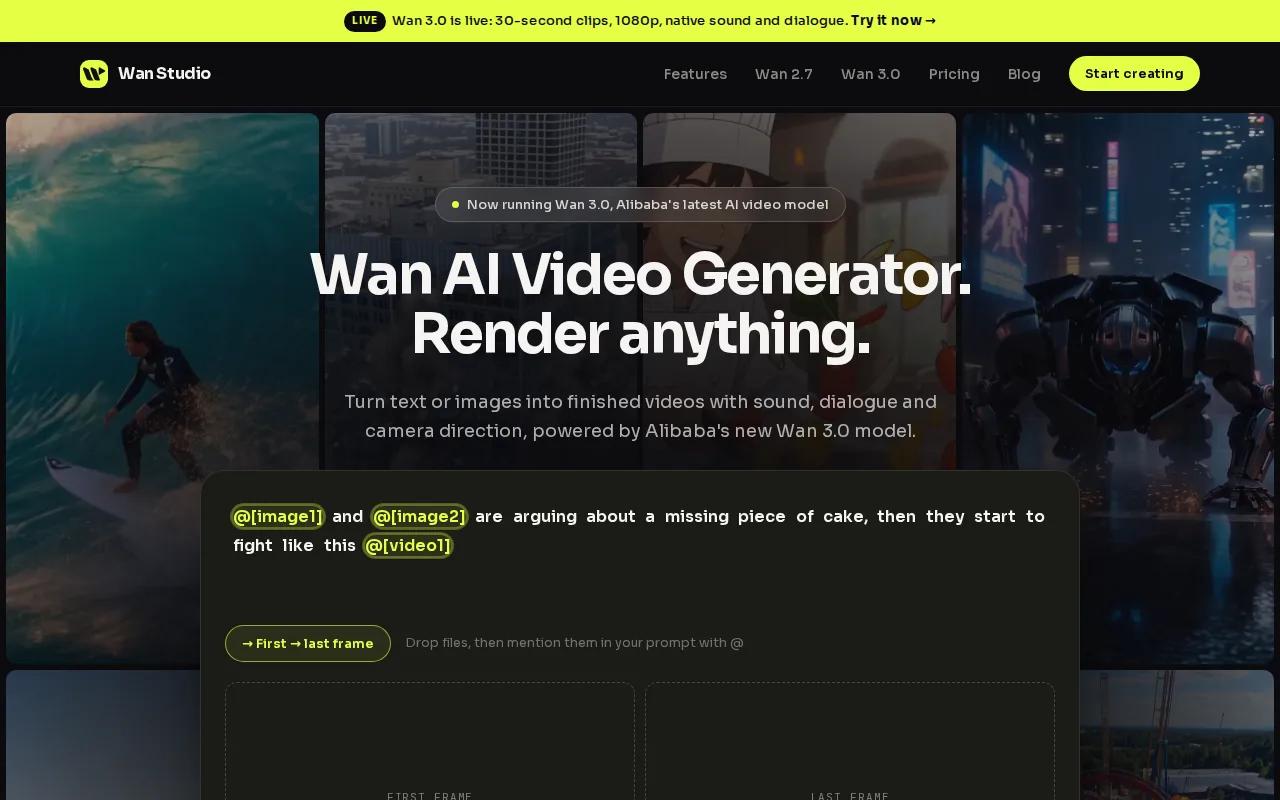
The free plan gives you a couple of Wan 2.5 videos each month at 480p, with no credit card required. That’s a small allowance, not unlimited use. But free videos have no watermark, and Wan 2.5 generates music, sound effects, and lip-synced dialogue with the video. A character can speak a line you put in quotes.
To make an image-led clip, upload your photo as the first frame, describe the movement and camera action, then set the format for your post. Generate a draft and download the MP4 when it’s ready. The Wan Studio free video plan is a way to test that workflow with a couple of monthly generations.
Wan Studio’s paid plans add Wan 3.0 and Wan 2.7, higher output resolutions, and a commercial licence. Wan 3.0 can make clips up to 30 seconds and keep characters consistent across shots. Those are paid-plan details, so don’t assume they come with the free Wan 2.5 allowance.
For a first test, use a clear photo and describe only what should move. The image already sets the subject and look.
2. Genmo: Unlimited local generation for users with capable hardware
Genmo is an open-source local generation option for people with suitable computer hardware. It’s the closest fit here for unlimited image-to-video use without a per-generation bill, and it makes sense if you’re comfortable running a model on your own machine.
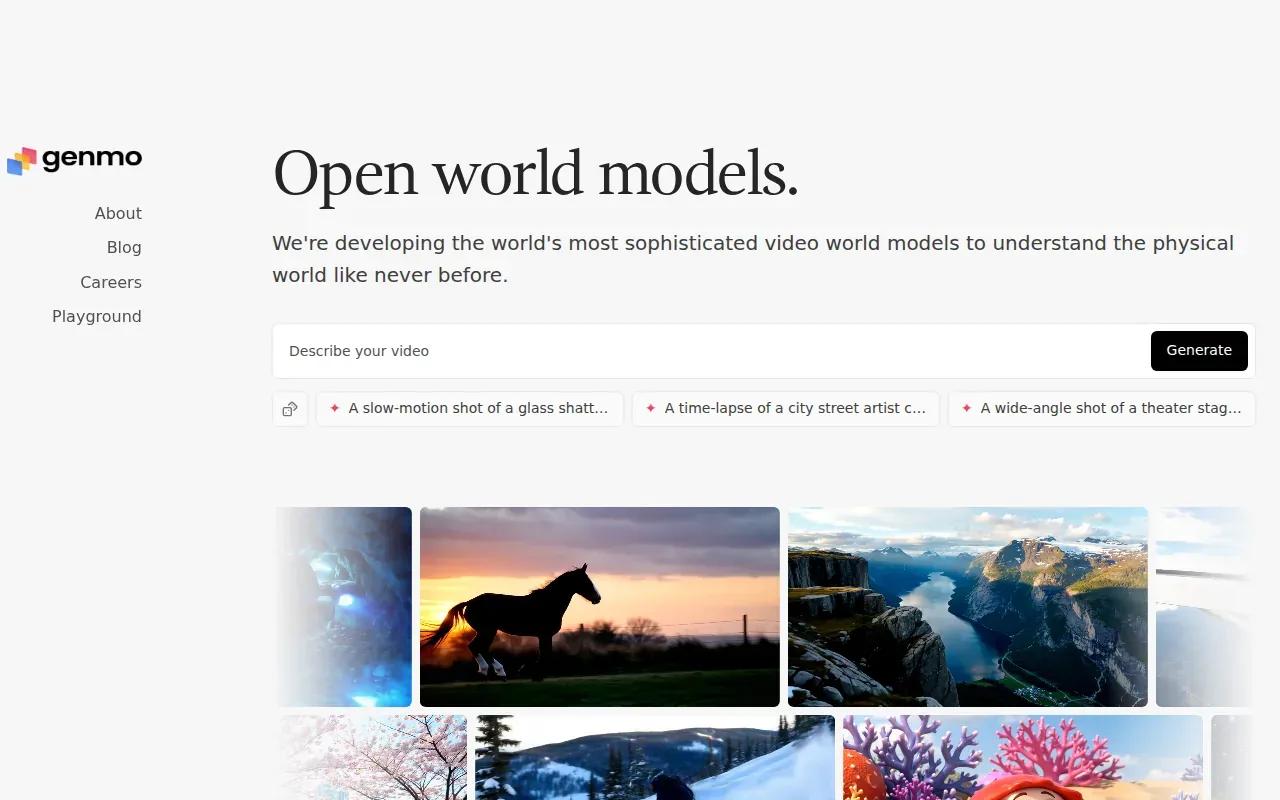
Local generation has a different trade-off from a browser-based free plan. You’re not spending a small pool of cloud credits each month, but you do need capable hardware. Genmo’s free cloud tier has 50 credits per month, which is roughly zero to one clip. That cloud allowance isn’t the same as unlimited local generation.
Genmo’s maximum video length is about five to six seconds. That can work for a product close-up, a portrait with a small movement, or a quick loop. It’s a tighter fit for a longer story or a scene that needs room for dialogue.
Before you choose the local route, think about how often you’ll use it and whether your computer can run the model well. A local setup may suit a creator who wants to experiment repeatedly. If you just need a clip for a post this week, a browser tool with a small free allowance may be less setup.
The image-to-video tool comparison can help you weigh local generation against hosted workflows and their free limits. Keep in mind that “unlimited” describes the local generation allowance, not an unlimited clip length.
3. Kling AI 3.0: Daily credits for recurring short-video experiments
Kling AI 3.0 gives free users 66 credits per day, refreshed every 24 hours. It suits creators who prefer a recurring daily allowance over waiting for a monthly credit pool to reset.
The free output is capped at 720p and has a watermark. A five-second video costs 45 credits, so the daily allowance covers one such generation, with credits left over. That makes it better for a regular short test than for a large batch of finished social posts.
Kling AI 3.0 can generate clips up to 10 seconds long. Use a shorter clip when you’re testing movement from a still image. If you’re building a Reel or Short, check the framing and watermark before planning your final edit around the result.
Daily credits can help you return to an idea over several days, but they aren’t the same as unlimited generation. For a small business, that distinction matters: a product launch may need several variations in one afternoon, while a solo creator may be happy to test one shot each day.
Decide how many versions you need before you start. A daily reset is useful for steady practice, but it won’t remove the 720p cap or watermark on free output.
4. Pika: A monthly-credit option for short creative tests
Pika gives free users 250 credits per month, with credits available on signup. It fits creators who want to test short, playful image animations and can work within a five-second generation limit.
Every free export is watermarked, even at 1080p. That means the output resolution may suit a sharp social preview, but the watermark still affects whether the clip is ready to post for a brand. Check the exported file before you build a campaign around it.
The five-second cap is a real constraint for anything that needs a longer beat, a spoken line, or more than one action. Think of Pika as a way to try a quick visual idea, not as a source of longer scenes. A moving product detail or a short loop is a closer match than a full ad with a beginning and end.
For monthly-credit tools, use a draft mindset. Pick one clear photo, ask for one simple motion, and avoid spending credits on several changes at once. If the result is close, adjust one part of the prompt in the next generation. That makes it easier to tell which change helped.
When the idea needs more than five seconds, choose a tool with a longer verified clip limit before you spend your monthly credits.
5. Google Veo 3.1: A free-tier option to investigate for native audio
Google Veo 3.1 is an option to look at when you want a video with sound generated alongside the image. Its stated free-tier details include daily renewable credits, no watermark, and commercial usage rights.
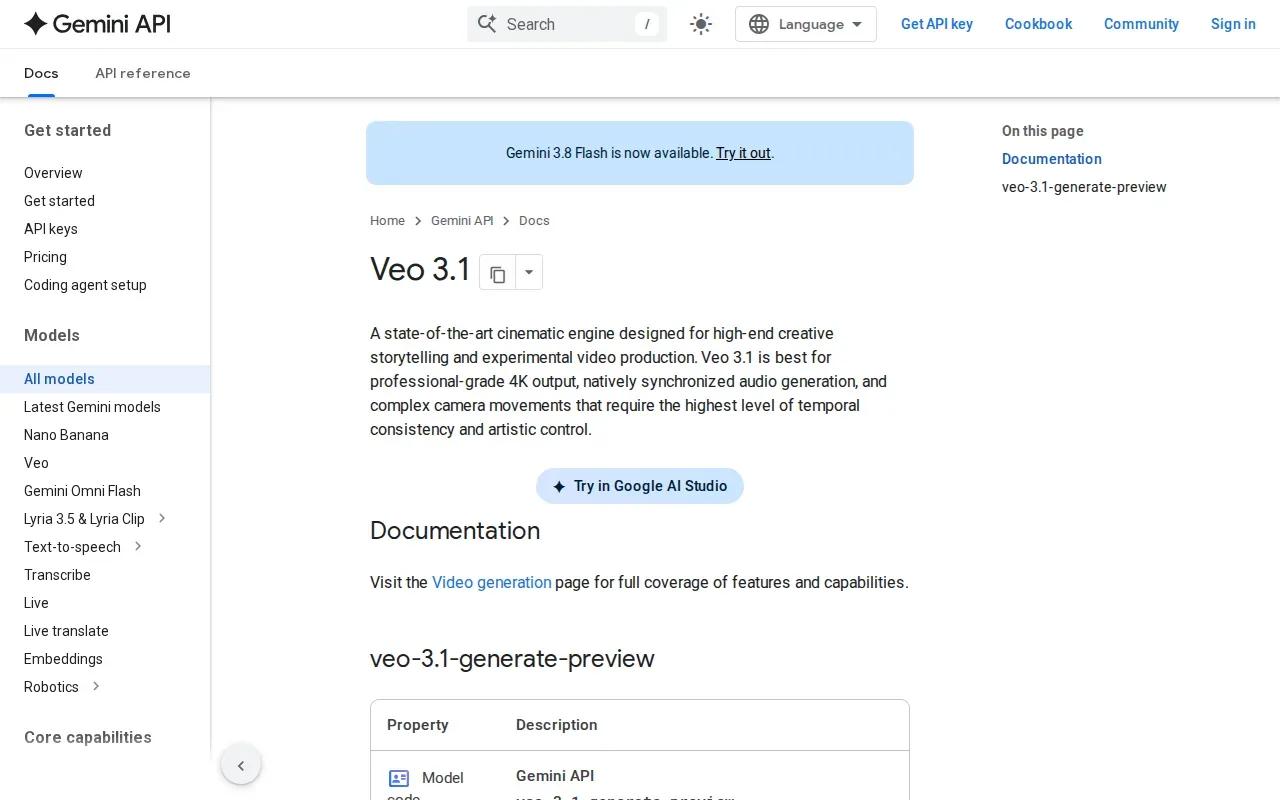
Veo 3.1 produces 1080p output with synchronized audio. Dialogue, environmental sound, and music are built into the video, and it supports lip sync. For a small brand, that could suit a product scene with a short spoken line or a social clip where sound is part of the idea.
Check Veo’s current account terms before planning a recurring content schedule. So treat it as a free option to investigate, not a promise of unlimited daily output. Check the current account terms before planning a recurring content schedule.
Also separate output quality from production fit. A watermark-free 1080p file can be useful for a polished post, but you still need to check whether the image moves as you intended and whether the generated audio fits your brand. Preview both before publishing.
Veo is a stronger match when native sound and a clean export are high on your list. If you mainly need many quick drafts, compare the available daily allowance first.
6. OpenArt: Voiceovers and lip sync for image-led scenes
OpenArt includes video, voice, and audio tools, with voiceovers in more than 30 languages and lip sync. It suits creators who want spoken lines or music alongside image-led video work.
Its audio tools can generate voiceovers, royalty-free music, and sound effects. OpenArt also describes a persistent character library, where you can save a character and reuse it in future generations. That can help when a creator needs the same avatar to appear in a series of clips.
OpenArt Director adds control over a sequence. You can lay out a storyboard, shape shots through chat, and refine the sequence. That’s a different workflow from a single prompt that animates one photo. It may appeal to a marketer planning a set of connected scenes rather than one standalone product loop.
Use the table to match the feature to the job. It doesn’t rank each feature by quality; it shows where the capabilities line up with a common creator need.
| Your video need | OpenArt capability | Useful check before publishing |
|---|---|---|
| A character speaks on screen | Voiceovers in 30+ languages with lip sync | Review the words and mouth movement together |
| A recurring avatar appears in several clips | Persistent character library | Check that the same character is reused as intended |
| A scene needs sound beyond speech | Voiceovers, music, and sound effects | Listen to the full export with the video |
| A planned sequence has multiple shots | OpenArt Director storyboard and shot controls | Review the order and transitions of each shot |
For a basic social post, those controls may be more than you need. For a series with a repeated character or a planned sequence, they give you more to work with than a one-photo motion test.
FAQs About Free Unlimited Image-to-Video AI
Is image-to-video AI really free and unlimited?
Usually, no: “free” often means a limited number of credits or clips. Genmo supports unlimited local generation, but you need capable hardware. Its cloud free tier has 50 credits per month. Other tools in this list use daily or monthly credits, so check the limit and export terms before planning a batch.
How do I turn a photo into a video with AI?
Upload your photo as the first frame, then describe the motion you want. Set the duration and aspect ratio if those controls are available. Generate a draft, review the subject and movement, and download the result if it works. Wan Studio’s free Wan 2.5 model supports image-to-video with native sound.
Can I use free AI videos for ads or client work?
Check the licence for the exact tool and plan before using a clip in paid work. The stated Google Veo 3.1 free-tier details include commercial usage rights. Wan Studio includes a commercial licence on paid plans, while its free plan is for trying the service. Don’t assume one tool’s terms apply to another.
Which free image-to-video AI tools remove watermarks?
Wan Studio’s free Wan 2.5 videos have no watermark, and Google Veo 3.1’s stated free-tier details also include no watermark. Kling AI 3.0 and Pika add watermarks to free exports. Check the file itself before publishing, since resolution and watermark rules can affect whether it’s ready for a client or brand account.
How long does AI image-to-video generation take?
Generation time can vary by tool and by the settings you choose, so there isn’t one reliable time for every clip. A longer or higher-resolution output may follow a different process than a short draft. If you’re working to a deadline, generate a test early and leave time to review or rerun it.
Conclusion
For a no-card test that includes sound and lip-synced dialogue, start with Wan Studio’s free Wan 2.5 plan. If you need repeated generations without per-clip cloud credits and have capable hardware, look at Genmo’s local option. Try one photo first, then check the output before building a full post around it.