
A free AI image-to-video generator can turn a product photo into a moving ad, but each tool sets different limits on credits, clip length, and output. Wan Studio is a fit if you want to test image-to-video with sound; the other picks suit different free-plan needs, from daily credits to commercial-use terms.
We analyzed 44 comments and questions from YouTube, Reddit and Quora about free AI image to video generators and found that 16% mentioned limited free credits.
1. Wan Studio
Wan Studio is a browser-based video studio for turning prompts or images into short clips with sound. Its free plan gives you a couple of Wan 2.5 videos each month at 480p, with no card required. It suits social creators, marketers, and small business owners who want to try a product spot or short scene before paying.
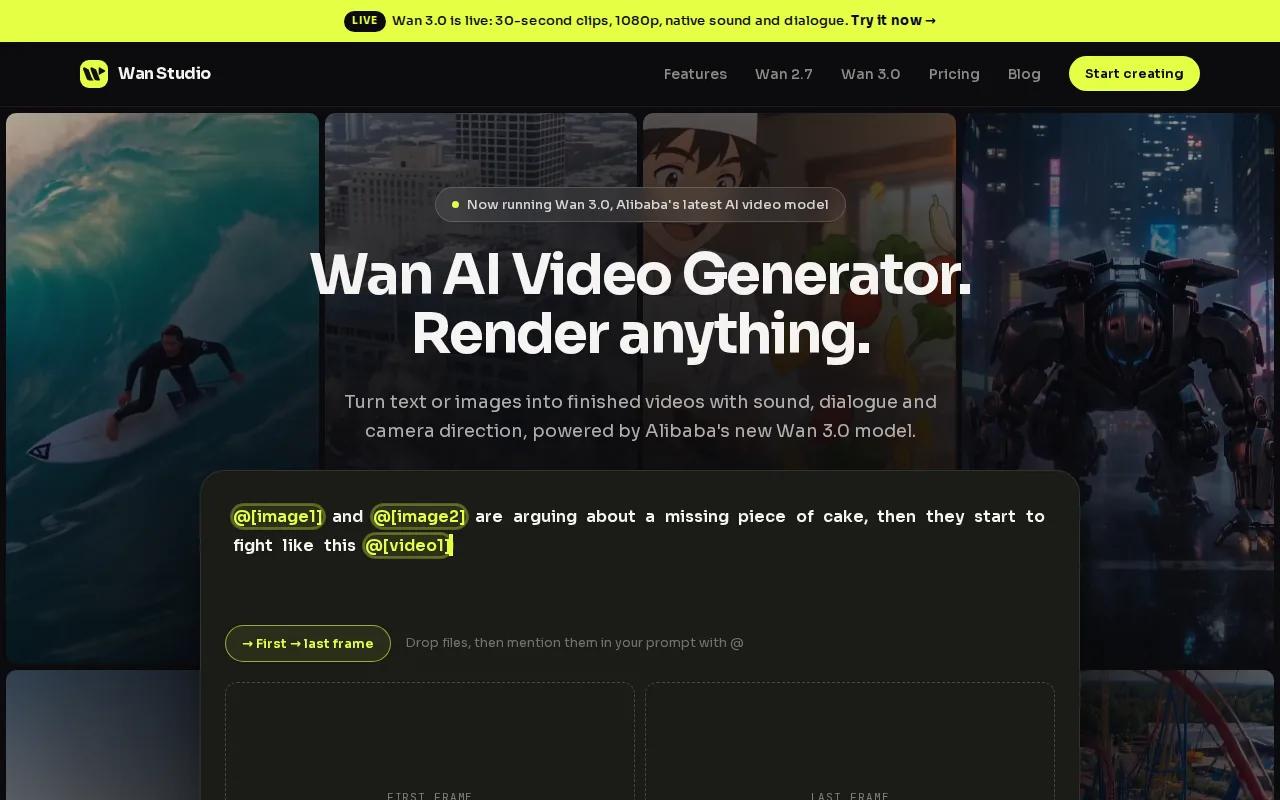
For image-to-video, add a photo as the first frame, then describe the movement you want. Keep the prompt focused on action and camera motion. For example: “The coffee cup turns slowly as steam curls upward. Slow camera push-in.” Choose a frame that matches your planned post. Wan Studio supports vertical, square, and landscape ratios, and a first-frame image sets the output’s aspect ratio.
Wan 2.5 is the free-plan model. It makes 5- or 10-second clips at 480p on the free tier, with native sound and lip-synced dialogue. Put spoken words in quotation marks in your prompt, then check the face and speech before posting. The free plan is for trying the workflow, not for assuming your whole campaign is covered.
If you need higher resolution or longer scenes, the paid plans include Wan 3.0. That model can make clips up to 30 seconds, with output up to 1080p. Wan Studio’s free video plan details spell out what you can test without a card.
For a first test, animate one clear product photo and download the result. Check the framing, movement, and sound before you spend time polishing the prompt.
2. OpenArt Director: storyboard-based video creation
OpenArt Director is a video creation workspace built around storyboards and shot-by-shot editing. Its free access gives you 40 credits over seven days to test image and video generation, with no credit card required. It’s best for creators who want to try several ideas in a short window rather than rely on a recurring video-credit allowance.
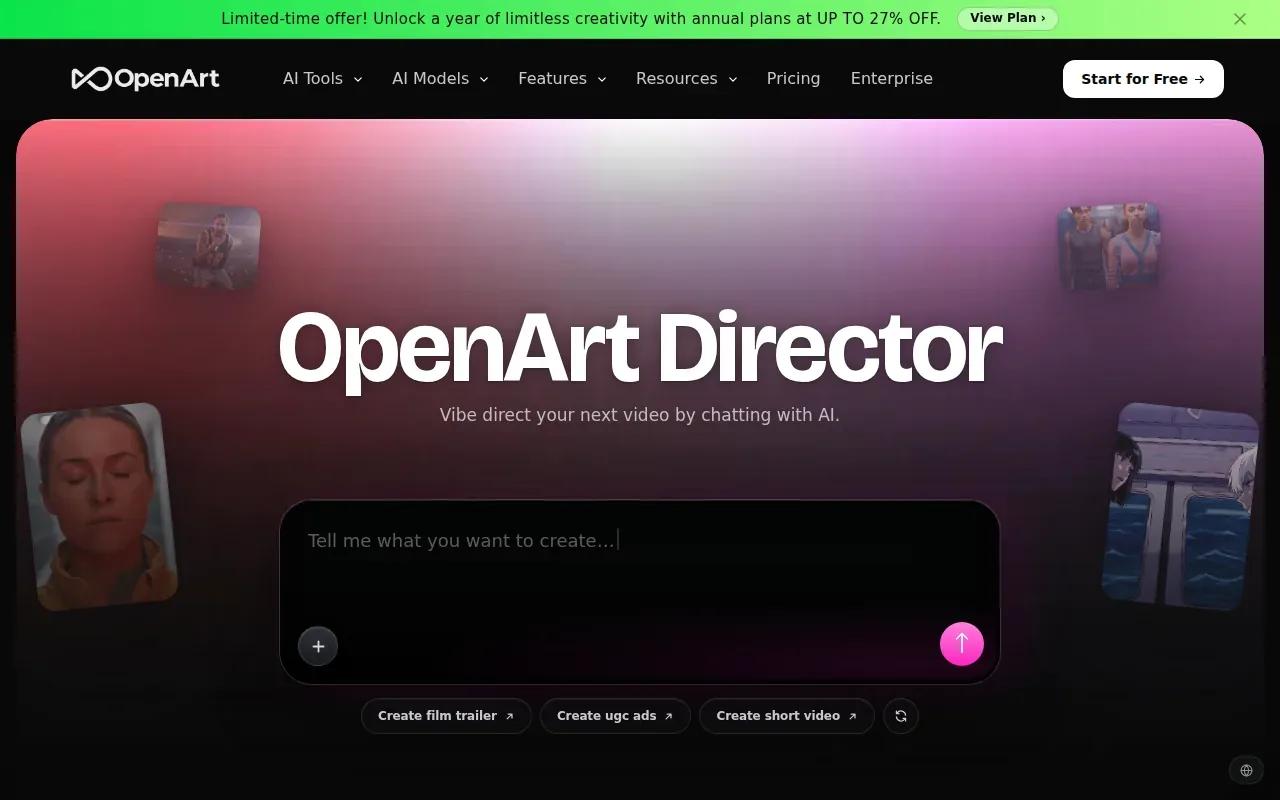
You can start with a prompt or a reference image, then shape shots through chat. That can help when a product clip needs more than one view, such as a close-up followed by a wider scene.
OpenArt describes video sequences up to five minutes long. That is a different use case from a short social post: a longer sequence may help with a story or presentation, while a tight 5- to 10-second cut is easier to test in a feed.
The service also has ongoing daily free credits for basic image generation. That can help you prepare still concepts, but the stated trial allowance for video generation is 40 credits over seven days. Keep the two limits distinct when planning how many clips you can make.
Choose OpenArt Director if you want to test storyboard control and refine several connected shots. It’s less suited to a slow, renewable free-video routine.
3. Google Flow: renewable daily credits for short Veo clips
Google Flow gives free users 50 credits per day, with enough for up to five Veo 3.1 Lite clips. It’s a useful option when you’d rather make small daily tests than use a one-time credit pool. Each clip can run up to eight seconds.
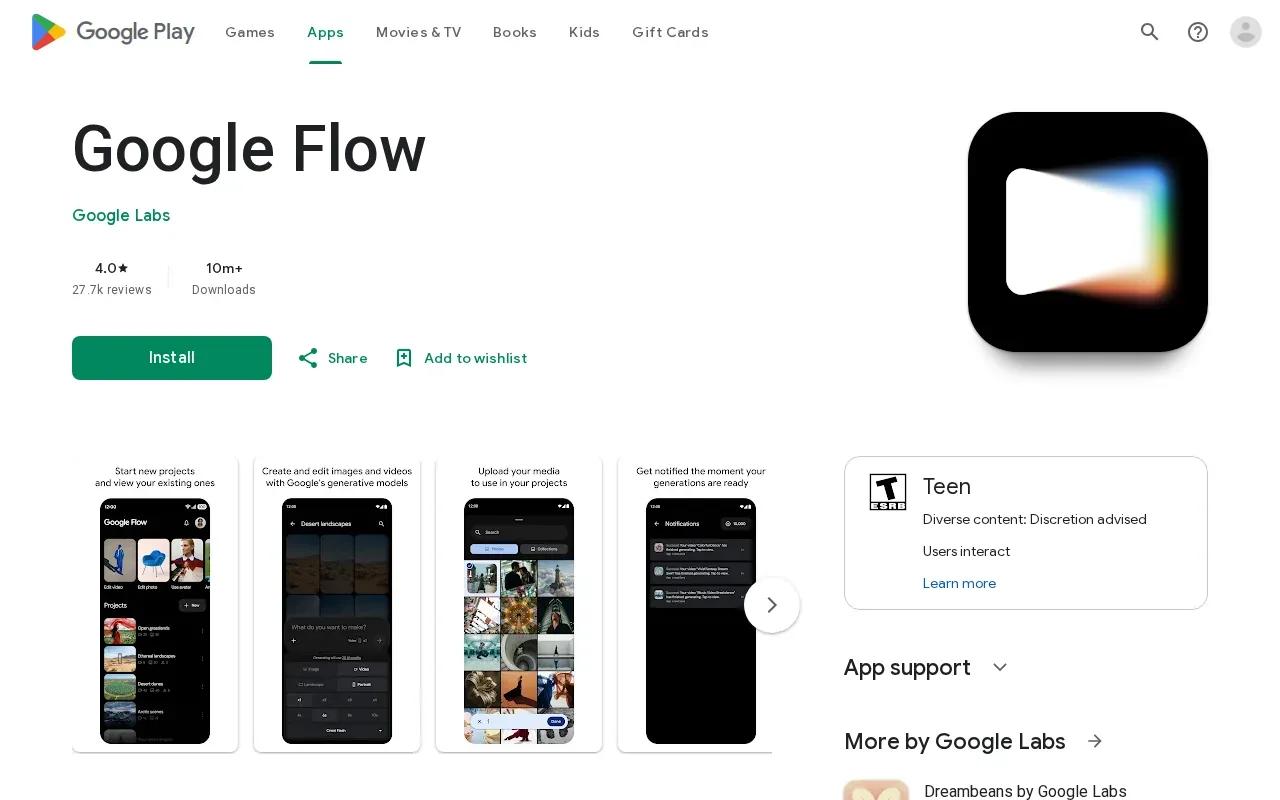
That short limit changes how you should plan a scene. Use one clear action, such as a slow camera move across a product or a person turning toward the lens. A full ad with several beats may need separate clips and editing afterward. Keep the first test simple so you can tell whether the image and motion work together.
Daily credits can make repeated prompt tests easier to schedule. Try one camera direction, review the output, then adjust the next prompt. Don’t assume that a daily allowance means you can render a long finished spot in one go; the clip cap still sets the shape of each generation.
For a broader look at using a still as the starting frame, Wan Studio’s photo-to-video workflow explains how to describe motion without re-stating every detail already visible in the image.
Google Flow is worth testing when daily credit renewal matters more than clip length. For a multi-beat ad, check whether its short clips fit your edit plan before you commit to a workflow.
4. Runway: a free plan that explicitly permits commercial use
Runway’s free plan includes 125 credits once, 5GB of asset storage, limited model access, and watermarked video. It suits creators who want to test a generation workflow with a small initial credit balance. The free credits are one-time, not a monthly allowance.
Runway is the only tool in this shortlist whose free plan explicitly permits commercial use. That makes its stated usage terms a useful point to compare when you’re making a draft for a business. Still, check the current plan terms before using any generated clip in a paid campaign.
The watermark matters for the final export. You can use a free render to check whether a photo animates the way you want, but a watermarked video may not be ready to publish as an ad. Keep that distinction in mind when you estimate the cost of moving from a test to a finished asset.
Because the 125 credits arrive once, treat them as a test budget. Try a short clip with one clear action before spending credits on alternate versions. Wan Studio’s product-video examples and tool notes can also help you plan what to assess in an image-led ad, such as whether the product stays central as the scene moves.
Pick Runway if the stated free-plan commercial-use permission is a key factor and you’re comfortable with a watermarked free output.
5. Pika: monthly credits and no-watermark downloads at 480p
Pika offers 80 monthly video credits, free access to Pika 2.5 at 480p, no-watermark downloads, and commercial use. It’s a fit for creators who want a monthly credit pool and a clean download for a short social post or ad test.
At 480p, the listed examples include 12 credits for a 5-second clip and 24 credits for another generation. Use those figures to plan your monthly budget before creating variations for a post or ad. Check that the subject stays clear and that the motion supports your message.
No-watermark downloads can make a clip easier to review in a draft, but they don’t replace a quality check. Consider whether the 480p output suits your intended placement, and review the result before using it in a campaign.
Pika’s monthly allowance gives you credits to budget across the month. Weigh the 480p output and available credit pool against the needs of your social post or ad test.
6. Kling: a short-clip option for realistic human movement
Kling is a short-clip choice when realistic human movement is your main goal. Free users get clips of about five seconds, so it fits a single gesture or brief moment better than a full ad sequence.
For example, a five-second shot could show a person lifting a product or turning toward the camera. Keep the movement narrow. If you ask for several actions in a very short clip, there’s less room for each one to read clearly.
The table below sums up the decision angle: what kind of free access each pick has and where its stated clip limit may shape the edit.
| Tool | Free-plan pattern | Clip limit or output detail | Good fit when |
|---|---|---|---|
| Wan Studio | A couple of Wan 2.5 videos per month | 5 or 10 seconds, 480p on free | You want to test image-to-video with sound |
| Google Flow | 50 credits each day | Up to 8 seconds | You want to make small daily tests |
| Runway | 125 credits once | Limited free-plan access | You need its stated free-plan commercial-use permission |
| Pika | 80 video credits per month | 480p access; no-watermark downloads | You want no-watermark downloads |
| Kling | Free access | About 5 seconds per clip | Human movement is your priority |
Choose Kling for a focused movement test, not a sequence that needs room for dialogue or several story beats. Review the actual result before building the rest of the edit around it.
FAQ: Free AI Image-to-Video Generators
Which free AI image-to-video tool includes lip sync?
Wan Studio’s free Wan 2.5 model includes lip-synced dialogue with generated sound. Add a short spoken line in quotation marks in your prompt, then watch the result with sound on. Pika does not include lip sync, so it isn’t the right fit for a talking-photo clip.
Which tool has free credits that renew daily?
Google Flow lists 50 free credits each day, enough for up to five Veo 3.1 Lite clips. Its free clips can run up to eight seconds. That daily reset suits regular small tests, though the short clip limit still applies to each generation.
Can I use free AI video generators for ads?
Check the commercial-use terms for the exact plan you’ll use. Runway’s free plan explicitly permits commercial use, and Pika offers commercial use on its free plan. Wan Studio’s free plan is for trying the service; its commercial licence is included with paid plans.
Which free tool gives you a video without a watermark?
Pika lists no-watermark downloads on its free plan. Wan Studio’s free Wan 2.5 videos also have no watermark, according to its public plan details. Check resolution and usage terms as well, since a clean download alone doesn’t tell you whether the clip suits your final post.
How do I make an image-to-video prompt?
Upload a clear photo, then describe what should move and how the camera should move. Keep the prompt focused on motion rather than repeating details already visible in the image. Set a frame shape that matches your post, generate a short test, and review the subject and movement before downloading.
Conclusion
If you want to test a photo-based clip with native sound and lip-synced dialogue, start with Wan Studio’s free Wan 2.5 plan. Upload one clear image, write a short motion prompt, and download a test before planning a larger campaign.