
A free AI lip sync video generator can help you turn a short idea into a talking clip without booking a shoot. Wan Studio is a good place to start if you want to make a short video from a prompt or image, with sound and dialogue included. Here are six options and the workflows they suit.
1. Wan Studio
Wan Studio is a browser-based AI video studio that turns a text prompt or image into a short video with sound. Its Wan models can generate lip-synced dialogue as part of the video, so you can describe a character saying a line instead of starting with a finished clip and replacing its audio.
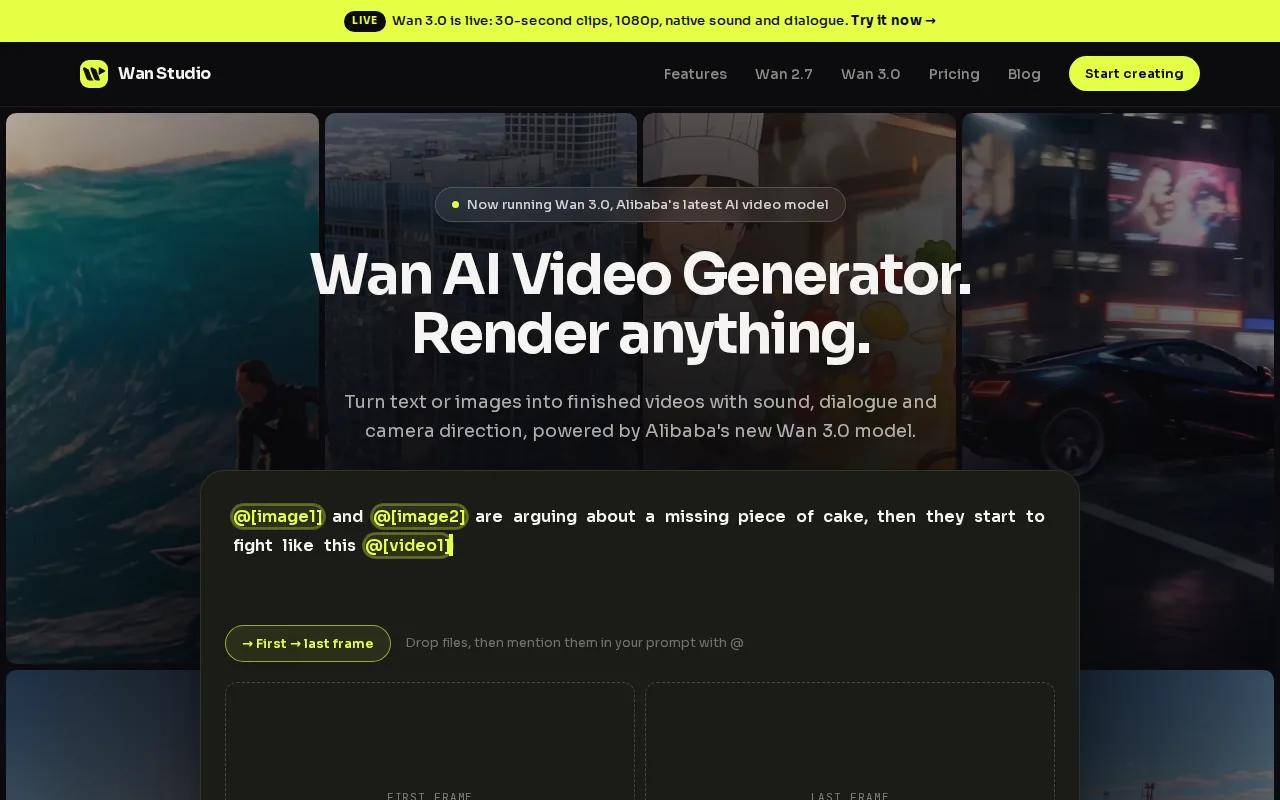
That makes it a fit for social creators, small businesses, and marketers building a quick product spot. Add a product photo as the first frame, set a vertical format, then write a short line in quotes. The free plan gives you a couple of Wan 2.5 videos each month at 480p. You don't need a payment card, and the free output has no watermark.
Wan Studio's workflow is generation-first, rather than a tool for dubbing an existing video. Wan 2.5 can make 5- or 10-second clips with native sound. Paid plans add models including Wan 3.0, which can generate clips up to 30 seconds with synchronized sound and lip-synced dialogue. Check the mouth movement and sound before posting, especially when the line carries a product claim.
For a first test, keep the dialogue brief and describe the camera move along with the scene. If you want a fuller look at how to turn a still image into a speaking clip, this picture-to-talking-video guide covers that creative task.
Wan Studio is the simplest fit here when you want a new scene, not a dubbed version of existing footage.
2. Freebeat: Browser-based phoneme analysis
Freebeat is a browser-based lip sync tool that analyzes audio phonemes to match mouth shapes to speech or singing. Because it runs in a modern browser, you don't need to install an app before testing it.
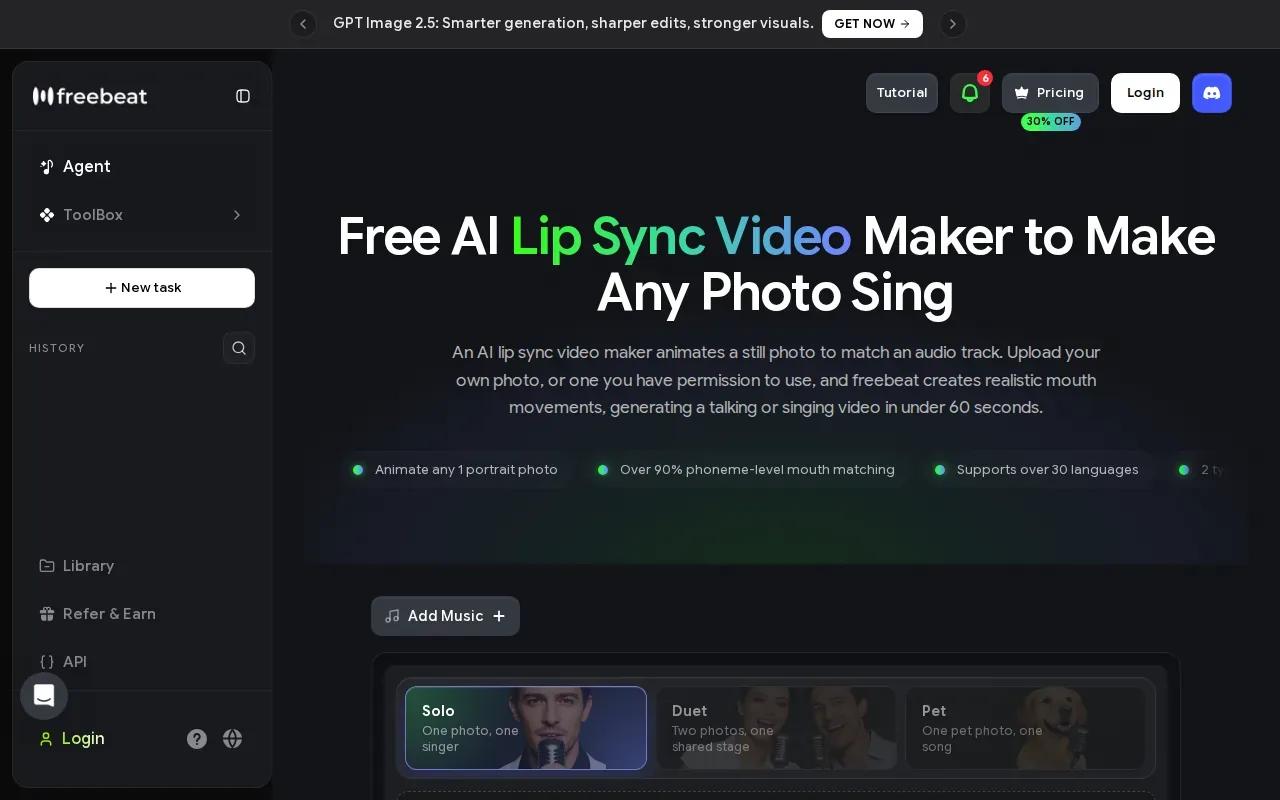
Its strongest match is a still portrait that needs to sing or speak. For example, a musician could animate an approved portrait with a short vocal excerpt, then review the mouth movement before sharing the clip. The phoneme-based approach is designed to follow the sounds in the audio, rather than simply opening and closing the mouth in time.
Freebeat also fits artists, marketers, and educators who want to make an animated photo. That differs from Wan Studio's prompt-led workflow: Freebeat is built around syncing an audio track to an image, while Wan Studio can generate the scene and its dialogue together. Pick based on what you already have. A finished voice track points toward an audio-driven tool; a product photo and an idea for a new scene point toward video generation.
Before you spend time on a full song or lesson, test a short section with clear speech. Watch the result with sound on and check whether the mouth shapes match the actual words. Lip movement can look busy while still being out of sync.
3. PixVerse: Lip sync within an AI video suite
PixVerse includes lip sync within a broader AI video suite. Its free tier can be used without paying to start, and it aims for realistic mouth movement without a paid subscription.
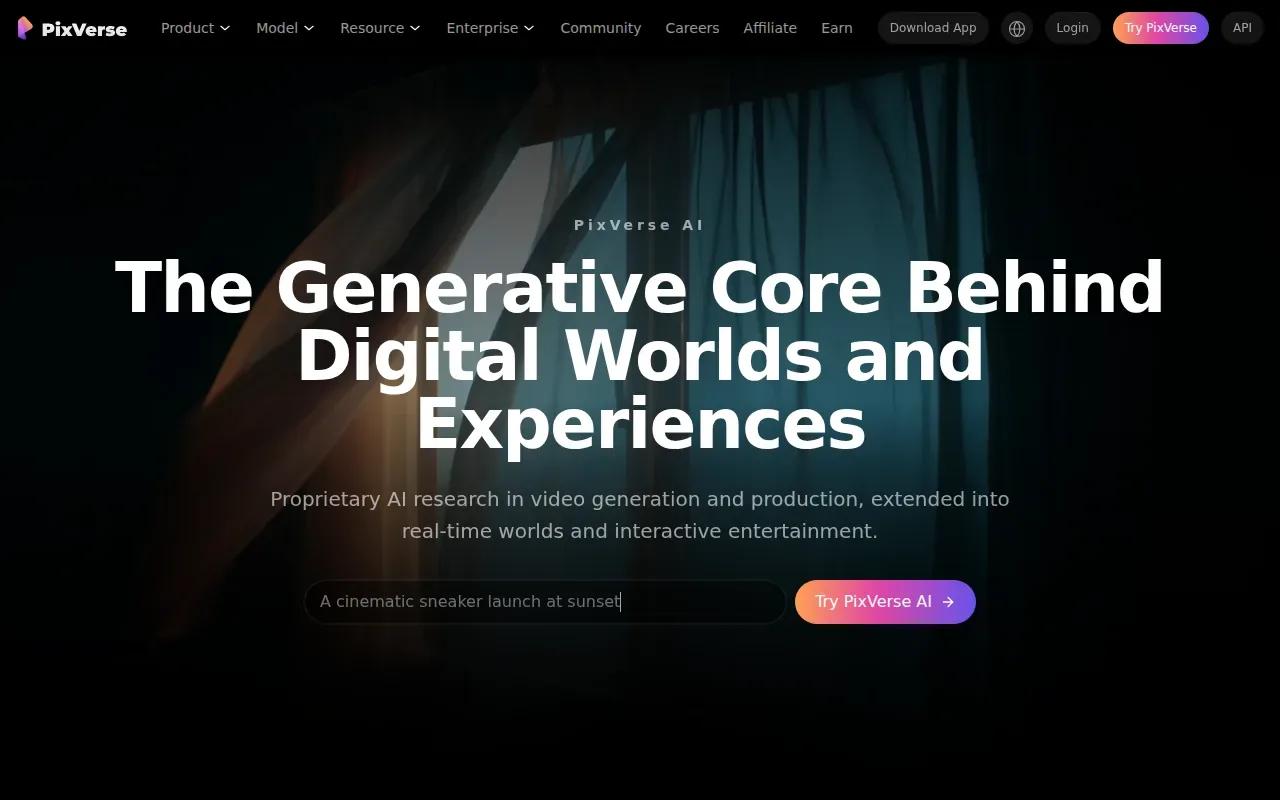
That setup can suit a creator who wants lip sync beside other video creation tools, instead of moving between separate services. PixVerse supports videos up to 15 seconds, which can work for a short social clip or a compact ad line. Think of a quick product intro, not a full training lesson.
For a marketer adapting an existing clip, PixVerse's broader suite keeps lip sync alongside other video creation tools. Test a short sample and review whether the result suits your format and message. This can help you decide whether an integrated workflow is a better fit than moving between separate services.
For a short clip, judge the output by more than whether the lips move. Check that the voice matches the speaker, the mouth tracks the words, and the final cut works at the size you plan to post.
PixVerse makes sense when an integrated video-suite workflow is more useful than a stand-alone lip sync step.
4. Kling AI 3.0: Cinematic output with tight free-tier limits
Kling AI 3.0 is aimed at creators who care most about visual fidelity. Its free tier includes 720p output with a watermark. A five-second video costs 45 credits, so a free test may need to be short and deliberate.
Kling describes a proprietary Spatial-Temporal Attention mechanism for anatomical correctness during complex movement. That makes Kling worth considering when the scene itself matters as much as the spoken line, such as a character moving through a cinematic shot. Its lip-syncing-song workflow also describes previewing the result before export.
There is a trade-off. A watermark can affect whether a clip is ready for a public ad, and the 45-credit cost for five seconds means you should plan a test before generating several versions. Keep the first attempt simple: one character, one short line, and a clear action. Then inspect the face during movement, not only in the opening frame.
If the free export is for a draft, the watermark may be acceptable. If the clip needs to go straight into a campaign, check whether the output terms fit that use before you build the whole workflow around it.
5. Vozo AI: Independent lip sync for up to six faces
Vozo AI detects up to six faces in a single shot and syncs each speaker's mouth movements independently. That's a specific strength for scenes with several people, such as a panel exchange or a short interview where different speakers take turns.
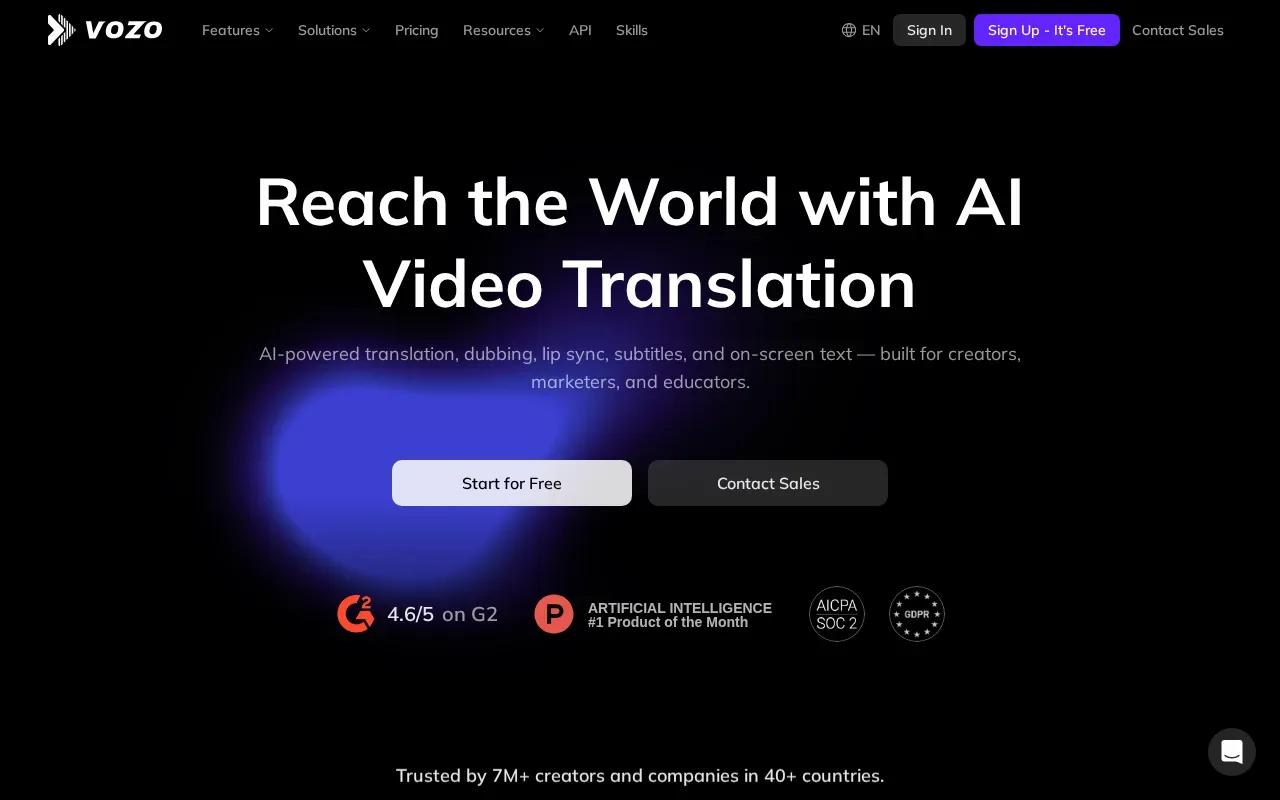
Its tool can work with a video and audio track. It also supports text-to-speech, uploaded audio, or audio already present in the video. After processing, you can preview the result, adjust the face selection if lip sync landed on the wrong person, then export.
Vozo AI supports videos up to 60 minutes, which gives it a different role from tools built around short social cuts. A longer source can be useful for training content or a translated talk, though you'll still want to review the moments where the speaker changes. Face detection helps identify who is speaking, but checking the result remains part of the job.
A free tier with AI points is available on signup. Try a short section with clear speaker turns first. If the tool assigns the wrong face, edit the selection before exporting the full version.
6. LipSync.video: Browser app with daily free credits
LipSync.video runs in a browser with no installation and provides daily free credits without requiring an account. It fits someone who wants to apply lip sync to a single clip quickly, without browsing avatar libraries.
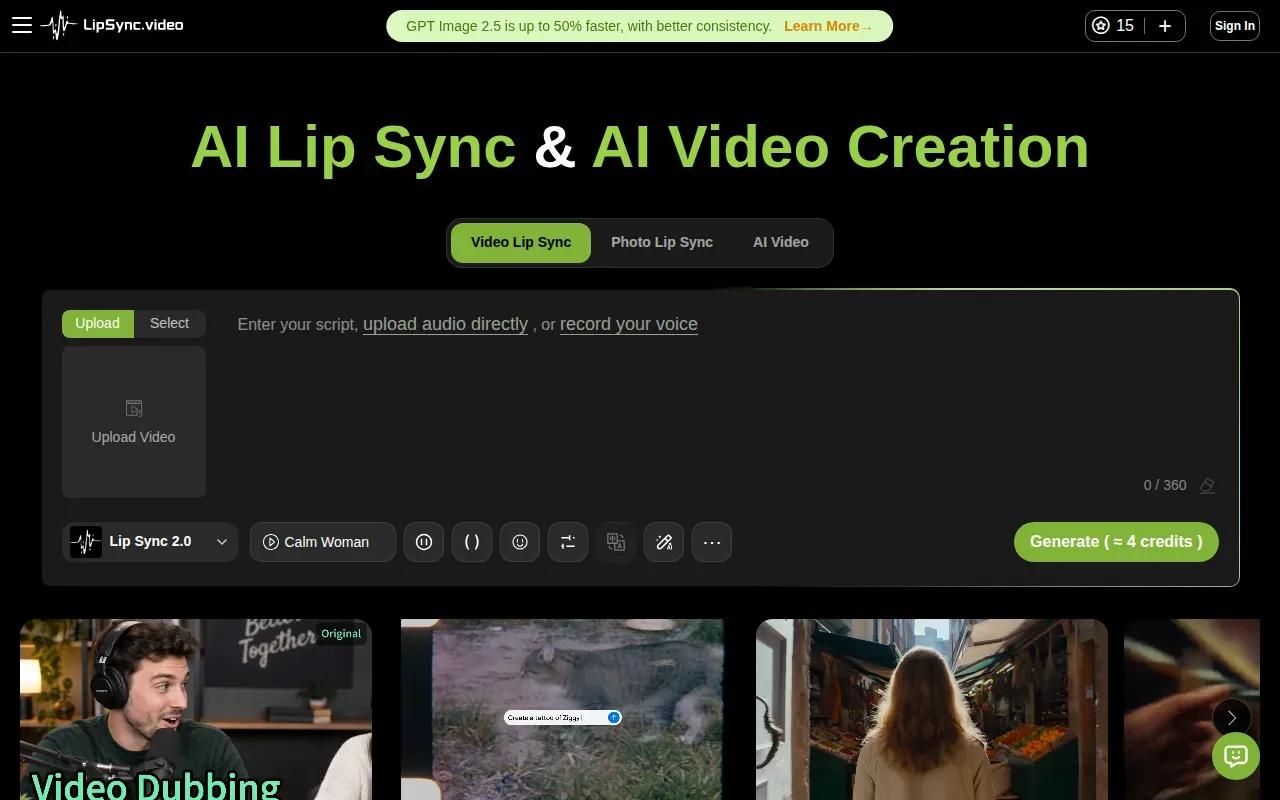
That low-friction start can help when you only need to test one social post or a quick edit. You can try the workflow without setting up software on your computer or creating an account first. Its daily credits also make the free access renewable, rather than a one-time trial balance.
Choose it for a focused task, not because every lip sync job works the same way. Start with a short source clip, review the result, and export only after checking timing and mouth movement. If you need the tool to generate a new scene from a product photo, Wan Studio is the closer match. If you need multiple speakers handled in one shot, Vozo AI has a stated feature for that case.
This quick comparison shows how the free entry points differ. Use it to narrow the shortlist before you spend time preparing media.
| Tool | Free access detail | Good fit for |
|---|---|---|
| Wan Studio | A couple of Wan 2.5 videos monthly at 480p; no card or watermark | Prompt- or image-led short videos with generated dialogue |
| Freebeat | Free access is available | Animating a portrait to existing audio |
| PixVerse | Usable without payment to start | Lip sync within a broader video suite |
| Kling AI 3.0 | 45 credits for a five-second video; 720p with a watermark | Cinematic-looking short clips |
| Vozo AI | Free tier with AI points on signup | Multi-speaker scenes, with up to six faces |
| LipSync.video | Daily free credits without account creation | A quick browser-based lip sync task |
FAQ
Can I make an AI lip sync video for free?
Yes, several tools in this shortlist have free access. Wan Studio gives you a couple of Wan 2.5 videos per month at 480p, without a card or watermark. Other tools use different limits, including credits or AI points. Check the export and usage terms for your intended clip before you rely on a free tier for a campaign.
Do free AI lip sync tools add a watermark?
Some do, but the policy depends on the tool. Wan Studio's free Wan 2.5 output has no watermark, while Kling AI 3.0's free output includes one. A watermark may be fine for a private draft. For a public ad, check the export before you plan around it.
Can I upload a video and replace its audio?
Some tools support that workflow. PixVerse's lip sync process uses video with audio or a text-to-speech script, and Vozo AI supports uploaded video with replacement audio. Wan Studio is different: it generates a new video from a prompt or image, with sound and dialogue in the same generation.
Which tool works best for a video with several speakers?
Vozo AI is the clearest fit in this list for multi-speaker footage because it can detect up to six faces and sync each speaker independently. Preview the result around every speaker change. If the wrong person gets lip sync, adjust the face selection before you export the full clip.
Conclusion
For a short social ad made from a prompt or product photo, start with Wan Studio's free plan and test one brief line before building the full clip. If you already have footage or audio, choose a tool built for that input instead. You can also compare more AI lip sync tools by workflow before settling on one.