A still photo can become a moving ad, but speech and clip length vary a lot across AI video tools. This shortlist of AI photo video makers shows what each option does best, from product shots to talking avatars, so you can match the tool to the clip you need.
1. Wan Studio
Wan Studio is a browser-based tool for turning text prompts or images into short videos with sound. It suits social creators, marketers, and small business owners who want a clip without setting up a shoot.
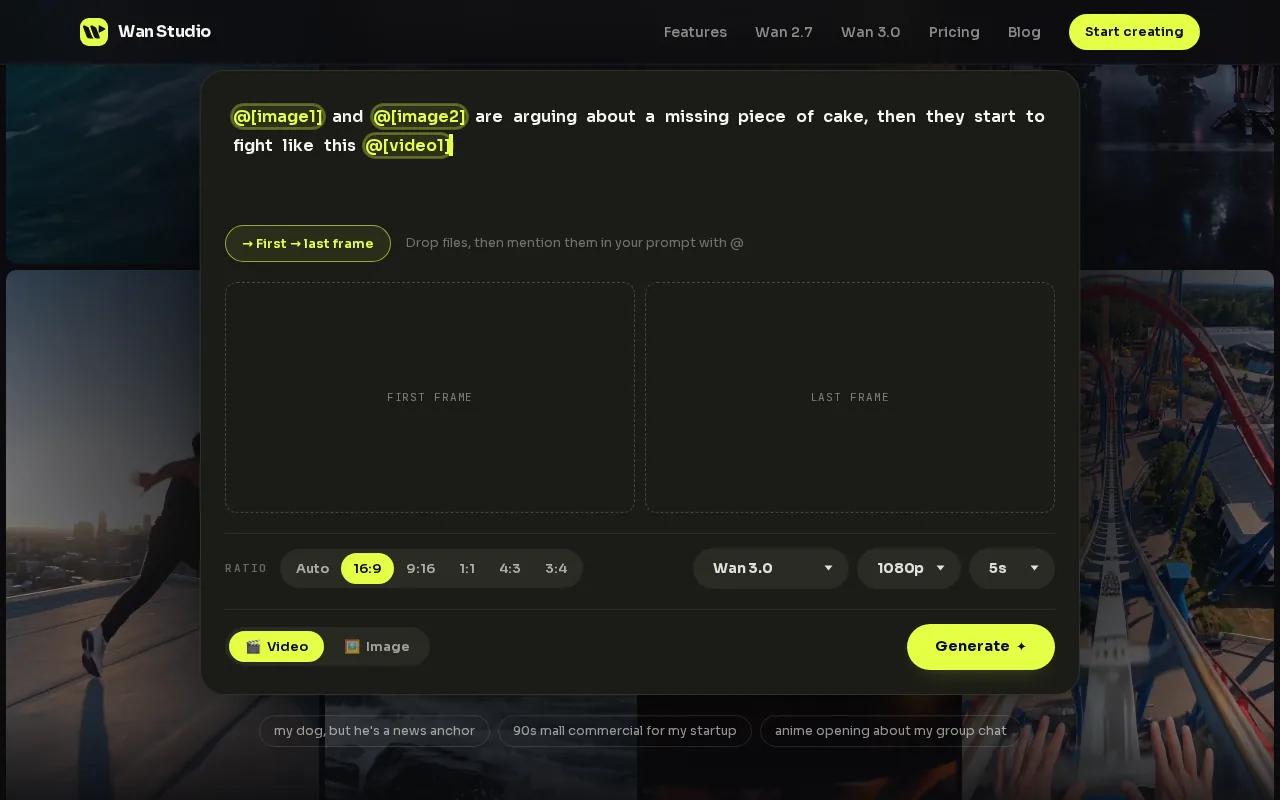
Start with a product photo as the first frame, then describe the camera move and the action. On Wan 3.0, a character can speak a line written in quotes, with lip-synced dialogue generated alongside the video. The model supports clips up to 30 seconds, which leaves room for a short product spot with a clear beginning and finish.
Wan Studio’s free plan gives you a couple of Wan 2.5 videos a month at 480p, with no card required. Paid plans start at $14 per month and include Wan 3.0 plus a commercial licence. That makes it easy to test a social concept before paying, then move to a paid plan if you need more output or commercial use.
For a vertical post, set the frame to 9:16. If you’re still shaping the shot, use adaptive framing in Wan 3.0 and lock the ratio once you know where the clip will go. See more.
Wan Studio is an independent product that gives you access to the Wan model family through a prompt-based interface. It isn’t affiliated with or endorsed by Alibaba. For creators who want speech as part of a generated scene, the mix of image-to-video, synchronized sound, and a free way to try the workflow makes it a strong first choice.
Keep in mind: the free plan uses Wan 2.5 at 480p. Wan 3.0 is included with paid plans.
2. Pika: built for short-form social video
Pika is an AI video generator built for short-form social content. It fits creators who want to turn a visual idea into a quick clip and test a look before committing to a larger production.
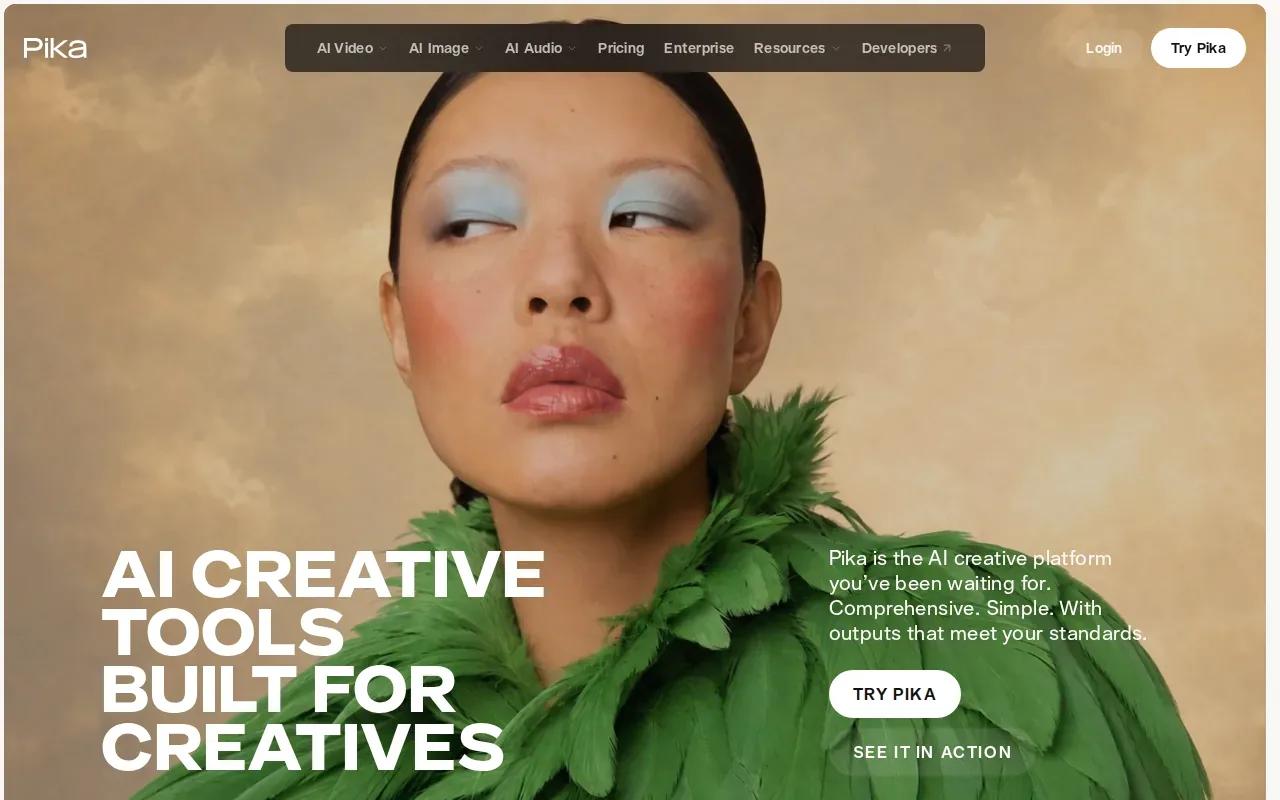
For a simple workflow, begin with the still image or scene you want to animate. Describe the movement in plain terms, such as a slow push toward the subject or a quick change in mood. Then review the result as a draft. That approach works well when the job is to test a hook, a visual style, or a product motion idea for a feed.
Pika’s AI creative tools are built for creatives. That positioning makes it a natural fit for social-first experiments, where you may want to try several directions before choosing one to refine. A short clip can help you see whether the opening image holds attention before you spend time on a full edit.
Keep your goal narrow. If you already have a product photo, center the prompt on one movement and one visual change. A prompt that asks for a camera move, a subject action, a mood shift, and several new scene details can make it harder to judge which direction worked. Test the core idea first, then revise.
Pika’s strength in this shortlist is its focus on short social clips. If your idea depends on a character saying a specific line with lip sync, check that need before choosing a tool. Wan Studio is the pick in this group for prompt-led dialogue and a free tier; Pika may suit a creator whose main need is exploring short-form visuals.
3. InVideo Image to Video AI: turn product photos into short clips
InVideo Image to Video AI turns a still image into a moving clip. It’s a fit for marketers who already have an approved product image and want to make a short video variation without filming.
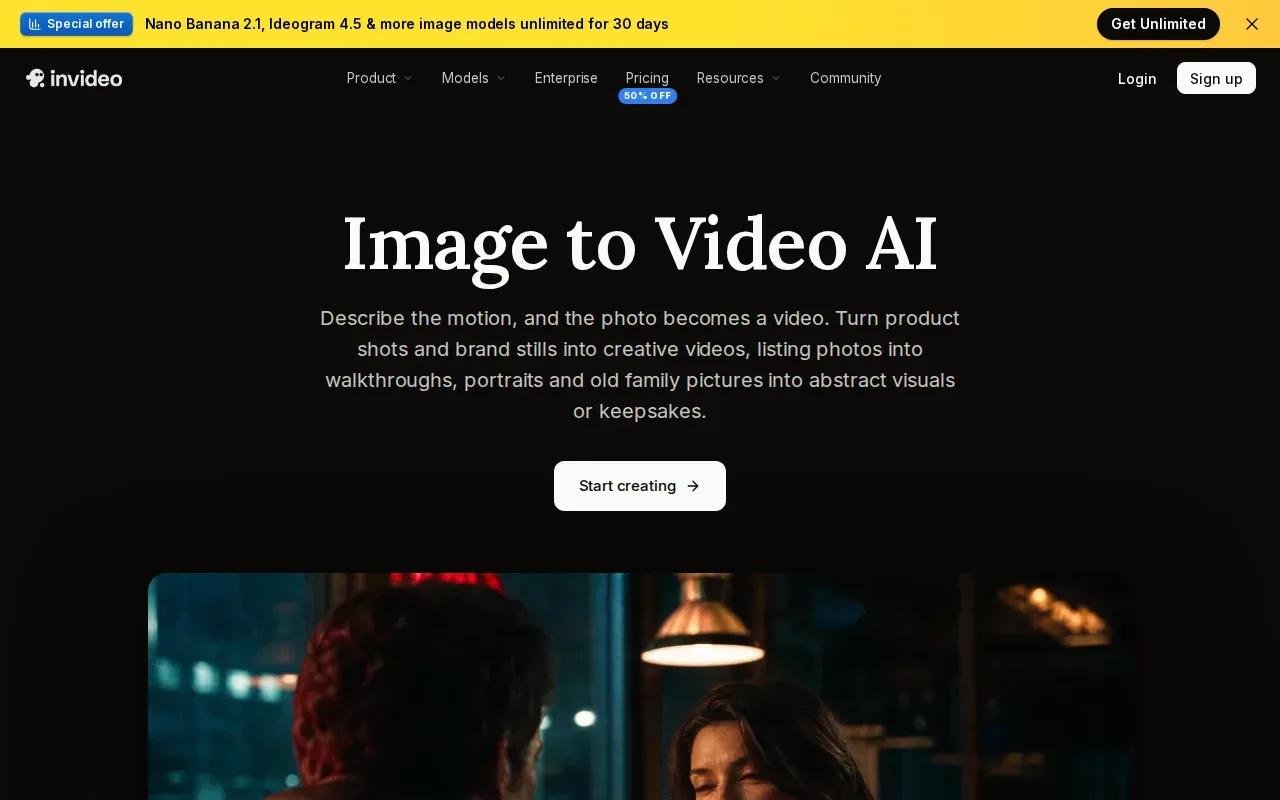
Upload an image, then say what should move. A prompt can ask for a slow zoom or a pan across the frame.
Paid plans start at $20 per seat per month, or $10 per seat per month billed annually. For a product campaign, begin with one approved photo and a single motion direction. Review the generated clip for details that should remain true, such as the item’s shape and visible label.
There’s an important distinction between animating one image and keeping a subject consistent through a series. A single-image clip uses that still as its opening frame. For a sequence, consistency matters more because viewers see the subject across more than one shot.
For a wider look at photo-based product video workflows, see this overview. For this option, start with a clean, approved image and keep each movement prompt focused.
4. DomoAI: short AI video clips with a low starting price
DomoAI turns images into short animated clips and is suited to creators who want a quick motion test from a still. Its standard image-to-video clips run 5 or 10 seconds, so think of each one as a brief visual beat rather than a full ad with several parts.
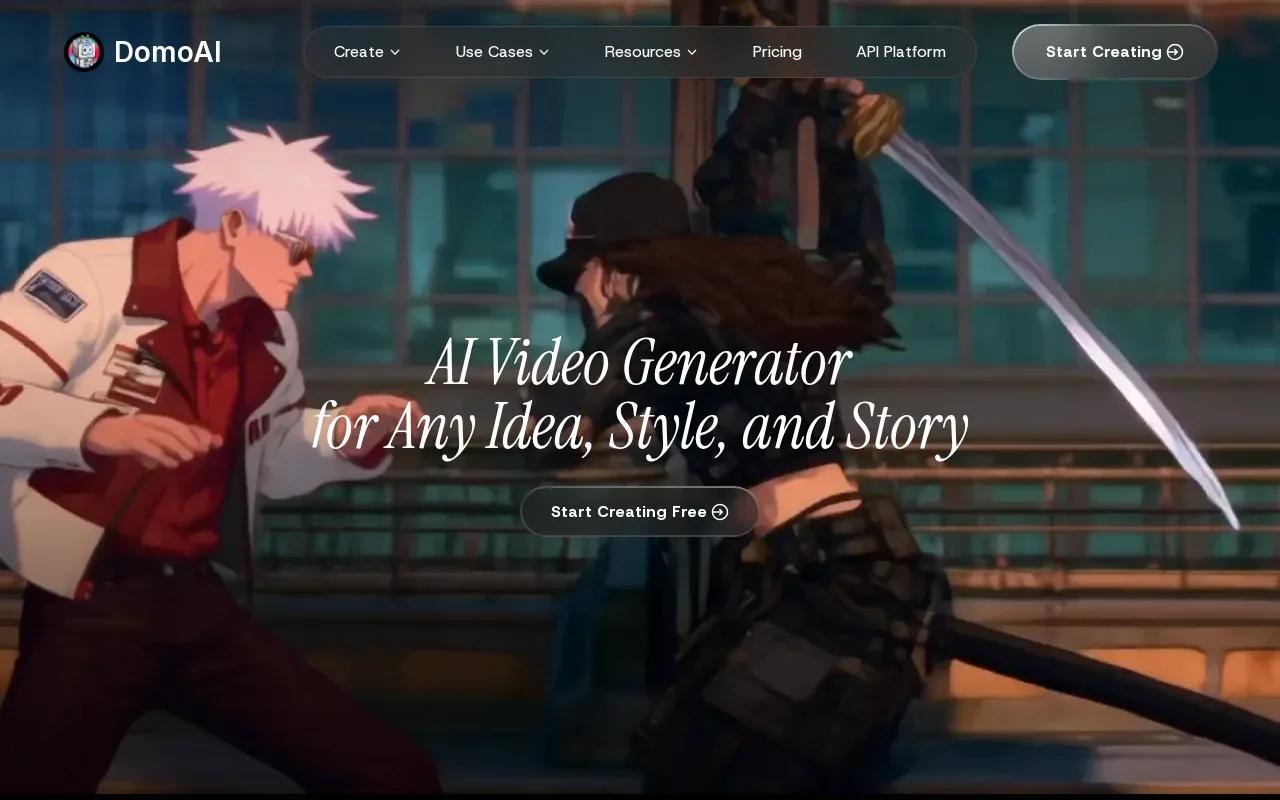
The low starting price can appeal to someone who wants to try a compact clip before committing to a larger monthly spend. Paid plans start at $9 per month billed annually, or $13 billed monthly. That gives you a low-cost route into image animation if your idea fits a short format.
A 5- or 10-second clip can work as a fast opening shot, a visual loop, or a quick movement between static frames in an edit. It may be enough to show a product from a fixed photo with a small camera move. But if the concept needs a spoken line or a longer product demonstration, the short maximum changes how you plan the post.
Set a single goal for the clip before you generate it. For example, decide whether you want the viewer to notice the object, see a detail, or feel a change in mood. That gives you a clear test when you review the result. If you need more room for a scene or dialogue, compare the 30-second clip limit of Wan 3.0 in Wan Studio instead.
DomoAI is the most compact fit in this roundup. Choose it when a 5- or 10-second clip is enough to make the visual point, and check that the short format works with the rest of your edit.
5. D-ID: talking-photo avatars for personalized outreach
D-ID’s tool turns photos into talking avatars. It suits teams making personalized outreach, short explainers, or messages where a face speaking to camera is the main visual.
Use it when the clip should feel like a direct message from a presenter. A product photo can move through a scene, but a talking avatar has a different job: deliver a script.
Keep the script short. For a brief greeting or a concise product explanation, a talking-photo format can make sense. If the script runs longer, review the full clip closely before publishing. A short test can reveal whether the result stays aligned with the spoken words for your chosen image and script.
Check D-ID’s current pricing and usage allowances before planning how often you need to make new messages. For a small team sending tailored outreach, minutes may matter more than the number of social clips; for an image-led ad, the other tools in this list may be a closer match.
Choose D-ID when the avatar is the point of the video. If you need a generated scene with native sound, rather than a photo speaking to camera, Wan Studio follows a different workflow: prompt or image first, then sound and dialogue with the video.
AI Photo Video Maker Comparison: Best Fit by Use Case
The best fit depends on what your next clip needs to do. Use this table to compare each option by its strongest use case and the key limit or feature that shapes the workflow.
| Tool | Best fit | Useful detail | Trade-off to consider |
|---|---|---|---|
| Wan Studio | Product spots and prompt-led social scenes | Wan 3.0 supports clips up to 30 seconds with synchronized sound and lip-synced dialogue; free plan available | Free plan uses Wan 2.5 at 480p |
| Pika | Short-form social visuals | Built for short-form social content | Check lip sync support if a character must speak |
| InVideo Image to Video AI | Animating approved product images | Turns a still image into a short moving clip | Paid plans from $10 per seat/month billed annually ($20 monthly) |
| DomoAI | Very short motion tests | Paid plans start at $9/month billed annually ($13 monthly) | Standard image-to-video clips run 5 or 10 seconds |
| D-ID | Talking-photo outreach and explainers | Turns a photo into a talking avatar | Built for a speaking presenter, not a generated scene |
For a product photo that needs a voice line, start with Wan Studio. For one approved still that needs a simple motion variation, consider InVideo Image to Video AI. For a photo that needs to speak directly to a viewer, D-ID is the more focused fit.
FAQ: AI Photo Video Makers
What is an AI photo video maker?
An AI photo video maker turns a still image or text prompt into a video clip. You describe the movement or scene, then review the generated result. Some tools focus on moving a product photo, while others make talking avatars or short social visuals. Check clip length, sound, and image consistency against the post you want to publish.
Can I turn a product photo into a social media ad?
Yes, you can use an image-to-video tool to animate a product photo for a short social ad. Start with an approved image and describe one camera move or action. Then review the output for changes to the product’s shape, color, or label before you publish it as an ad.
Which tool can make a photo speak?
Wan Studio and D-ID support talking-photo or lip-synced video workflows. Wan 3.0 can generate a scene with dialogue when you put the spoken line in quotes. D-ID focuses on photo-based talking avatars for messages and explainers. Keep the script short and watch the full clip to check that the lip movement stays aligned.
Which tools have a free tier?
Free access varies, so check each tool's pricing page. Wan Studio’s free plan includes a couple of Wan 2.5 videos each month at 480p, with no card required.
How do I choose a tool for TikTok, Reels, or Shorts?
Choose based on the opening image, clip length, and sound your post needs. If the character must speak, prioritize lip sync. If you have a product photo and need a short motion clip, check image-to-video support and the maximum duration. Set a vertical frame before generation when the tool gives you that choice.
Conclusion
For a social clip that starts with a photo and may include synced speech, Wan Studio is the most versatile first test in this shortlist.