A still photo can speak on screen, tell a product story, or host a short social clip. The right AI talking image tool depends on whether you need a scripted presenter or a whole moving scene. Here are six options, starting with Wan Studio.
We analyzed 61 comments and questions from YouTube, Reddit and Quora about AI talking images and found that 26% mentioned a lack of gestures and full-body animation.
1. Wan Studio
Wan Studio is a browser-based video creation platform that turns prompts and images into short clips with sound. It suits creators who want to animate a product photo or put a character into a scene, then add spoken dialogue without filming.
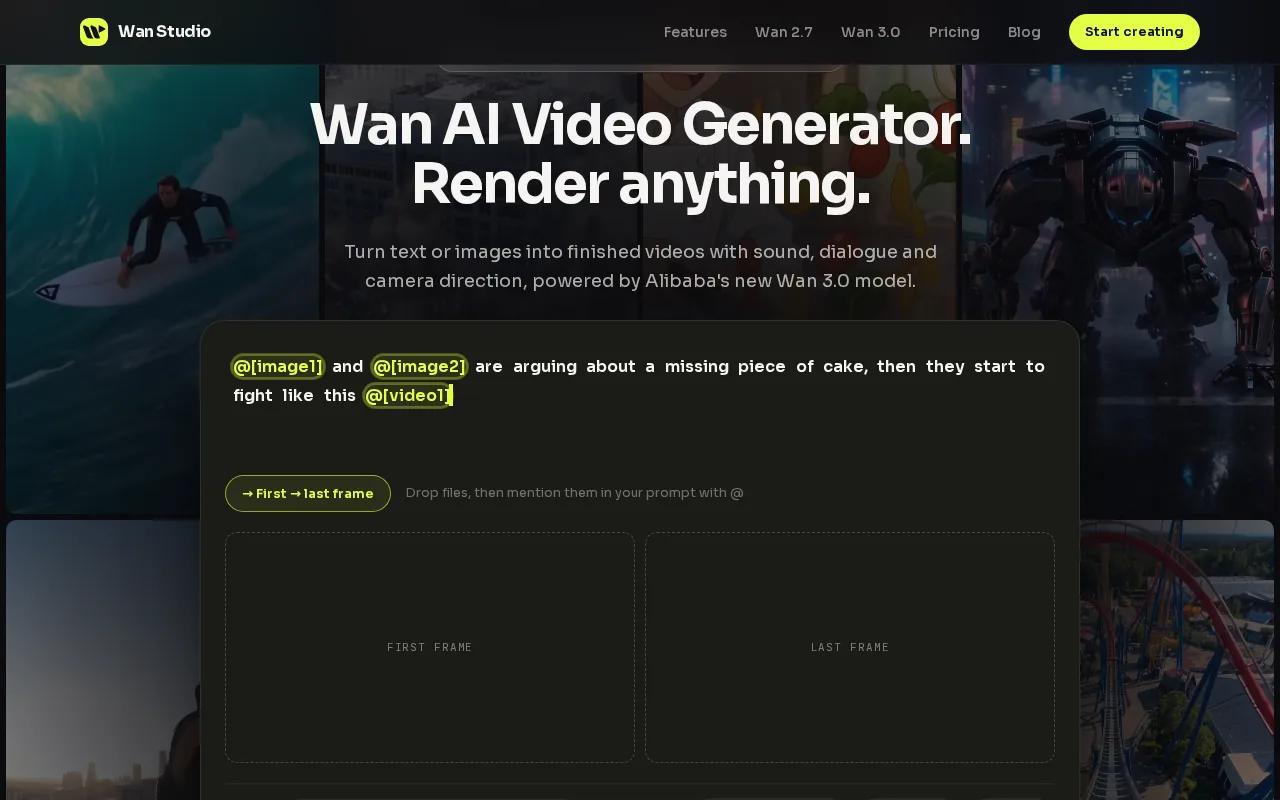
Wan 3.0 can make clips up to 30 seconds, at resolutions up to 1080p. Music, sound effects, and dialogue are generated with the video, so a character can say a line you place in quotes. The model also plans camera movement and keeps characters consistent across shots. Those details make it useful for a short ad that opens on a product, then cuts to a speaking character.
For a specific face, choose an illustrated or generated character. Wan Studio rejects reference images that appear to show a real person, so it isn't the right route for animating a real person's portrait. You can start free with a couple of Wan 2.5 clips each month at 480p, with no card required. Paid plans start at $14 a month and include a commercial licence. That makes it easy to test a short draft before choosing a paid workflow.
If you're starting with a still portrait or character, this step-by-step guide to making a picture talk covers image choice, dialogue, and review. Wan Studio works best when the image needs to become a scene, not only a talking head.
2. HeyGen: polished avatar videos and translation
HeyGen makes photo-based avatar videos from a reference image and a script. It suits teams that need a steady presenter for social posts, training updates, or multilingual campaigns. Its avatar videos use scripted speech, which gives you more control over the exact words than a scene-led prompt.
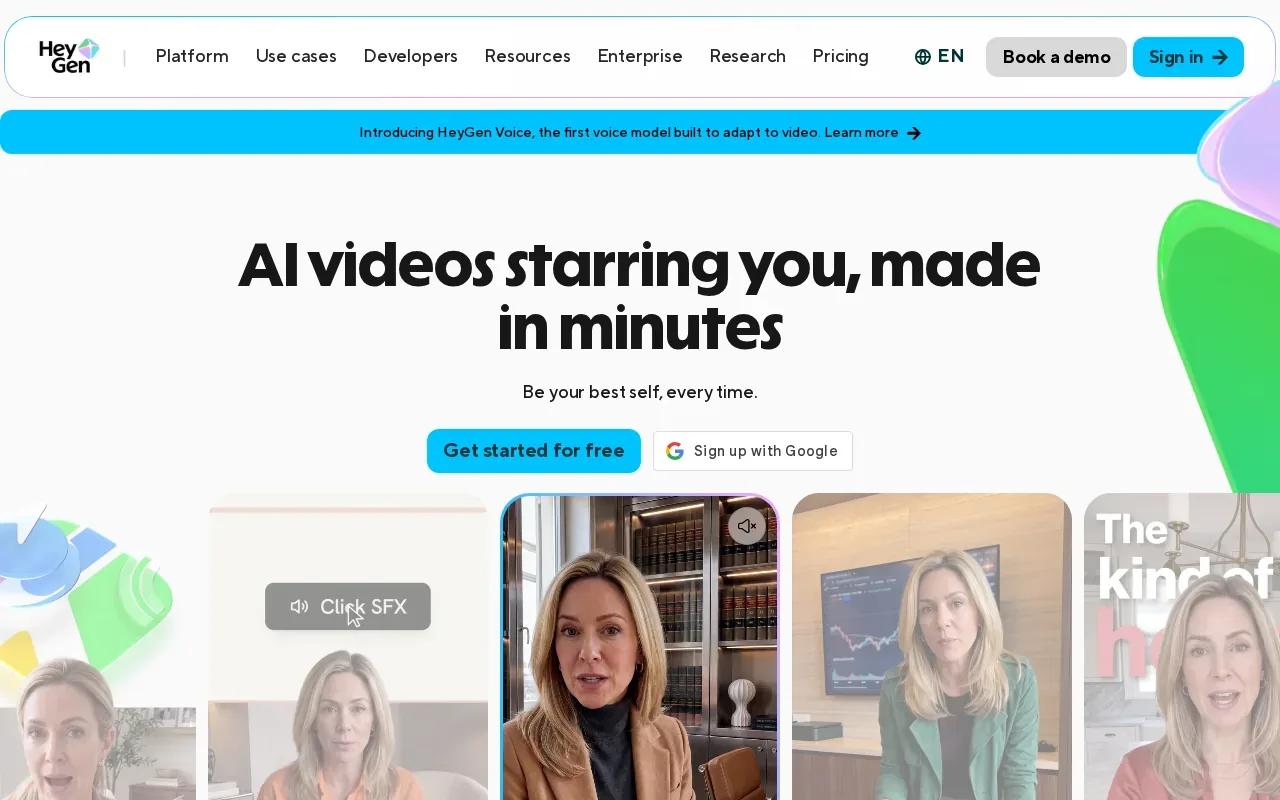
You can type a script or upload an audio file, then choose an AI voice. Its translation and dubbing tools support more than 175 languages and dialects, with matched lip movement. For a company that needs one message adapted for different markets, that focus on translation can save repeated recording sessions.
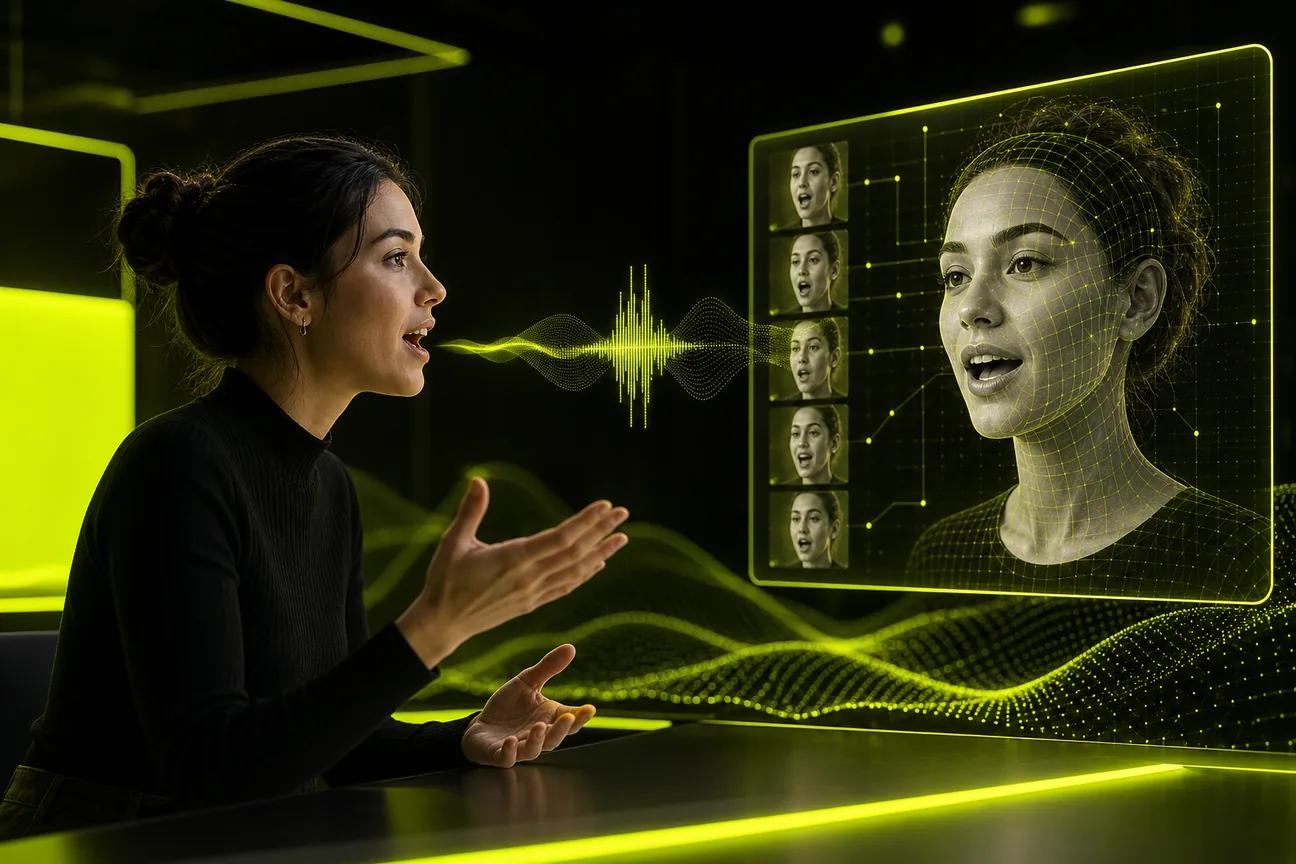
HeyGen's photo-avatar workflow is built around a clear reference image. The animation pairs speech sounds with mouth shapes and facial movement. That process is commonly called lip sync. In practice, review close-ups and names that may be hard to pronounce before publishing. Even polished avatar output needs a human check.
HeyGen's paid Creator plan is $29 a month on monthly billing. Its scripted presenter setup is a better fit for direct-to-camera delivery than for a cinematic product scene with changing shots. If your main goal is a consistent host reading a prepared message, that distinction matters more than camera effects.
3. Pose AI: spokesperson and product video creation
Pose AI is an all-in-one spokesperson and product video generator. It suits marketers who want a speaking presenter in a product-focused clip, while also using a range of video models in one workflow.
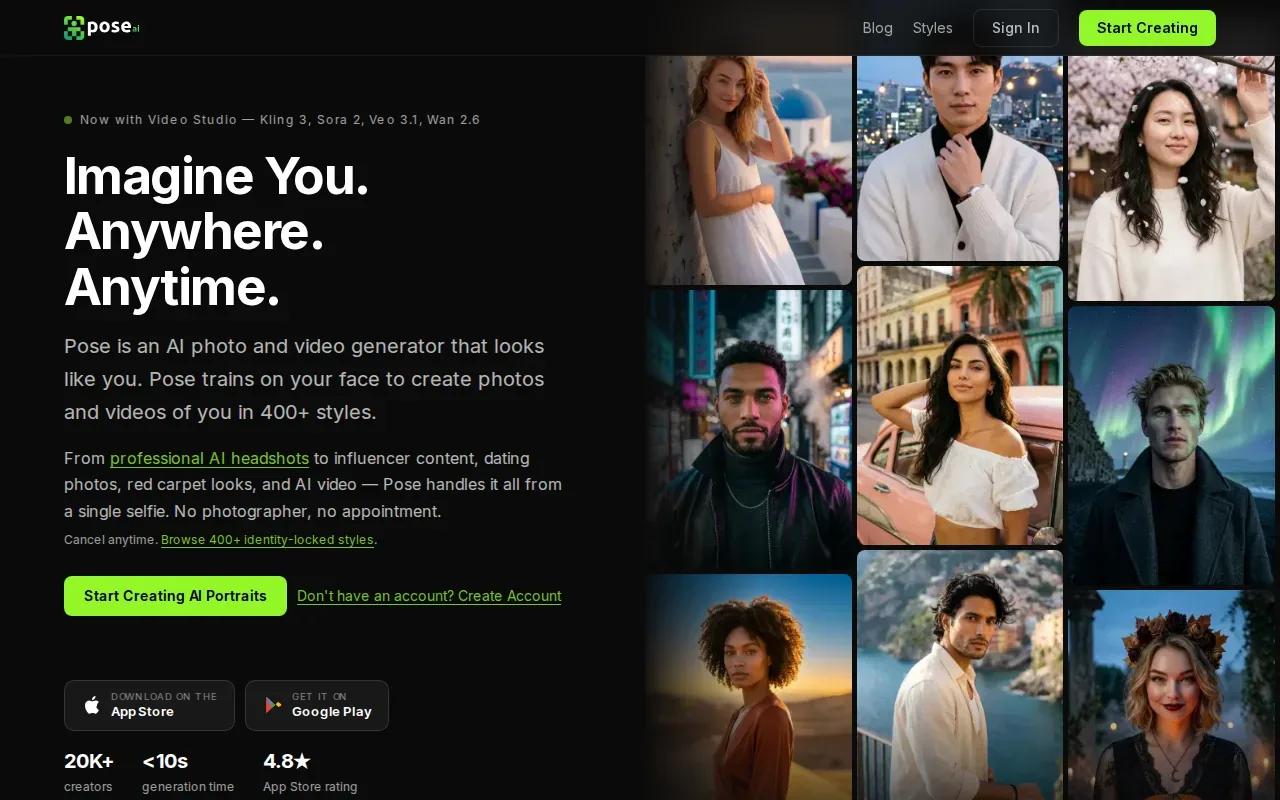
Its lip sync and audio are produced together rather than exported and synced by hand. Pose AI also uses identity-locked generation to keep a face consistent across a clip. That can help when a campaign needs a recognizable spokesperson to deliver a short message beside a product.
Camera movement and lighting are part of its appeal: its options include camera motion through Kling and dynamic lighting through Veo. Think of a short product ad where the presenter speaks while the camera shifts toward the item. These tools can make that kind of shot more attainable without a filmed setup.
Pose AI is powered by several named models, including HeyGen, Kling, Wan, SeedDance, Veo, and Sora 2. That breadth gives it a different role from a single-model studio. Before settling on it, test a short script with the face and product you plan to use. Lip sync, identity consistency, and the scene itself all need to hold up in the finished clip.
If you want tighter control over the scene prompt, Wan Studio's image-to-video prompt tips show how to describe a subject, camera move, and spoken line clearly.
4. Talking Photo by VEED: a direct photo-to-talking-video option
Talking Photo by VEED turns an uploaded image into a speaking, moving video. It suits people who want a direct photo-to-video flow, especially for social posts, personal messages, or educational content.
The basic process is simple: upload a photo, describe how it should speak and move, then generate the animation. The tool can work with portraits, artwork, and drawings. You can specify expressions, movement, or dialogue in the description, so a small prompt change can shift the tone from a calm welcome to a more lively social clip.
The image-first approach is useful when the face or artwork is already chosen. But the prompt needs to say what should move and what the character should say. A clear source image and a short line give the animation a focused job. If the result looks odd, simplify the movement description before changing the whole concept.
The output pairs speech with facial movement. Watch the finished clip with sound on, especially during the spoken line. That check helps catch mouth movements or expressions that feel out of step with the voice. This pick is a straightforward route for a talking photo, rather than a detailed multi-shot scene brief.
5. Vidu Q4 by ShengShu: native-audio image-to-video clips
Vidu Q4 by ShengShu turns a first-frame image into a short video with native audio. It suits creators who want to start from a chosen image, then add motion and sound without building the clip around a standard presenter avatar.
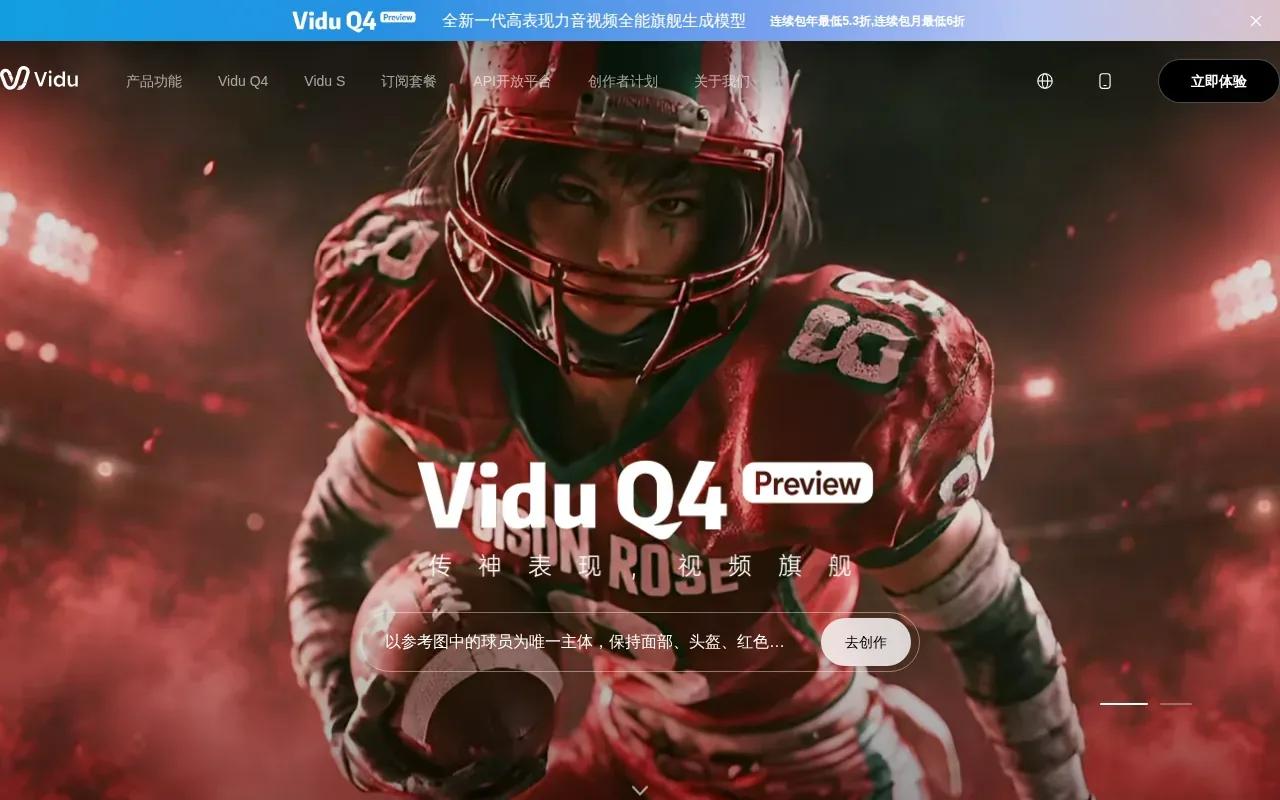
Vidu Q4 can generate clips from 3 to 16 seconds, at resolutions up to 4K. It can keep characters, objects, and voices consistent across a clip of up to 16 seconds. That combination fits a brief product teaser: start on the product image, describe a camera move, then let the scene add synchronized sound.
Keep the prompt clear about which subject moves and which details should stay fixed.
Its 16-second cap is a useful boundary for short-form work, but it may not fit a longer explanation. For a TikTok or Reel, a tight line and one clear action are often easier to review than a long script. Generate a short draft first, then check the sound and image together before using the clip in an ad.
6. Seedance 1.5 Pro by ByteDance: dialogue lip sync with native audio
Seedance 1.5 Pro by ByteDance is an image-to-video model with native audio generation and dialogue lip sync. It suits creators who want a still image to become a speaking video, with the picture and dialogue made together.
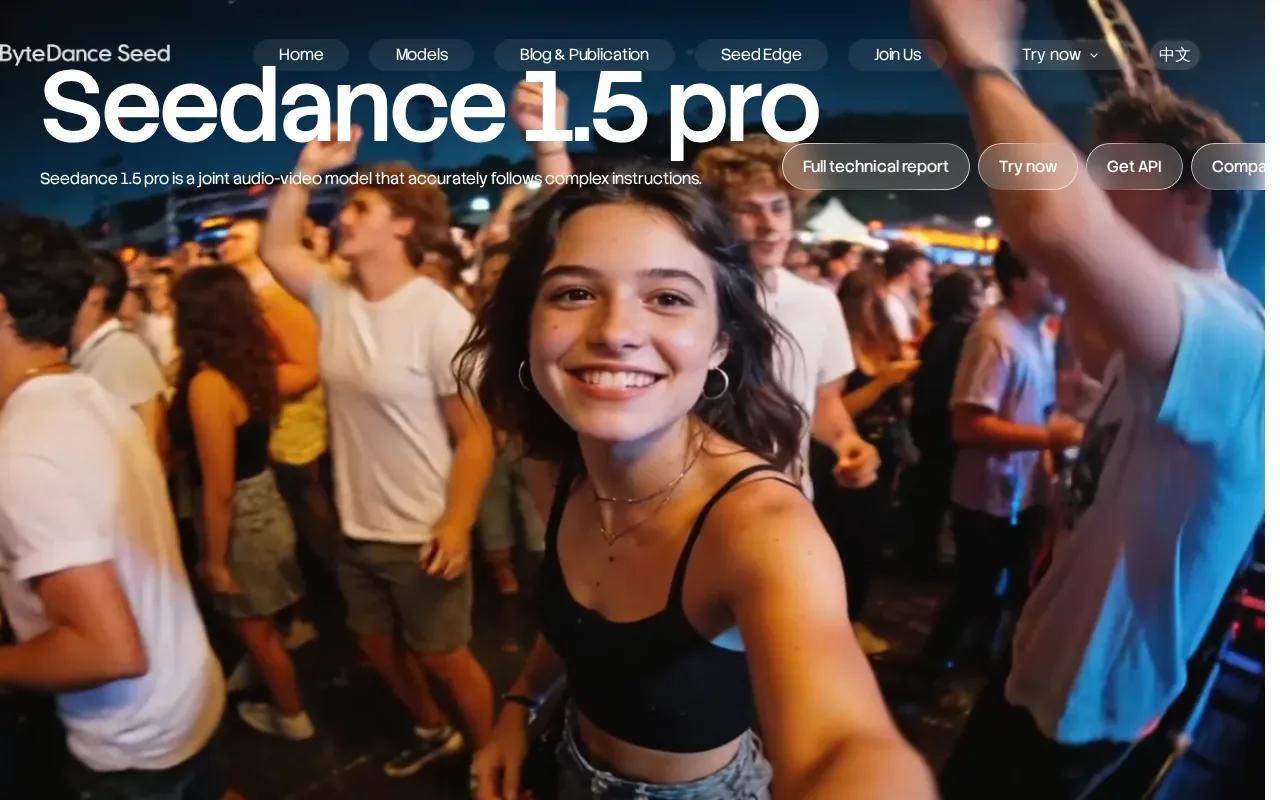
Seedance 1.5 Pro is a joint audio-video model that follows complex instructions. That is useful when a prompt needs to say what happens in the scene as well as what the character says. Keep the spoken line short, and name the speaker clearly so you can judge whether the movement matches the dialogue.
Its strongest fit in this shortlist is image-led dialogue. If your main need is a scripted avatar with broad translation support, HeyGen's language reach is a more relevant feature. If your goal is a moving product scene with a speaking character, compare Seedance with Wan Studio by testing the same image and line in both workflows.
Use this quick view to match the tool to the job:
| Tool | Best starting point | Dialogue and scene fit |
|---|---|---|
| Wan Studio | Prompt or first-frame image | Native audio, lip-synced dialogue, multi-shot scenes |
| HeyGen | Photo or avatar with a script | Presenter delivery and multilingual dubbing |
| Pose AI | Spokesperson or product video | Audio with lip sync and identity consistency |
| Talking Photo by VEED | Photo and movement description | Direct talking-photo animation |
| Vidu Q4 by ShengShu | First-frame image | Native audio in clips up to 16 seconds |
| Seedance 1.5 Pro by ByteDance | Image-to-video prompt | Native audio with dialogue lip sync |
Wan Studio's Wan 2.7 model page explains its reference-driven workflow, which is useful if you need more control over people or objects across shots.
FAQ: AI Talking Image Tools
How do I make a photo talk with AI?
Upload a suitable image, add a short script or audio, then generate and review the video. A clear face turned toward the camera makes it easier to judge the mouth movement. For a scene-led tool, describe the action and camera move too. Watch the full clip with sound on before you post or use it in an ad.
What kind of photo works best for lip sync?
A sharp, well-lit image with the face easy to see is a good starting point for portrait-based tools. Avoid a hand over the mouth or a strong side angle. If you're using Wan Studio, use an illustrated or generated character rather than a reference image that appears to show a real person.
Can I use my own voice recording?
Some tools let you upload audio instead of typing a script. Other tools in this list generate spoken audio with the video or animate from a written description. Check the tool's input choices before building a full campaign around a voice workflow.
Can I use AI talking videos in ads?
Yes, but check the tool's usage terms and the rights for the photo and voice you use. Wan Studio's paid plans include a commercial licence; its free plan is for trying the service. Get consent before using someone's likeness, and don't present generated speech as a real statement from a person who never said it.
Conclusion
For product photos and short scenes with sound, dialogue, and camera movement, start with Wan Studio. Try a short prompt with an illustrated character or product image, review the result, then choose a paid plan if the workflow fits your campaign.