An AI video generator for ads can turn a product photo or a written idea into a clip without a camera crew. But the right pick depends on what you need on screen: a moving product shot, a batch of ad variations, or a presenter reading your script. Here are six tools, starting with Wan Studio.
1. Wan Studio
Wan Studio is a browser-based video maker for turning text prompts or images into short videos with sound. It suits marketers, small business owners, and social creators who want to make a product spot or short scene without filming.
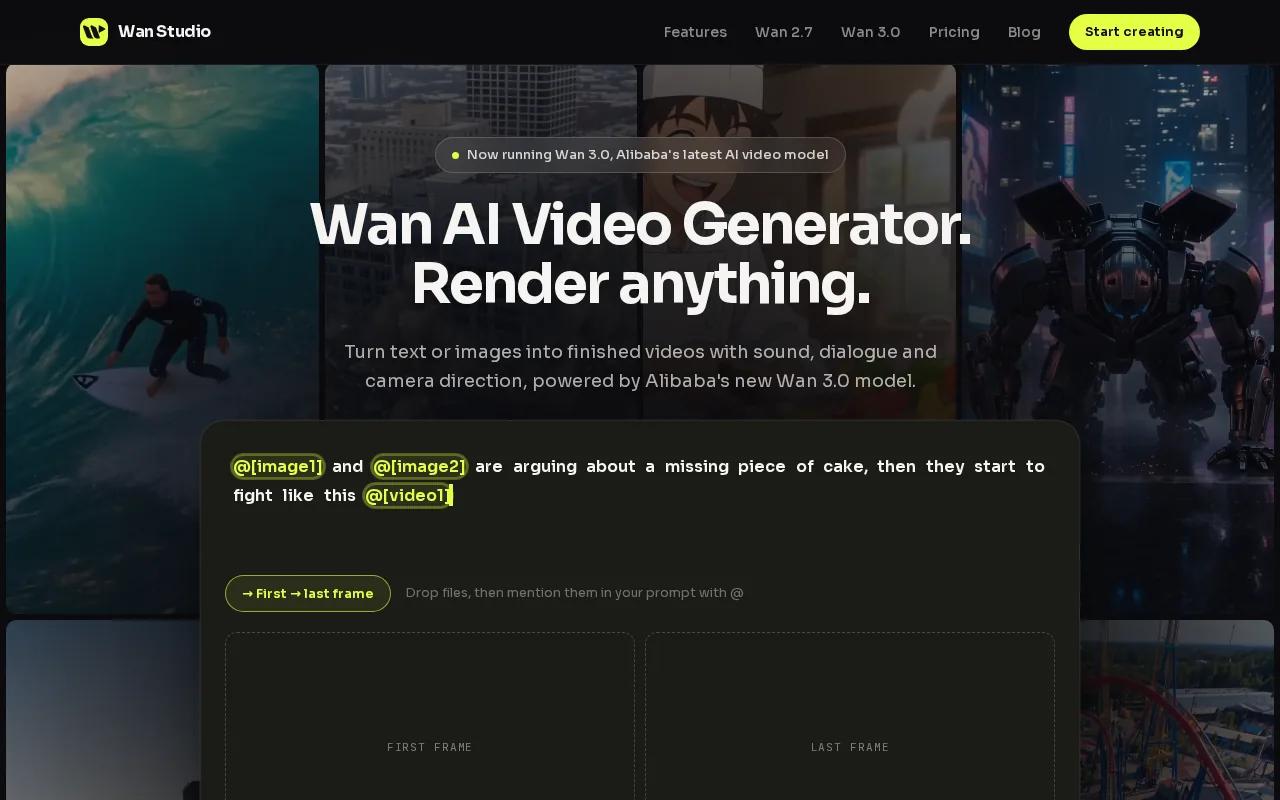
Start with a product photo as the first frame, then describe the action and camera move. For example, you could ask for a slow push toward a handmade mug as morning light crosses the table. Wan 3.0 can make a scene up to 30 seconds, at up to 1080p. It can generate sound and lip-synced dialogue with the video. Put a line in quotes when you want a character to say it.
That extra runtime gives you room for a short beginning, product moment, and spoken line in one scene. Wan 3.0 can keep characters consistent shot to shot, which helps if your ad follows the same character through a few actions. Wan 2.7 is the better fit when you need reference images or clips, first and last frame control, or video edit mode. It supports clips up to 15 seconds.
The free plan gives you a couple of Wan 2.5 videos a month at 480p, with no card needed. It’s for trying the tool. Paid plans start at $14 per month and include a commercial licence. Wan 3.0 is included on every paid plan. Shorter and lower-resolution clips use fewer credits, so your allowance stretches further.
For another product-photo workflow, see these AI product video generator options for ads and social. Wan Studio is a good starting point when you want to shape the scene yourself instead of building the whole ad around a talking presenter.
2. Creatify: Built for generating ad variations
Creatify is an ad-focused video creation tool for marketers who need many versions of a product promotion. It suits e-commerce teams testing different hooks or calls to action, especially when they already have a product page, script, or image to work from.
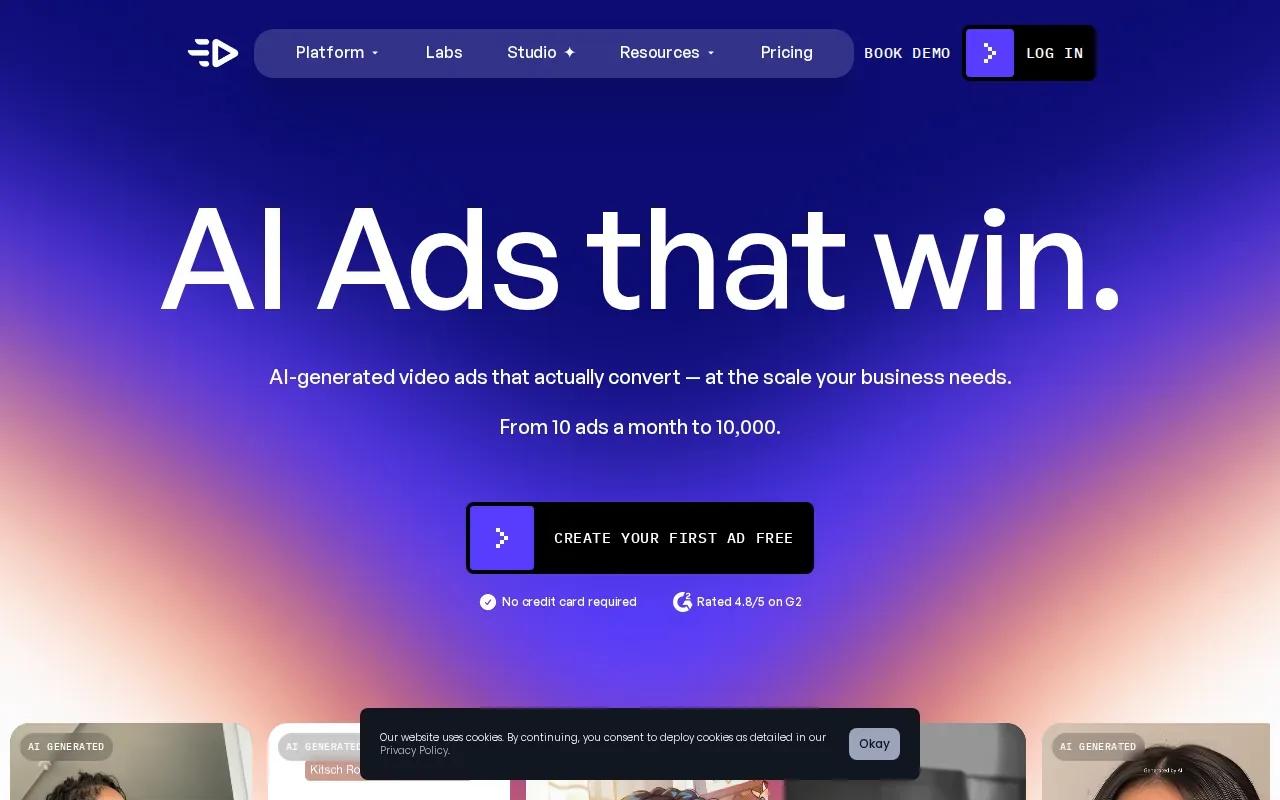
Creatify can turn a product URL into a video ad, with AI-generated script, avatar, voice-over, b-roll, music, and captions. Its product-photo workflow can also make branded product videos. You can change an avatar, voice, script, or aspect ratio before export, so a new variation doesn’t require rebuilding the whole draft.
Batch Mode generates multiple ad variations at once. That can help when you want to test several opening lines, then compare which one earns more attention in your campaign. Creatify's ad intelligence engine can analyze ads for hooks, pacing, and calls to action. Treat that as a way to inform your next draft, not a promise that a generated ad will perform.
For social placements, Creatify supports vertical and square video formats. It can also make versions sized for TikTok, Instagram, and YouTube, and it supports more than 75 languages for localization. Check the plan terms and export details against your campaign needs before you build a repeat workflow.
If you’re testing several messages, keep the product details fixed and change one hook at a time. That makes it easier to tell which change may have shaped the result.
3. Pika: Fast, stylized clips for social campaigns
Pika 2.5 is aimed at social creators and marketers who need fast, high-volume output. It’s a fit for short, stylized clips where a playful look matters more than a presenter reading a full product script.
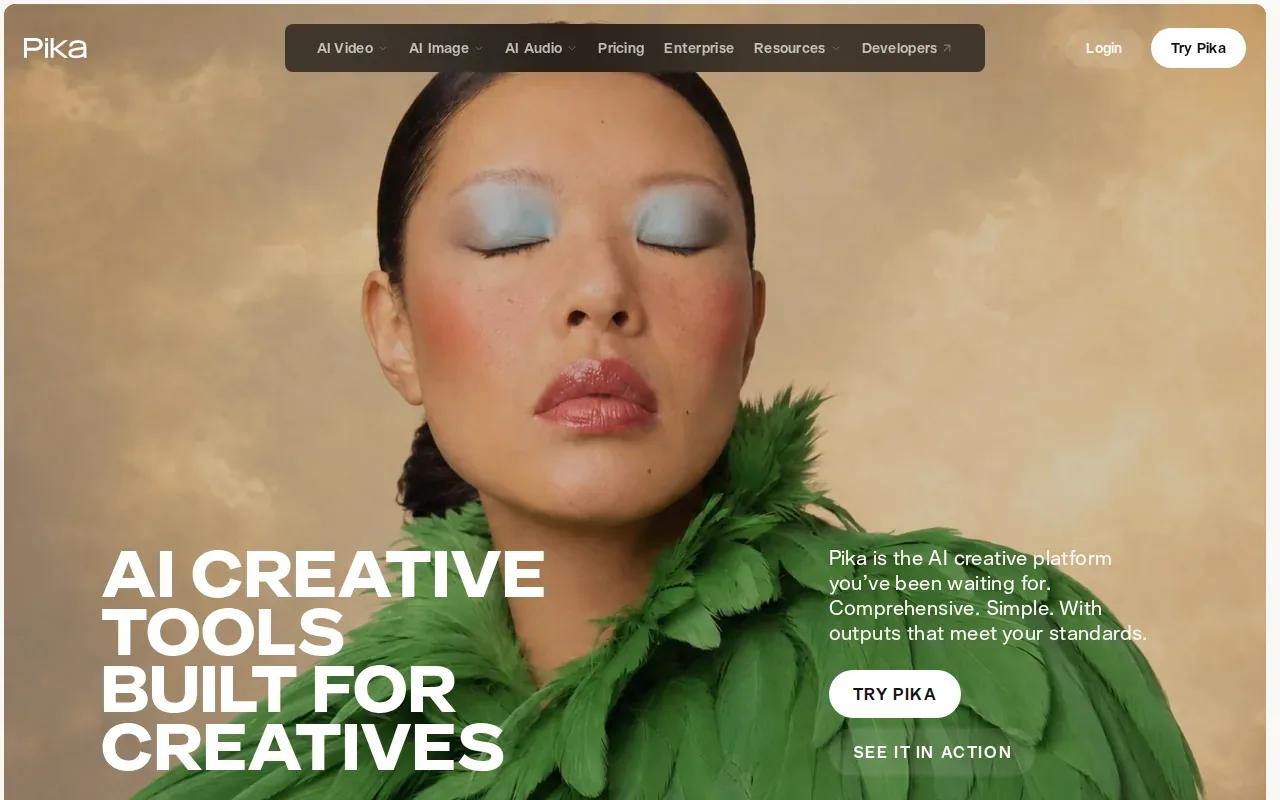
Pika has multi-model access and can make stylized clips. That gives you a way to try a visual idea for a social campaign without treating every ad as a polished product film. For example, a small shop could test a lively scene around a product photo, then use the strongest concept as a starting point for its next post.
Pika’s starting price is $10 a month. Its commercial licence starts on the $35-a-month Creator plan, so don’t assume a free or lower-cost account grants the rights you need for paid ads. Check the plan terms before putting an output into a campaign that has media spend behind it.
Speed can help when a trend is short-lived. Still, fast output isn’t the same as a ready-to-run ad. Review the product details, framing, and any on-screen text before publishing. If your concept depends on a character looking the same across a longer sequence, test that exact setup before you plan a series around it.
For prompt-led scenes, a clear brief helps. Name the subject and action first, then state the camera move and visual style. Wan Studio’s text-to-video prompt examples for ads and shorts show how to describe a scene in plain language.
4. Runway: Multi-model flexibility for ad concepts
Runway pairs its Gen-4.5 model with a multi-model platform and a broad editing toolkit. It suits creators and marketing teams who want to generate a concept, then make targeted changes instead of starting over each time.
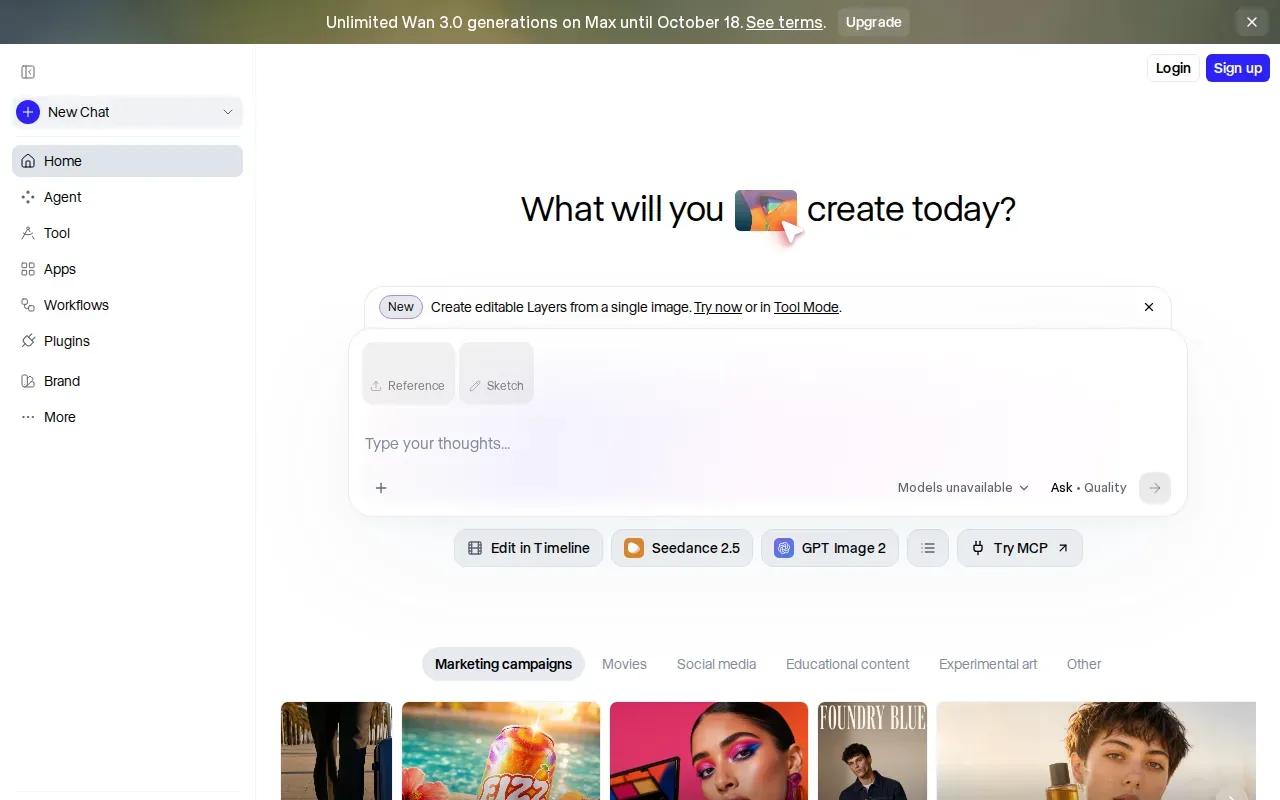
You can begin with text, an image, or existing video. Runway’s tools can help change a backdrop, remove an object, or alter the lighting in a clip. It also supports character references, which can help keep a character’s look steady across more than one shot. Supported models can generate dialogue or music during video generation, and you can add voiceover or music afterward.
The model choice gives you room to compare different looks within one workflow. The model list includes Gen-4.5, Kling 3.0, and Seedance. That’s useful when a product brief could work as either a realistic scene or a more stylized one. Runway Standard starts at $15 a month, and Max is $95 a month.
Keep the first test narrow. Use one product image and a short shot brief, then inspect whether the result keeps the product and action close to your intent. If you’re using client footage or references, check the current terms and permissions for those inputs before uploading them.
5. Google Veo 3.1: Realistic scenes with generated sound
Google Veo 3.1 is a video model for realistic, high-quality scenes. It suits brands that want a cinematic product moment or an image-led concept, rather than a template-driven presenter ad.
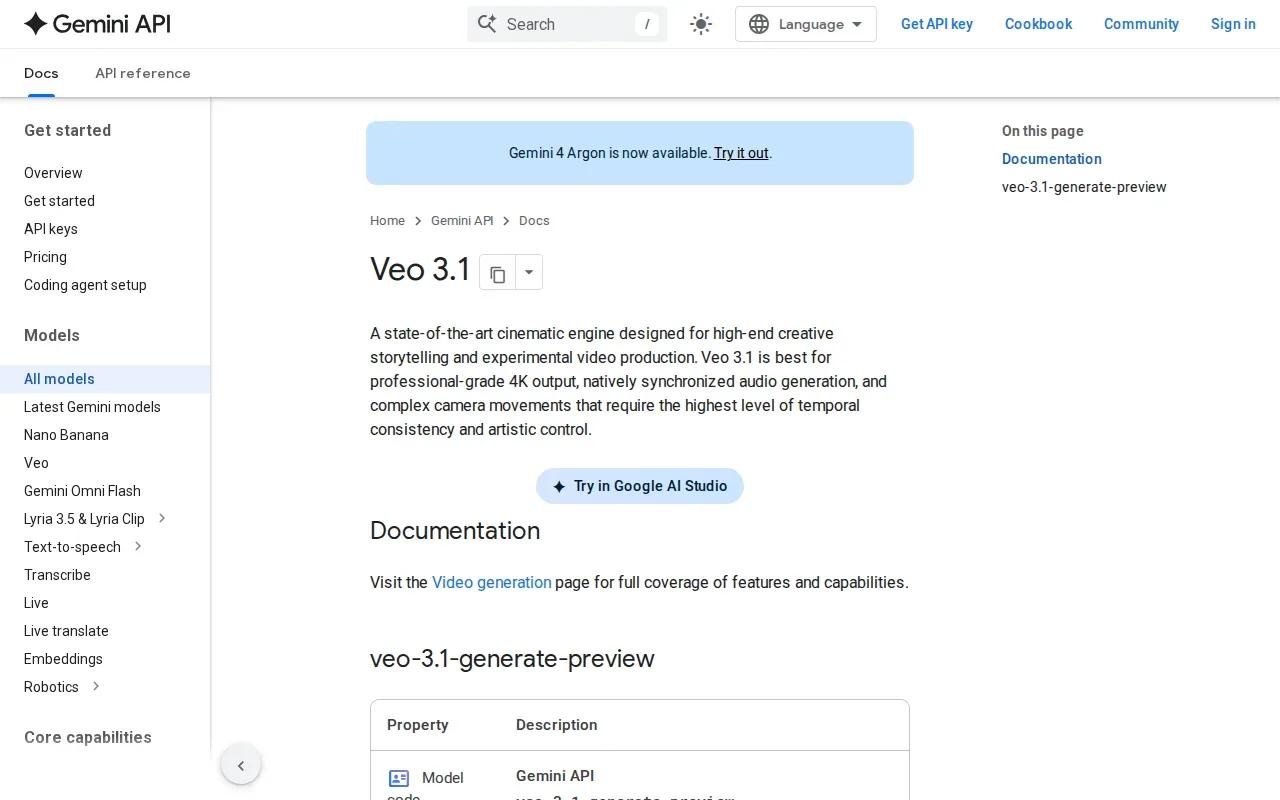
Veo 3.1 supports text-to-video and image references. Its ingredient prompting lets you use reference images to guide parts of a scene, such as a character or setting. The model can generate sound with the video, which may help when a concept needs a scene with its own audio rather than a silent visual draft.
Veo 3.1 output options include 1080p and 4K. In the Gemini app, the $19.99-a-month Google AI Pro plan includes only a limited trial of Veo 3.1 Lite, and fuller Veo 3.1 access sits on higher tiers. Check which access route and model version your plan includes before committing to a campaign workflow, since output options can depend on where you use it.
Veo 3.1 can also make vertical video, which suits full-screen social placements. Use a reference image when the product or scene needs a stronger visual anchor, then inspect the result closely. Generated text and small product details can be hard to rely on in an ad, so keep any required offer copy in your final edit where you can verify it.
6. Synthesia: Presenter-led promotional videos
Synthesia is an AI avatar video generator built for professional presenter content. It’s a fit when your promotion needs a person on screen to explain a service, introduce a product, or deliver a clear message from a script.
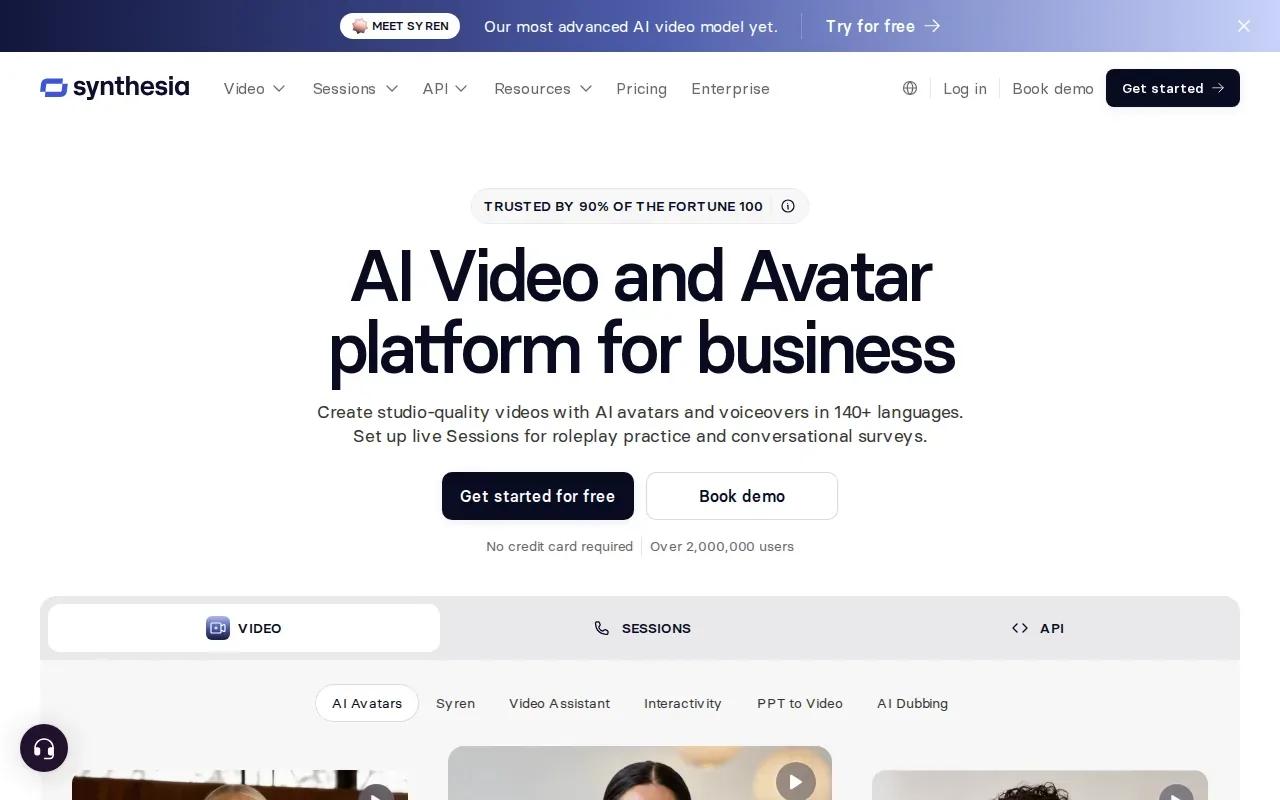
Its workflow starts with text. Choose an avatar or presenter template, add your script, then generate a video with voice and lip sync. Synthesia supports multilingual voice, which can help when the same message needs versions for more than one audience. Its avatars are consistent and repeatable, so a recurring host can keep the same look across a run of explainers.
This is a different job from generating a cinematic product scene. A presenter can explain how a service works, set out a product’s key use, or deliver a direct promotional message. If the ad needs movement around a physical product, a prompt- or image-led generator may fit better. If the message itself is the main content, a scripted avatar can keep production focused on what the presenter says.
Synthesia’s central strength is the synthetic presenter, not a free-form camera scene. Write the script as spoken language and review the voice, lip sync, and wording before sharing the finished clip. For a brand campaign, also check how your team will add any final logo, offer details, or call to action.
At-a-Glance Comparison of the 6 AI Video Generators for Ads
Prices and commercial-use terms vary by tool and plan; check current terms before publishing paid creative.
| Tool | Best fit | What to check | Price or rights detail |
|---|---|---|---|
| Wan Studio | Product-photo scenes and short multi-shot ads | Model, clip length, resolution | Free plan for testing; paid plans from $14/month include a commercial licence |
| Creatify | Ad variations built from product pages or scripts | Export setup and campaign workflow | Confirm current plan terms |
| Pika | Fast, stylized social clips | Commercial-use tier | Commercial licence starts at $35/month Creator |
| Runway | Generating and editing ad concepts | Model and input terms | Standard starts at $15/month |
| Google Veo 3.1 | Realistic scenes with generated sound | Access route and included model | Google AI Pro ($19.99/month) includes a limited Veo 3.1 Lite trial |
| Synthesia | Scripted presenter promotions | Avatar, voice, and script fit | Check current plan details |
AI Video Generator for Ads: FAQs
Can I use AI-generated videos in paid ads?
Yes, but the right to use a video in a paid ad depends on the tool and plan. Wan Studio includes a commercial licence on paid plans, while its free plan is for trying the tool. Pika’s commercial licence starts on its Creator plan. Check the terms for your account and the specific output before spending on promotion.
Which AI video tool is best for product photos?
Wan Studio is a good fit when you want to use a product photo as the first frame and direct the scene with a prompt. Creatify also supports product-photo video ads, while Runway can start from an image or existing video. Try the same photo in a short draft, then compare product accuracy and framing.
Can AI video tools make presenter-led ads?
Yes. Synthesia is built for videos where an AI avatar reads a script with lip sync and multilingual voice options. Creatify also has AI avatars and voice features for advertising content. Choose a presenter format when the message needs spoken explanation; choose a generated scene when the product action is the main event.
What should I review before publishing an AI ad?
Check that the product looks right and that the spoken words match your approved script. Review lip sync, sound, framing, and any text shown in the clip. Then confirm the plan’s commercial terms and make sure you have permission to use any images or footage you supplied. Add final offer details where you can verify them.
Conclusion
For product-photo ads with room for sound and dialogue, start with Wan Studio. Try a short draft using your real product image, review the details, then move to a paid plan if you need the commercial licence or higher output options.