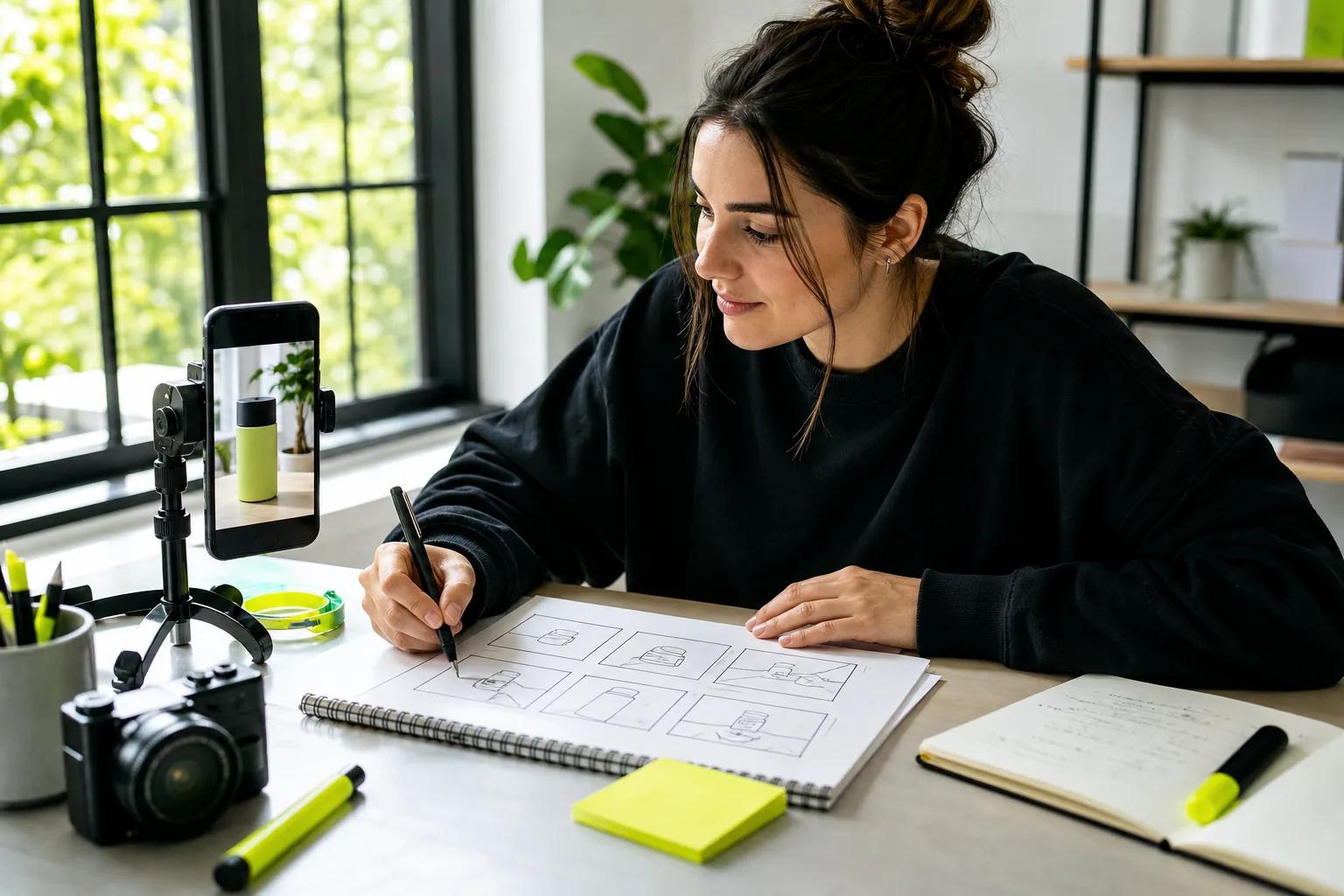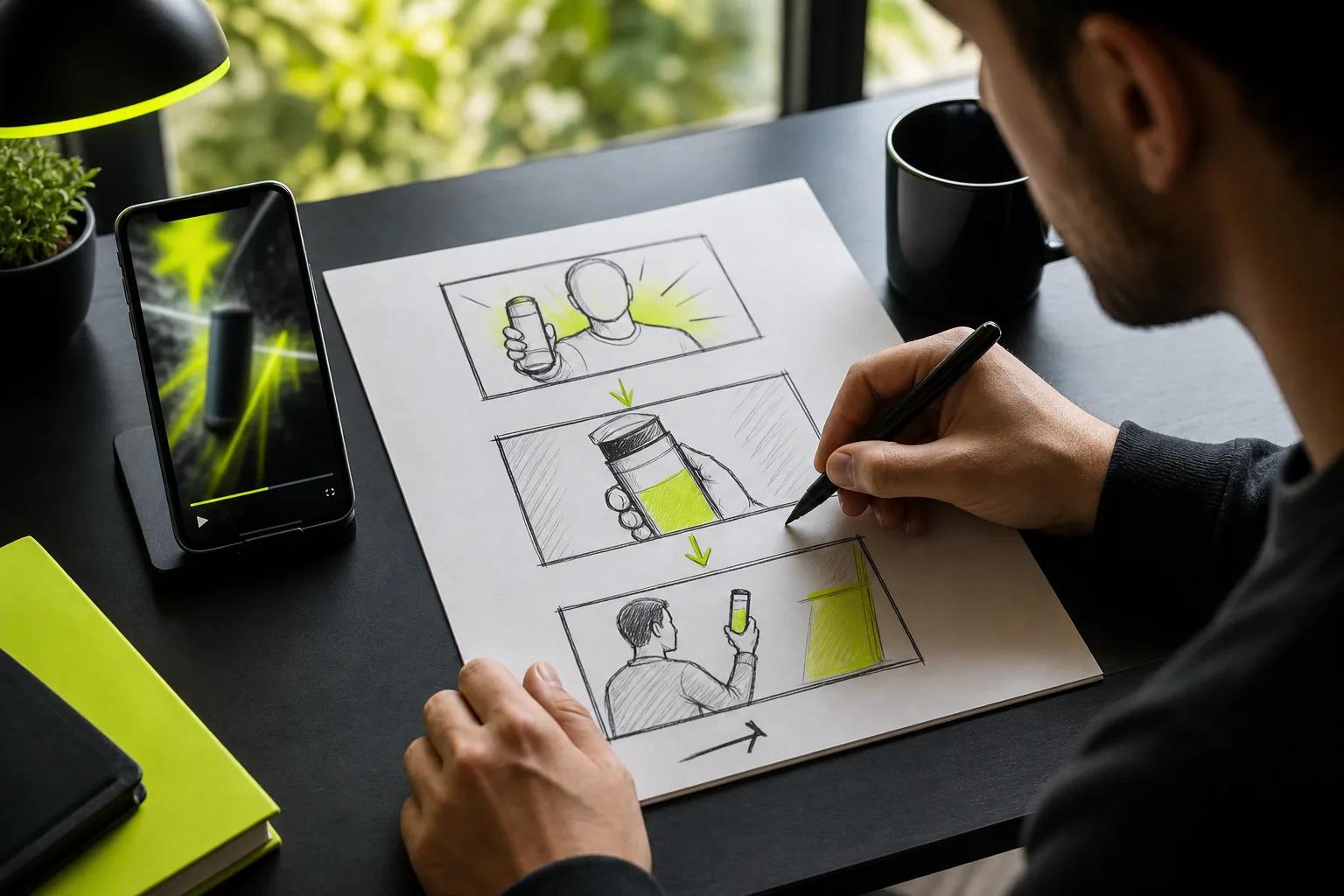
An AI video generator for marketing can turn a product photo or a short prompt into a clip you can test on social. The right tool depends on whether you need a speaking presenter, a scene built from text, or an edit-ready social video. Here are six options, with Wan Studio first for prompt- and image-led clips with sound.
1. Wan Studio
Wan Studio is a browser-based video tool for turning text prompts or images into short clips with sound. It’s a strong fit for small businesses, hands-on marketers, and social creators who want to make a product spot without setting up a shoot.
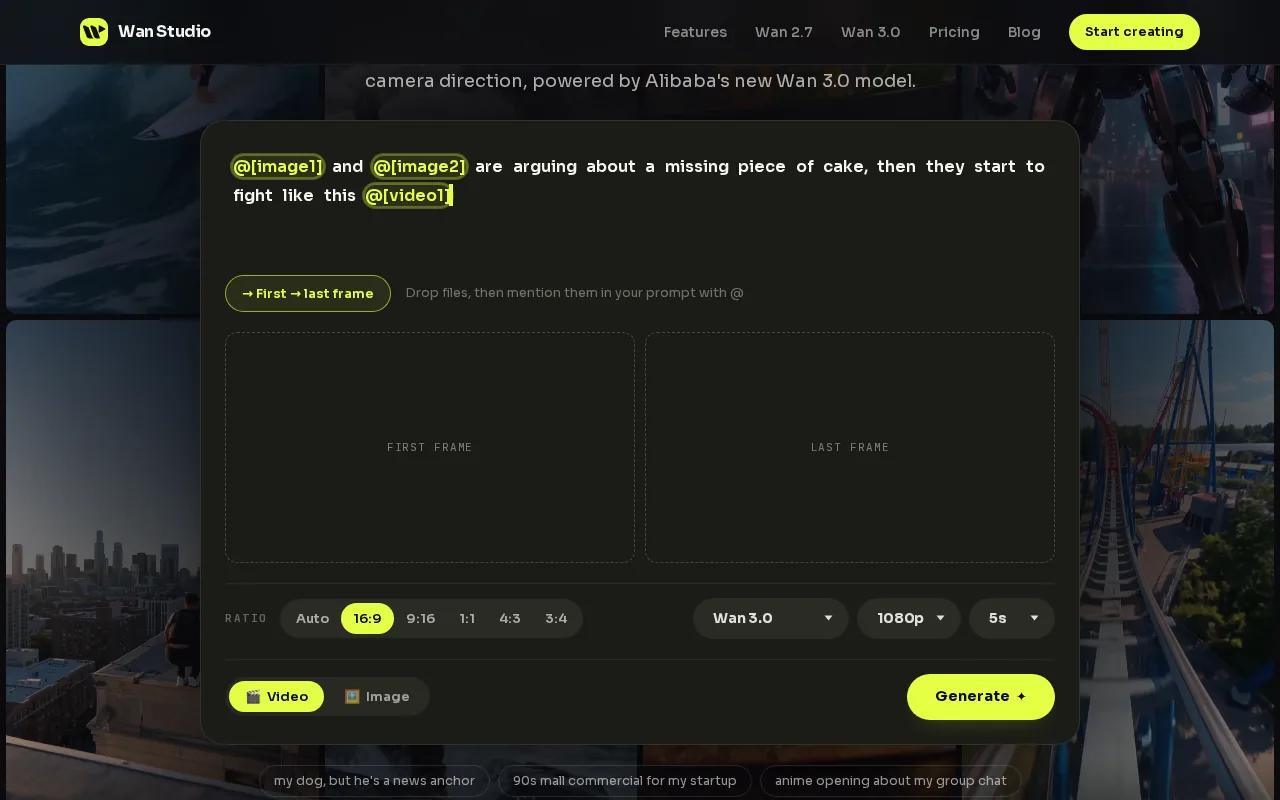
Start with a prompt, or use a product photo as the first frame for image-to-video. Describe the action and camera move, then add dialogue in quotes if you want a character to speak. Wan 3.0 generates native sound and lip-synced dialogue. The model can keep characters consistent across shots in scenes up to 30 seconds.
For a vertical ad, for example, begin with a photo of your item. Describe a slow camera move and the scene around it, then check that the generated clip still shows the item clearly. Wan 3.0 supports 9:16 framing and output up to 1080p. Paid plans start at $14 a month and include a commercial licence. The free plan gives you a couple of Wan 2.5 videos monthly at 480p, with no card required.
If you’re shaping a shot around an existing image, the image-to-video prompt tips can help you describe motion instead of simply restating what’s already in the picture. Wan Studio is the pick here when you want to direct the scene from a prompt or photo and keep sound in the same generation.
2. HeyGen: For avatar-led marketing videos
HeyGen is an AI video tool for marketers who want a presenter on screen without filming one. It fits product explainers, campaign announcements, and short social messages where a person needs to deliver the words.
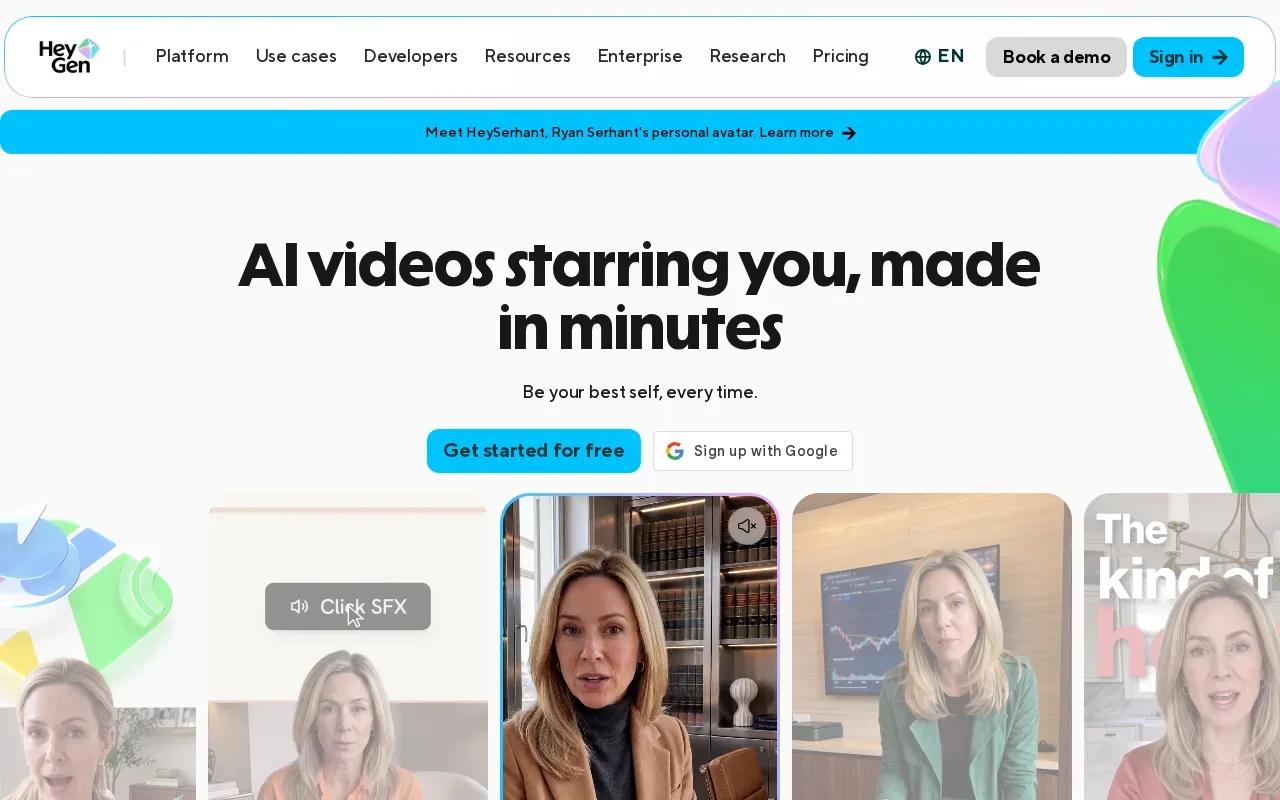
You can start with a script and choose an AI avatar to present it.
Lip sync means matching mouth movement to spoken audio. It’s one part of making a presenter-led clip feel connected to its script. In a marketing workflow, check the final dialogue and timing before posting, especially if the clip carries product claims.
HeyGen starts with a free tier that includes three videos per month. The Creator plan costs $24 per month when billed annually. Its character consistency is limited outside its avatar personas, so it’s a better fit for a presenter format than a story that depends on the same generated character appearing in many different scenes.
3. InVideo: For assembling social media videos
InVideo is a prompt-led video maker for people who want a fuller social video draft, rather than a single generated scene. It’s a fit when you have a topic or ad idea and want the tool to assemble supporting elements around it.
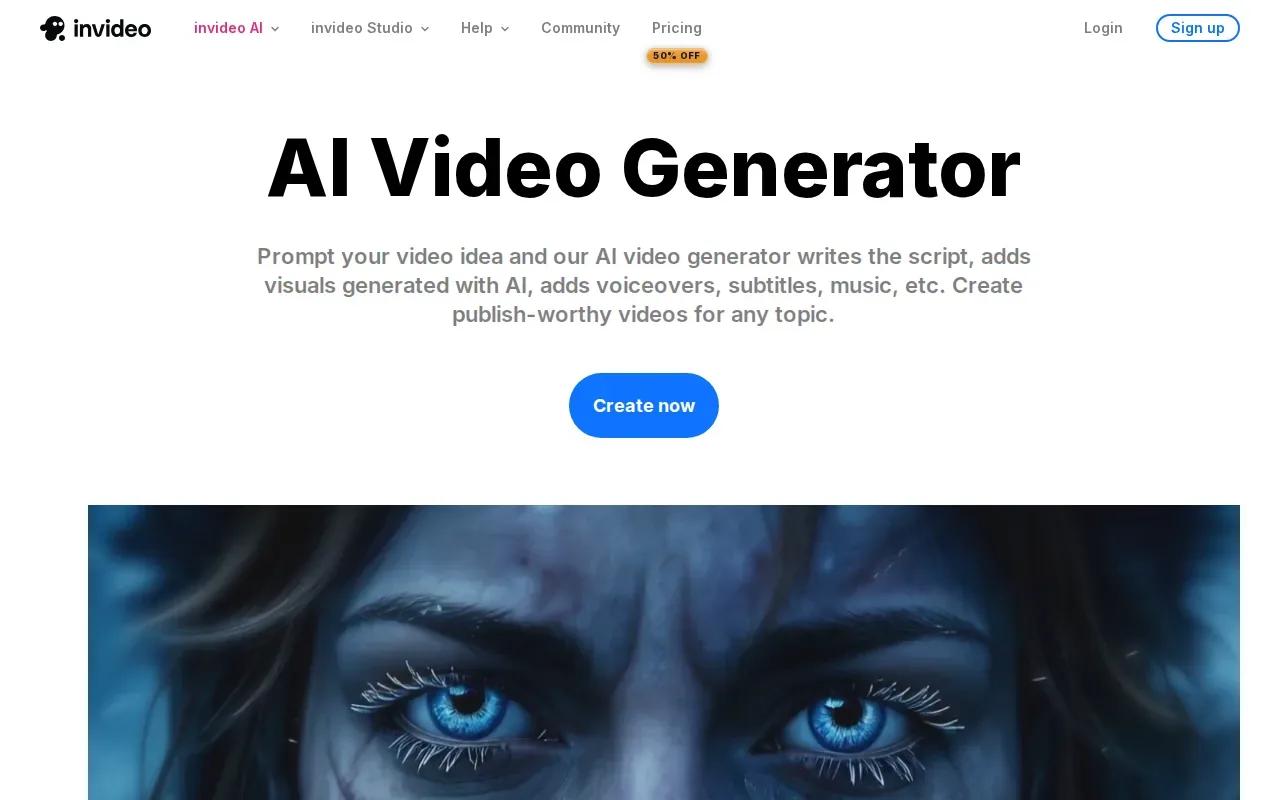
Its AI workflow can generate a script, add clips, subtitles, music, and transitions, then let you revise the result with simple text instructions. That can help when the goal is a quick first draft for a social post, rather than a tightly directed shot built around one specific image.
For example, you could describe a short promo and review the script and chosen visuals before you share it. Treat that first output as a draft: check the wording against your offer, and confirm that the scenes fit your brand. InVideo’s Plus plan costs $30 per seat per month billed annually, or $60 month to month (invideo.io, October 2026).
Marketers who are still mapping a prompt-to-export process can use this step-by-step AI video workflow to plan the format and refine a clip before posting. Pick InVideo when assembling the script and supporting media is the main job. Pick Wan Studio when the central task is generating a scene from your prompt or photo.
4. Kling AI 3.0: For short clips with consistent characters
Kling AI 3.0 is a video-generation option for short scenes where the same character needs to stay recognizable. It may suit a marketer building a brief story or a creator who wants dialogue and a recurring on-screen figure.
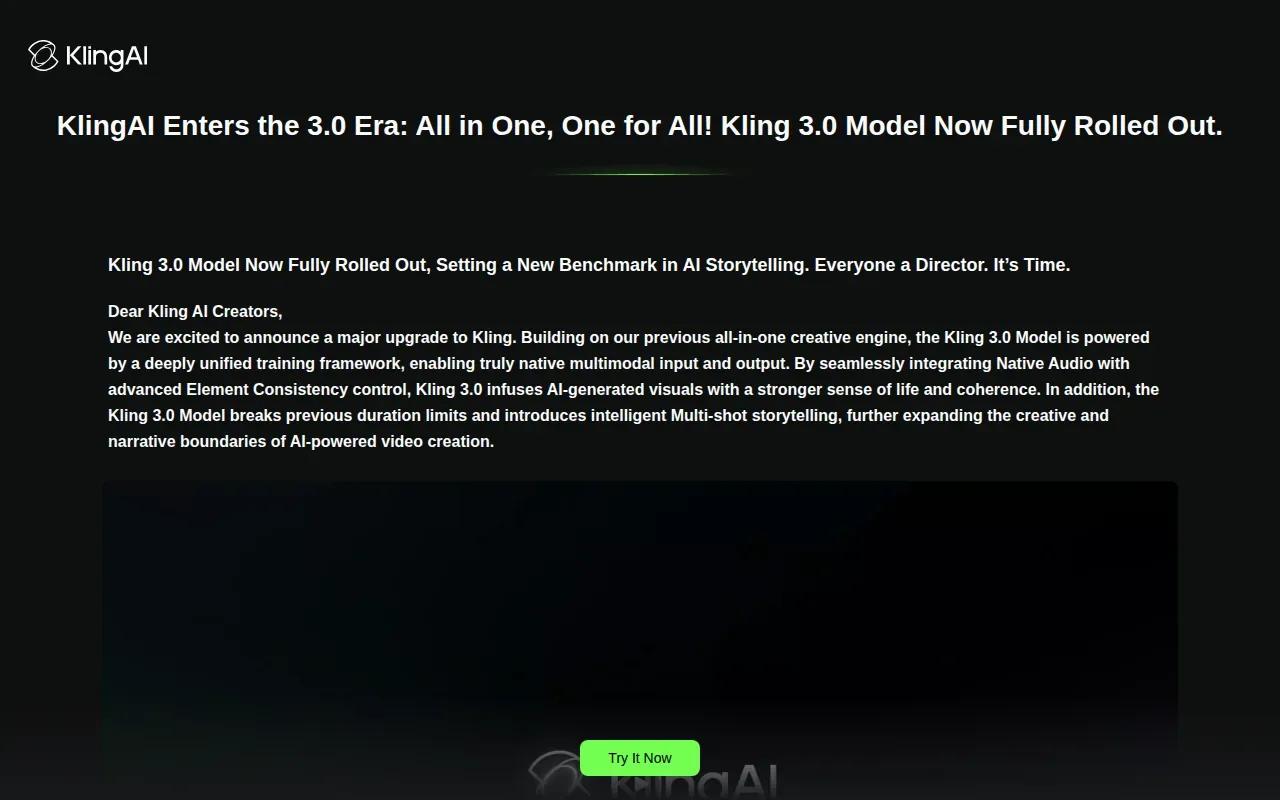
Kling AI 3.0 supports lip sync and character consistency. That combination can be useful for a short sequence with a speaker, such as a character introducing a new offer or reacting to a product. You can focus the prompt on one clear action and keep the scene short enough for a social cut.
Check Kling’s current generation settings before planning a timed campaign, and don’t build a script around a runtime until you’ve confirmed the limit in the tool.
Choose Kling AI 3.0 when character continuity matters more than assembling a complete social edit. For a broader product spot made from an image, Wan Studio’s image-to-video workflow gives you another route.
5. Veo 3.1 by Google: For general-purpose text-to-video generation
Veo 3.1 by Google is a general-purpose text-to-video model. It’s worth considering when you want to explore a scene from a written description, rather than build the video around an avatar or a complete social edit.
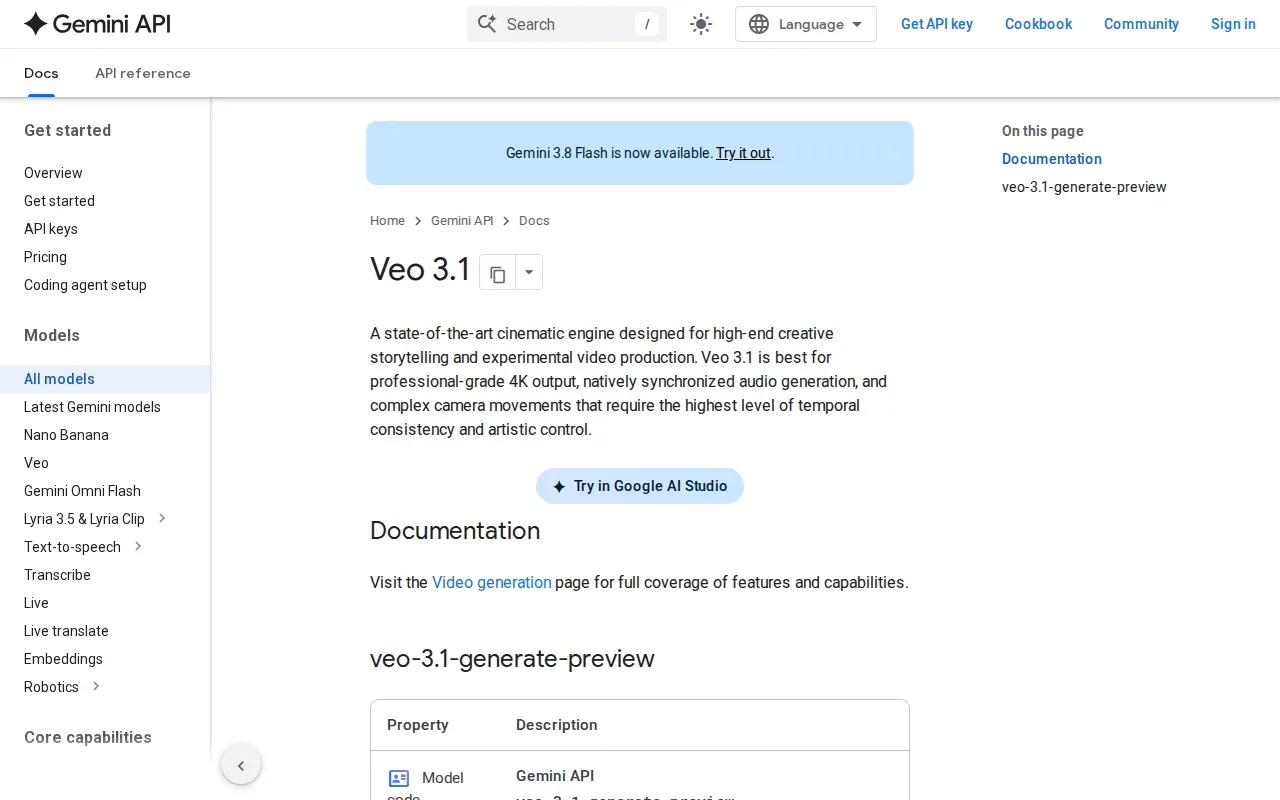
For marketing, a text-led model can help you test visual ideas before you decide what belongs in a campaign. Describe the subject and action in plain terms. Then review whether the generated scene matches the message you need to deliver. That check matters when the clip represents a real product or offer.
Veo 3.1 is Google’s most capable general-purpose text-to-video model.
If your choice comes down to scene generation versus scene planning, think about the first draft you need. Veo 3.1 is the general-purpose text-to-video option here. Wan Studio is a more specific fit when you want to start from a photo, add sound, or make a short scene with consistent characters.
You can also explore the Wan 3.0 model details.
6. CapCut: For free creation and editing in one workflow
CapCut combines AI video generation with editing tools. It can suit social creators who want to generate a clip and then work on the edit in the same workflow, rather than stop after the first generated scene.
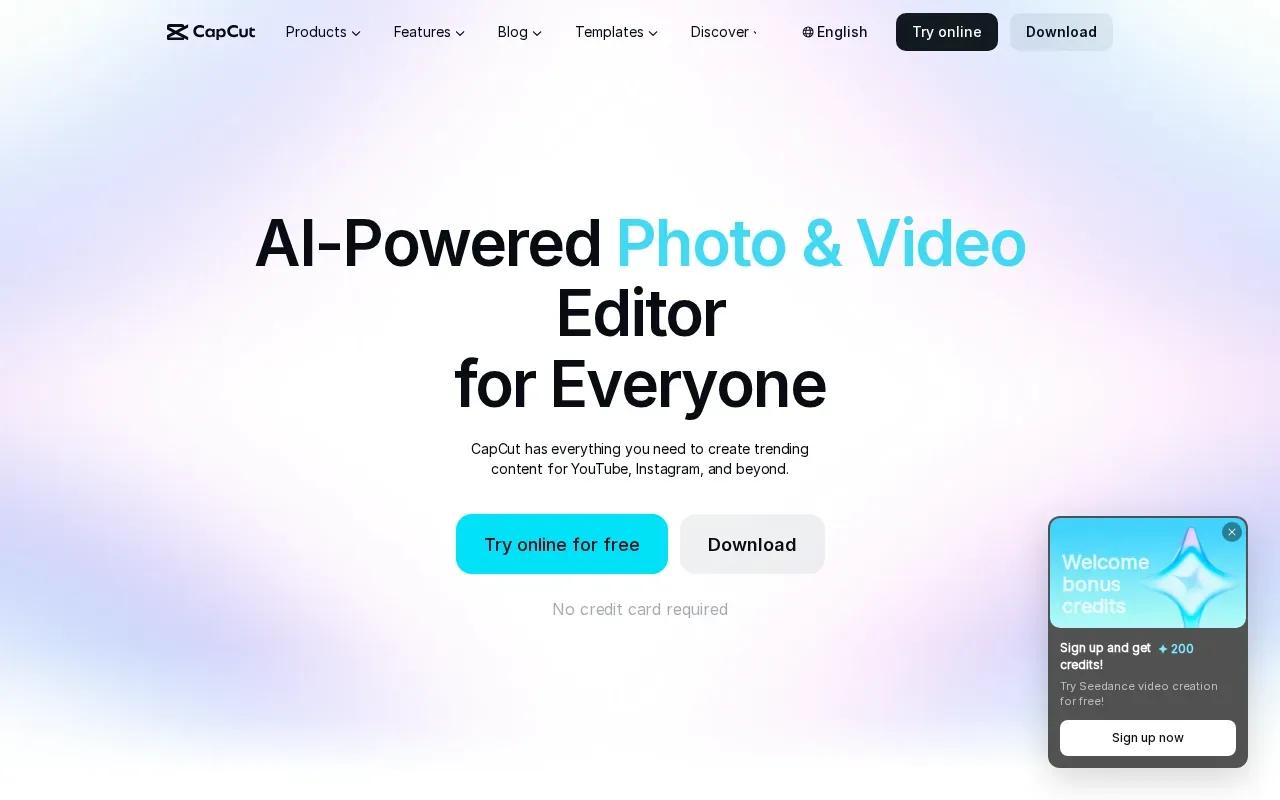
Its AI video tool supports text-to-video and image-to-video generation. It integrates Sora 2 and Veo 3.1. Its separate lip-sync tool can match mouth movement to audio or text, which gives you another option when you’re preparing a short talking clip.
CapCut has a free tier, and exports have no watermark. The editing side is useful when you want to review pacing and refine a clip after generation. Before publishing a commercial video, still check that the output, any added material, and the use terms fit your campaign.
CapCut is a sensible pick if editing is part of the job, not an afterthought. For vertical posts, choose a 9:16 format and watch the clip on a phone before you publish.
At-a-Glance Comparison of the 6 AI Video Generators
Use this table to match the tool to the work in front of you. The best fit depends on what you need the first draft to contain: a generated scene, a speaking presenter, or an edit-ready social video.
| Tool | Good fit for | Workflow focus | Useful detail |
|---|---|---|---|
| Wan Studio | Product spots and short scenes | Prompt- or image-led generation | Wan 3.0 clips up to 30 seconds with native sound |
| HeyGen | Presenter-led marketing | Script and avatar | Free tier includes three videos monthly |
| InVideo | Social video drafts | Script and assembled media | Plus plan from $30 per seat a month, billed annually |
| Kling AI 3.0 | Short character scenes | Generation with lip sync | Character consistency is supported |
| Veo 3.1 by Google | General text-to-video work | Scene generation from text | General-purpose text-to-video model |
| CapCut | Social clips that need editing | Generation plus editing | Free tier and no watermark on exports |
For one product photo that needs motion and sound, start with Wan Studio. For spoken presenter copy, look at HeyGen. If you need an assembled draft or post-generation edits, compare InVideo and CapCut against your workflow.
Frequently Asked Questions
What is the best AI video generator for marketing?
The best tool depends on the video you need to make. Wan Studio is a strong fit for prompt- or image-led short clips with generated sound. HeyGen focuses on avatar-led messages, while InVideo assembles social video drafts. If editing is central to your workflow, CapCut combines generation with editing tools.
Can I make marketing videos from a product photo?
Yes, Wan Studio supports image-to-video, so you can use a product photo as the first frame and describe the motion you want. Review the finished clip closely to confirm that the product still looks right and supports your message. CapCut also supports image-to-video generation.
Which AI video tools support lip sync?
Wan Studio, HeyGen, Kling AI 3.0, and CapCut all support lip sync. Their workflows differ. Wan generates dialogue with the video, HeyGen focuses on avatar-led speech, and CapCut has a separate lip-sync tool. Review the output before using it in an ad.
Is Wan Studio free to try?
Yes. Wan Studio’s free plan includes a couple of Wan 2.5 videos per month at 480p, and it doesn’t require a card. Paid plans start at $14 per month and include a commercial licence. The free plan is for trying the tool, so check the current plan terms before using clips commercially.
How do I choose between a video generator and an editor?
Choose a generator when the main task is making a new scene from text or an image. Choose an editing-focused workflow when you need to shape a draft after it’s made. If you need both, CapCut combines generation and editing. If you want a generated product scene with sound, Wan Studio is a direct fit.
Conclusion
For short marketing clips that start with a prompt or product photo, Wan Studio is a strong fit. Review the clip’s product details, dialogue, and framing before deciding whether it belongs in a campaign.