
Want an AI video generator without a watermark? The catch is that free access can come with limits on credits, clip length, or output size. Wan Studio offers built-in lip sync, a feature available in just one of 24 AI video generators. Here are five options, and what each is good for.
1. Wan Studio
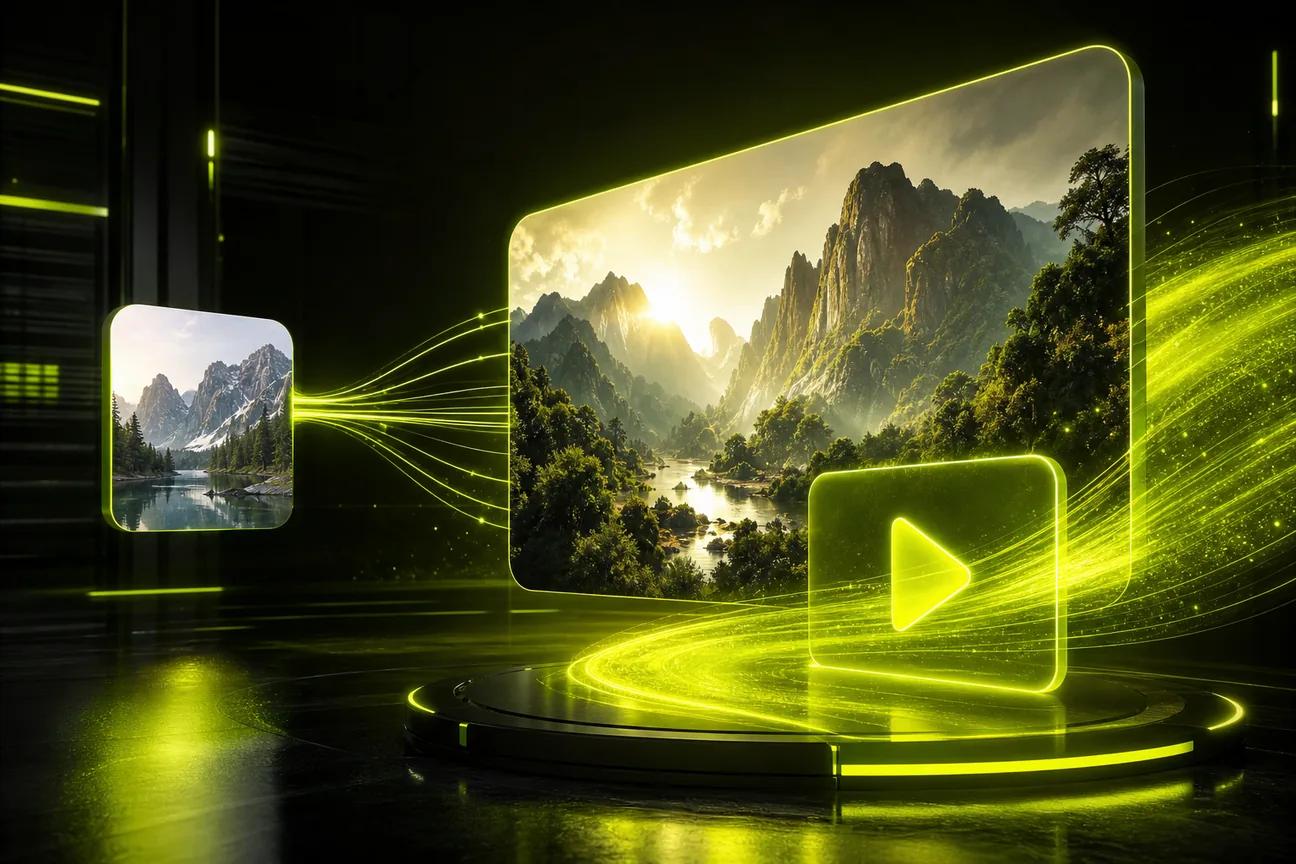
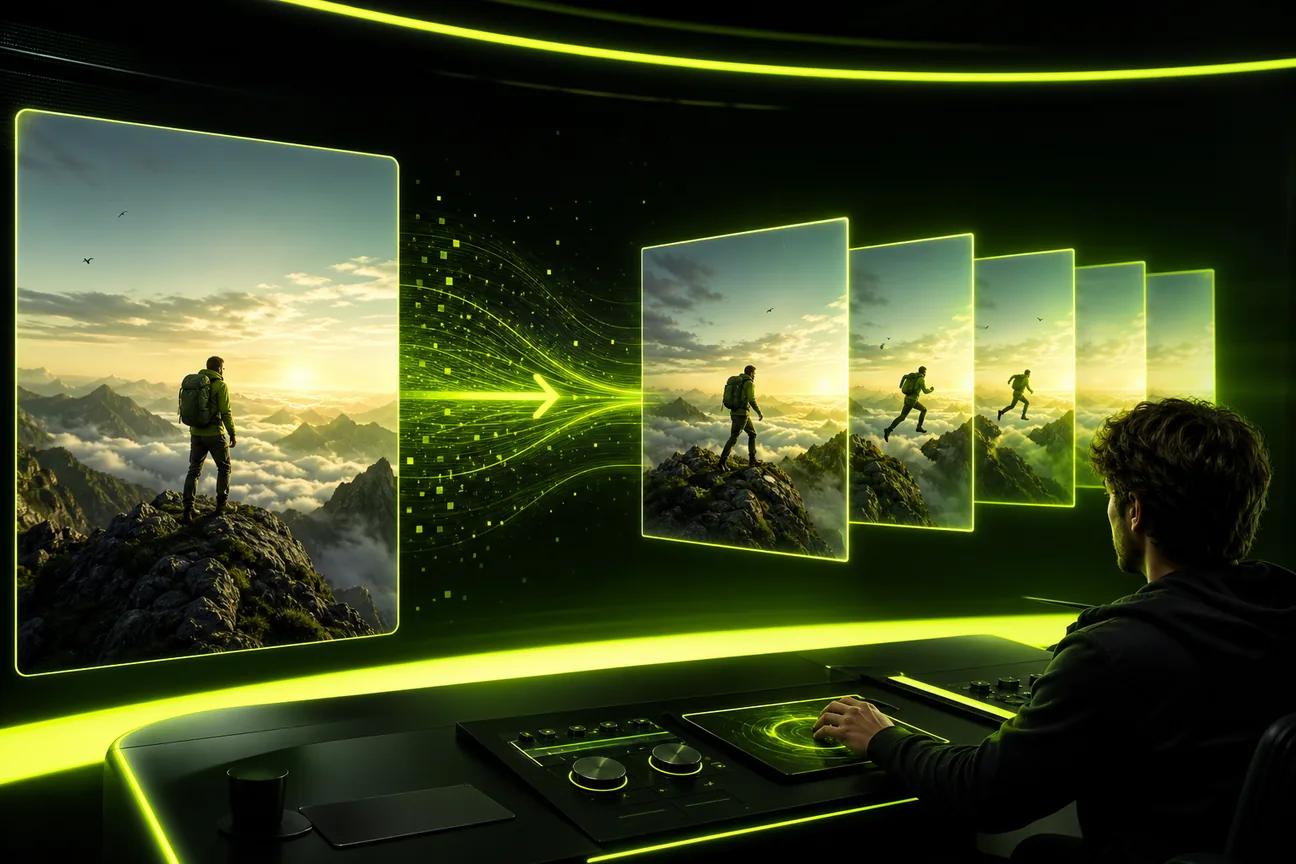
Wan Studio is a browser-based video tool for turning text prompts or images into short clips with sound. It suits social creators, small business owners, and marketers who want a product photo to move or a character to speak without filming.
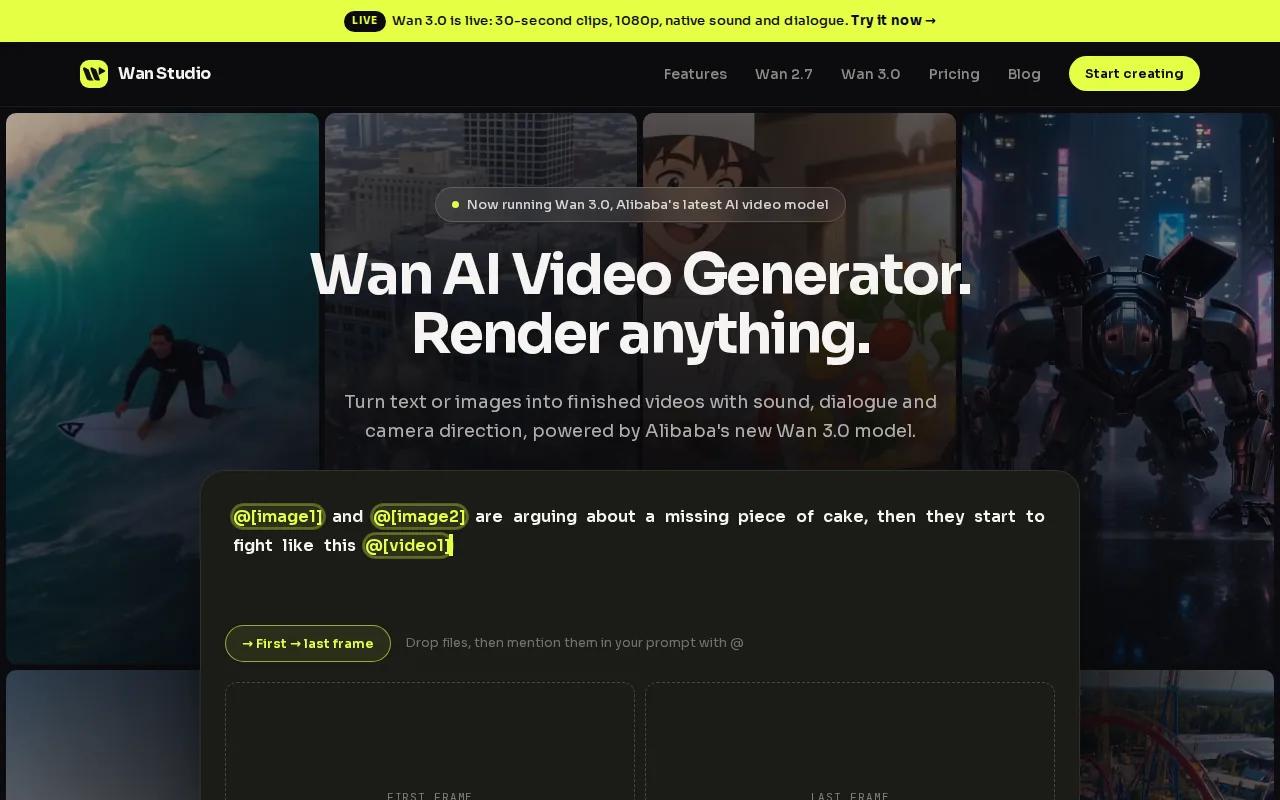
The free plan includes a couple of Wan 2.5 videos each month at 480p. It needs no card, and free exports have no watermark. Wan 2.5 can make 5- or 10-second clips with native sound. Put dialogue in quotes in your prompt, and the model generates speech with lip movement in the same pass.
Paid plans start at $14 per month and include a commercial licence. Wan 3.0 is the default on paid plans, with clips up to 30 seconds and output up to 1080p. It can keep characters consistent across shots, which helps when a product promo needs more than one camera angle.
If you need a longer scene, compare Wan 3.0's clip length and video options before choosing your model. For a quick social ad, start with a product photo as the first frame, set a vertical format, then describe the camera move and sound you want.
A carpet and upholstery cleaning provider can use the same simple idea: animate a photo that shows a room before or after a clean.
2. OpenArt: a free-credit option with no watermark
OpenArt gives you 40 free credits over seven days, with no card required and no watermark on the free tier. It fits creators who want to try more than one video style before settling on a regular workflow.
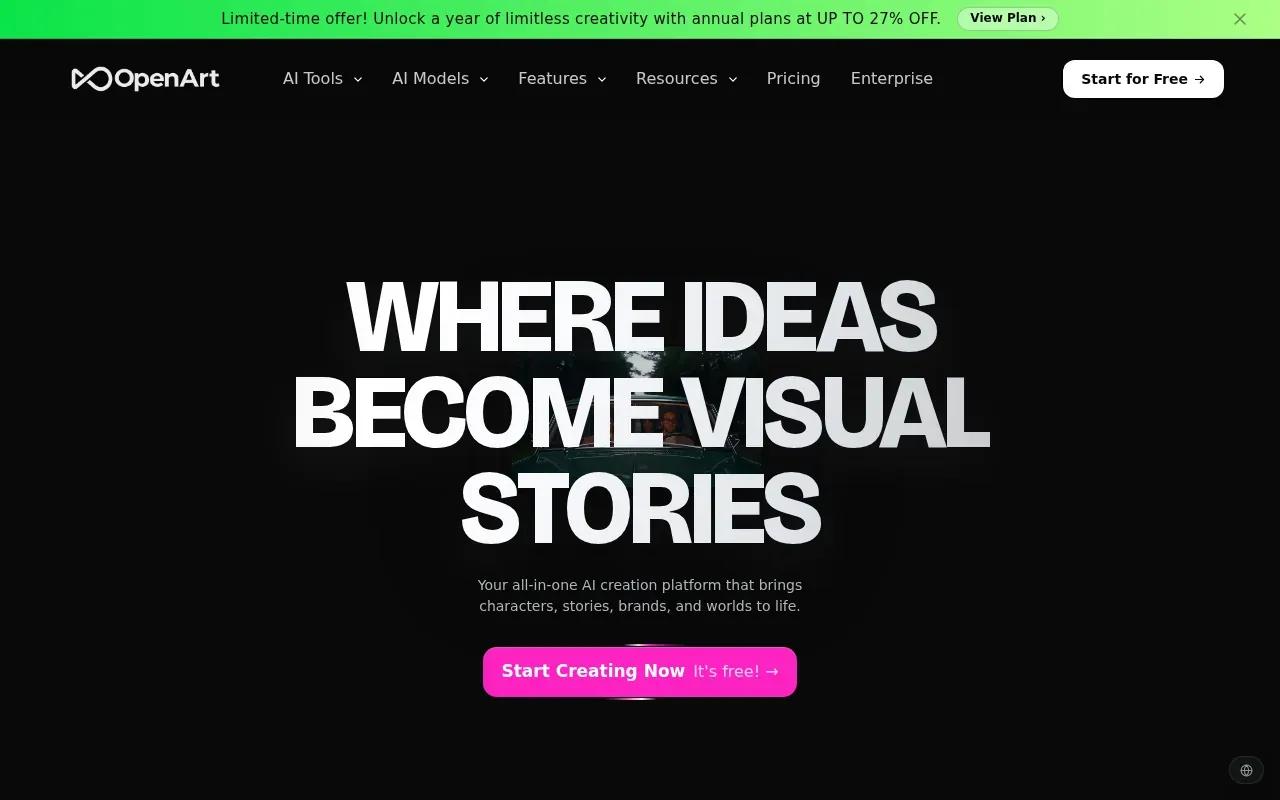
You can start with a text prompt or drop in a reference image. Its video generator supports clips up to 15 seconds and output up to 4K. The platform also supports editing and refining a generated clip, so you can adjust a result rather than always starting over.
That makes OpenArt useful for testing a few looks for the same campaign. For example, you might animate a product image, then try a more cinematic style for a second cut. Keep an eye on the credit balance, though: the free allowance is a set pool for seven days, not an ongoing monthly credit amount.
Start with Wan Studio and test a short clip before you decide whether a paid plan fits.
3. Runway: short clips with a one-time free credit pool
Runway is worth considering if you want a short clip and prefer a fixed free credit pool to a recurring free allowance. Its free tier includes 125 credits, and its listed watermark policy says exports have no watermark.
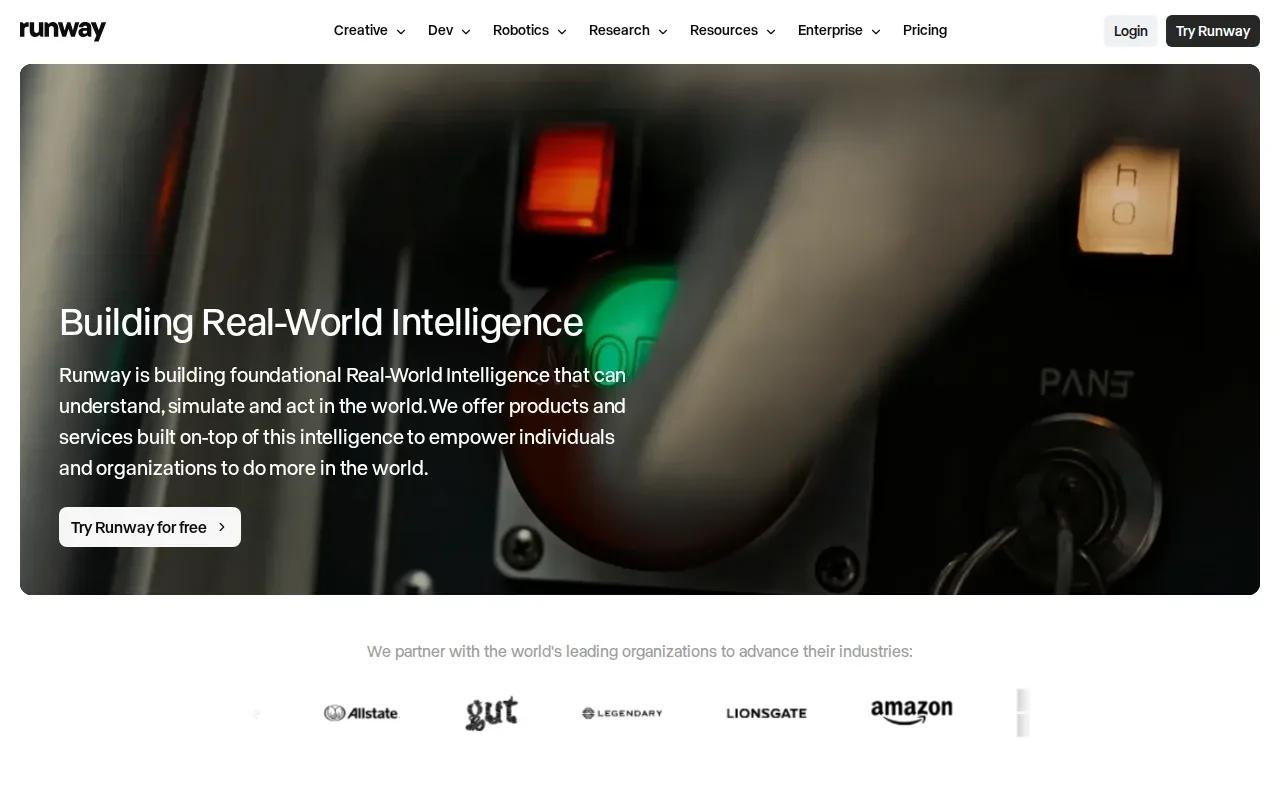
Its maximum clip length is 10 seconds. That can suit a quick visual for a social post, but a longer product story may need several clips and editing outside the generator.
Runway’s Standard plan is listed at $12 per month with annual billing, or $15 month to month. Think about how often you plan to generate. A one-time credit pool can be enough for a test, while regular campaign work may call for a paid plan.
For an ad, write one clear action into the prompt, such as a camera push toward the item or a hand lifting it from a table. Short scenes are easier to review as individual assets. If you need more runtime in one generation, see our comparison of AI video tools for 30-second clips.
Runway’s free credits are one-time, so use them on a small test first. That lets you judge the output before spending the rest.
4. Adobe Firefly: a familiar option with a free tier
Adobe Firefly has a free tier and a Standard plan listed at $9.99 per month, which includes 2,000 credits. It may suit creators who want prompt-based video generation alongside a familiar editing and export workflow.
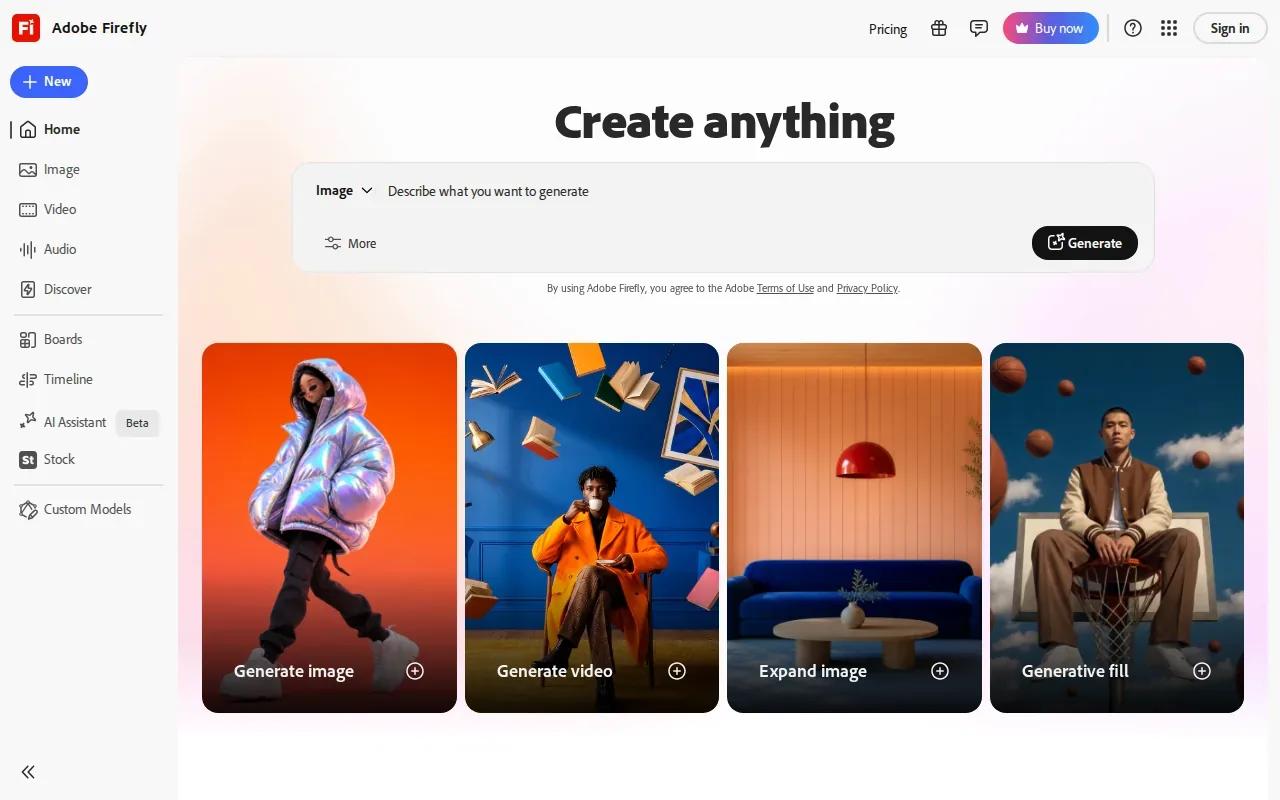
Firefly generates video clips from text prompts and images. It is not a character-avatar option, so choose another tool if your main goal is a presenter who reads a script on camera.
Before exporting, preview the clip and check that its framing fits the target platform. Those checks help catch a landscape-versus-vertical mismatch before you post.
For a no-watermark workflow, check the export terms for your current plan before using a clip in a campaign.
Firefly is the pick here when export setup matters as much as generating the clip. For a talking character with lip-synced speech, look at Wan Studio or the next option instead.
5. HeyGen AI Video Generator: consider it for presenter-led videos
HeyGen AI Video Generator is built for videos with a presenter or talking avatar. It suits a small team that needs a scripted explainer, product walkthrough, or localized version of a message without filming each take.
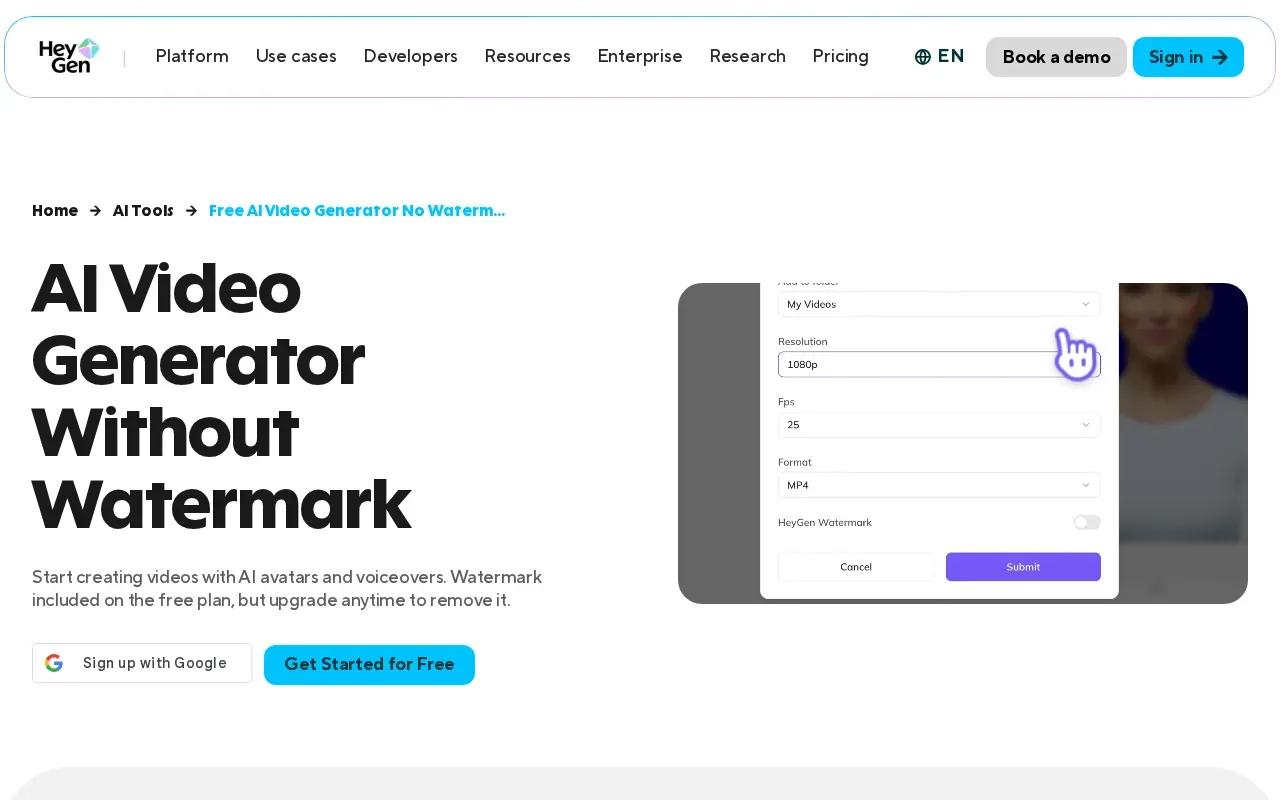
Its tools support text-to-video and image-to-video, with scripts that can drive a speaking avatar. HeyGen also describes video translation with lip sync across supported languages. That makes it a different kind of pick from a tool focused on cinematic scenes or a moving product photo.
HeyGen offers a free plan. Check the export terms for the plan and feature you intend to use before publishing a client ad. That quick check matters if a clean file is a firm requirement.
If the clip needs a human-style presenter, HeyGen is a more natural fit than a scene generator. If you want a product image to move with generated sound, Wan Studio is the more direct match.
A quick checklist before you generate
“No watermark” is only one part of the decision. Check the output you need before you spend time writing prompts or using free credits.
- Start with the input. Use text-to-video for a scene from scratch. Use image-to-video when your product photo or first frame should guide the composition.
- Match the clip to the channel. Pick a vertical format for a Reel or Short, and a landscape format for a wider video. Check the maximum clip length too.
- Check the free limit. Credits may reset on a schedule or may be a one-time pool. A free tier can also differ from paid plans in resolution or model access.
- Confirm rights before a campaign. Wan Studio includes a commercial licence on paid plans. Don't assume every free tier has the same terms.
For a small business promotion, keep the first version simple: choose one product photo, describe one camera move, then review the result before making another cut. A local carpet care business, for example, could build a short visual around a room refresh without implying that a generator can replace real service photos or customer permission.
Frequently asked questions
Which AI video generator has no watermark for free?
Wan Studio and OpenArt have verified no-watermark free options in the details used here. Wan Studio's free plan gives you a couple of Wan 2.5 videos each month at 480p, with no card required. OpenArt starts with 40 credits over seven days. Check current plan terms before you publish, since export rules can vary by plan.
Can I make AI videos from text and images?
Yes, some tools in this shortlist support both text prompts and image-to-video. Wan Studio's Wan 2.5 accepts a text prompt or a first-frame image, and OpenArt supports a prompt or reference image. Choose text when you want a scene built from an idea. Use an image when you need a product photo to guide the opening frame.
Does a free AI video tool let me use clips in ads?
Not always. A free plan's export rights can differ from its paid plan terms. Wan Studio includes a commercial licence on paid plans, while its free tier is for trying the tool. Before you use any generated clip in an ad, read the terms that apply to your account and the content you made.
Which option is best for a talking presenter?
HeyGen AI Video Generator is the presenter-focused option here. It supports script-led avatar video and image-to-video with a script for speech. Wan Studio is another fit when you want dialogue and lip movement in a generated scene. The right choice depends on whether you need an avatar presentation or a character inside a broader scene.
How do I avoid wasting free credits?
Start with a short draft and a clear prompt. Name the subject, the action, and one camera move, then check the framing before you ask for another version. If you're animating a product photo, make sure the photo already has the crop and angle you want. Save higher-resolution generations for a version you're ready to keep.
Conclusion
For no-watermark tests plus native sound and dialogue, start with Wan Studio. Try one short clip from a prompt or product photo, check how it fits your channel, then decide whether the paid plan and commercial licence match your next campaign.