A presenter can look convincing in one clip, then appear to be a different person in the next. That’s why the best AI UGC video generator for you needs to fit the whole job, not just make a face talk. Here are seven tools for turning prompts or product photos into short ads, with a clear use case for each.
1. Wan Studio
Wan Studio is a browser-based AI video studio for turning prompts or images into short clips with sound. It suits creators and small teams who want product spots, social videos, or multi-shot scenes without filming.
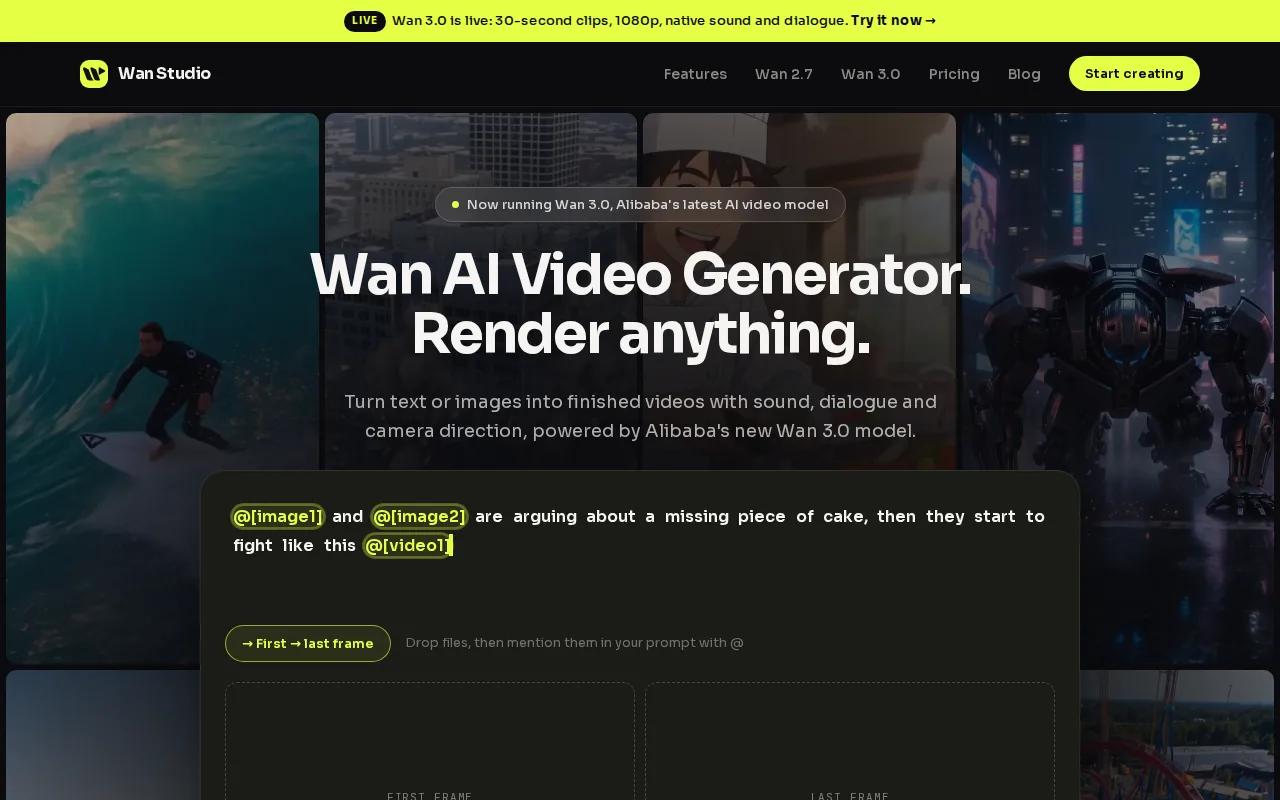
With Wan 3.0, you can make clips up to 30 seconds, choose a vertical 9:16 frame, and add dialogue in quotes for lip-synced speech. The model generates music, sound effects, and dialogue with the video. It can also keep a character consistent across shots in a scene. That’s useful when one ad needs more than a single talking-head shot.
The free plan includes a couple of Wan 2.5 videos each month at 480p, with no card required. Paid plans start at $14 per month and include a commercial licence. Wan 3.0 is included on paid plans, with 1080p output available. The live credit estimate helps you compare a short draft render with a longer final clip before generating.
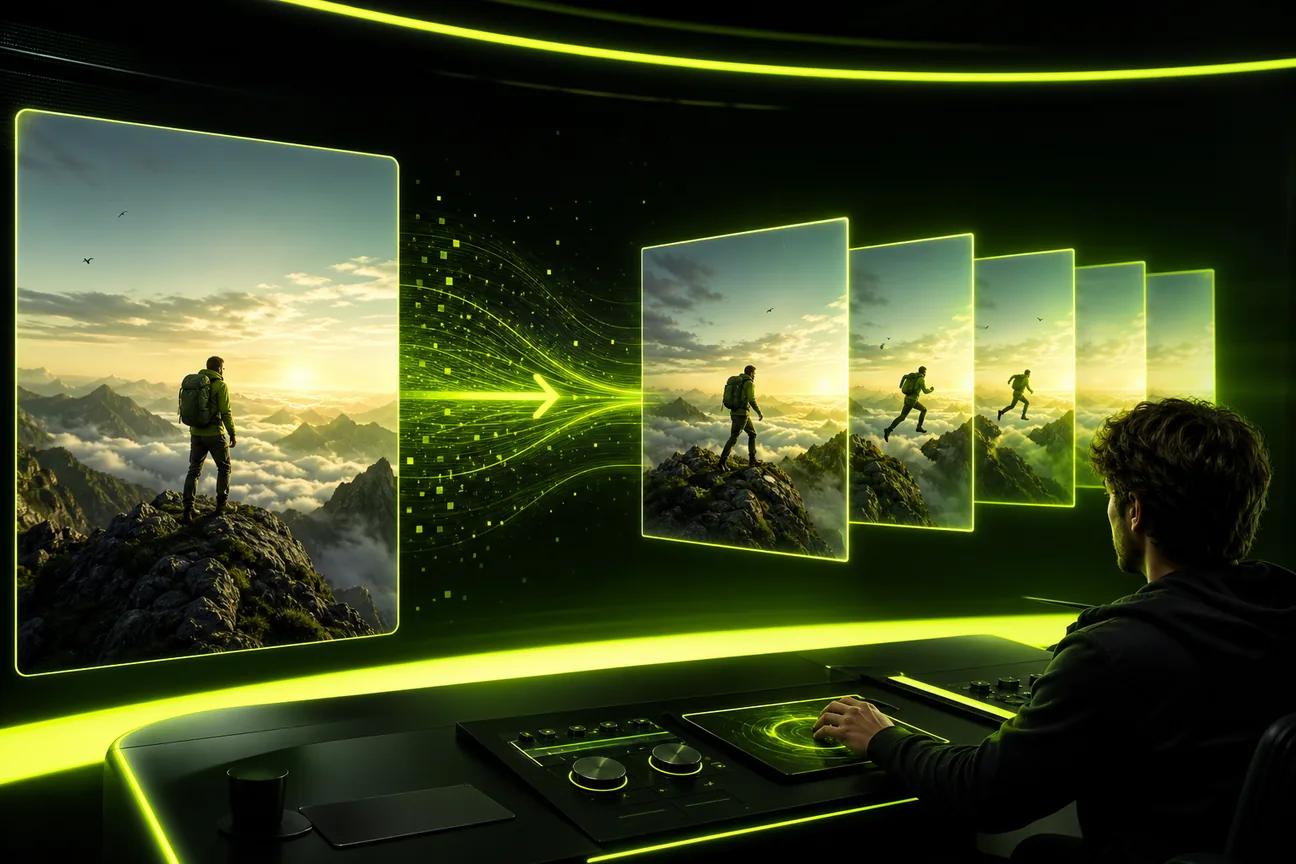
For an image-to-video ad, upload your product photo as the first frame, describe the camera move, then add one short spoken line. Wan Studio is an independent product that provides access to Wan models; it isn’t affiliated with or endorsed by Alibaba. Check the Wan Studio plans and free access before you settle on a monthly workflow.
2. Arcads: for recurring AI characters across scenes
Arcads makes AI UGC videos and images for marketing teams. It’s a fit when a campaign needs a recurring character rather than a new face in each creative.
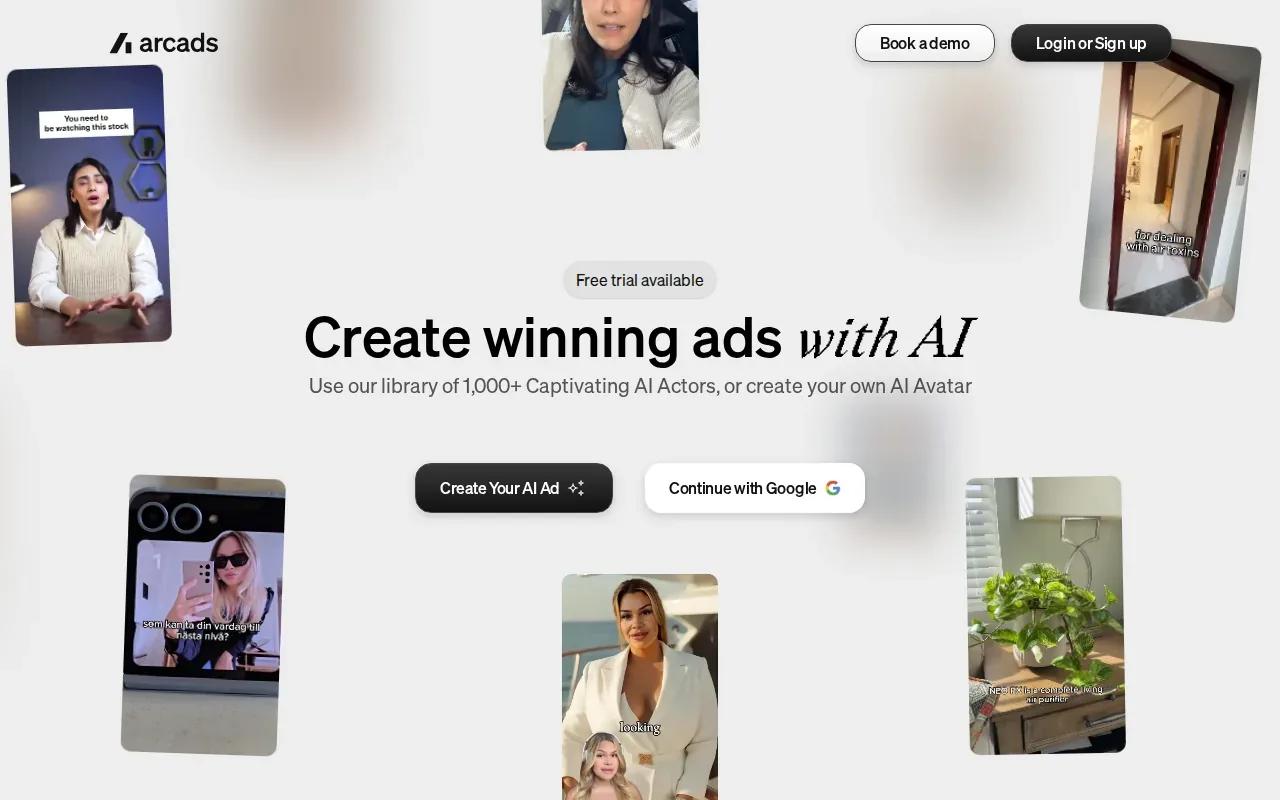
One stated use is to place the same character in new scenes. For example, Arcads can create forest scenes with the same character while keeping her face and identity consistent. That can help a marketer build several visual variations around one presenter instead of starting the character design again for every clip.
For UGC-style work, the useful question is whether the character and product remain recognizable in the finished ad. Review the face, outfit, and product placement across each version before you spend time polishing a script. A consistent character may help a series feel connected, but it doesn’t replace a clear hook or a believable product claim.
Arcads is worth considering if your main task is building repeated character-led creatives. If you need scenes with longer action or exact product framing, test one short concept first and inspect the result before planning a full batch. For a broader look at talking-head ad workflows, see AI video ad generator tools for short ads.
3. HeyGen: for AI avatars and localization
HeyGen focuses on AI avatars and localization. It may suit teams that need a presenter-led message in more than one language, or that want voice cloning and AI translation in the same production workflow.
HeyGen has limited free credits, and its starting price is $24 per month. The listed plan capability includes voice cloning and AI translation. Its integrations include API access and SCORM integration, which may matter if video production connects to a larger content or training process.
One reported lip-sync figure is 0.02-second sync accuracy. Treat that as a stated metric, not a promise that every line will look perfect. Check the mouth movement on names, short pauses, and expressive phrases. Those are the spots where a small mismatch can catch a viewer’s eye.
For a translated ad, review the script and voice track in each language before publishing. A direct translation can miss the tone or length of the original line. HeyGen is a reasonable fit when avatar delivery and localization are the main needs; it’s less directly aimed at cinematic product scenes.
4. OpenArt: for short clips with lip sync
OpenArt is an AI creation platform with video generation, image tools, and lip-sync support. It fits creators who want to make a brief character-led clip and keep the character’s look in view during the process.
OpenArt’s video generator supports clips up to 15 seconds, and its starting price is free. Its character tools let you save a character and reuse it in later generations. That’s useful when you want a small set of social clips to share a familiar look, rather than inventing a fresh presenter each time.
For a product ad, start with a clear reference image and a simple action: the presenter picks up the item, turns it toward the camera, or says one short line. Then inspect both the lip sync and the product shape. A tool can support consistent characters and still need human review for details that matter to your brand.
Fifteen seconds can work for a quick hook and one benefit, but a longer story may need more than one clip. OpenArt is a strong candidate when you want short, character-led experiments; compare it with a tool built around native audio if synced dialogue and sound in one generation are central to your workflow.
5. Synthesia: for business avatar presentations
Synthesia is aimed at businesses making avatar-led training videos, onboarding content, internal updates, and multilingual presentations. It’s a better fit for clear presenter-led communication than for casual product footage meant to feel like a customer’s phone video.
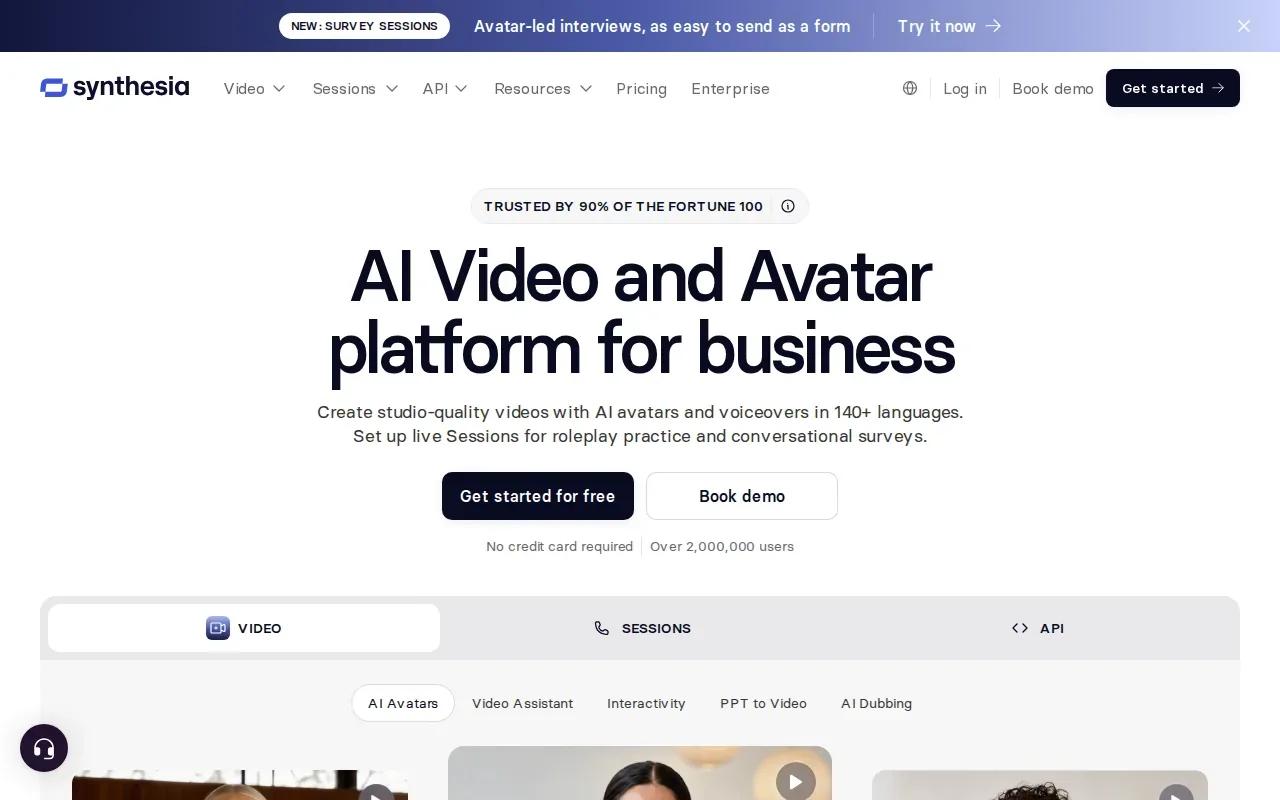
Plans start free with 10 minutes of watermarked video each month and nine stock avatars. Its starting price is $22 per month, and it offers SCORM export. Those details make Synthesia relevant when a team needs repeatable avatar videos for internal learning or business updates.
Before making a batch, decide whether the message needs to feel personal or formal. A product testimonial-style ad depends on an informal tone and credible product detail. An onboarding lesson needs clear delivery and a consistent presenter. Choose the format that matches the viewer’s task, then check how the exported video looks on a phone as well as a desktop.
6. Kling AI: for high-motion cinematic generation
Kling AI is geared toward high-motion text-to-video generation. It’s worth a look when the idea depends on visible movement or a more cinematic scene, rather than a static presenter delivering a script.
Kling AI provides free daily credits, with a listed starting price of $10 per month. Its strengths include physics-heavy cinematic generation. A reported lip-sync test also found that speech was followed closely when the character faced the camera.
That camera position is a useful clue for ad planning. If your clip relies on spoken dialogue, keep the presenter facing the viewer during the line, then use movement or a cutaway for the next beat. Watch the full output before publishing. Motion that looks good in a single frame can still distract when it plays.
Kling AI suits concepts where movement carries the visual story. For a plain product pitch, keep the action simple and check that the product stays easy to recognize. Free daily credits can help with early tests, while the $10 starting price gives you a point of comparison for a paid workflow.
7. Pika: for accessible creative experimentation
Pika is an AI creative tool for people who want to try visual ideas. Its Standard plan costs $8 per month and includes 700 monthly credits with access to Pika 2.5.
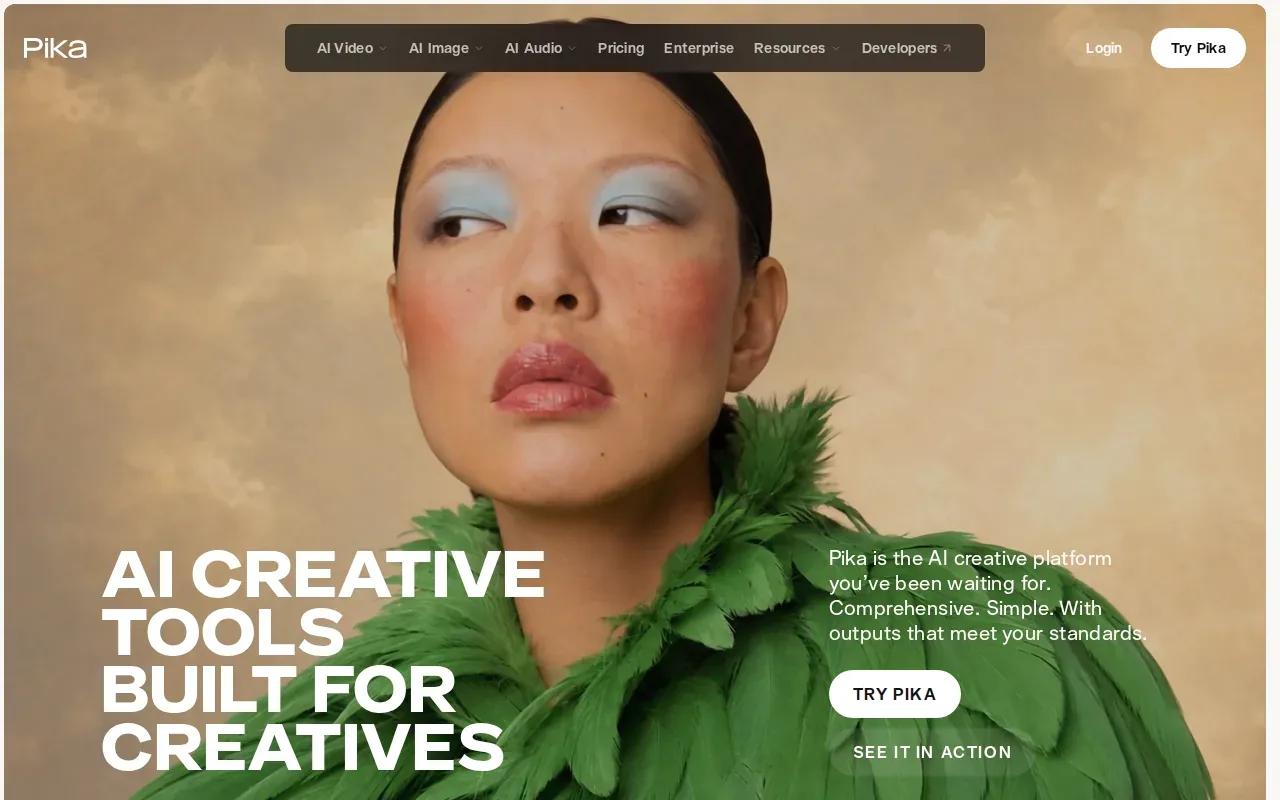
That credit plan can suit a creator who wants to test different approaches before committing to a set format. Start with one product image or prompt and make a small number of versions. Compare the opening frame and the main action, then keep the concept that communicates the product fastest.
| What you need | Good fit from this list | Check before you make a batch |
|---|---|---|
| Native sound and a longer multi-shot scene | Wan Studio | Clip length, resolution, and credit estimate |
| One recurring character across scenes | Arcads or OpenArt | Face and product continuity in each output |
| Avatar delivery in multiple languages | HeyGen | Translation, voice, and lip-sync quality |
| Business training or internal updates | Synthesia | Watermark and export needs |
| Motion-led scenes or early visual tests | Kling AI or Pika | Movement, spoken lines, and final framing |
For any tool, keep early drafts short and low-cost when the option allows it. Check the final resolution and export settings for the channel you plan to use. Don’t assume an advertised clip length, lip-sync metric, or character feature guarantees a clean result in every generation.
FAQ
What is the best AI UGC video generator for product ads?
Wan Studio is a strong fit when you want to turn a prompt or product photo into a short ad with sound and lip-synced dialogue. Wan 3.0 supports clips up to 30 seconds and can keep characters consistent across shots in a scene. If you mainly need translated avatar presentations, HeyGen may fit that specific job better.
Can AI UGC tools keep the same character in every video?
Some tools describe character consistency, but that doesn’t mean every generated clip will match perfectly. Arcads describes keeping a character’s face and identity consistent in new forest scenes. Wan 3.0 keeps characters consistent across shots within a scene. Review each output before you publish a series.
How much do AI UGC video generators cost?
Starting prices in this shortlist range from free options to paid plans starting at $24 per month. Pika’s Standard plan is $8 monthly, while Wan Studio’s paid plans start at $14 per month. Compare what each plan includes and how credits are used. A low monthly price may not tell you how many final clips your workflow needs.
How do I make an AI UGC ad look more natural?
Keep the script short and give the character one clear action. Use a product photo as the first frame when the item’s shape or packaging must stay visible. Add one camera move rather than several competing directions. Then watch the clip with sound on and check the mouth movement, product details, and opening frame.
Do I need to disclose that an ad uses an AI presenter?
Disclosure needs depend on the ad, the claims, and the rules that apply where you publish. Don’t present a synthetic character as a real customer who used the product if that isn’t true. Check the platform’s current ad policies and the legal requirements for your market before posting, especially when an ad includes endorsements or product claims.
Conclusion
For short ads made from prompts or product photos, start with Wan Studio and test one simple concept before building a batch. Its free plan lets you try a couple of Wan 2.5 clips each month. Review the lip-sync workflow and checks, then start creating with Wan Studio if the output fits your campaign.