
A free AI video generator can turn a prompt or photo into a clip without a camera crew. The best free AI video generator for your work depends on what you need to publish: a spoken product ad, a social clip, or a cinematic scene. Here are seven options, with the free limits that shape each choice.
1. Wan Studio
Wan Studio is a browser-based video maker for prompts and images. Its free plan gives you up to two Wan 2.5 videos each month at 480p, with no card required and no watermark. Wan 2.5 can generate sound and lip-synced dialogue in the same pass as the video, which helps when a product spot needs a spoken line.
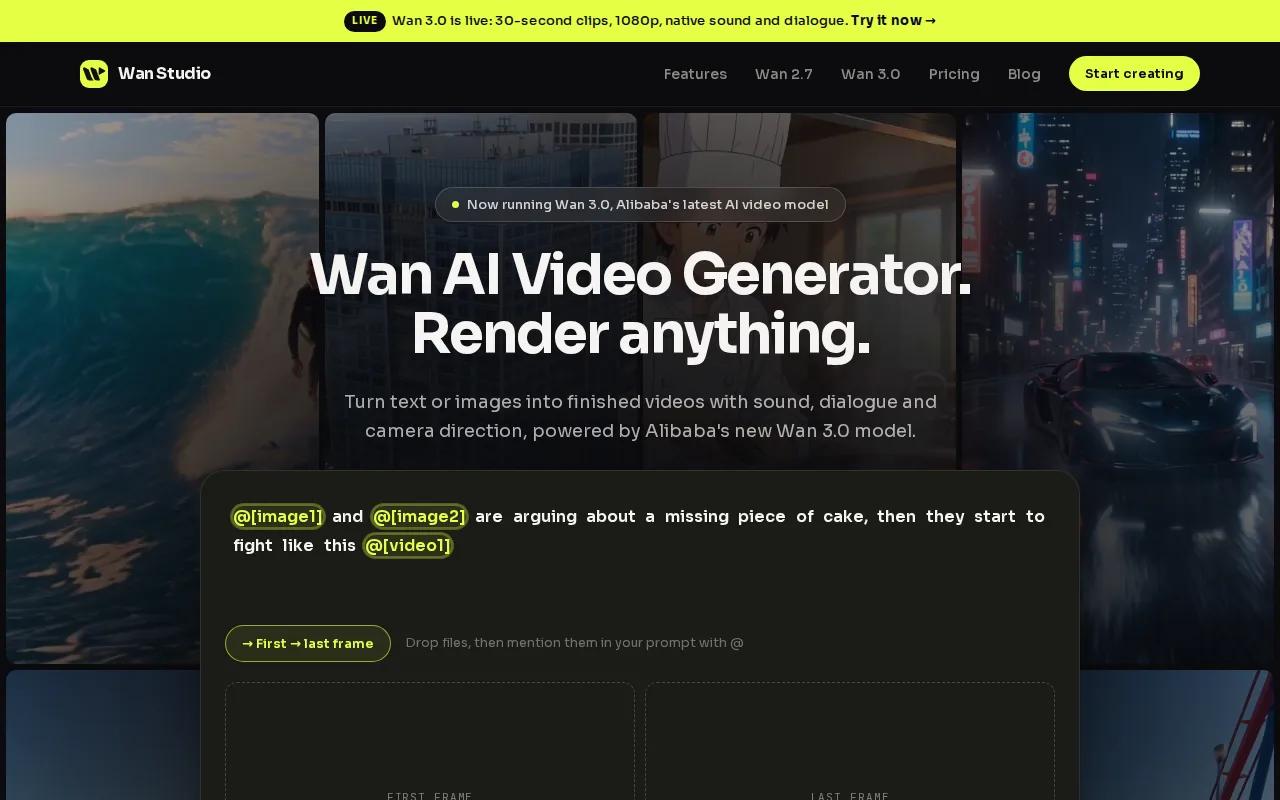
A free plan is a good place to test the basic prompt-to-video loop. Generative AI makes new content from instructions or examples. In Wan Studio, you can describe the scene, add a first-frame image, then choose a clip setup before generation.
For a product clip, drop in a product photo and describe the camera move. Add dialogue in quotation marks if you want a character to say a line with lip movement. The Wan Studio free plan is suited to trying that workflow; it doesn't include the paid plan's Wan 3.0 access or commercial licence.
Wan 3.0 is available on paid plans and supports clips up to 30 seconds. The free plan uses Wan 2.5, which makes 5- or 10-second clips at 480p. Keep those limits separate when you plan a campaign: a short free test can show whether the idea works, while a longer final scene needs the right model and plan.
For a quick first test, keep the prompt focused. Name the subject, one action, and one camera move. Then review the clip before spending time on a more detailed version.
2. Magic Hour: No-watermark generations with credits that don’t expire
Magic Hour gives new users 400 credits that don’t expire, and its free generations have no watermark. That makes it a useful pick if you want to experiment in more than one session instead of racing a monthly reset.
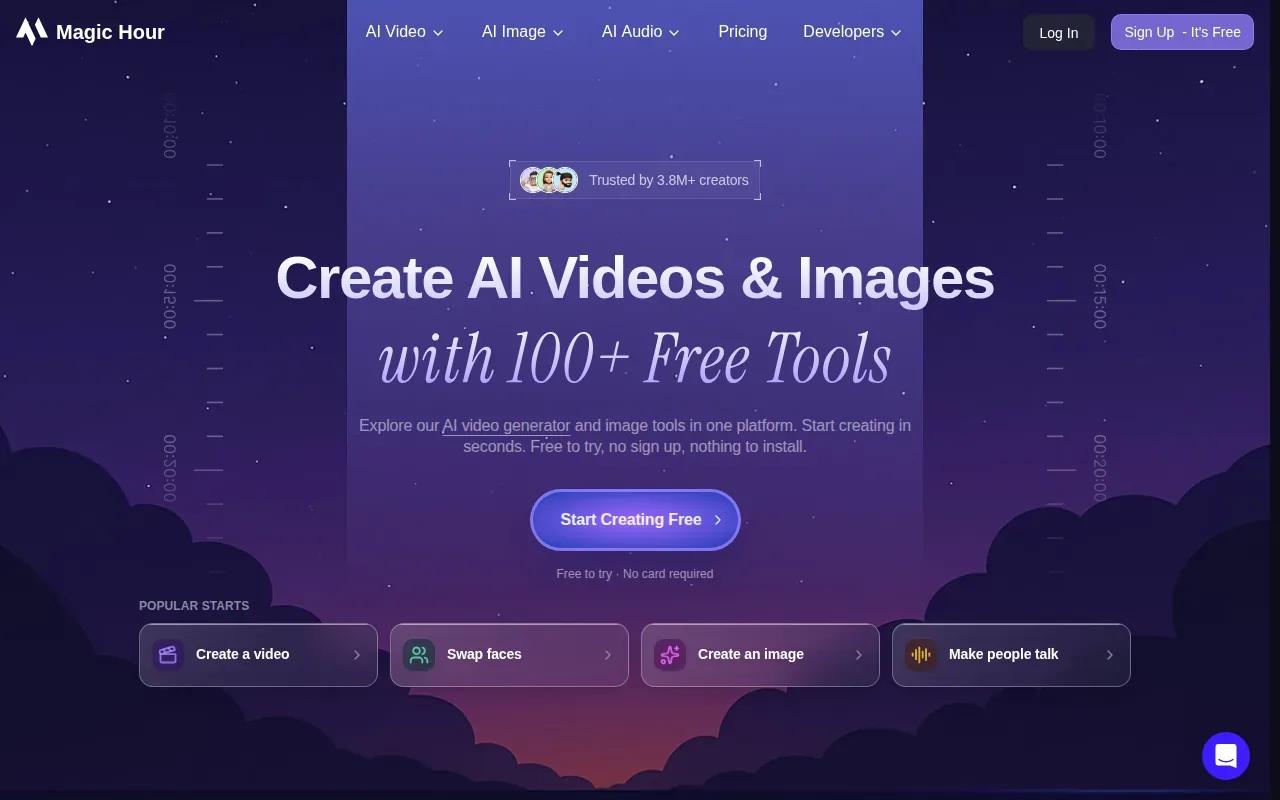
You can make video from text or images, and the tool also supports AI editing of clips. For a small business, that can mean testing a visual idea with a product image before deciding how to produce the finished ad.
The lasting credits are the main planning difference. You can save them for a project rather than use them before a monthly refresh.
Choose Magic Hour when watermark-free output and credits that remain available matter more than a spoken character. For ads built around a voice line, check that the feature you need is part of the generation workflow before you plan the shoot.
3. Pika 2.5: Monthly credits for social-ready clips
Pika’s free plan runs on credit packs rather than a monthly allowance, and its exports carry no watermark. It fits creators who want to try a short social clip and pay only for the credits they use.
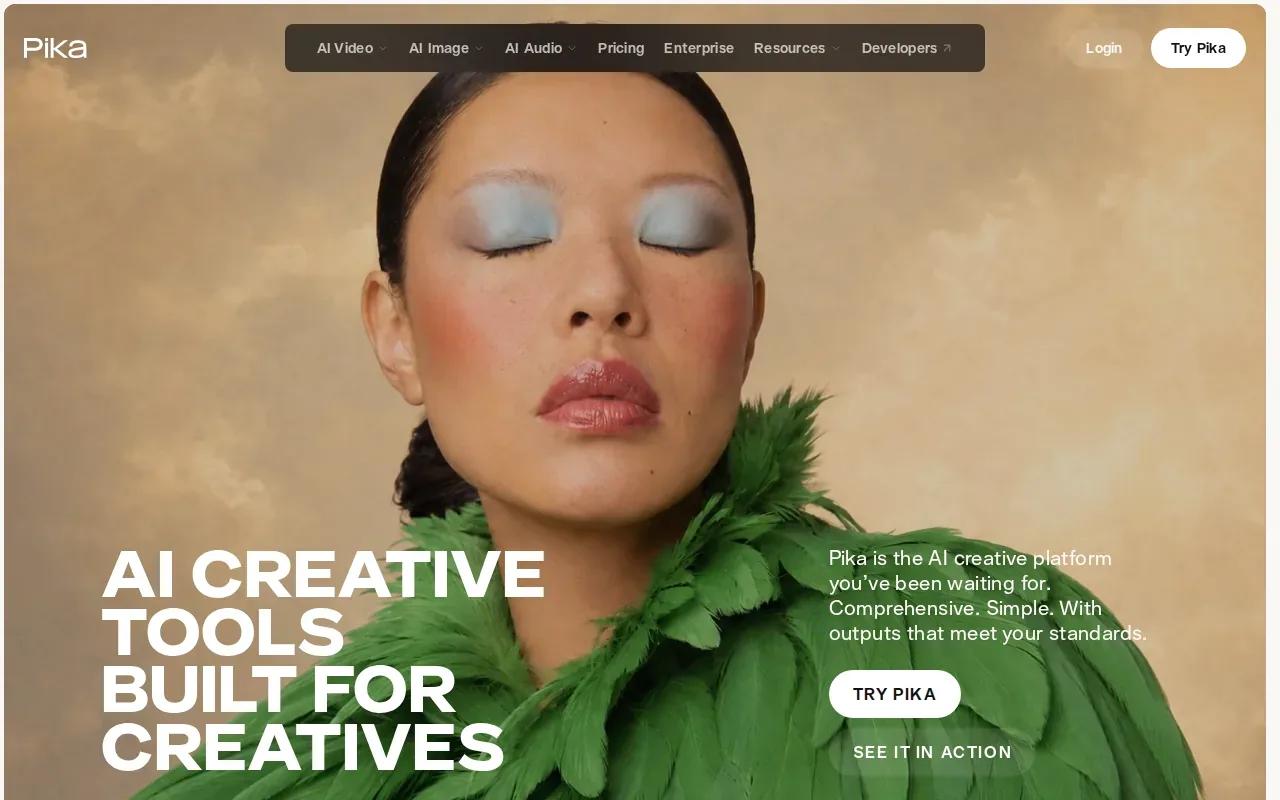
Packs suit occasional tests. For example, you can try a fresh visual concept for a post, then use the remaining credits on another idea later. The number of finished clips depends on how much each generation uses.
Pika is the clearest match here when your main goal is a social clip. Before publishing, confirm the current output terms in Pika's tool.
Think of the credits as a way to test fit and style, not as a guaranteed number of posts. If your brief calls for dialogue synced to a face, compare that requirement directly with the tool's current generation options.
4. Creatify: A free-plan starting point for video ads
Creatify is built for video ads. Its free plan includes 10 monthly credits, enough for about two video ads, and exports carry a watermark. It also supports lip sync, a useful detail if a talking character is part of your ad concept.
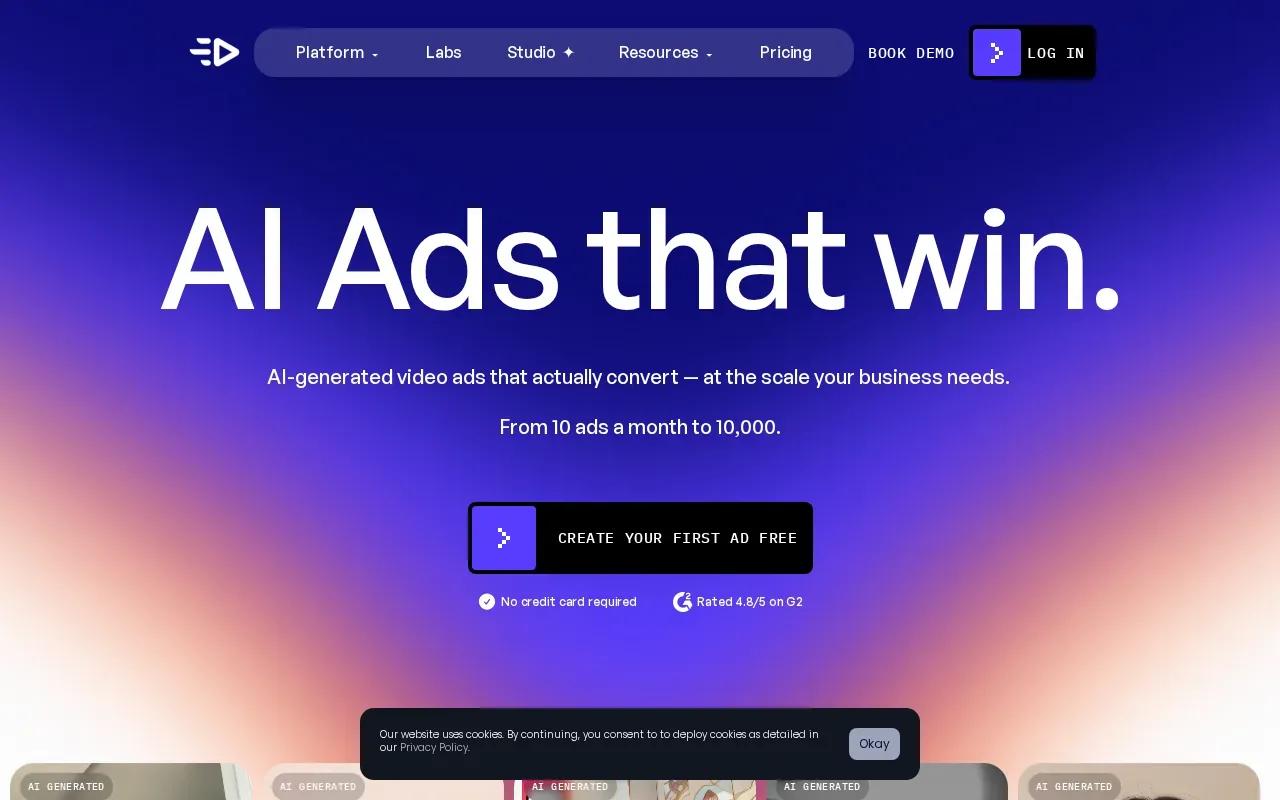
The free plan can help you test an ad concept before you commit to regular production.
Keep the watermark in mind if the clip is meant for a public campaign. It may be fine for internal review or a draft, but a client-ready export needs to fit the project's publishing requirements. The allowance is also limited to 10 credits each month, so save generations for the versions you most want to test.
For more options centered on short campaigns, Wan Studio's related roundup of AI video ad generator tools can help you compare ad-focused workflows. Creatify is a direct fit when the job is an ad; its free tier is best treated as a small test allocation.
5. Google Veo 3.1: Monthly credits for cinematic AI video
Google Veo 3.1 is a cinematic video model for high-end creative storytelling. Personal Google accounts receive 100 monthly credits, giving you a recurring allowance to test cinematic ideas.
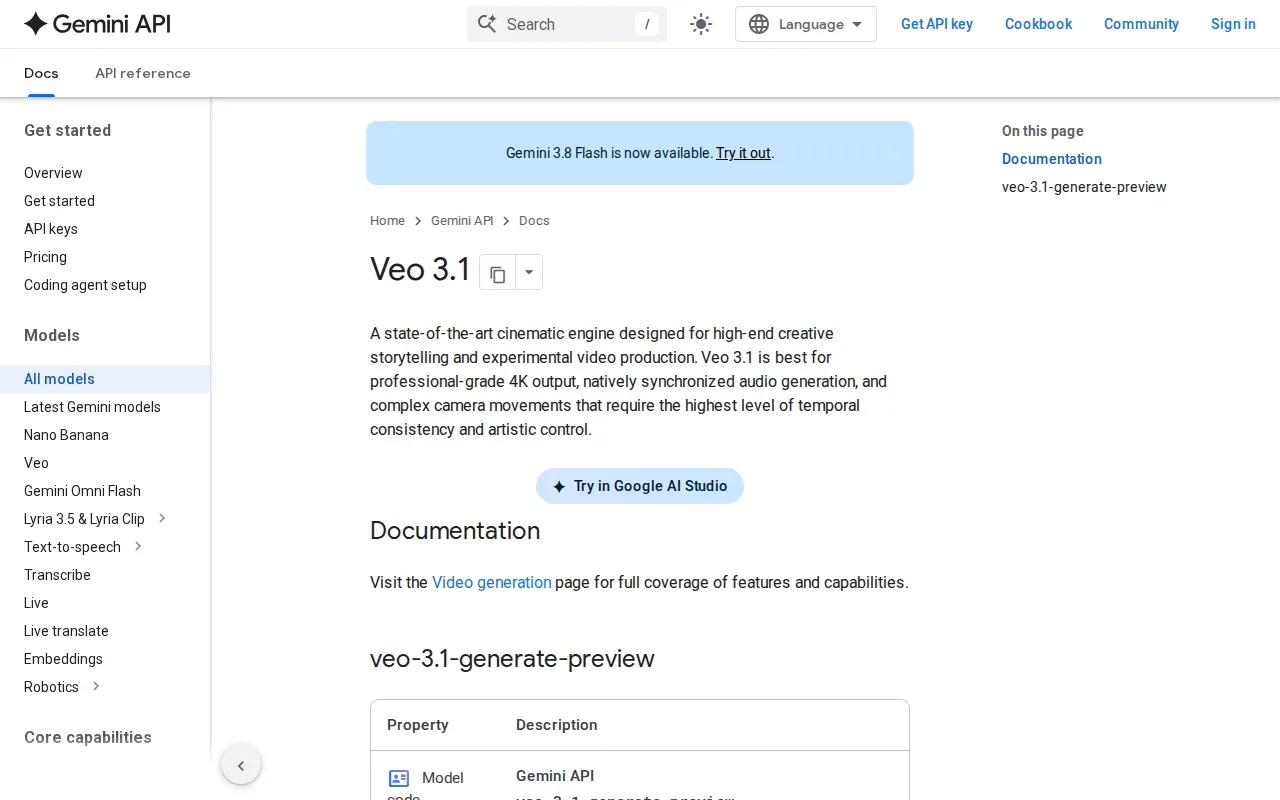
This is a sensible option when the scene itself is the main attraction. A brand might use a cinematic shot to set a mood, then pair it with separate copy and a call to action. Veo 3.1 is a professional-grade 4K option.
Credits tell you how much usage you have, not exactly how many clips you'll finish. Before building a schedule around the monthly allowance, check the generation cost for the model and setup you plan to use.
Veo 3.1 is a better match for an atmospheric scene than a quick spoken product pitch. If your brief needs dialogue or a recurring character, check those requirements separately before settling on a model.
6. OpenArt: A short no-watermark trial without a credit card
OpenArt starts with 40 free credits over seven days. You don't need a credit card, and the free output has no watermark. That short trial suits a focused project where you can test the tool during the week.
OpenArt's video features are aimed at creators and marketing teams who want a complete video with scenes, characters, and voice lines brought together. That kind of workflow can help when a concept needs more than one shot to make sense.
The time window is the key limit. Unlike credits that stay in an account, these 40 credits are available over seven days. Plan your prompt and references first, then use the trial to see whether the results suit your idea.
Pick OpenArt if your test needs a more complete story structure and you can work within a short trial window. For a one-off visual, the no-watermark output is also a useful way to judge a draft without a mark across the frame.
7. HeyGen: A limited free option for multilingual business videos
HeyGen's free plan allows three videos per month, with a maximum length of one minute. It's aimed at multilingual business video, so it may suit a short presenter-led explainer or a company update.
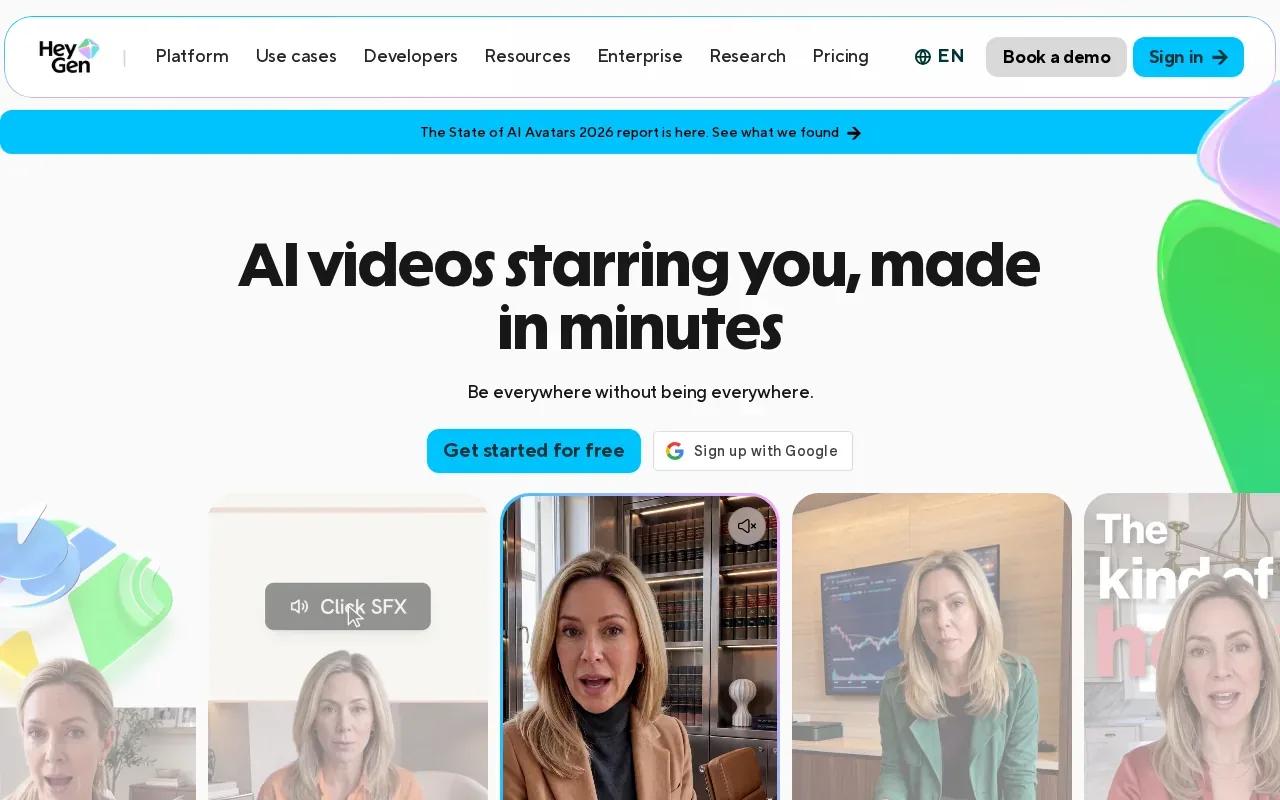
HeyGen's video workflow can start with a script, a URL, a photo, or an idea. That makes it a different kind of pick from a model focused mainly on generating a cinematic scene.
For business videos, the key question is whether you need a presenter to deliver a message or a visual scene to carry the idea. Lip sync means matching mouth movements to spoken audio. HeyGen's listed free limit is three videos monthly, and each can be up to one minute.
| Need | HeyGen fit | Free limit to plan around |
|---|---|---|
| Short business video | Business video | Three videos per month |
| Multilingual message | Multilingual business video | Three videos per month |
| Longer explanation | Useful when the message fits a brief video | Maximum length: one minute |
Choose HeyGen when the message needs a presenter and a business-video format. Keep the one-minute cap in view while you write the script; a concise message is easier to fit than a full training session.
FAQ: Free AI Video Generators
What is a free AI video generator?
A free AI video generator makes video from inputs such as text or images, with free access limited by the tool's plan. You might get a set number of credits, a monthly video allowance, or a short trial window. Check the clip length and watermark rules too, since a free generation may not be ready for public use.
Which free AI video generator has no watermark?
Wan Studio, Magic Hour, and OpenArt offer no-watermark free options. Their limits differ: Wan Studio gives up to two 480p Wan 2.5 clips each month, Magic Hour gives 400 credits that don't expire, and OpenArt gives 40 credits over seven days.
Can I use a free AI video generator for ads?
Yes, you can use free access to test an ad idea, but check the plan's publishing terms before using the output in a campaign. Creatify's free exports have a watermark. Wan Studio's paid plans include a commercial licence, while its free plan is for trying the service.
Are free AI video generators unlimited?
No. Free plans set limits, such as monthly credits, a fixed number of videos, or a time-limited trial. For example, HeyGen allows three videos per month, while Pika’s free plan runs on credit packs. The number of clips you can make depends on the cost of each generation.
Conclusion
For a short product or social clip with sound and spoken dialogue, start with Wan Studio's free plan and test one clear prompt. You can try it without a card, then review the broader AI video generator comparison if your project needs a different kind of workflow.