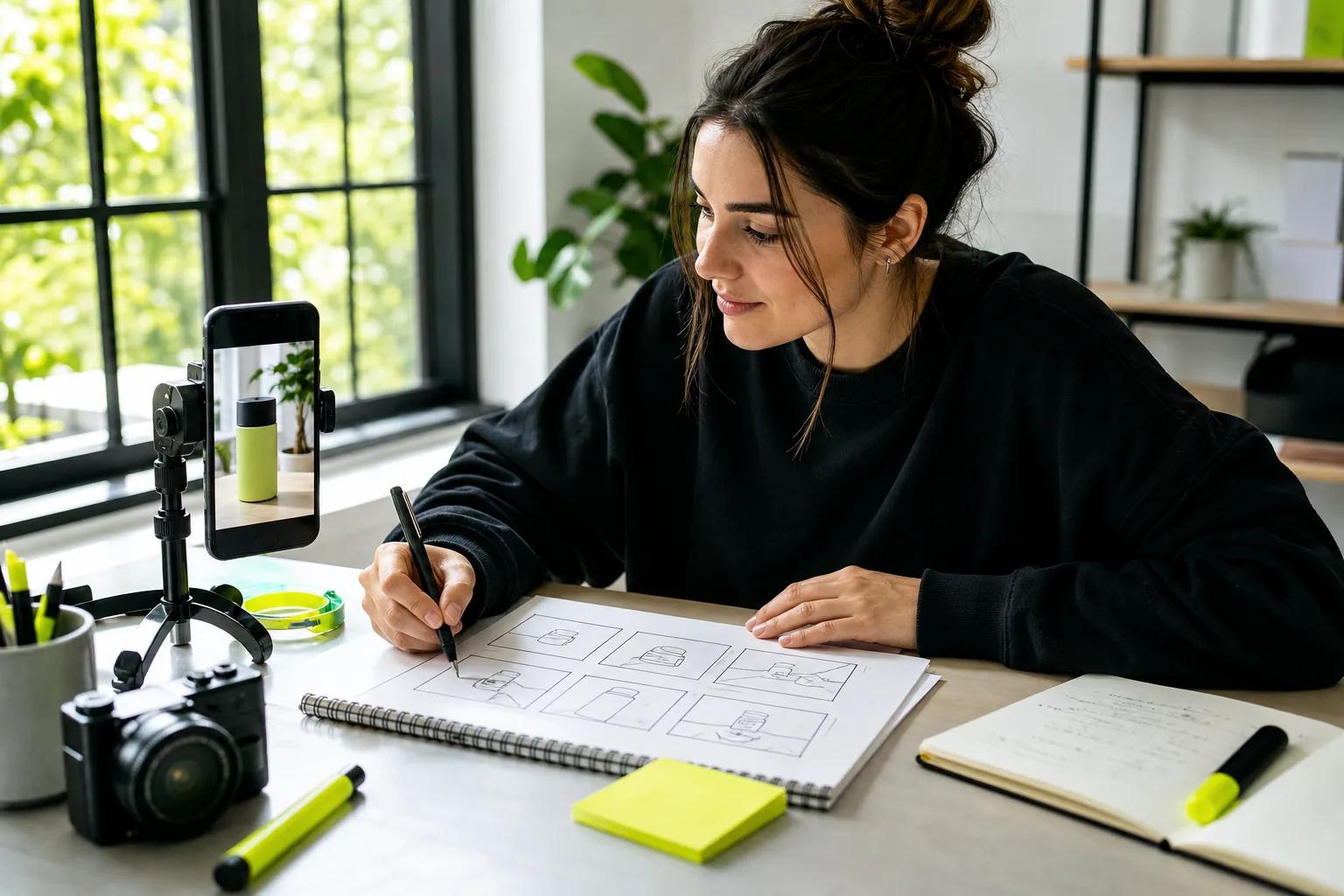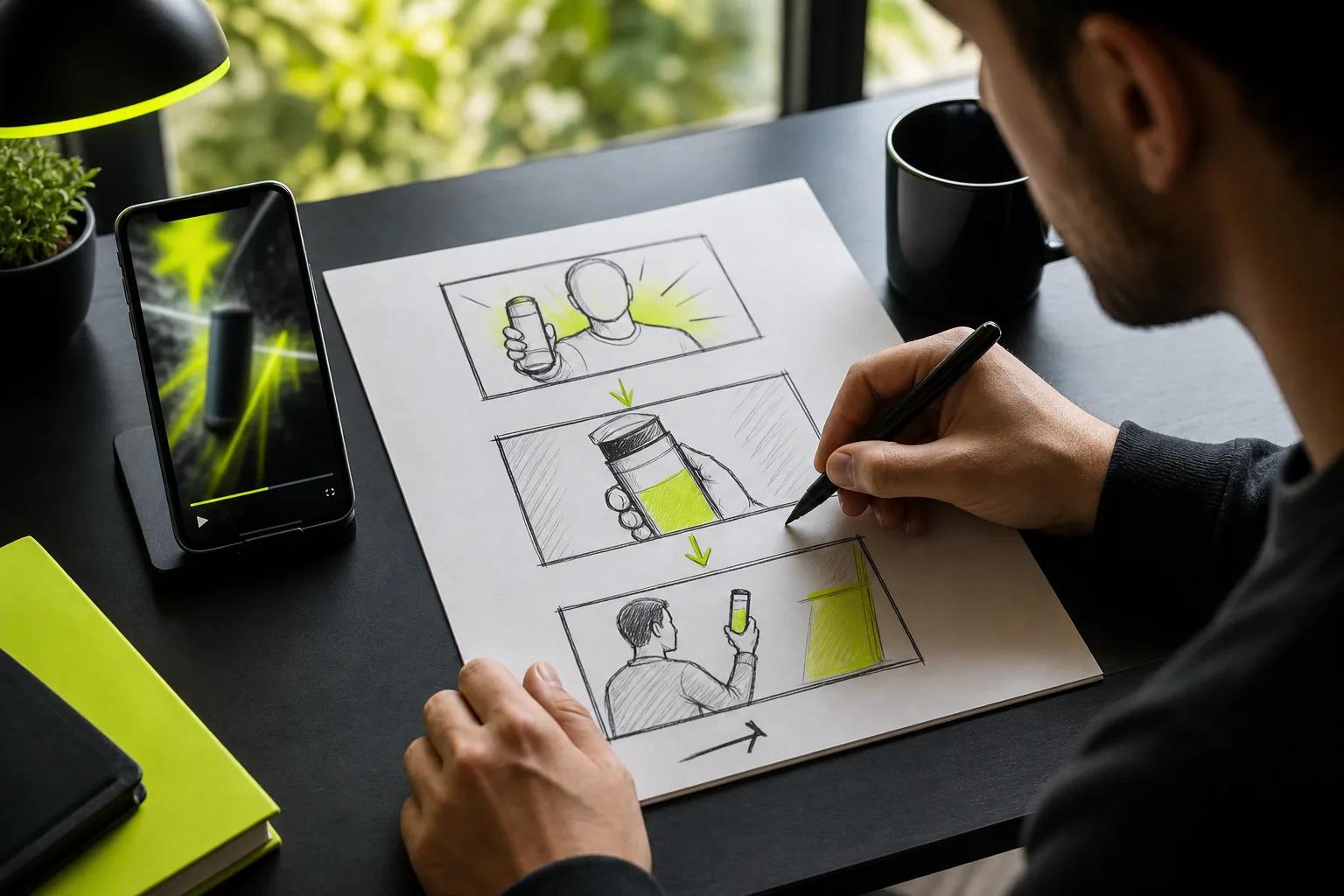
A good short video starts before you hit record. Video script templates give you a clear first line, a focused middle, and a useful ending, so you can spend less time fixing a wandering take.
Use the copy-and-paste format below, then pick a version for your video’s job. Most short-form scripts need one main idea, not a tiny lecture.
We analyzed 5 top-ranking pages for video script templates and found that none of them include a ready-to-adapt local business promo template or a named five-part AI video ad script framework, the two sections covered here. All 5 stop at generic hook-body-CTA guidance.
A Copy-and-Paste Short-Form Video Script Template
A video script is a plan for what viewers hear and see, plus when each beat happens. A template gives that plan a repeatable shape. It helps you spot missing visuals before you film or generate a clip.
Try this flexible structure for TikTok, Reels, or Shorts. Replace the brackets, then adjust the timing to fit your idea.
[HOOK | 0-3 sec]
Say: [A direct question, clear result, or surprising detail]
Show: [The strongest image or action]
On-screen text: [Four to seven words]

[SETUP | 3-8 sec]
Say: [Who this is for and what they’ll get]
Show: [The product, person, or problem]

[BODY | 8-22 sec]
Beat 1: [One useful point or action]
Show: [A close-up, screen recording, or B-roll]

Beat 2: [Proof, a second step, or a quick example]
Show: [The result or a change in angle]

[CTA | final 3-5 sec]
Say: [One next action]
Show: [A final frame that supports the ask]
For a 30-second clip, one or two body beats are usually easier to follow than a long list. The opening should make sense with sound off, so write the on-screen line before polishing the spoken words. Then read the script aloud with a timer. If you rush, cut a point instead of speeding up.
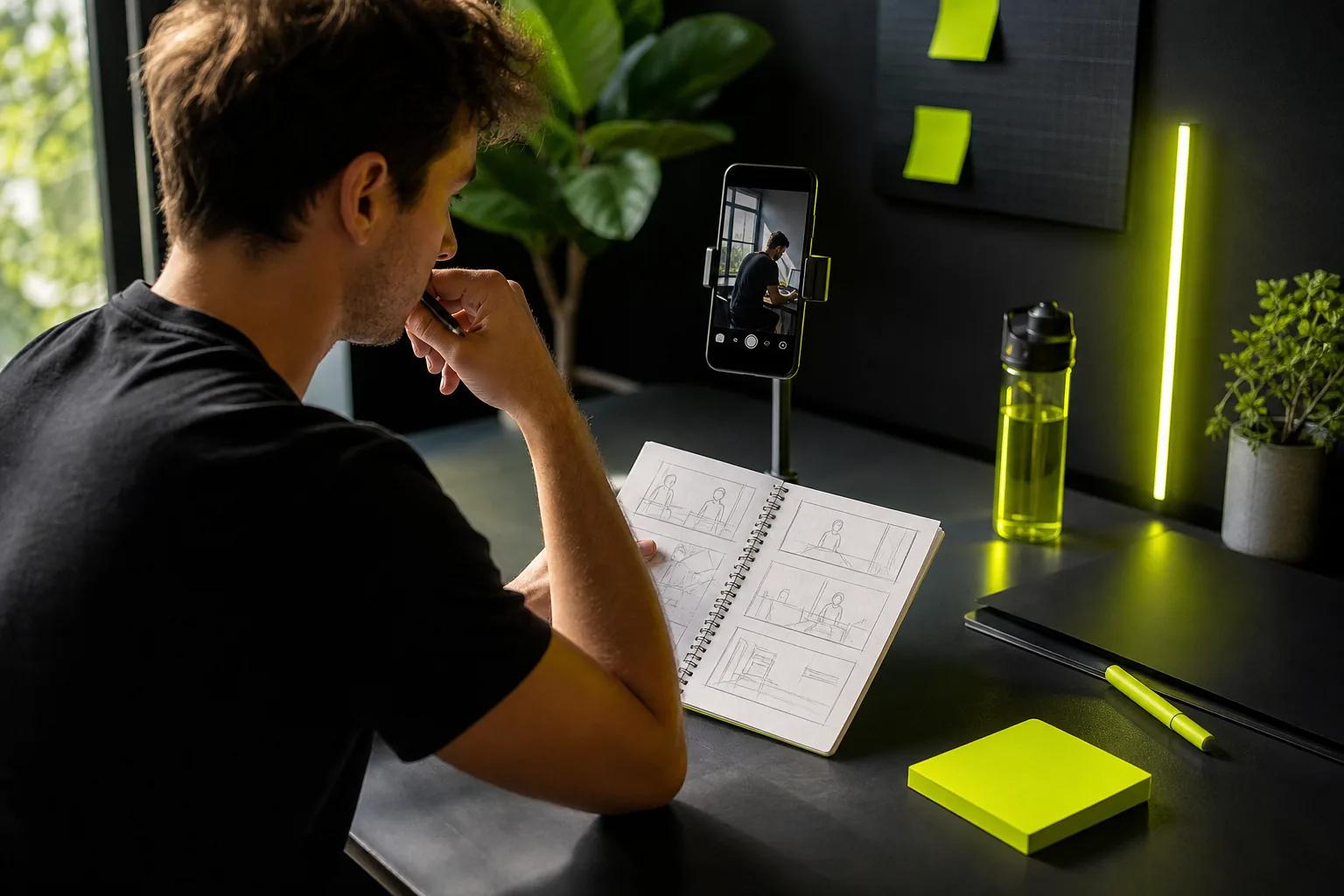
A two-column script keeps each audio line beside its matching image. For the full process, see our guide on how to write a video script. Set one goal and pair spoken lines with visual cues. Use a plain talking script when you only need a speaker and a few cuts. Use an audio-visual script when an editor, camera operator, or AI tool needs shot directions. A storyboard adds a frame-by-frame view, while an interview script uses questions and prompts instead of fixed answers.
For a hybrid or unscripted clip, write the hook and ending word for word. Keep the middle as three short beats or questions. That gives you room to speak naturally without losing the point.
Product Demo, Tutorial, and Talking-Head Templates
Choose the format by the viewer’s task. A demo shows a product doing something. A tutorial teaches a sequence. A talking-head clip makes one person’s explanation the main event.
| Format | Useful runtime | Script shape | Visual cue to include |
|---|---|---|---|
| Product demo | About 45 seconds | Hook → problem → show the product → benefit → CTA | Show the item in use while naming one feature. |
| Tutorial | About 60 seconds | Hook → steps → result → CTA | Match each instruction with a hand, screen, or close-up. |
| Talking head | About 40 seconds | Hook → point → example → CTA | Cut to a supporting image when the speaker names a detail. |
These timings are starting points, not a rule that every clip must fill the clock. Leave breathing room for a pause or a quick visual. If the core message lands sooner, end sooner.
Product demo script
“Still [problem the viewer knows]?”
Show: [Product] doing [one useful action].
Say: “This [feature] helps you [specific outcome].”
Proof: Show the result, then name one detail the viewer can see.
CTA: “See how [next step].”
Tutorial script
“Here’s how to [task] without [common snag].”
Step one: [Action], shown close enough to follow.
Step two: [Next action], with a short on-screen label.
Result: Show what changed.
CTA: “Save this for your next [task].”
Keep each step small enough to show in one shot. If a step needs a long explanation, split it into another clip or a series. For a product-specific workflow, keep the script focused and pair it with matching shots. Our guide on how to create product videos covers that workflow. If you’re turning a product photo into motion, Wan Studio supports image-to-video; its Wan 3.0 model can make clips up to 30 seconds with native sound and dialogue.
Talking-head scripts can be looser. Write the first line, the point you want to make, and the final ask. Then use brief notes for the middle. This works well when a creator wants a natural read, but still needs a clean edit.
Founder POV, Product Education, and Repurposing Templates
These formats are useful when the value is a point of view, a plain-language explanation, or a clip pulled from something longer. Each has a different center: the founder’s lesson, the buyer’s question, or one clear moment worth saving.
Founder POV | about 30 seconds
“We changed [belief or choice] after [specific moment].”
Point: “The part people miss is [one insight].”
Example: Describe one decision or trade-off.
CTA: Ask viewers to share a related question or view the next clip.
Keep it to one belief and one example. A founder’s view sounds more credible when it includes a specific decision, not a string of broad claims. If you don’t want to read lines on camera, memorize the beats and speak in your own words.
Product education | about 60 seconds
“What does [feature] actually change?”
Explain: Give the short answer in everyday language.
Show: Demonstrate the feature or use a simple visual comparison.
Takeaway: Name who benefits and when.
CTA: Point to one useful next step.
Use the visual column to match each claim with proof. A screen recording can show a setting change. A close-up can show a physical detail. For an AI-generated scene, write the subject, its action, and the camera move beside the spoken line.
Content repurposing | about 45 seconds
“Here’s the one point from [talk, webinar, or demo] to keep.”
Context: Set up the question in one sentence.
Clip or retell: Share one idea, not the whole talk.
Payoff: State what the viewer can do with it.
CTA: Send them to the full resource or invite a response.
A calendar makes repurposing easier to plan. Assign each source a few possible angles, then schedule them across separate days. Don’t publish the same clip with only a new caption; change the opening or focus the cut on a different takeaway.
For a product explainer, decide first whether the audience needs a live demonstration or a simple visual. Wan Studio can turn prompts and images into short clips in a browser, which can help when you have product photos but no footage. Keep any lines in the script tied to what the final video actually shows.

Ready-to-Adapt Promo and Local Business Video Templates
A promo has one job: tell the viewer what’s happening and what to do next. Lead with a real detail from the offer. Avoid vague claims like “best ever” when a date, menu item, service detail, or opening time can make the message clear.
Weekend offer | about 15 seconds
“This [day or weekend], get [specific offer].”
Details: “It’s available [time or date range] at [location or online].”
Proof: Show the item, service, or experience.
CTA: “Visit [place]” or “Order through [approved channel].”
Menu special | about 15 seconds
“This week’s special is [dish].”
Show: A close-up of the finished dish or its preparation.
Say: Name one ingredient or detail that makes it distinct.
CTA: “Try it through [end date].”
Behind the counter | about 15 seconds
“Here’s what’s happening before we open.”
Show: One task in progress, such as setting up a display.
Say: Add a fact customers can verify, like opening time or how the item is made.
CTA: “Stop by today.”
Use the same structure for a local service update: open with the service or change, explain who it affects, then say where to find details. For an event invite, put the date and place on screen long enough to read. Don’t bury those facts in a fast voice-over.
Before posting, check that every offer detail is current. A script that says “this weekend” can go stale quickly, so add the date in your content calendar and set a reminder to retire the post. For more ad angles and channel formats, visit Wan Studio’s video ad template collection.
These short scripts also work as a base for unscripted footage. Capture the key line as voice-over, then use real clips from the shop or service location. The words stay focused while the visuals feel like the place customers know.
A Five-Part Framework for AI Video Ad Scripts
An AI video ad script needs to guide both the message and the scene. Use five parts: hook, tension, value, proof, and CTA. This expands the familiar hook-body-CTA shape without turning the middle into a feature dump.
- Hook: Start with a viewer problem or a visual that makes the product relevant. “Your product photo can do more than sit on a page” is a direct line for a photo-led ad.
- Tension: Name the snag in one sentence. Keep it specific, such as a product page that shows no sense of scale or motion.
- Value: Show one way the product helps. Pair the line with the action the viewer should see.
- Proof: Show a visible result, a real product detail, or a short example. Don’t claim an outcome the scene can’t support.
- CTA: Ask for one next action. Keep it short enough to read on screen.
For an AI-generated video, write the visual direction as a compact shot brief: subject, action, camera move, light, and sound. Keep one main action per shot. If you need dialogue, put the exact line in quotes. In Wan Studio, Wan 3.0 supports text prompts or a first-frame image, with native score, ambience, and lip-synced dialogue. Wan 2.7 is the model to use when you need reference images or video-edit mode.
Here’s a sample structure for a small shop promoting a new candle, with details left for the business to fill in:
Hook: “Want your room to feel calmer after work?”
Visual: A candle on a table; slow camera move toward the flame.
Tension: “A bright room can make winding down feel like another task.”
Value: “Try [scent] in your evening routine.”
Visual: Warm light shifts across the room; keep the candle in frame.
Proof: Show the jar and label from the approved product photo.
CTA: “Explore [collection] at [shop or web address].”
Sound: Soft room ambience with a gentle music bed.
Use the approved product photo as the first frame when its shape, label, or color needs to stay visible. Wan Studio’s free plan includes a couple of Wan 2.5 videos a month at 480p with no card required; paid plans start at $14 per month and include a commercial licence. Review the live credit estimate before generating, since duration, resolution, and model affect credit use.
FAQ
What should a short video script include?
A short video script should include a hook, one main message, visual cues, and one CTA. Add timing when the clip has a fixed length or several scene changes. Put the spoken line beside the matching image so you can see whether each claim has visual support.
How long should a script for a 30-second video be?
A 30-second script often lands around 80 to 100 spoken words, but your pace and pauses matter. Read it aloud with a timer rather than trusting the word count alone. If you need to race through a line, remove a point or make the clip longer.
Should I write every word or use bullet points?
Write every word when timing and exact phrasing matter, such as a promo or product explanation. Use bullets for founder commentary or other clips that should sound spontaneous. A useful middle ground is to script the hook and CTA, then keep the body as short beats.
How do I match visuals to a script?
Place each spoken line beside the shot that proves or illustrates it. Use a close-up for a product detail, a screen recording for a software step, or B-roll to give the viewer a visual break. If a line has no clear image, shorten it or add a shot that supports the point.
Conclusion
Start with the copy-and-paste structure, then choose the template that matches your video’s job. Write the visual cues beside the words and time one read aloud. When you’re ready to turn a product photo or prompt into a clip, try a short draft in Wan Studio before making the final version.