An AI commercial generator can turn a prompt or product photo into an ad without a camera crew. The right tool depends on the clip you need: a product scene, a recurring character, or a presenter speaking to camera.
Here are seven options, with Wan Studio first for short clips made from text or images with sound and dialogue.
1. Wan Studio
Wan Studio is a browser-based video creation platform for turning text prompts and images into short videos with synchronized sound. It suits social creators, marketers, and small business owners who want to make a product spot without filming.
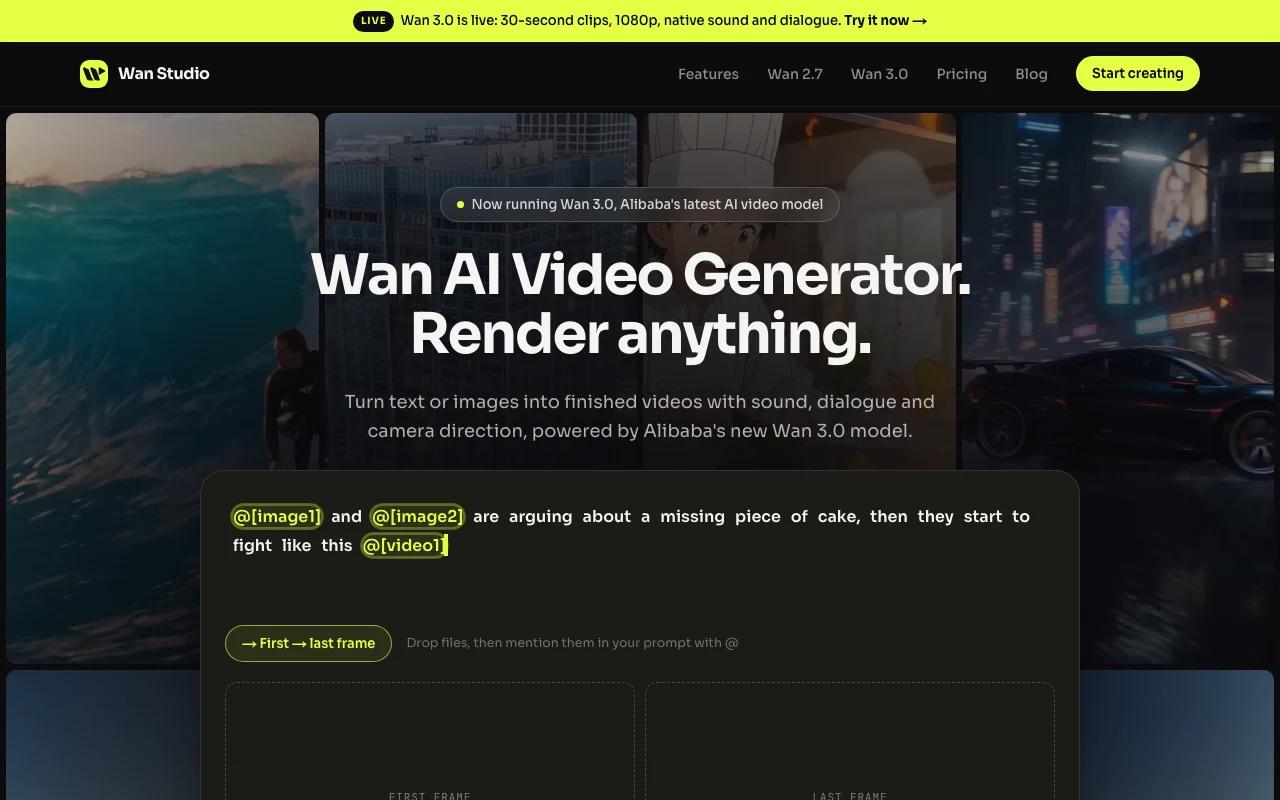
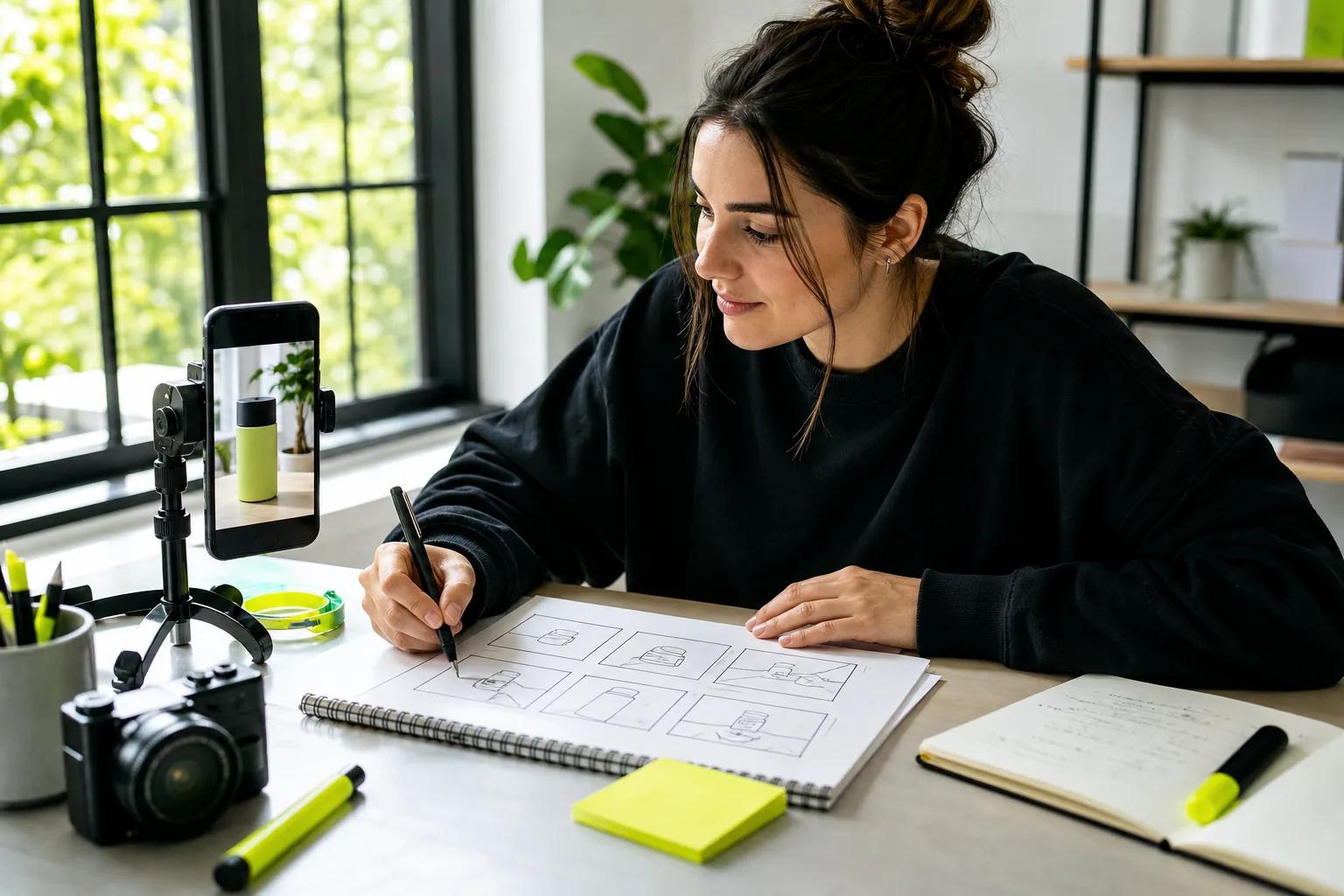
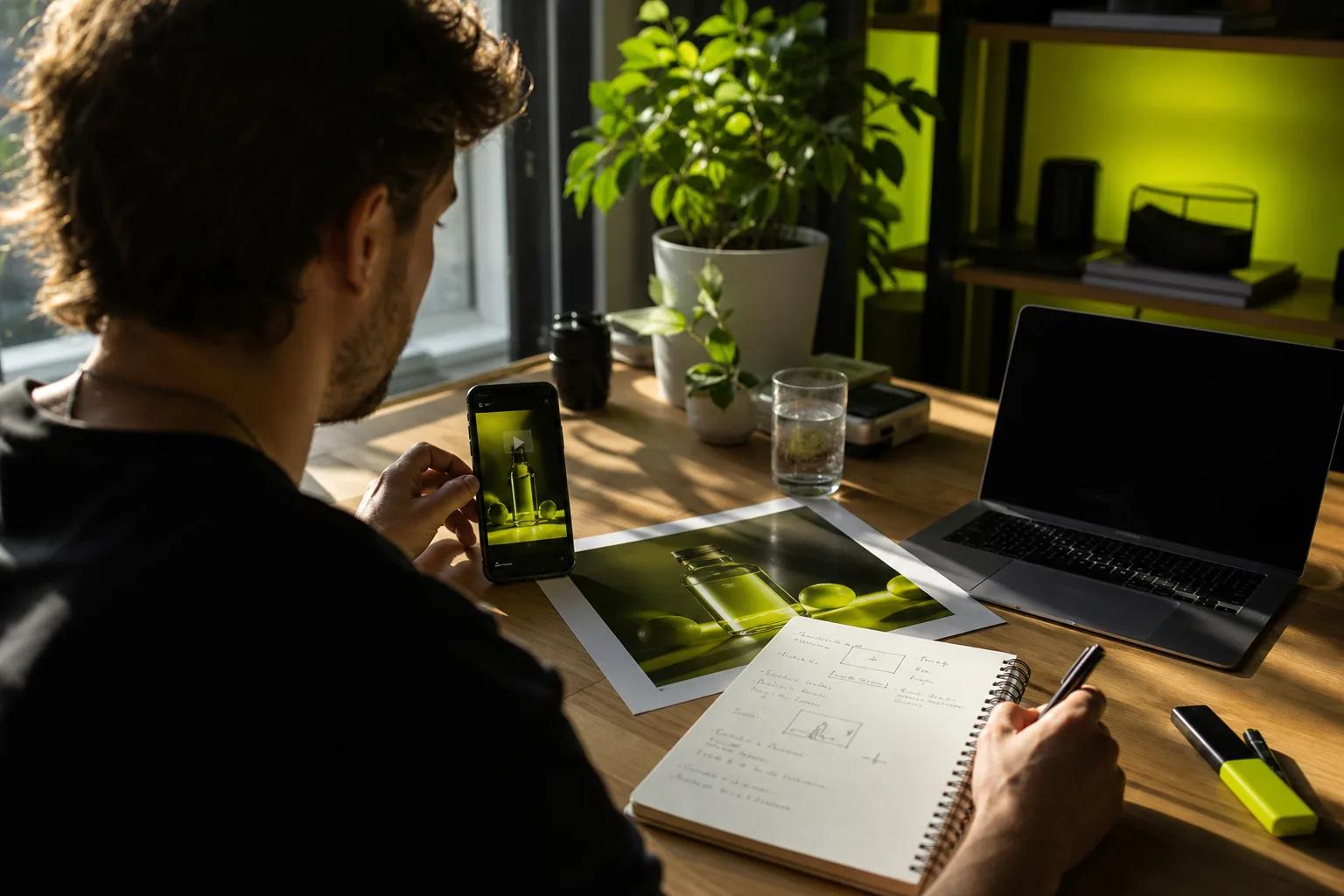
Start with a product photo as the first frame, then describe how the camera should move. Or write a scene from scratch. Wan 3.0 can make clips up to 30 seconds, with adaptive framing or a fixed ratio such as 9:16 for vertical placements. It can generate sound and lip-synced dialogue alongside the video, so a character can speak a quoted line in the scene.
That makes Wan Studio a useful pick when one ad needs a hook, a product moment, and a spoken line in the same clip. Paid plans include Wan 3.0 and a commercial licence; the free plan is a way to try Wan 2.5 at 480p without a card. If you need a shorter social spot, see these AI video ad generator options for short ads for more workflow ideas.
For a simple first test, use one product image, choose the placement ratio, and describe one camera move. If the first result has the right look, refine the prompt before spending credits on a longer or higher-resolution render.
Good fit: You want a product photo or text prompt to become a short ad with sound, and you value a browser-based workflow.
2. Akool: for keeping faces and products consistent across shots
Akool is a fit when a commercial needs the same face, outfit, or product to carry through several shots. Its stated character-consistency feature locks those elements across shots, helping a sequence feel like one planned shoot rather than separate generations.
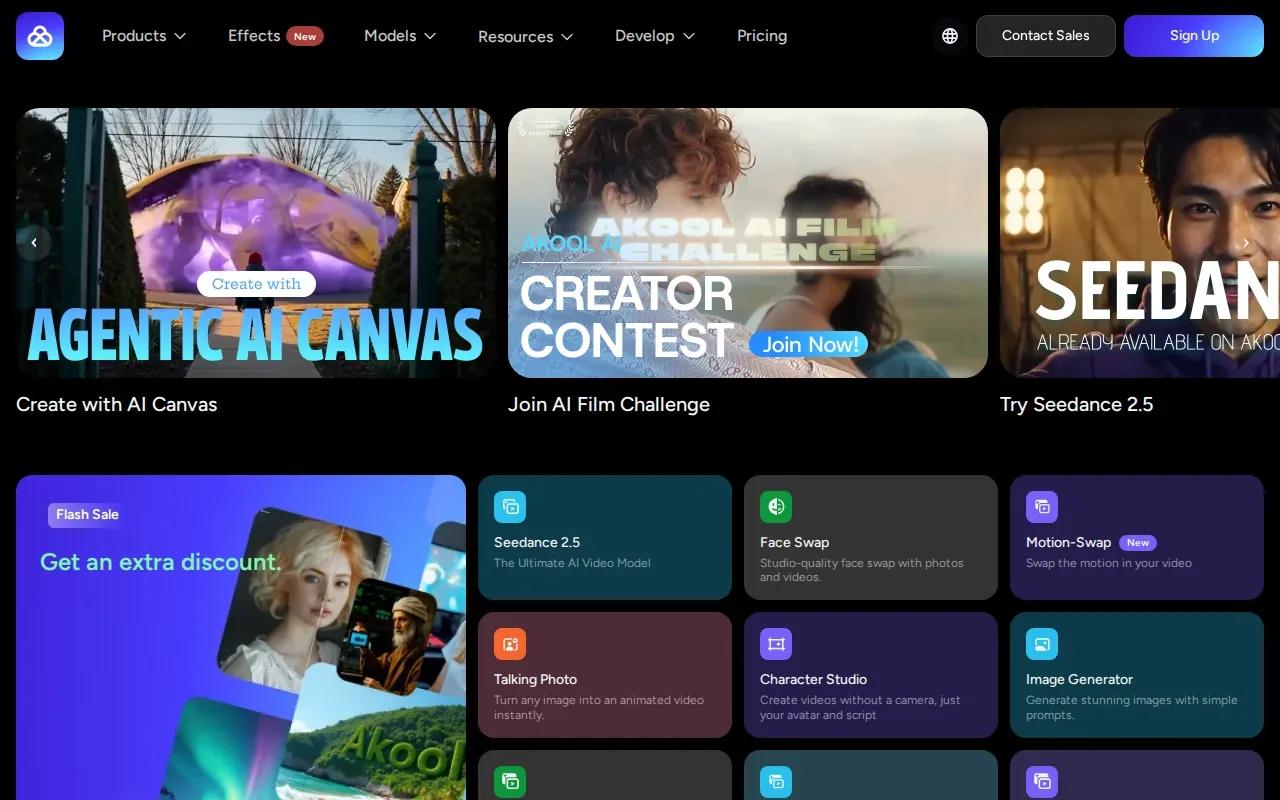
That can help when an ad cuts from a person introducing an item to a closer product view. If the face or outfit shifts between cuts, the ad can feel disjointed. Akool’s built-in AI lip sync also suits a scene where the person on screen needs to speak a short line.
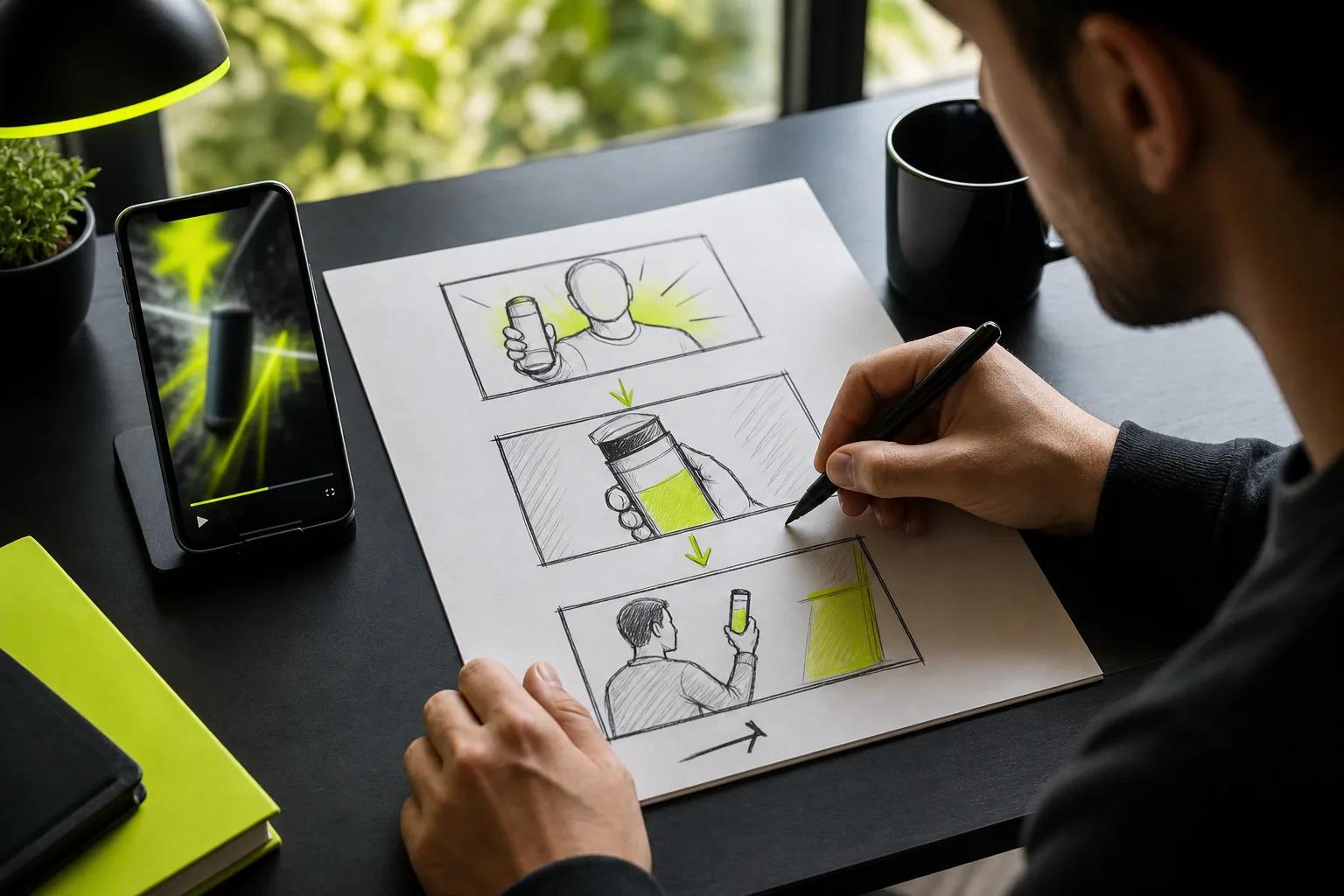
Think in shots, not just one prompt. Plan the opening image, the moment the product appears, and the final spoken line. Then check whether the same face, clothing, and item carry through each part before you treat the sequence as a finished ad.
Akool’s clearest fit here is shot-to-shot consistency and built-in lip sync. Choose it when those details matter more than building a longer scene around one product photo.
3. OpenArt: for recurring characters and longer clips
OpenArt is a choice for creators building a recurring character or a series of connected clips. Its Character Builder lets you save a character and reuse it in later generations, which can help keep the same face and style across posts.
That matters when your ad concept depends on a familiar mascot or presenter returning in each installment. Instead of describing the character from scratch every time, you can use the saved character as the starting point for new scenes. OpenArt also supports built-in AI lip sync, so dialogue can be part of a character-led clip.
OpenArt’s listed maximum clip length is up to five minutes. That ceiling gives you room to consider longer content, while shorter ads can still work as individual scenes. For a recurring social series, you might keep the same character but change the setting or the message from one post to the next.
Wan Studio may be a better fit when your main input is a product image and you want a short, sound-led spot. OpenArt’s strongest reason to make the shortlist is its saved character workflow, especially when identity and style need to stay steady between generations.
Before you build a series, decide what should stay fixed: the character’s face, its visual style, or both. That gives you a clear check for each new clip.
4. PixVerse: for short, format-flexible social ad clips
PixVerse is suited to short ads that need a set duration and a choice of social formats. Its stated range is one to 15 seconds at 1080p across five aspect ratios, which gives you a defined clip window for a brief product reveal or social hook.
Built-in AI lip sync is available when a character needs to speak. That gives you a way to pair a short line with a talking scene, rather than relying on a silent visual alone. The maximum length is shorter than Wan Studio’s 30-second Wan 3.0 option, so think of PixVerse when the ad idea can land in a tighter cut.
A one-to-15-second range can help focus a concept. For example, a single shot might show an item moving into frame, followed by one spoken benefit. Keep the script short enough to fit the chosen length, then select the ratio that matches the placement.
If your work starts with product stills, this guide to AI product video generators for ads and social can help you compare image-led workflows. Use PixVerse when the format and short duration are central to the brief; consider Wan Studio if you need more room for a multi-shot idea.
PixVerse also describes its work as proprietary research in video generation and production, with its work extending into real-time worlds and interactive entertainment. For a social ad, the key usable check is whether your idea fits within the clip limit.
5. Pika: for fast, playful creative experiments
Pika is the fastest and most playful option in this shortlist. It suits a creator who wants to try a few bold visual directions before settling on a final ad concept.
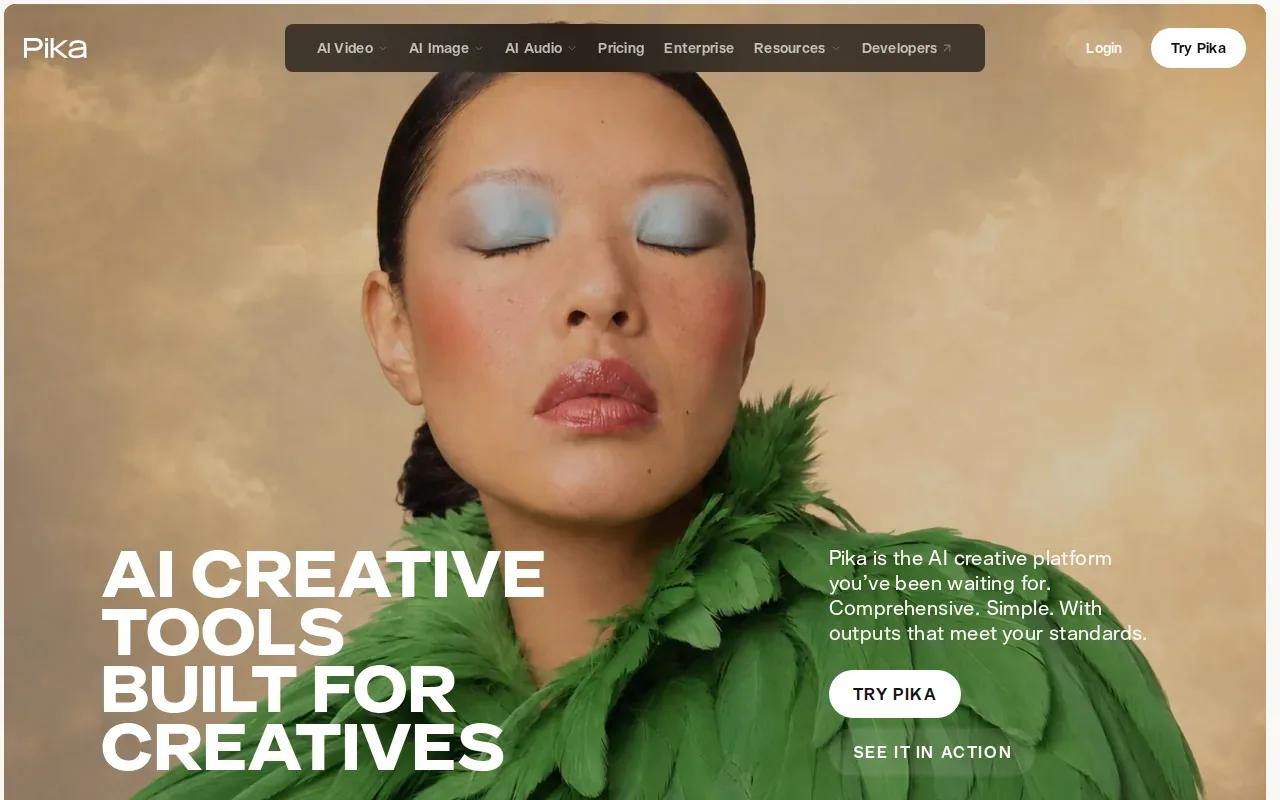
That makes it useful early in the creative process. Start with a product image or a prompt, explore a visual hook, then decide whether the idea is strong enough to develop. Pika describes itself as a set of AI creative tools built for creatives, so its clearest fit here is experimentation rather than a detailed production pipeline.
Pika’s starting price is $8 a month with annual billing. Treat that as a plan detail to weigh against how often you expect to use it. If you’re making one campaign, a recurring subscription may be a different decision from a steady flow of new social creative.
Use it when playful concepts are the priority and you’re comfortable shaping the final ad around the generated result. For a brand campaign, review each draft against the brief before publishing. A striking visual is only useful if it still shows the right item and supports the message.
When speed matters, keep the test small: try one visual idea at a time, then carry the strongest direction into your next round of work.
6. Krea: for a multi-model video creation workspace
Krea is a multi-model AI video workspace that can generate from text or images. It may suit a creator who wants one place for different kinds of visual work rather than a tool focused on a single ad format.
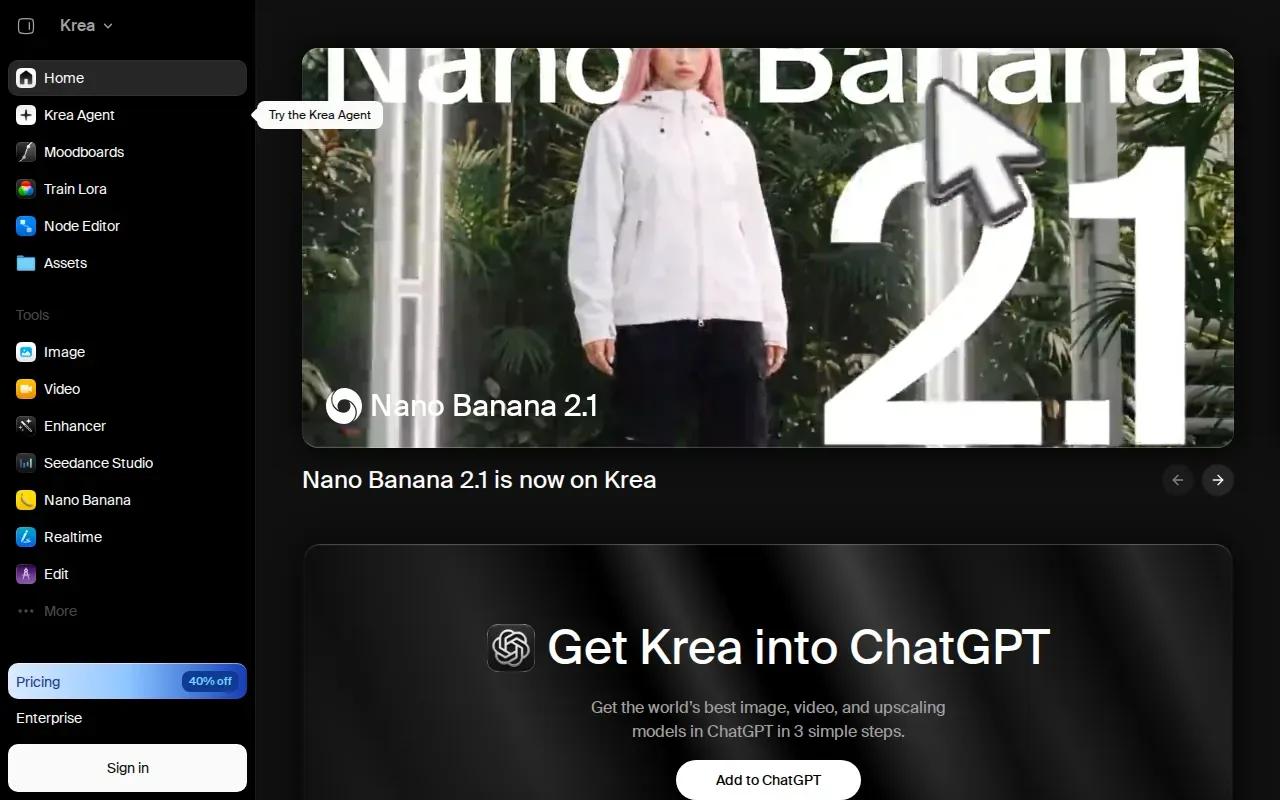
Krea includes tools for generating, editing, and enhancing images, video, and 3D. It also supports native-audio workflows. Those details make it worth considering when a campaign begins with a written idea or a still image and may need more than one kind of creative asset.
For a product ad, you could begin with a prompt to explore a scene, or start with an image when the visual needs to follow a supplied frame. The workspace is the main reason to consider Krea; the best fit depends on whether that broader set of media tasks matches your day-to-day work.
Native audio can matter when you want sound to be part of the video workflow. If spoken dialogue is the main requirement, compare the specific lip-sync capability you need before choosing a tool.
That distinction is useful: audio support and lip sync are not the same promise. Match the tool to the exact output in your brief.
7. Synthesia: for ads built around a consistent digital presenter
Synthesia is a fit for ads built around a repeatable digital presenter. Its avatar remains consistent because it is a locked digital presenter, which can help when each video needs the same on-screen speaker.
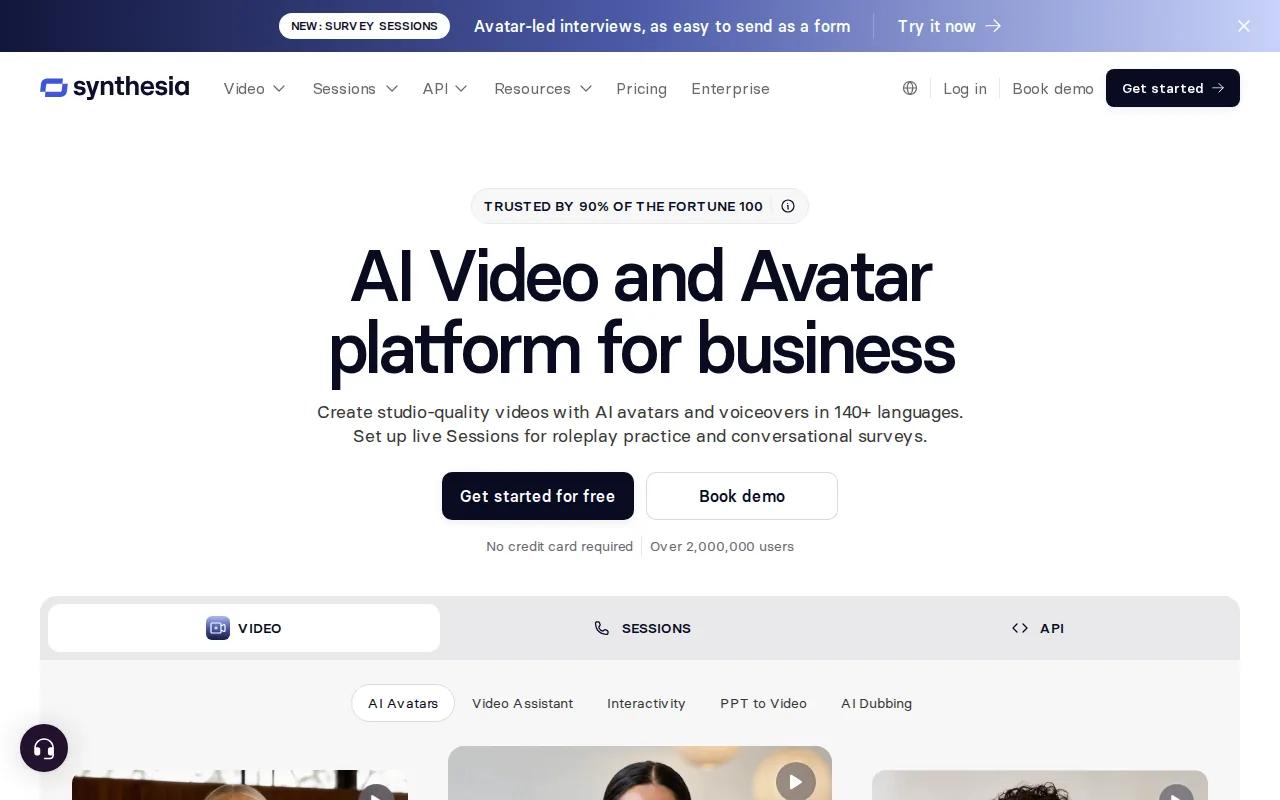
This format suits a scripted message more than a scene built around moving product imagery. For instance, a presenter can deliver a concise product explanation, while the same avatar can appear in another video with a new script. The visual anchor stays familiar across those pieces.
Synthesia’s listed maximum video length reaches 30 minutes per video, with export in 1080p MP4. Its starting price is $29 per month. Those details may matter if your planned output is longer than a typical social ad or you need a consistent presenter for repeated messages.
| Ad need | How Synthesia fits | What to decide |
|---|---|---|
| One recurring speaker | The avatar is a locked digital presenter. | Does your message work best with a presenter on screen? |
| Longer scripted video | Maximum length reaches 30 minutes per video. | Will viewers watch a longer explanation, or does the ad need a shorter cut? |
| Downloadable output | Export is 1080p MP4. | Does that format suit the next step in your publishing workflow? |
Synthesia starts at $29 per month. If you want a digital presenter to carry the message, this is the clearest match in the shortlist. If you want a product photo to lead the ad, compare an image-to-video workflow instead.
FAQ
What is an AI commercial generator?
An AI commercial generator is a tool that makes video ad content from inputs such as a text prompt or image. Some tools focus on animated scenes, while others center on a digital presenter. Check the output type, sound support, clip length, and format before choosing one for a campaign.
Which AI commercial generator is best for product photos?
Wan Studio is a strong fit when you want to use a product photo as the first frame and describe the motion around it. Its Wan models can generate video with synchronized sound, and Wan 3.0 supports clips up to 30 seconds. The right pick still depends on the shot and format you need.
Can AI video tools make dialogue with lip sync?
Yes, some tools in this list support built-in AI lip sync. Wan models can generate lip-synced dialogue with the video, while Akool, OpenArt, and PixVerse also offer lip sync. Check whether the feature fits your intended scene, especially if the ad relies on a spoken line.
Can I make a short ad without filming?
Yes. Wan Studio turns a prompt or image into a short video in the browser, so you can start with a product photo instead of filming a new scene. Describe the action and camera movement, then review the output. For commercial use, Wan Studio’s commercial licence is included with paid plans.
How should I choose between a presenter and a product scene?
Choose a presenter-led tool when the message depends on a person speaking directly to the viewer. Choose image-to-video when the product itself should lead the ad. If you need the same character across a series, look at character consistency; if you need a short vertical placement, check the available ratios and clip limits.
Conclusion
For a product-led ad with sound and room for a multi-shot idea, start with Wan Studio. Try a product photo or prompt first, then check the AI promotional video generator options if you’re weighing different creative styles.