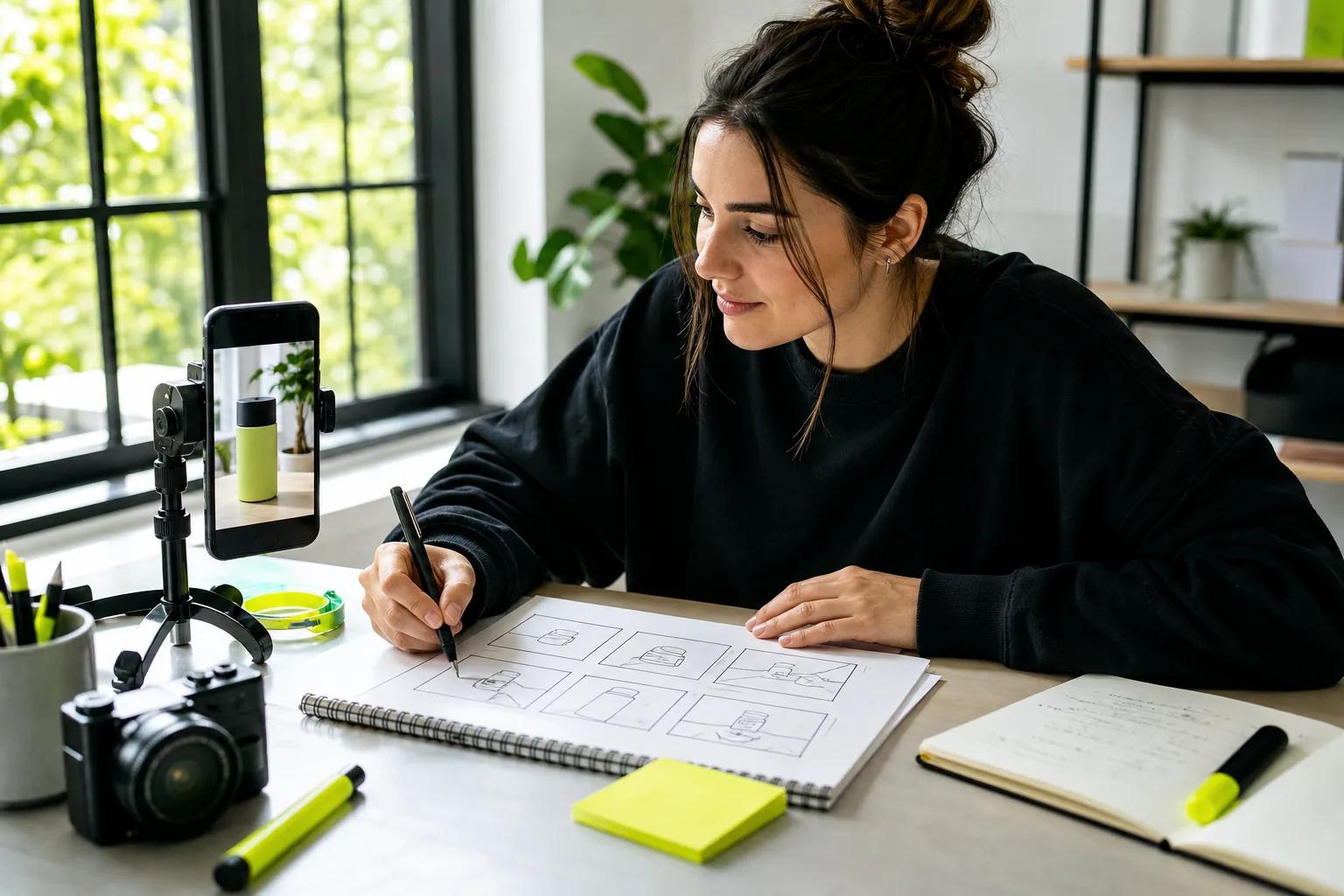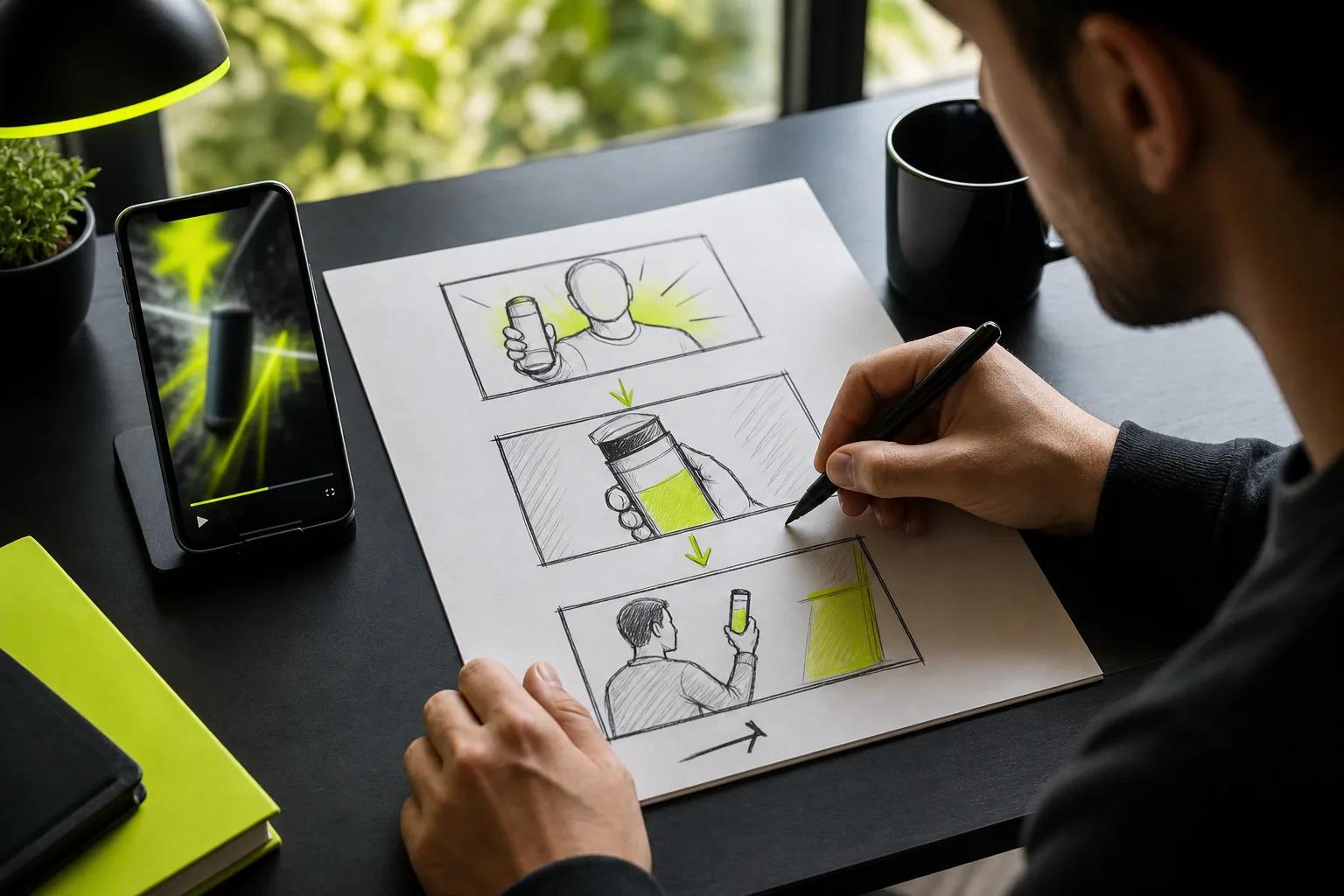
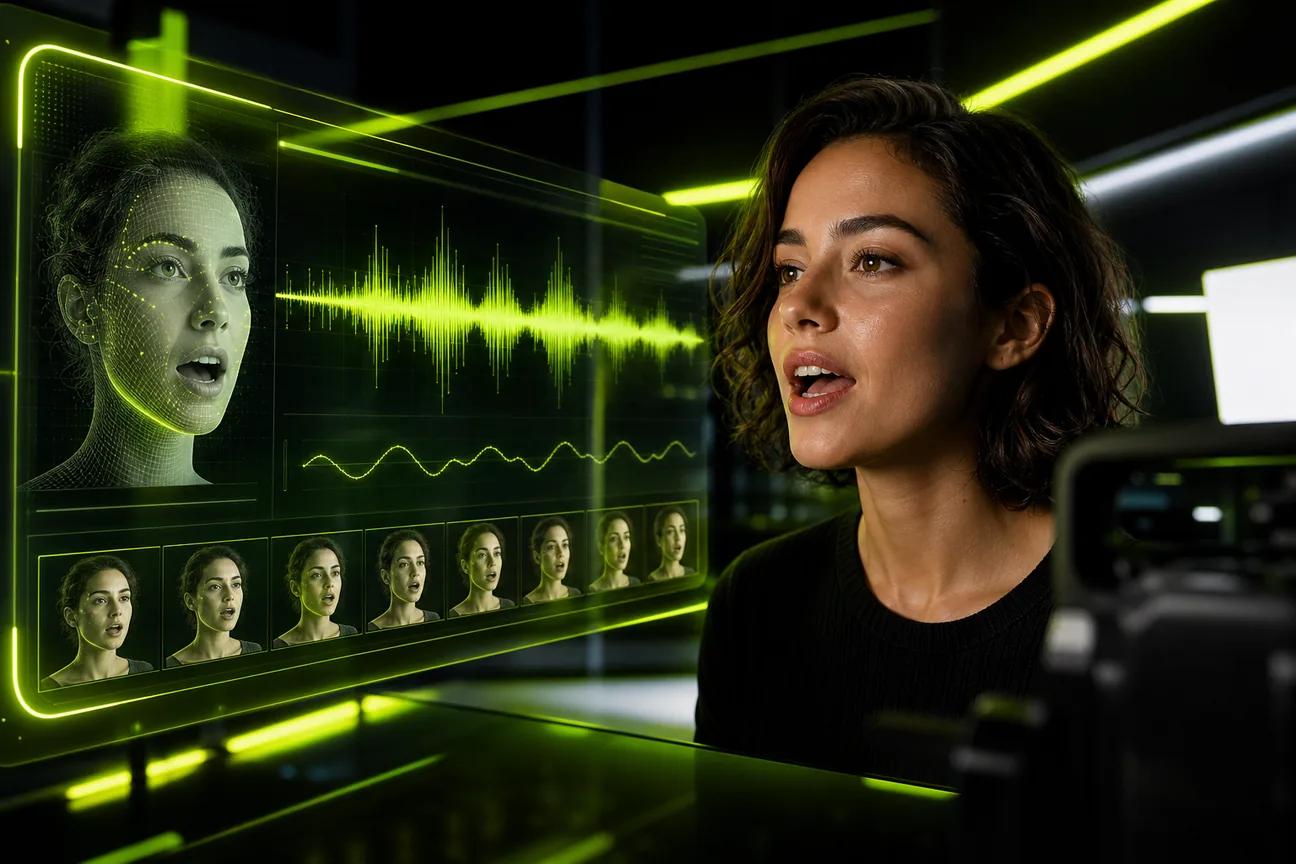
A character can say the right words and still look out of sync. The right AI lip sync video tool depends on what you’re starting with: a prompt, a finished clip, or a presenter avatar. Here are seven options, starting with Wan Studio for creators who want a short scene with generated sound and dialogue.
1. Wan Studio: Turn prompts and product photos into short videos
Wan Studio is a browser-based video creation platform that turns text prompts or images into short videos with sound and lip-synced dialogue. It’s a fit for a small brand that wants to animate a product photo, or a social creator who needs a character to deliver one short line without filming.
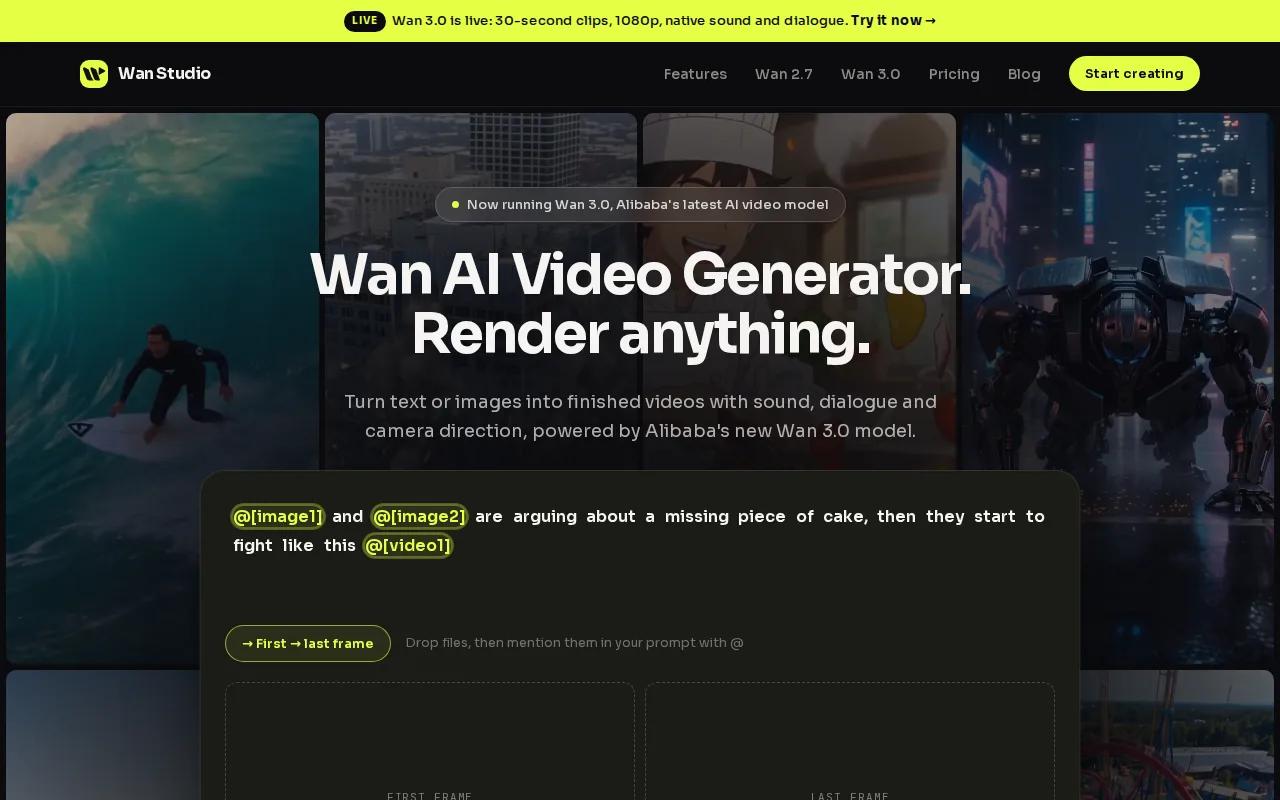
On Wan 3.0, you can make a clip up to 30 seconds, with native sound and dialogue. Put the spoken line in quotes in your prompt, then describe the scene and camera move. Wan 3.0 can keep characters consistent across shots in a scene. For an ad, that means you can start with a product image and build a short multi-shot spot around it.
Wan Studio also has a free plan with no card required. It gives you a couple of Wan 2.5 videos each month at 480p. Wan 3.0 is included on paid plans, which start at $14 a month and include a commercial licence. The free plan is for trying Wan, not a way to make 30-second Wan 3.0 clips.
For a product-led clip, start with a photo as the first frame and describe the motion you want. The image-to-video prompt ideas for creators can help you plan the shot before you generate. Lip movement and generated sound still need a review before you post.
Wan Studio fits best when you want the scene, sound, and dialogue generated together. If you already have a finished clip and a replacement audio track, a dedicated dubbing tool may be a closer match.
2. Magic Hour: A free-tier option for trying AI lip sync
Magic Hour has a lip-sync tool for pairing a video with replacement audio. It’s worth a look if you have a talking-head clip and want to test a new voice track, translate a line, or build a dubbing feature into an app.
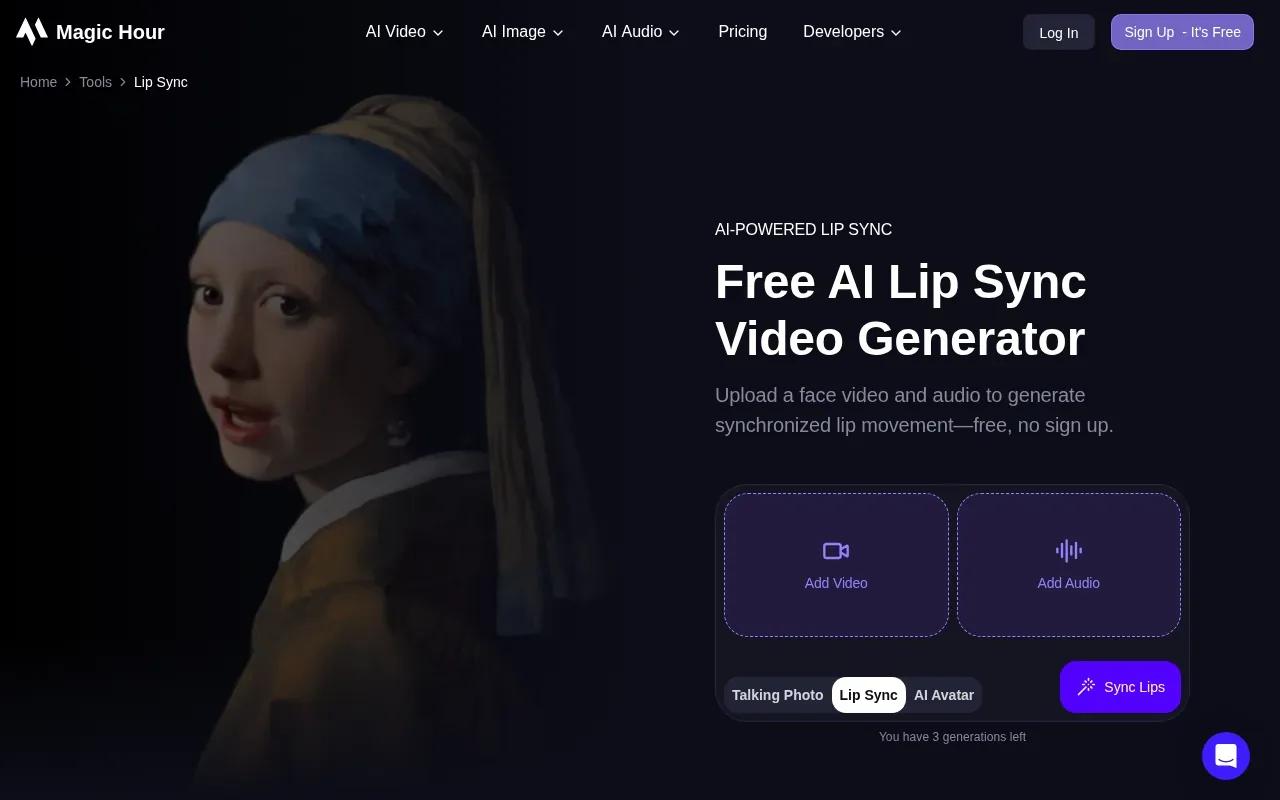
The workflow starts with a video that shows a face and an audio file with the speech you want. The tool maps the new audio to mouth movement and returns a synced video. You can pick a generation mode, such as lite, standard, or pro, to balance processing needs with the output you want. Free credits are available on signup.
That makes it useful for checking a representative clip before you put time into a larger batch. Try footage with a clear, visible face and clean speech. If the subject is turned away or the audio is hard to hear, review the result closely rather than assuming the sync will hold.
Magic Hour’s main strength in this shortlist is its focus on matching a new audio track to existing footage. It’s a different job from Wan Studio, where the scene and its sound are generated together. Pick based on your starting material: existing video points toward a dubbing workflow; a new ad concept points toward generation.
3. HeyGen: Talking-avatar videos for social and marketing
HeyGen is a talking-avatar tool for people who want a presenter to deliver a script. It’s suited to social posts or marketing clips where a consistent on-screen speaker matters more than generating a whole scene from a prompt.
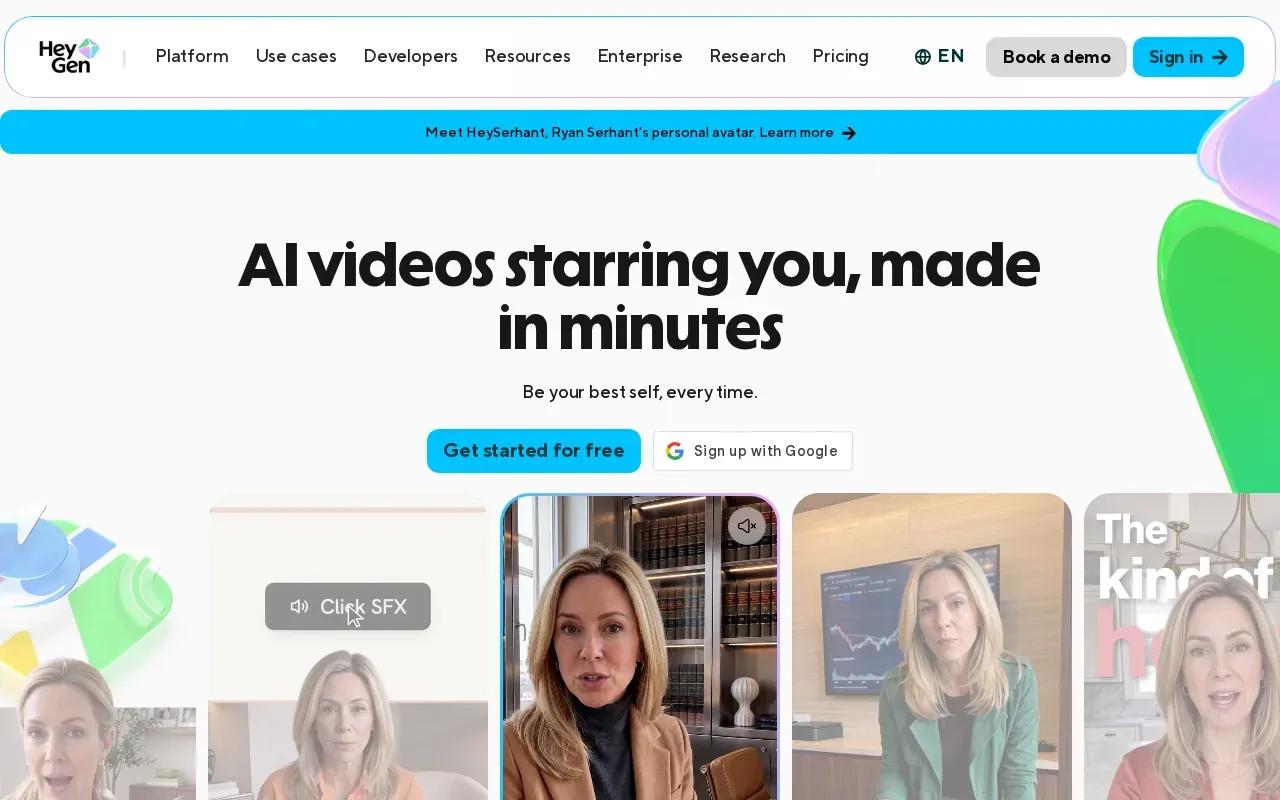
Its free plan generates three videos per month, up to one minute each, with a watermark. The lip-sync method re-syncs the mouth to new words, so a script or voice track can drive what the avatar says. That makes it a distinct option when your brief begins with a talking presenter rather than a product image or an original scene.
Keep the script direct. A short hook is easier to review than a long pitch, especially when the clip will run as an ad. Watch the mouth movement while listening to the whole line. Names and product terms deserve an extra check before you share the video.
If you’re comparing presenter-led clips with characters inside generated scenes, the overview of AI talking avatar tools can help clarify the difference. Choose HeyGen when the person speaking is the focus; choose a prompt-led video tool when the scene itself carries the story.
4. D-ID: Conversational avatars that can respond in real time
D-ID is an avatar platform that can make scripted videos or real-time conversational avatars. It’s a fit for a team that wants a digital speaker to answer a person, rather than simply read a fixed script to camera.
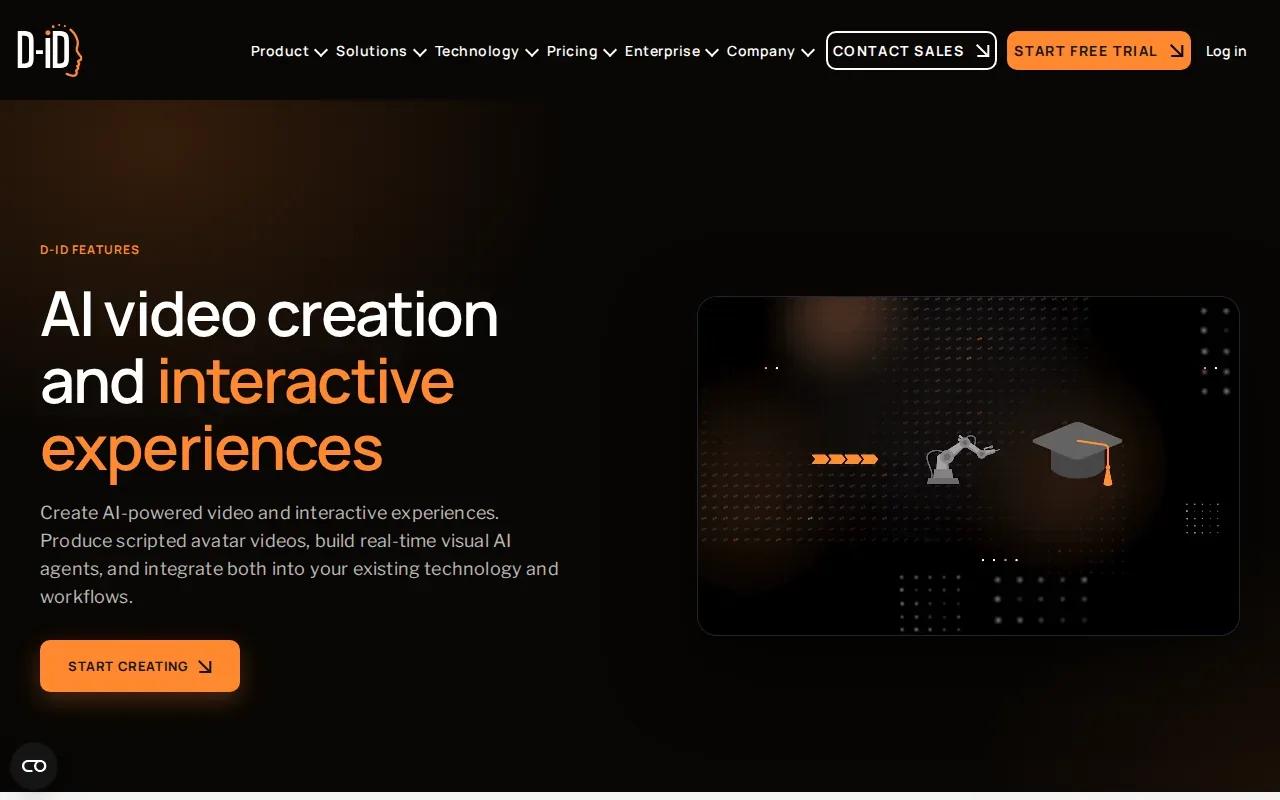
The real-time angle sets it apart from tools that only render a finished clip. D-ID’s avatars can be used as interactive visual agents, while the platform also supports scripted avatar videos. That gives a marketer two different formats to consider: a pre-made explainer for a campaign, or an avatar that responds within a site or app.
D-ID’s 14-day trial includes three minutes across video and API. Keep that allowance in mind when deciding what to test. A short sample can help you check the avatar’s delivery and whether the conversation format suits your use case.
Because these avatars can resemble people, use images and voices with permission. The term “deepfake” is often used for synthetic media that depicts a person in a misleading way. Make the synthetic nature of an avatar clear when that context could affect how viewers understand the clip.
5. Captions: Lip-synced dubbing for talking-head clips
Captions is an editing app with Lipdub for translating talking-head videos and syncing the speaker’s face to the new audio. It’s a good fit when you have a finished clip and want to adapt it for viewers in another language without filming a new take.
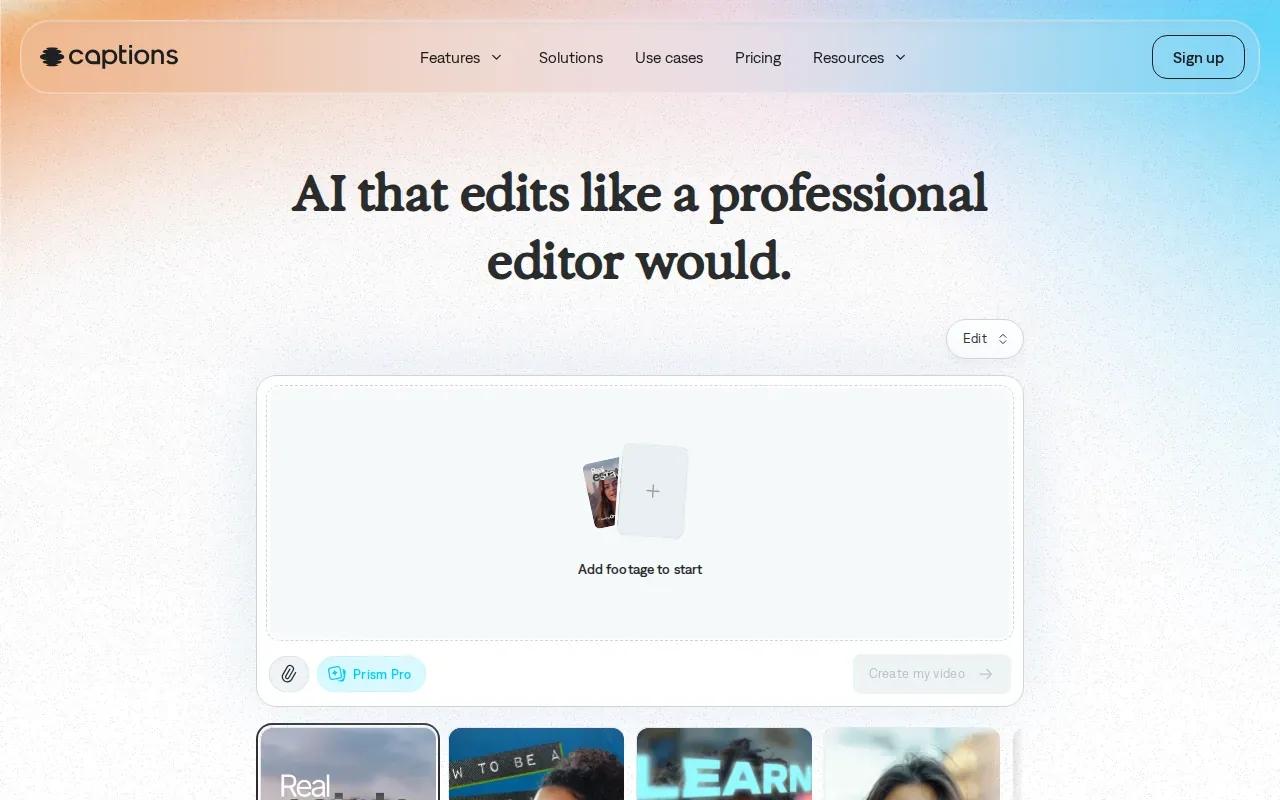
To use Lipdub, import your video, confirm its original language, then choose a translation language. Captions generates the dubbed version, which you can export when it’s ready.
Use Lipdub when the speaker’s mouth movement is part of the message. A translated voiceover without visual changes can work for a clip where the speaker is off camera. But for a close-up presenter or a spoken ad, matching the face to the new words can make the translated cut feel more coherent.
Before exporting, listen for brand names and short phrases that might need a correction. Then check the face and audio together. The guide to making a picture talk covers a related workflow for getting a face to speak on screen, though Lipdub is aimed at translating an existing video.
6. Vozo AI: Multi-speaker lip sync for longer videos
Vozo AI is a lip-sync tool for videos with one or more speakers. It can detect up to six faces in a shot and apply independent lip sync per speaker. That makes it worth considering for interviews, panel clips, or scenes where the camera shows more than one person.
Vozo AI supports videos up to 60 minutes and offers 80 text-to-speech languages. You can provide audio or generate speech from text, then tell the tool whether the video has one face or should use auto-detect for multiple faces. After generation, you can preview the result and edit which face gets synced if the wrong person was selected.
For a group scene, check who is speaking in each shot before exporting. A face can appear without being the speaker, so a preview helps catch a sync applied to the wrong person. Vozo AI’s multi-face controls make that review step especially relevant.
Choose it when clip length or speaker count is central to the job. For a short product spot with generated music and dialogue, Wan Studio follows a different path by creating the scene and its sound in one generation.
7. Sync: API-based mouth re-animation
Sync, by Sync Labs, is an API-based option for developers who want to re-animate a person’s mouth to match audio. It’s for teams building a video workflow into their own product, not for someone looking for a ready-made social editor.
The API takes video or image input plus audio or text input and returns media with matching mouth movement. That can support a dubbing flow, a personalized video message, or a creator app that lets users change what a recorded speaker says. Translation still needs to be assembled as part of your workflow.
Sync’s role is narrow and clear: it handles the mouth movement, while the developer connects the surrounding steps. Its free tier is small, and paid plans start at $5 a month plus usage, so factor that into a small prototype plan before building it into a larger system.
| Starting point | Sync’s role | Good fit when |
|---|---|---|
| Video plus audio | Re-animates the mouth to match audio | You already have footage and a track to sync |
| Image plus audio or text | Generates media with matching lip movement | Your app needs a lip-sync API workflow |
| Translation project | Matches mouth movement to audio | Your team can assemble the translation steps |
Sync makes the most sense when you have developers and a specific integration in mind. If you want a browser workflow that turns a prompt or photo into a finished short clip, Wan Studio is more direct.
FAQ
How does AI lip sync work?
AI lip sync changes or generates mouth movement to match spoken audio. A system analyzes the speech and produces mouth shapes that fit the words over time. Lip sync broadly means matching lip movement to sound, but each tool uses a different workflow. In a generated scene, sound and speech may be made with the video; in dubbing, new audio drives changes to existing footage.
What makes an AI lip-sync result look better?
A clear view of the face and clean speech give the tool useful input. Keep the speaker visible, avoid covering the mouth, and listen for noise or clipped words. Then watch the full clip with sound on. Lighting, camera angle, and the length of the spoken line can affect how easy it is to judge the result.
Can I use these tools to dub a video into another language?
Yes. Captions Lipdub is designed to translate a video and sync the speaker’s face to the translated audio. Magic Hour can pair video with replacement audio, while Sync can re-animate mouth movement to match audio through an API. Check the finished clip closely, especially for names and brief phrases.
Which option should I try for a short ad?
Try Wan Studio when you want to start with a prompt or product image and generate a short scene with sound and lip-synced dialogue. Wan 3.0 supports clips up to 30 seconds on paid plans. Its free plan uses Wan 2.5 at 480p for a couple of videos each month, so use it to test the workflow before choosing a paid plan.
Can I use AI lip sync for a real person’s face?
Some tools support footage or avatars of real people, but you should have permission to use a person’s face and voice. Don’t use lip sync to impersonate someone or make a misleading clip. For a brand campaign, label synthetic content clearly when viewers might otherwise mistake it for an unaltered recording.
Conclusion
For short ads and social clips made from a prompt or product photo, start with Wan Studio and test a short draft before you settle on the final cut. If you already have footage, pick a dubbing-focused tool instead. Check the face, words, and sound in the finished video before you publish.