The hard part of an AI UGC video generator isn’t making a short clip. It’s getting dialogue and visuals to feel like they belong together. Here are five tools for different ad workflows, starting with Wan Studio for prompt-led clips with sound and lip-synced dialogue.
1. Wan Studio
Wan Studio is a browser-based AI video platform that turns text prompts or images into clips with sound. It’s a good fit if you want a product photo to become a short ad, or you want to write a scene without filming a presenter.
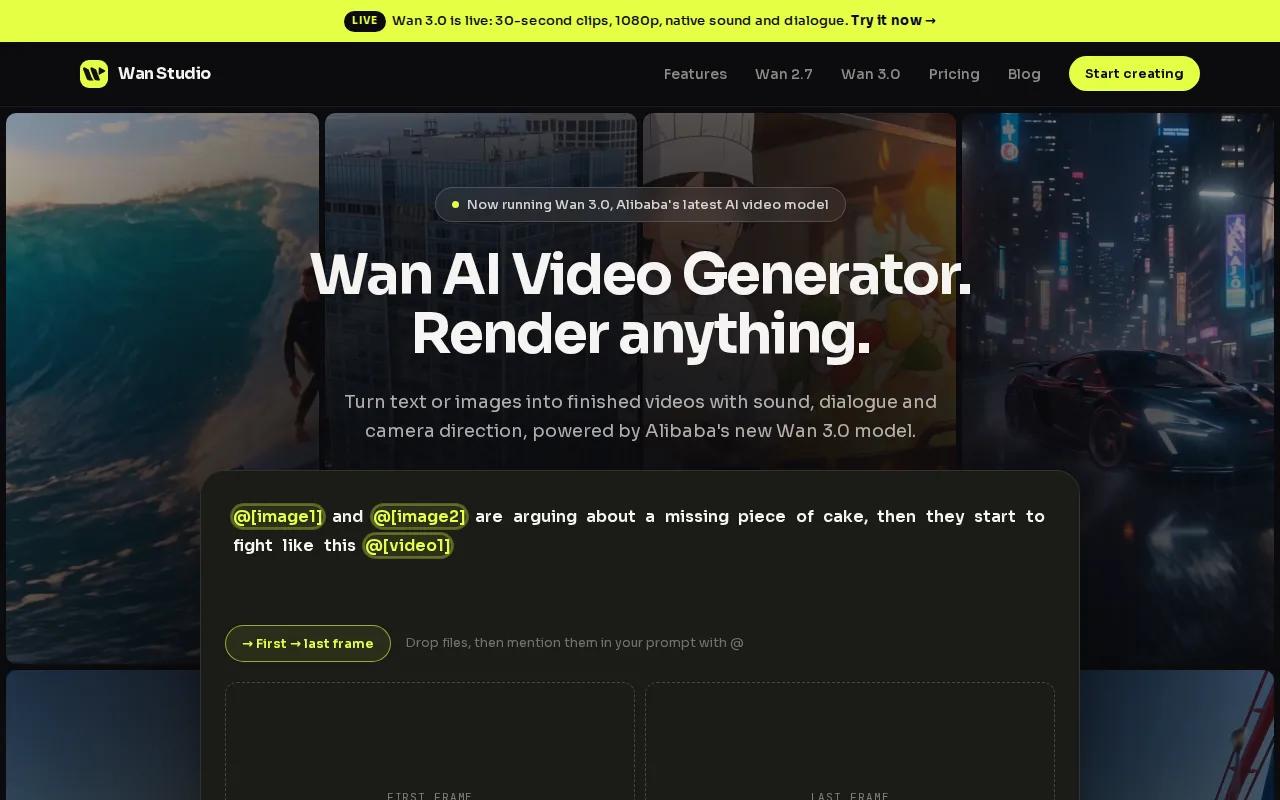
On Wan 3.0, you can generate a clip up to 30 seconds long. It can keep a character consistent across shots while generating music, ambient sound, and lip-synced dialogue with the video. That gives you room for a simple arc: an opening hook, a product moment, then a closing line in one clip.
For an image-led ad, make the product photo your first frame and describe the motion you want. A slow camera push toward a jar, for example, can give a still image a clear opening beat. The image-to-video generator comparison can help you think through when to start with a photo instead of a text prompt.
Wan Studio’s free plan includes a couple of Wan 2.5 videos a month at 480p, with no card required. Paid plans start at $14 per month and include Wan 3.0, output up to 1080p, and a commercial licence. That makes the free plan useful for trying the workflow, while paid access is the route for higher-resolution commercial work.
There’s a useful trade-off to keep in mind. Wan 3.0 handles text or a first-frame image, while Wan 2.7 supports reference images, video references, and video edits. If the product must match a supplied visual closely, start with the image and inspect the finished clip before you publish.
2. HeyGen: presenter-led videos with lip sync
HeyGen is built around videos where a presenter speaks to camera. It suits teams that need avatar-led content, multilingual versions, or a repeatable way to make scripted social ads without filming each take.
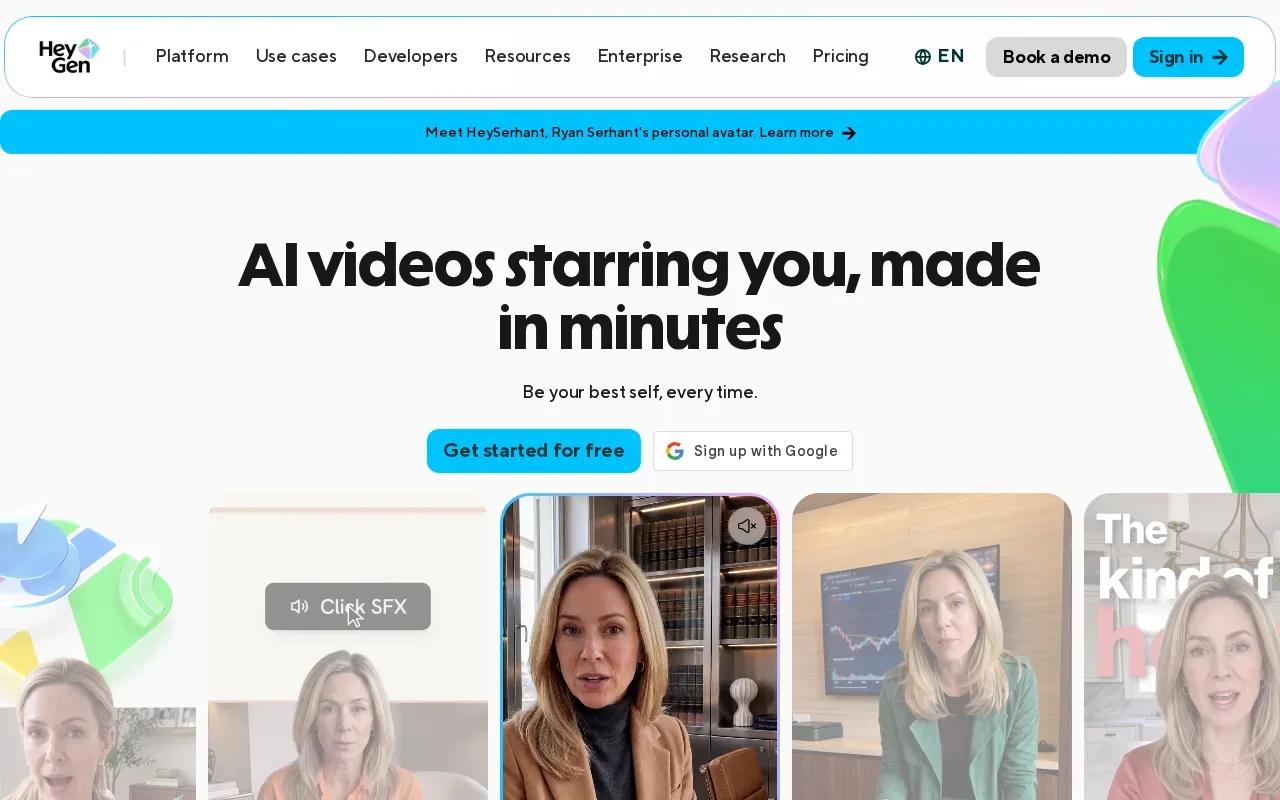
You can choose from a library of AI avatars, write a script, and adjust the presenter’s look and delivery. That format works well when the ad needs someone to explain a product benefit or deliver a direct call to action. Instead of animating a product photo, you’re putting a speaker at the center of the message.
HeyGen’s UGC tools also support videos in more than 175 languages and dialects, with lip sync for translated speech. That can help when one approved script needs versions for different markets. Still, review each version for the details that affect meaning, such as product names, pronunciation, prices, or offer terms.
If your choice depends on how a synthetic speaker handles a line, test the script you plan to use. Keep sentences short and conversational. A line like “This fits in my everyday bag” is easier to assess in a preview than a long string of claims. The AI talking avatar generator comparison is relevant if you’re weighing presenter-led formats against photo animation.
HeyGen is the more direct fit when a person delivering the message is the creative idea. For product-first footage or a scene built from a still image, a prompt-led generator may suit the job better.
3. Creatify: product URL-to-video ads
Creatify is designed to turn product URLs into video ads. It’s aimed at e-commerce brands, performance marketers, and agencies that need to develop ad concepts around products at volume.
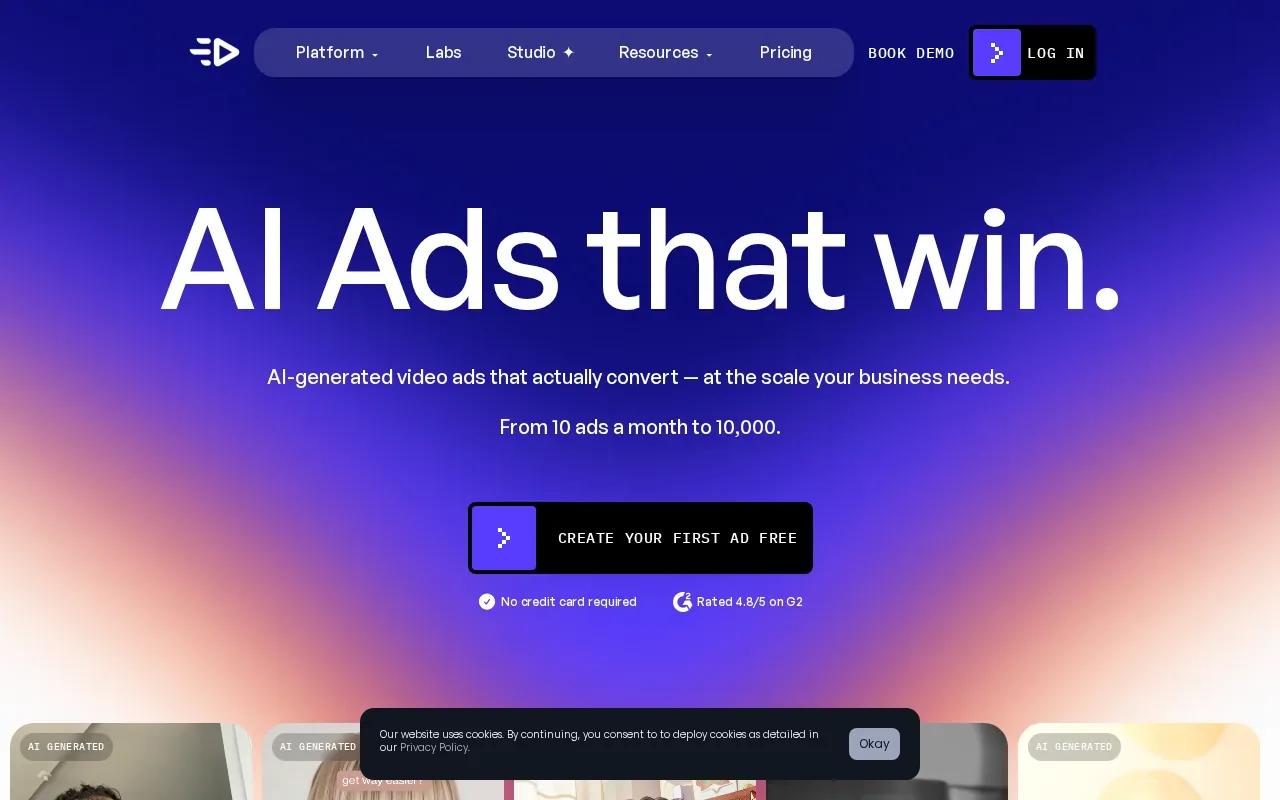
Paste a product link and Creatify can pull product details and media to start a video draft. You can then use an avatar, product shots, or a text-based style. That makes the URL workflow handy when the store page already holds the basic product information and images you want to build from.
The key benefit is a quicker path from a catalog page to a set of ad ideas. Creatify’s feature set includes script variations and exports for social formats. Its integrations include TikTok and Instagram, which suit teams making ads for those channels.
But treat the product page as input, not approved ad copy. Check every feature claim against the product itself. A generated script may need edits before it reflects the exact offer, product specs, or required wording in your campaign.
Creatify is a strong match when the starting point is a live product page and the task is to make multiple ad concepts. If you already have a clear shot in mind and want to animate a specific image, an image-to-video workflow gives you a more direct starting point.
4. InVideo: beginner-friendly social video creation
InVideo is suited to people who want a finished, edited social video from a prompt or URL. It’s a useful option for social media managers, small business owners, and solo creators who don’t want to start with a blank editing timeline.
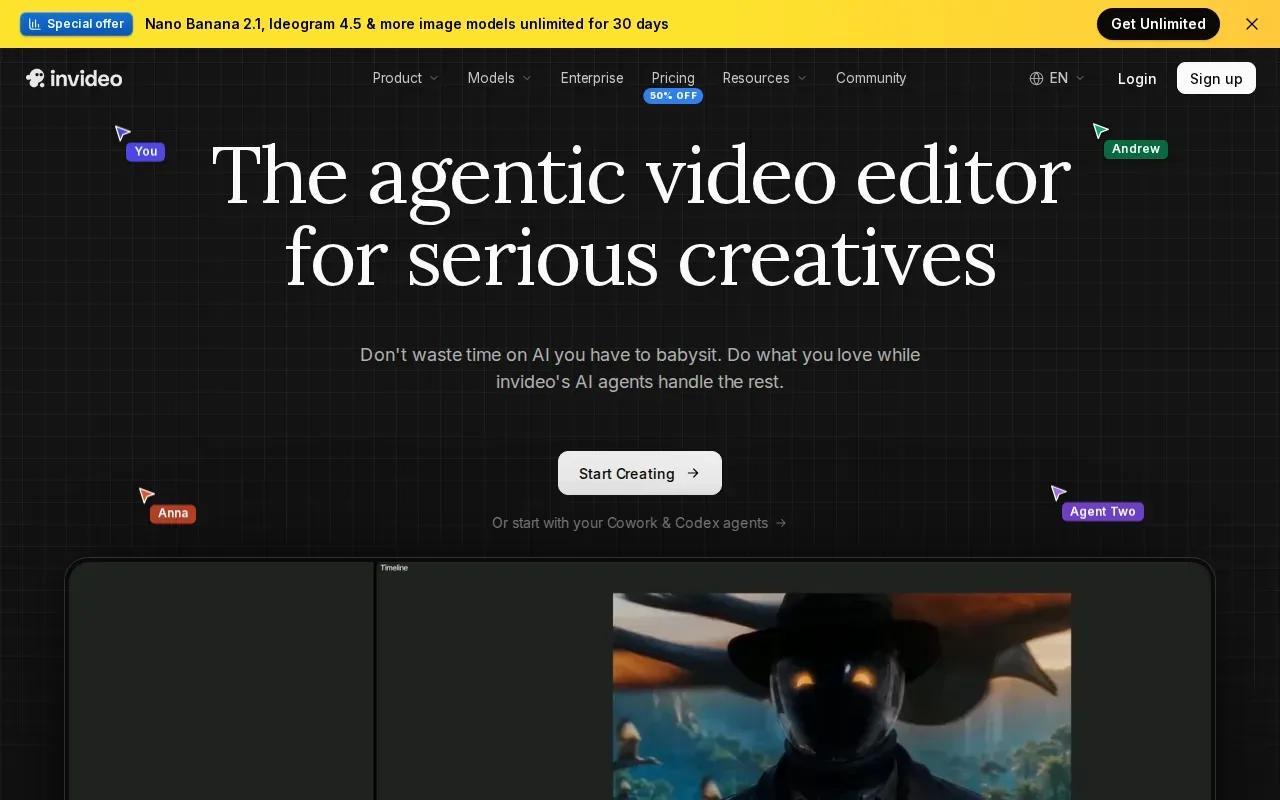
Its URL-to-video workflow can turn a product link into a draft with visuals, voiceover, subtitles, and music. You can set details such as the target platform, video length, and voiceover accent, then make changes through a text-based editing box. For a small team, that can reduce the setup work between a rough brief and a first cut.
InVideo supports exports for platforms such as Instagram Reels, YouTube Shorts, TikTok, and LinkedIn. It also supports social-ready changes, including edits to a voiceover or scene. That makes it useful when your task is to assemble a complete draft from a product page or text prompt, then adjust it for the channel.
One usable check: watch the draft for claims and context. A product URL can supply useful details, but you should still compare the voiceover and visuals with the live offer before posting. If you’re building the clip from a text prompt instead, the AI video creation workflow covers the basic path from prompt or image to export.
Pick InVideo when assembly and editing ease matter more than a single generated scene. It’s a different job from a tool focused on character-led dialogue or animating one chosen photo.
5. CapCut: social-first editing with AI video tools
CapCut is a social-first video editor with AI generation tools. It fits TikTok and Instagram creators who want to generate a short clip, then work on the edit in the same place.
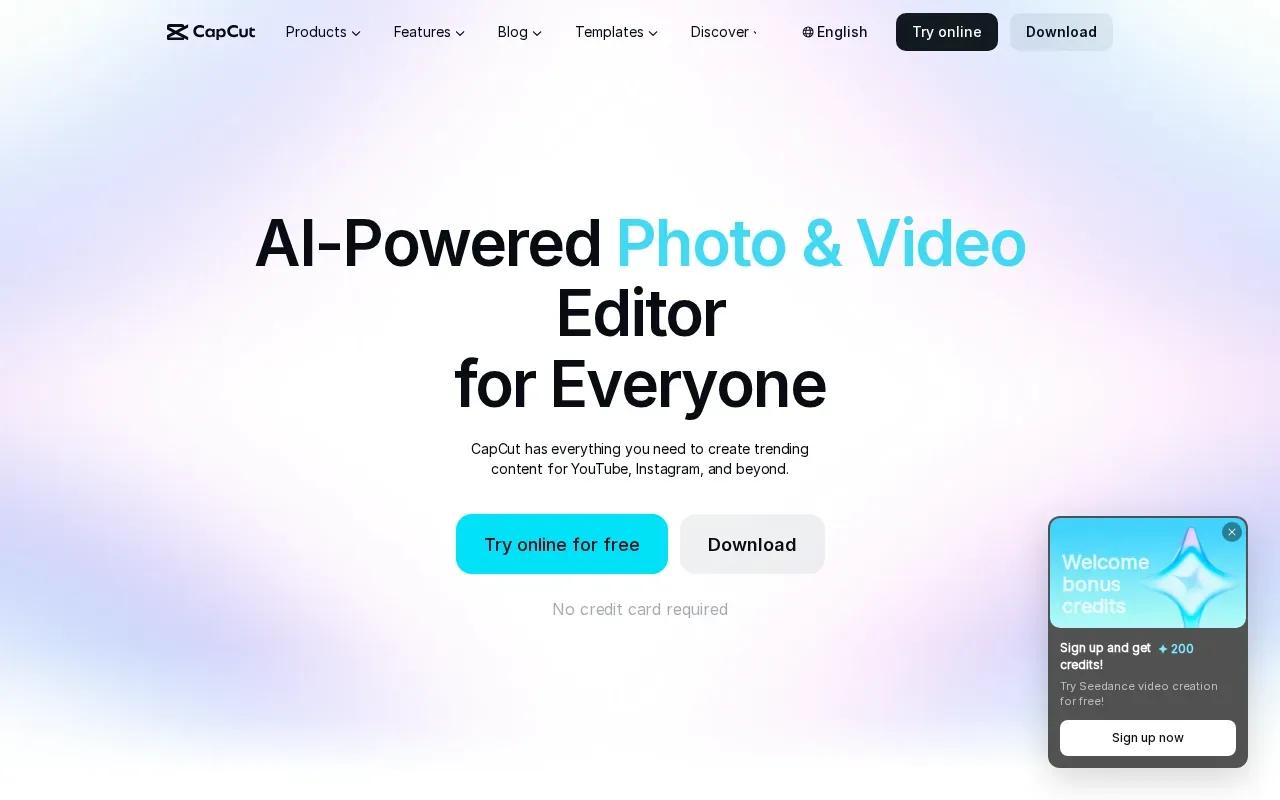
Its AI video tools can make clips from text or images. CapCut’s current workflow includes Sora 2 and Veo 3.1 in the editing interface, with generated clips up to eight seconds. For a product ad, you could start with an image, create a short motion shot, then shape the surrounding edit for your feed.
The editing side is a clear strength for social work. You can adjust the video after generation and export in platform-friendly formats. CapCut also supports TikTok-ready export. CapCut is free and exports without a watermark, which may suit creators who need a low-cost way to edit short clips.
CapCut’s AI tools include voiceovers and synchronized lip movements. Still, an eight-second generation cap can be tight for a full spoken pitch. It works better for a quick hook, product moment, or short visual that you’ll place within a larger edit.
Try CapCut when the post needs hands-on editing and a fast social export. If a full 30-second scene with dialogue is central to the ad, compare that requirement with the clip length before settling on a workflow.
Compare the AI UGC video generators at a glance
The right fit depends on your starting material and the shape of the finished ad. This table focuses on the job each tool is built to handle, rather than treating every platform as the same kind of generator.
| Tool | Best starting point | Strong fit | Keep in mind |
|---|---|---|---|
| Wan Studio | Prompt or first-frame image | Sound-led scenes and dialogue up to 30 seconds | Paid plans include Wan 3.0 and commercial licence |
| HeyGen | Script | Presenter-led and multilingual videos | Best when a speaker carries the message |
| Creatify | Product URL | High-volume e-commerce ad concepts | Review product claims before posting |
| InVideo | Prompt or URL | Edited social drafts with voiceover | Review the assembled message and visuals |
| CapCut | Text, image, or existing edit | Short social clips and hands-on editing | AI generation is capped at eight seconds |
For a product photo that needs motion and spoken dialogue, start with Wan Studio. For a presenter-focused ad, choose a script-led tool. For a catalog workflow, begin with the product URL.
Frequently Asked Questions
What is an AI UGC video generator?
An AI UGC video generator makes user-style video content with generated visuals, speech, or presenters. You may begin with a script, product link, text prompt, or image, depending on the tool. The result can look like a social ad, but review its claims and presentation before publishing, especially if it depicts a synthetic speaker.
Which tool is best for product video ads?
For prompt-led scenes or product images with generated sound, Wan Studio is a strong fit. Creatify suits teams that want to begin with a product URL and produce ad concepts around it. InVideo also supports URL-based video drafts. Choose based on your starting material, then check the finished clip against your product and offer.
Can AI UGC tools make videos with lip sync?
Yes, some AI video tools generate or support lip-synced speech. Wan’s models generate dialogue with the video, while HeyGen focuses on avatar-led speech and multilingual video. CapCut’s AI tools also describe synchronized lip movements. Preview the exact line you plan to use, since a tool’s feature alone can’t confirm every output will suit your ad.
Can I make an ad from a product photo instead of filming?
Yes. Wan Studio supports image-to-video, where a photo acts as the first frame. Creatify and InVideo also support product URL workflows that can use product media. Check the generated result closely: product shape, color, and visible details should match the item you sell.
How long can AI-generated social ads be?
Clip limits vary by tool and model. Wan 3.0 supports clips up to 30 seconds, while CapCut’s AI generation supports clips up to eight seconds. A short generation can still work as one moment in a larger edit. Check the length limit before you plan a complete spoken ad around a single clip.
Conclusion
If your ad needs a product image, a short scene, and synced dialogue in one generation, start with Wan Studio. Start with a simple vertical concept, and review the sound and product details.