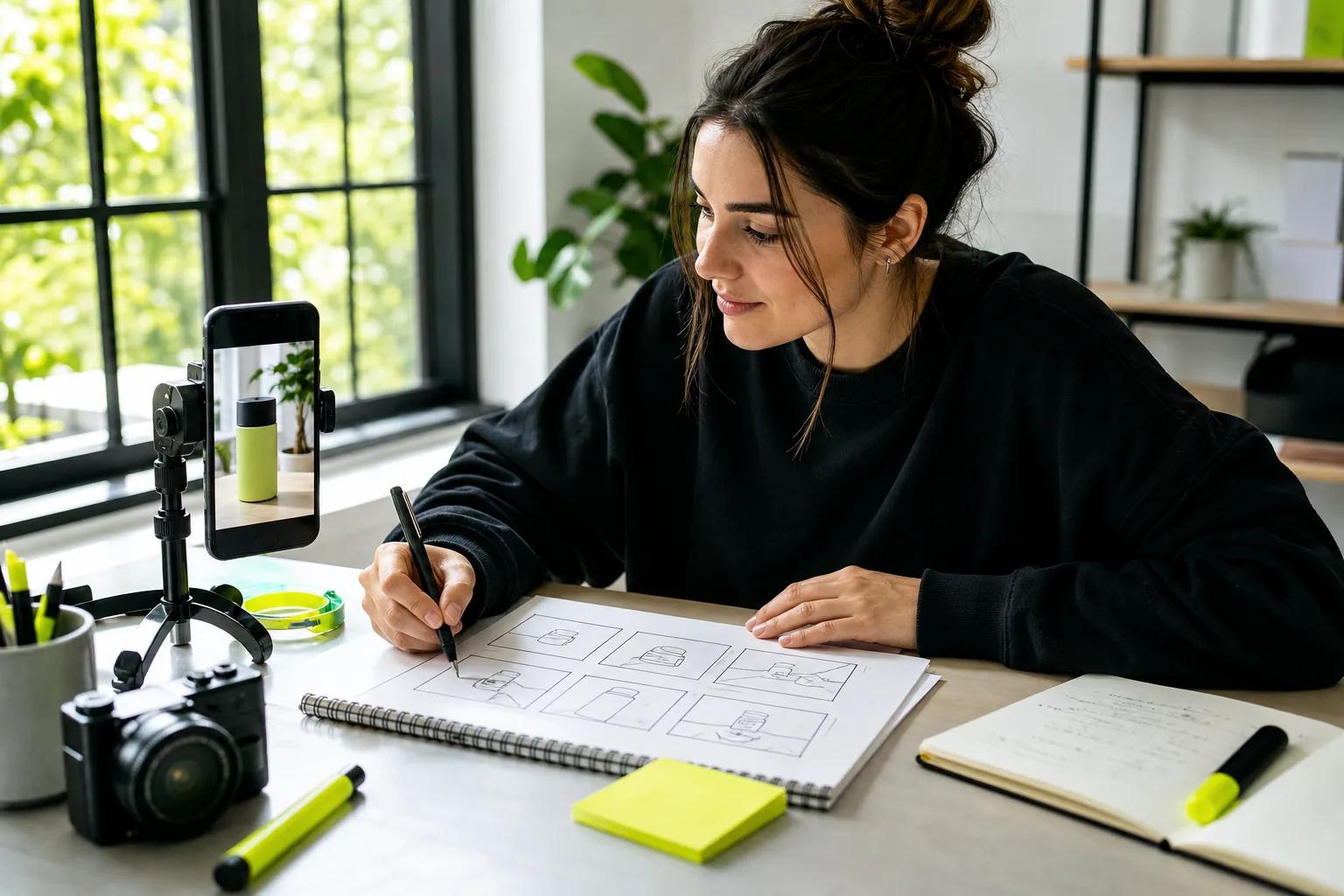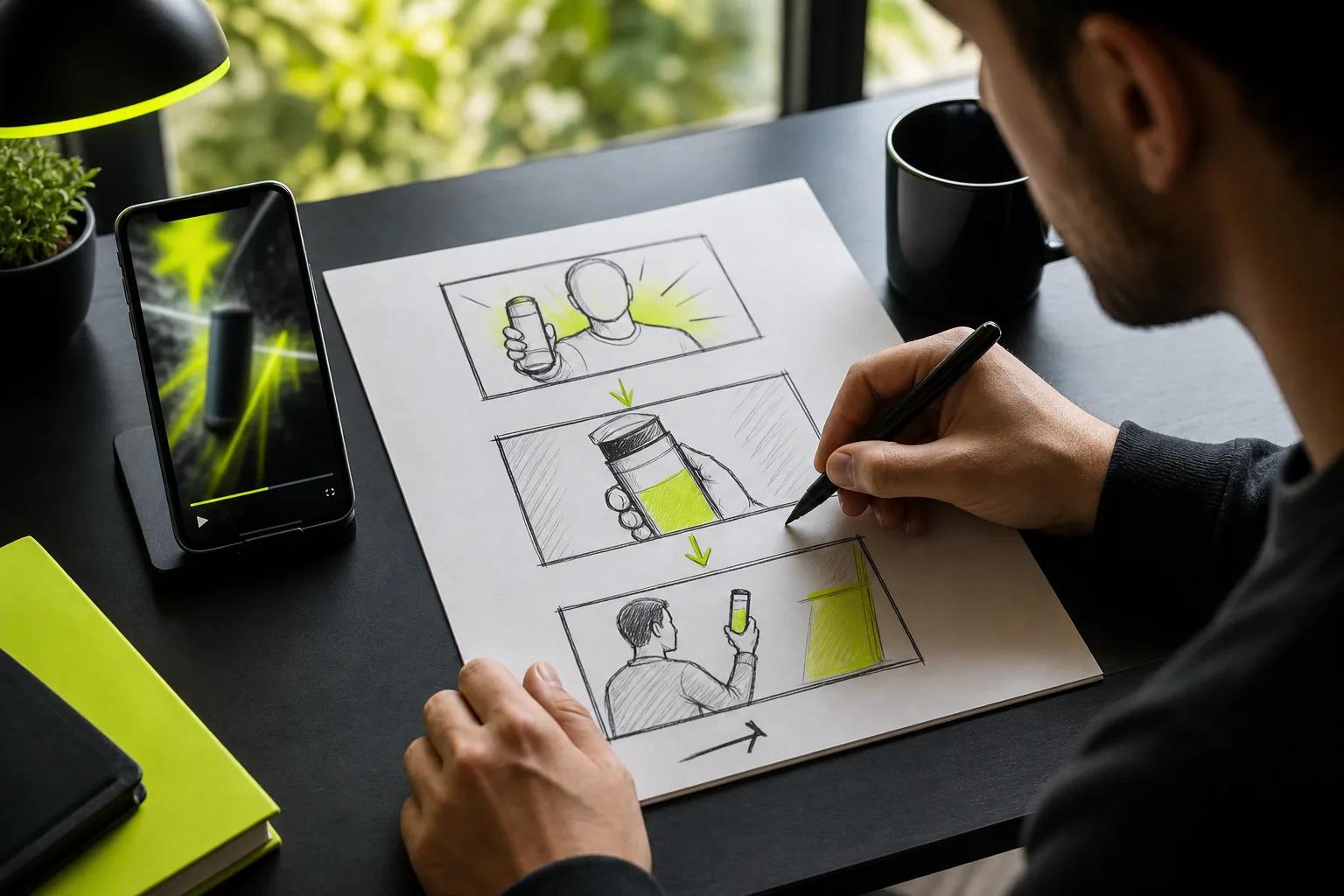
Want to learn how to create TikTok ads that feel at home in the For You feed? Start with one clear goal, then build a short video that shows why someone should care. This guide takes you from the first campaign choice to launch and testing, including a no-filming option with Wan Studio.
We analyzed 53 comments and questions from Reddit, YouTube and Quora about creating TikTok ads and found that 19% mentioned account setup problems.
Step 1: Set Your Ad Goal, Audience, and Offer
Give the campaign one job before you open Ads Manager. Do you want people to notice your brand, visit a page, or buy something? TikTok groups objectives under awareness, consideration, and conversion. Pick the outcome that best matches what you need viewers to do.
Next, write down who the ad is for. Keep it useful, not vague. “People who like skincare” is broad. “People looking for a quick evening routine” gives you a clearer angle for the video and offer.
Then state the offer in one plain sentence. For example: “This clip shows busy home cooks how our meal kit makes weeknight prep easier.” The offer might be a product, service, appointment, or app download. Keep the claim accurate, and make the next action obvious.
This short brief also helps you shape your promotional video plan before you spend time on production. If the ad asks for a purchase, make sure the landing page shows the same item and offer. If it asks for a sign-up, send people to the sign-up form, not a general home page.
TikTok Ads Manager uses campaigns, ad groups, and ads. The campaign holds the main goal. Ad groups set delivery choices, while ads contain the creative.
Milestone: You should have one audience, one goal, one offer, and one action for the viewer.
Step 2: Plan a TikTok-First Ad and Create Your Video
Make the first moments do real work. Start with the product in use, a useful question, or a visual change. Skip a long logo opening. A viewer should understand the point before they have a reason to swipe away.
For a vertical placement, plan a 9:16 frame and keep key text clear of the app controls. Show the benefit instead of reading a feature list aloud. A small shop could show a bag opening, a detail worth noticing, then the item being carried. Add one call to action at the end.
TikTok has several ad formats. Catalog ads can connect video or product content to listings. Spark Ads let a business promote an eligible organic post, keeping its existing post context. Choose the placement based on the action you want, not because a format sounds flashy.
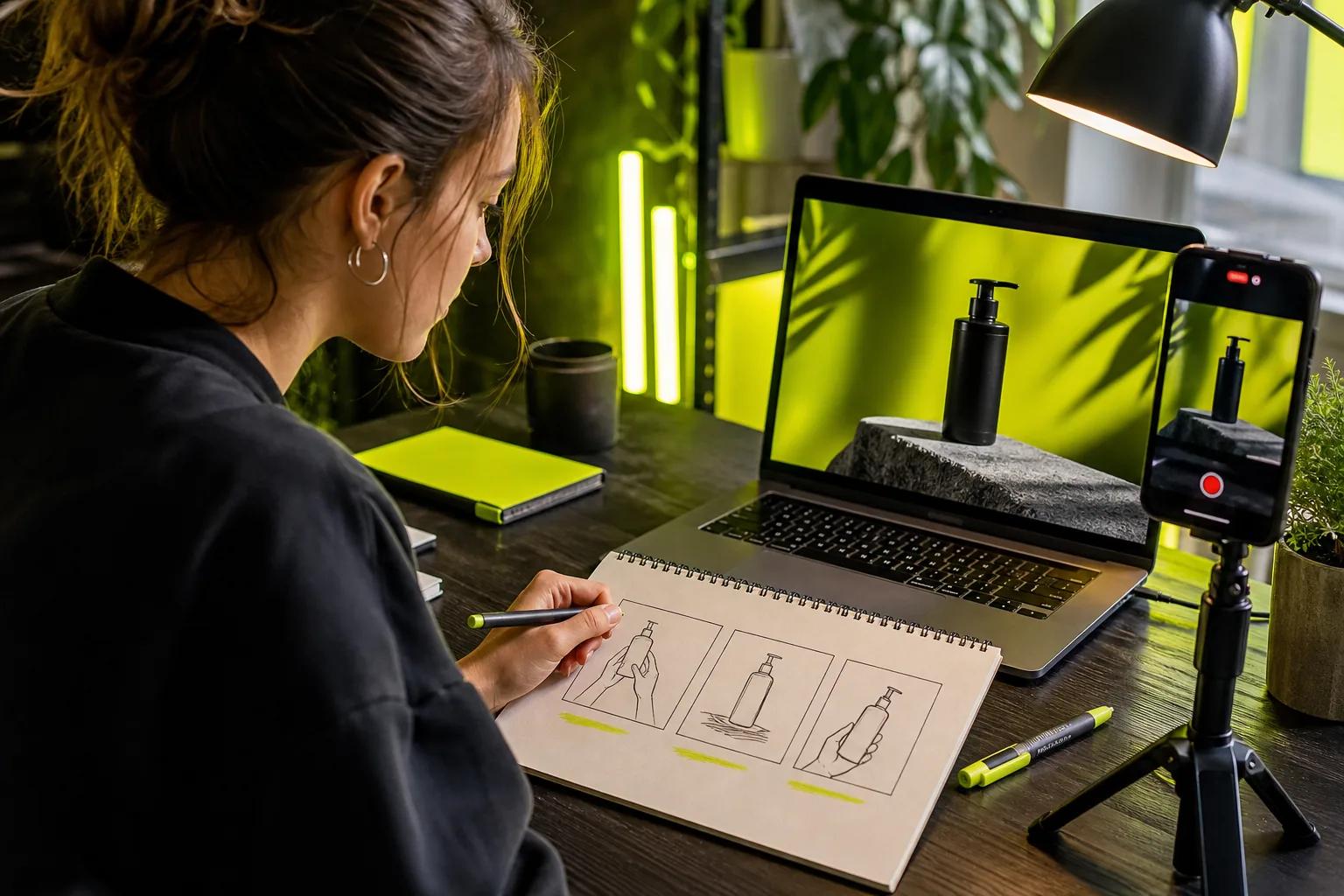
When you have a product photo but no footage, Wan Studio can turn a prompt or image into a short clip. Use image-to-video when the product's look needs a clear anchor. For dialogue, put the exact line in quotes, then check the generated words and lip sync before using the clip. Wan 3.0 supports clips up to 30 seconds with native sound and lip-synced dialogue on paid plans.
To make the prompt easier to direct, name the subject first, then describe its action and one camera move. Add the light or mood only if it helps the idea. These text-to-video prompt examples show how to write a short shot brief for ads and social clips.
Treat creative advice as a starting point, then check the placement settings in your own account.
Milestone: You should have a vertical draft with a strong opening, one clear benefit, and a single next step.
Step 3: Set Up the Campaign in TikTok Ads Manager
Create an Ads Manager account through TikTok's signup flow. Enter your business details carefully, especially the country, billing currency, and time zone. Time zone settings can be hard to change later, so check them before you submit. Complete the account steps and add a payment method before trying to publish.
Once you're in, open the campaign creation flow. Choose your objective, add a campaign name, and select a setup type. A manual campaign gives you more control over settings. TikTok also offers campaign setup options with different levels of automation, depending on what you want to run.
Keep names readable. For example, “Spring offer | website sales | US” is easier to find later than “Campaign 1.” Set a budget if you know your planned spend. You can save the work as a draft and return to it before launch.
At the ad group stage, select the TikTok account or authorized post that will represent the ad. If the campaign promotes an organic post, confirm you have permission to use that post as an ad. Choose the relevant special ad category when required. Review the campaign settings before you move on.
If you need a separate walkthrough for the video-making part, use this step-by-step AI video creation guide while keeping your paid campaign settings in Ads Manager.
Milestone: Your account is ready, the campaign has a goal, and the work is saved as a draft if you still need to review it.
Step 4: Configure the Ad Group, Targeting, Budget, and Schedule
An ad group controls who sees the ad and how it runs. Give each ad group a clear purpose. For example, one group might focus on a broad audience in a chosen region. A second could test a defined interest group while keeping the creative the same.
Set location first. Then choose demographic, interest, behavior, or device settings that fit your audience. You can use available audience options when you have suitable customer or engagement data. Don't narrow the audience just to make the settings feel precise. Start with a sensible group, then use results to decide what to change.
Choose placements based on your campaign and creative. An ad built for the For You feed may need a different crop or message than one shown in search. Review available placements in Ads Manager and check whether the video fits each one.
For the budget, select daily or lifetime spending. Set a limit you can afford to test, and make sure the schedule gives the campaign time to collect useful results. Your bid strategy also affects delivery. Choose an available bidding approach based on whether you want delivery volume or tighter cost control.
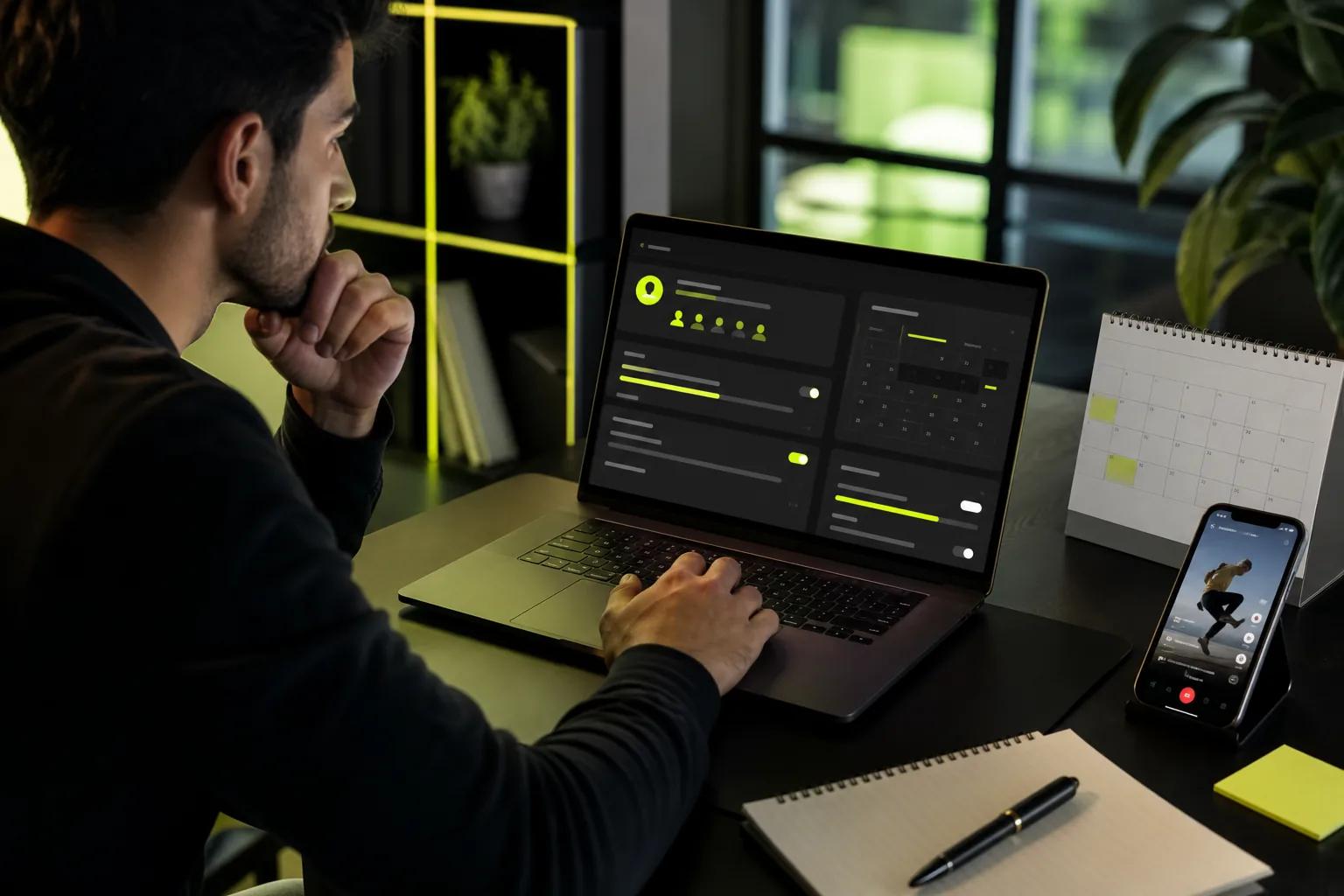
Conversion ads need reliable event data. In Ads Manager, open the tools for Pixels and events, create or select the Pixel, then follow the setup steps for your site. Add the events that match your goal, such as a completed purchase or sign-up, and test that they fire on the right page. If your shop uses an ecommerce platform such as Shopify, check its current connection options in the platform and Ads Manager before launch.
Milestone: Your ad group has a defined audience, placements, spend limit, schedule, and conversion event if the goal needs one.
Step 5: Build the Ad, Publish It, and Improve Performance
Upload the video or choose an authorized TikTok post. Add the identity, ad text, call to action, and destination. Match the message to the landing page. If the video says “See the new colors,” the page should make those colors easy to find.
Preview the ad before it goes live. Check the first frame, crop, captions, sound, and button on a phone-sized view. TikTok's preview feature lets you inspect how a creative appears across placements and devices. Watch once with sound on, then once with sound off. The idea should still make sense both ways.
Do a compliance check before submitting. Make sure the ad's claims match what the product can do. Confirm that you have rights to the footage, music, and images. Avoid misleading before-and-after scenes or dialogue that implies a result you can't support. If an ad falls into a special category, make the required declaration in Ads Manager.
After launch, check spend and delivery first. Then review the measures tied to your goal. For awareness, look at impressions and video viewing. For site traffic, review clicks and page activity. For sales, check purchases and return on ad spend (ROAS) when tracking is in place. A high view count alone doesn't prove that the ad is bringing in customers.
Test one change at a time. Keep the audience steady while you compare two openings, or hold the video steady while you test a new call to action. Give each version enough time and reach to produce stable results. Tie the metric to the goal and change one element per test.
For a no-filming variation, Wan Studio can help you make another product-photo clip or a short scene with spoken dialogue. Review the product details and lip sync in every version; generated video still needs a human check. Paid plans include a commercial licence, while the free plan is for trying the tool. Wan Studio's library keeps generated media for 30 days, so download any file you plan to keep.
Milestone: Your ad is live, its results are tied to a goal, and your next test changes one clear element.
FAQ
How much does it cost to run TikTok ads?
TikTok ad costs depend on your budget, bid strategy, audience, and campaign goal. Ads Manager lets you choose a daily or lifetime budget, so set a limit that fits your test plan. Start with an amount you can spend while learning, then adjust after you have enough delivery data to compare performance.
What format should my TikTok ad be?
A vertical 9:16 video is a useful starting point for a full-screen TikTok feed ad. Other formats include Catalog Ads and Spark Ads. The right choice depends on where you want the ad to appear and what action you want viewers to take. Preview the creative in its placement before publishing.
How do I track sales from TikTok ads?
Set up the TikTok Pixel and the events that match your goal, such as a purchase or sign-up. Use Ads Manager's tools to configure and test the events on your site. Then check that the event fires on the correct step, such as the order confirmation page. Tracking quality affects how confidently you can judge ROAS.
Can I use an AI-made video in a TikTok ad?
Yes, you can prepare an AI-made clip for an ad, but review it before publishing. Check that product details look right, spoken words match the script, and the sound fits the scene. Also confirm that you have the rights needed for commercial use. Wan Studio includes a commercial licence on paid plans; its free plan is for trying the tool.
What is a Spark Ad?
A Spark Ad promotes an eligible organic TikTok post as paid content. It can be useful when an existing post already fits your offer and message. Before you run one, make sure the account or creator has authorized the post for advertising. Check the preview and destination just as you would for a new video ad.
Conclusion
Keep your first campaign focused: choose one goal, show one clear benefit, and track the action you want. If filming is the part slowing you down, try a short Wan Studio draft from a prompt or product photo, then review it before you spend on ads. Your next move is simple: write the one-sentence brief and build the first ad group around it.